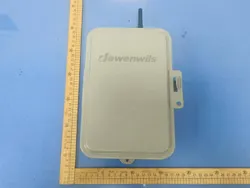
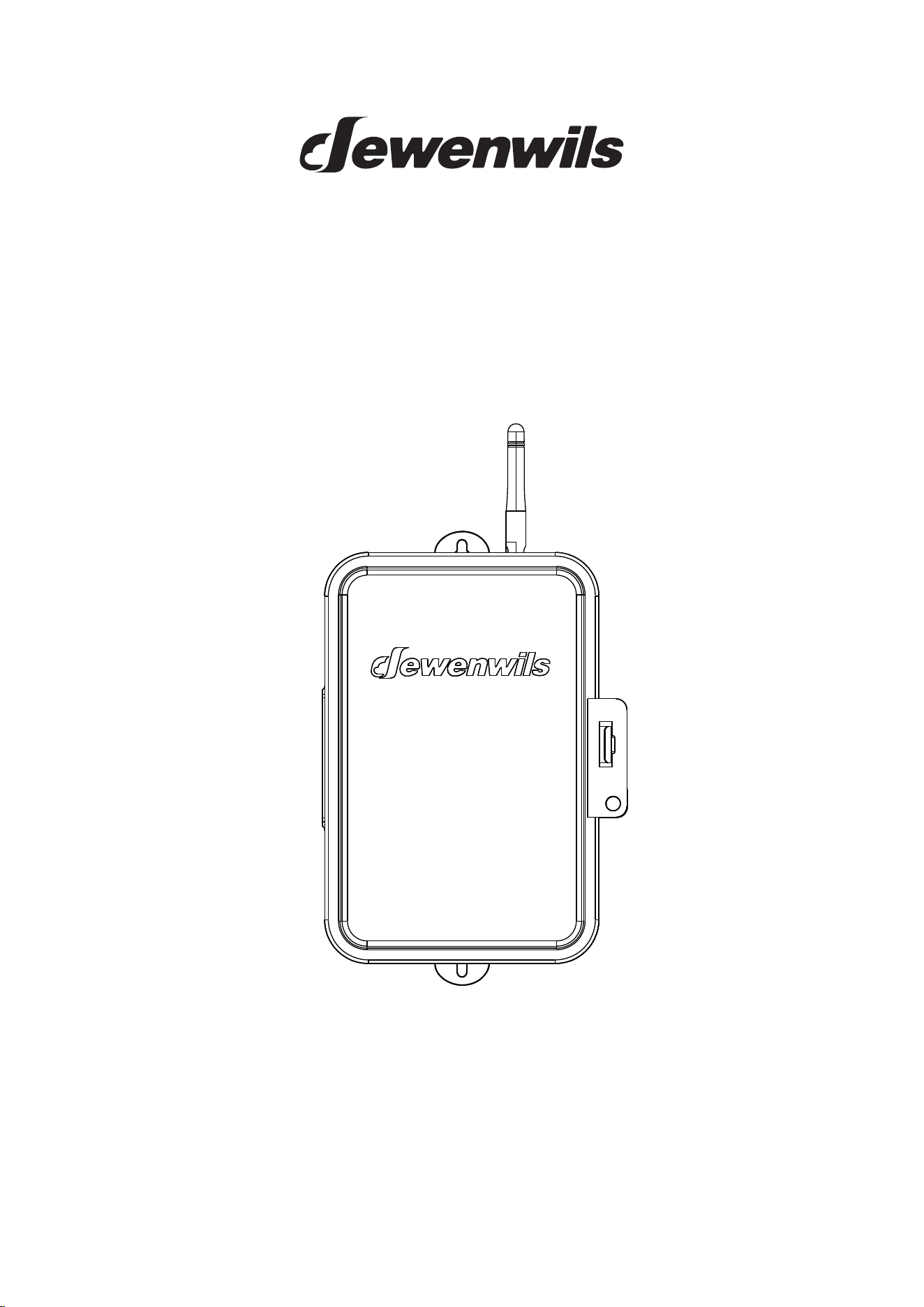
Zwave Smart Timer Box
SKU: HOWT01L
[Instruction Manual]
Please pay attention to the warning signs
Read the instructions with caution before operating
and keep it properly
V50616
WARNING: This Timer
Box
should be installed by a licensed
or the equipment it controls.
IMPORTANT: For outdoor use. Rain-tight or wet location conduit,
514B must be used for installation.
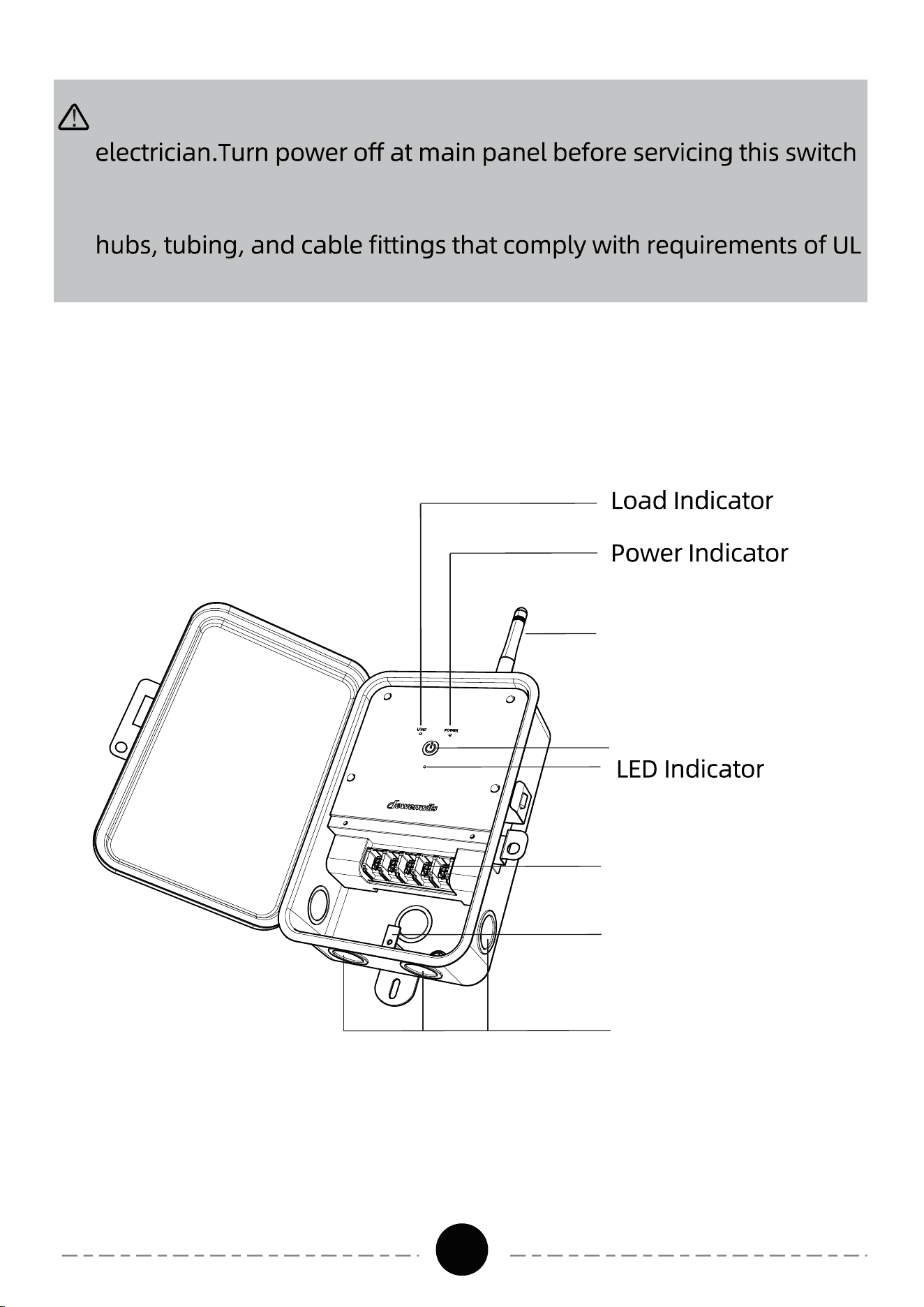
Power Button
Network Signal
Antenna
Terminal Blocks
Ground Terminal
Knockouts
Product
Ill
ustration
READ ALL INSTRUCTIONS before using the Timer Box.
01
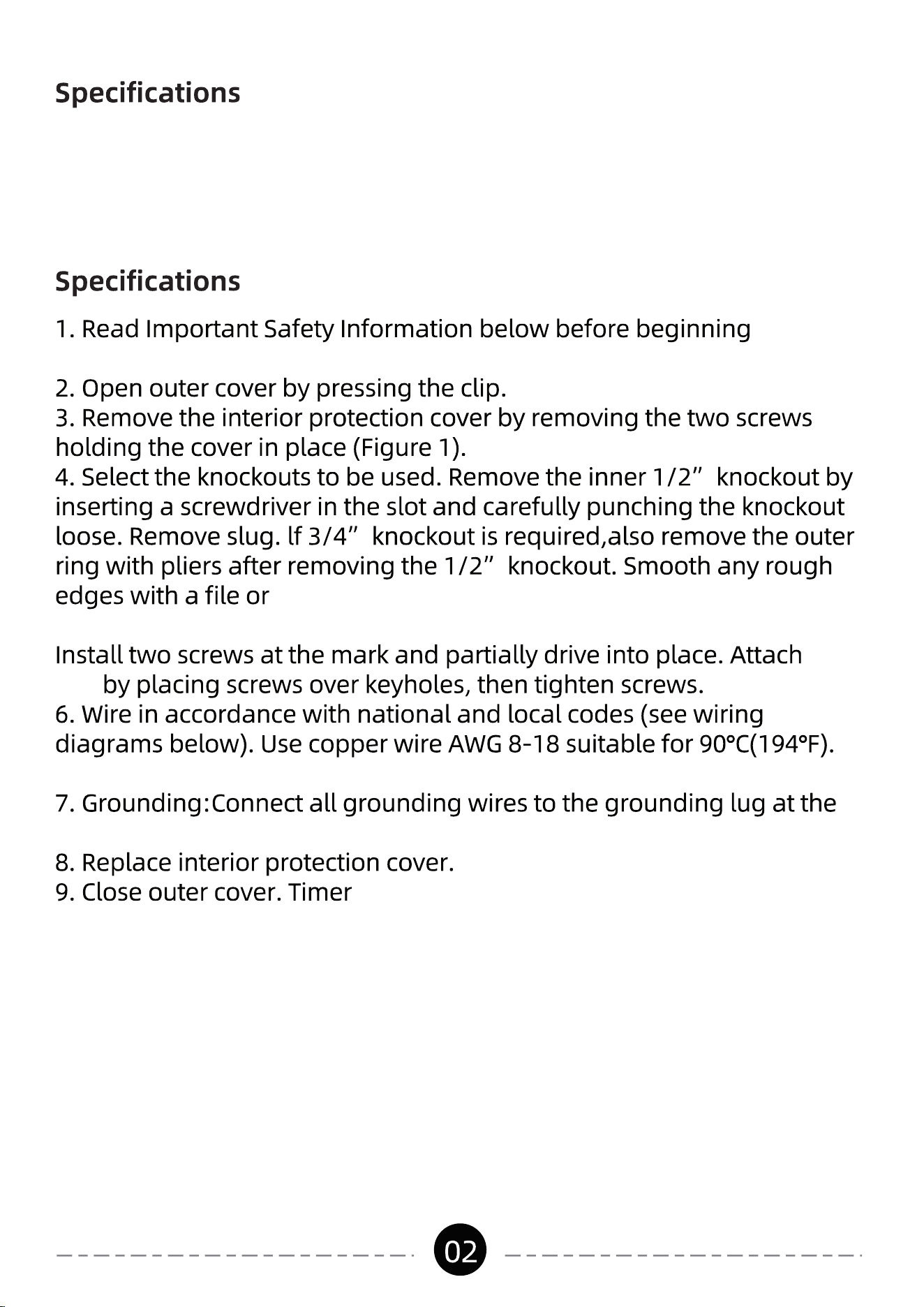
-
-
installation.
sandpaper, if necessary.
5. Place and mark the Pool Timer in the desired mounting position.
Timer
Box
Tighten all connections to minimum 10.6 lb. in. torque.
bottom of the enclosure.
Box
now is ready to be
added
d to the
Z-Wave
network.
Input: 120VAC 60Hz
Output:
40A Resistive, 120VAC
2HP, 120VAC
WARNING:
Box
breaker or disconnect switch may be required to fully disconnect
controlled must not exceed Timer
Box
capacity.
The Timer
Box
conduit connectors. When metallic conduit is used, you must also
install grounding type bushings and in accordance with National
03
Important Safety Information
04
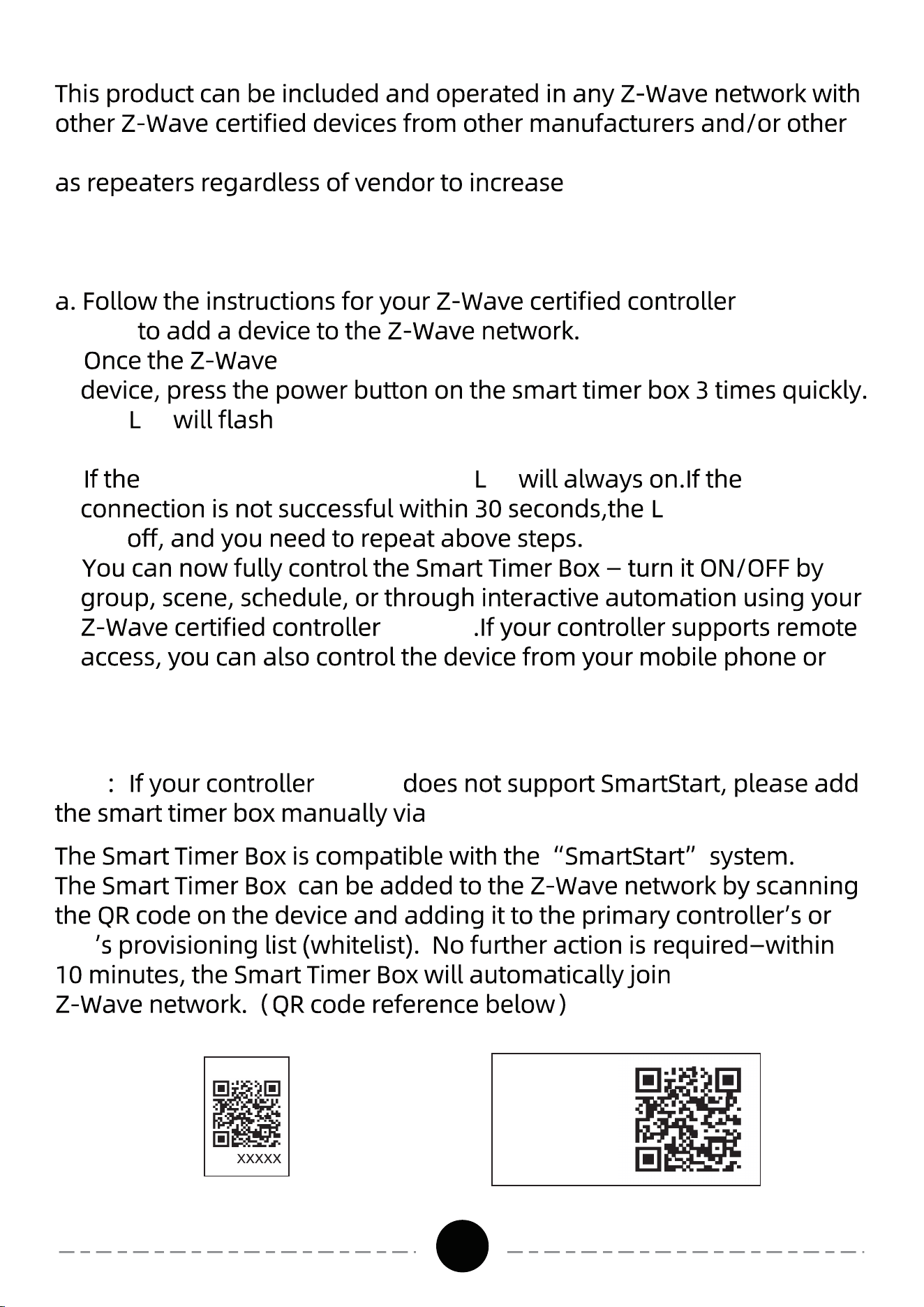
TIMER BOX TYPICAL APPLIC ATION WIRING DIAGRAMS
Note:TimerBoxisonlycapableofbeingconfiguredfor120 VAC.
N
L
120VAC
Power L Power N
Load L
Load N
Load
Timer Box
Timer Box
N
L
120VAC
Power L Power N
Load2
L
Load1
L
Load1
N
Load2
N
Load
2
Load
1
Load1 L Load2L
Load1 L
Load2L
Load N
Load N
05
applications. All non-battery
operated nodes within the network will act
the reliability of the
network.
STEP1.Add Device to Z-Wave Network
(or Z-wave
Hub)
b.
controller
(or Z-Wave Hub)
is ready to add your
c.
T
he
ed .
The
T
imer
B
ox will enter the add network
mode.
d.
networking is successful, the
ed
ed
will
turn
e.
(or Hub)
tablet.
STEP2.Add Device to Z-Wave Network for QR Code
hub
a nearby
Note (or hub)
STEP
1.
PIN
:
Z-Wave DSK
-47752
D SK
or
:
XXX X X
-25651-22671
-26939-47599
-19612-25872
06
STEP3.How to remove the Device from a Z-Wave network
network mode, please
b. Once the controller
(or hub)
power button on the smart timer box 3 times quickly.
off
.
STEP4.How to factory reset
manually.
Press and hold the power button on the Timer Box for 10 seconds until
clear all settings and restore to factory defaults. After 5 seconds, the
the button is released during this time, the reset will not be executed.
a.
hub
controller
or
hub
b.
c.
begins, the
ed
ed
will
always on
.
07
TROUBLESHOOT:
controller or
hub is compatible with the
button for 10 seconds until the indicator starts blinking
it.
One Year Limited Warranty
Year Warranty for materials and workmanship from the purchase date.
personal misuse or improper installation.
transmitter. This equipment should be installed and operated with
corps.
ISEDC Warning:
0
9