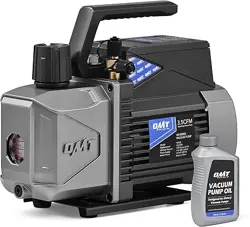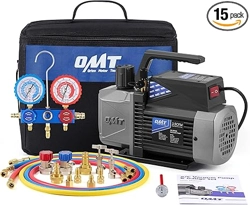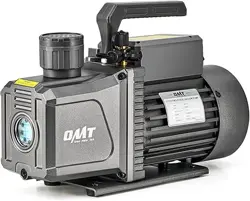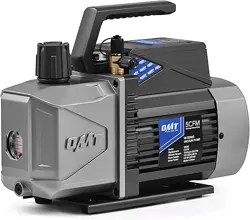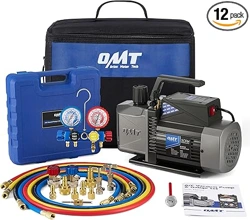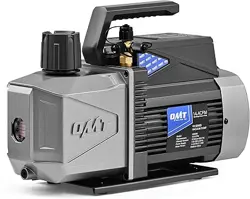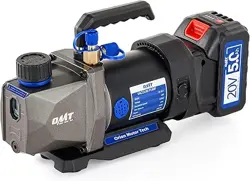
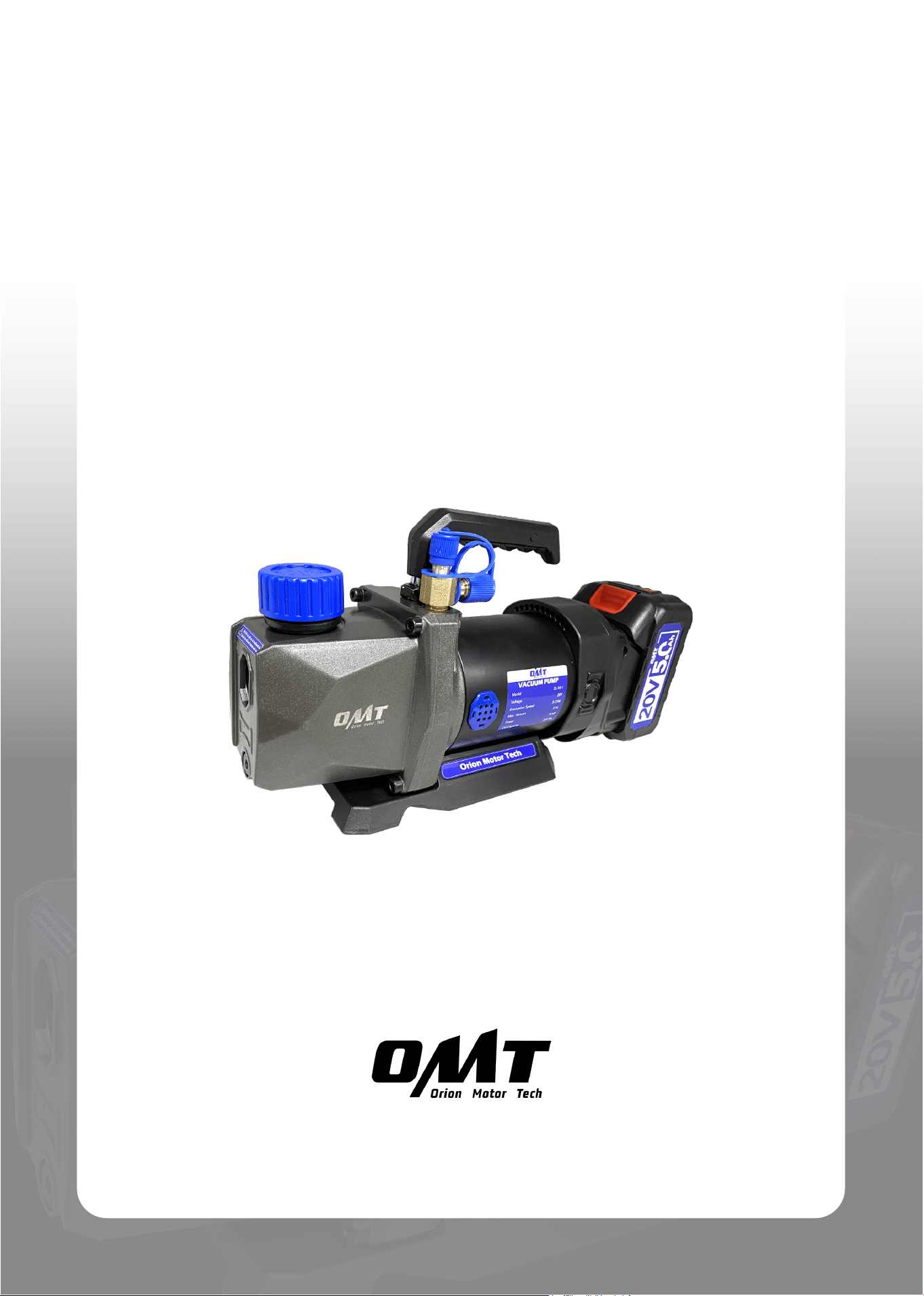
Portable Vacuum Pump
User Manual
Read Carefully Before Use
Keep for Future Reference
V20240622

1
Safety Information
• Read ALL these instructions carefully before use and keep them for future reference.
Provide these instructions to anyone who will use this device.
Provide these instructions with this device if it is ever given or sold to a third party.
Failure to do so may lead to property damage and personal injury.
• This device was designed to remove gas molecules from a sealed volume to create a partial or
complete vacuum.
Any other use NOT specied herein could potentially pose risks and void ALL warranties stated
or implied.
• These instructions are ONLY an introduction to this device.
For specics on particular tasks, be sure to have the required knowledge and seek appropriate
training as needed.
• DO NOT use this device while you are tired or under the inuence of drugs, alcohol, or strong
medication.
• DO NOT allow use by children under the age of 18, anyone WITHOUT specialized training,
persons unfamiliar with this device, or people whose physical or mental impairment precludes
safe use.
• ALWAYS keep children, bystanders, and pets away during use.
Restrict access to your work area as needed.
• ALWAYS ensure that your work area is clean, bright, well-ventilated, and free of explosives or
heat sources, especially when working on systems that contain refrigerants or other substances
that pose the risks of re, explosion, carbon monoxide poisoning, etc.
• Wear appropriate personal protective equipment (PPE) as needed.
Breathing, eye, and hand protection ARE required when you use this device for systems that
contain refrigerants or other substances capable of generating harmful gases or causing burns,
scalds, frostbite, etc.

2
• DO NOT operate this device if any component is damaged or shows any sign of malfunction.
Repair or replace problematic components before further use.
NEVER replace any components with nonidentical or unauthorized ones.
• For HVAC systems, ALWAYS turn it o BEFORE performing evacuation with this device.
• DO NOT deactivate this device by directly removing the battery, as such an abrupt power cut
may damage the components or shorten their lifespans.
• It is recommended NOT to leave the battery on this device between uses, as this may result in
unauthorized use, posing a series of potential risks.
• NEVER place the battery near heat sources or explosive or ammable gases.
• NEVER expose the battery to radiation or excessive pressure.
• NEVER disassemble or modify the battery.
• ONLY use the provided charger with the battery.
• ONLY charge the battery in locations with an ambient temperature between 32°F and 113°F
(0°C to 45°C).
• If the battery is ever damaged, avoid ALL contact with it or any leaking uid. Remove
contaminated clothing and ush with copious amounts of water if contact accidentally occurs
with the skin.
If contact accidentally occurs with the eyes, I M M EDIATELY ush them with copious amounts
of water for at least 15 minutes while seeking medical attention.
• DO NOT get this device and its battery wet or operate them with wet hands or in highly humid
environments.
DO NOT rinse the entire device or battery with tap water, immerse them completely in water, or
expose them to rain or direct pressurized spray.
In the event of any signs indicating that any electrical component inside this device becomes
wet, remove the battery IMMEDIATELY and wait for this device to completely dry BEFORE
resuming use.
If the interior of the battery accidentally becomes wet, replace it with a new identical one.
Safety Information

3
• ALWAYS avoid ALL direct contact with the vacuum pump oil.
If contact accidentally occurs with the skin, remove contaminated clothing and ush with copious
amounts of water.
If contact accidentally occurs with the eyes, I M M EDIATELY ush them with copious amounts
of water for at least 15 minutes while seeking medical attention.
NEVER swallow the oil, which may cause FATAL problems.
• DO NOT run this device WITHOUT the provided vacuum pump oil or with its oil inlet left open.
ALWAYS maintain the oil level between the MIN and MAX height marks beside the oil window
during use.
• Stay alert, watch what you are doing, and use common sense when using this device.
• If you begin to develop symptoms such as headaches, dizziness, or nausea during use, stop
work and get fresh air IMMEDIATELY.
DO NOT continue work until better ventilation is provided for your work area.
This is especially important when you work on HVAC systems.
• DO NOT leave this device unattended during use.
• When working on refrigerant systems, use EXTREME caution when disconnecting hoses after
use.
They may still contain some refrigerant under pressure.
• DO NOT maintain this device with harsh abrasives or caustic chemicals.
• NEVER disassemble this device.
NEVER modify its internal components WITHOUT professional guidance.
Safety Information
4
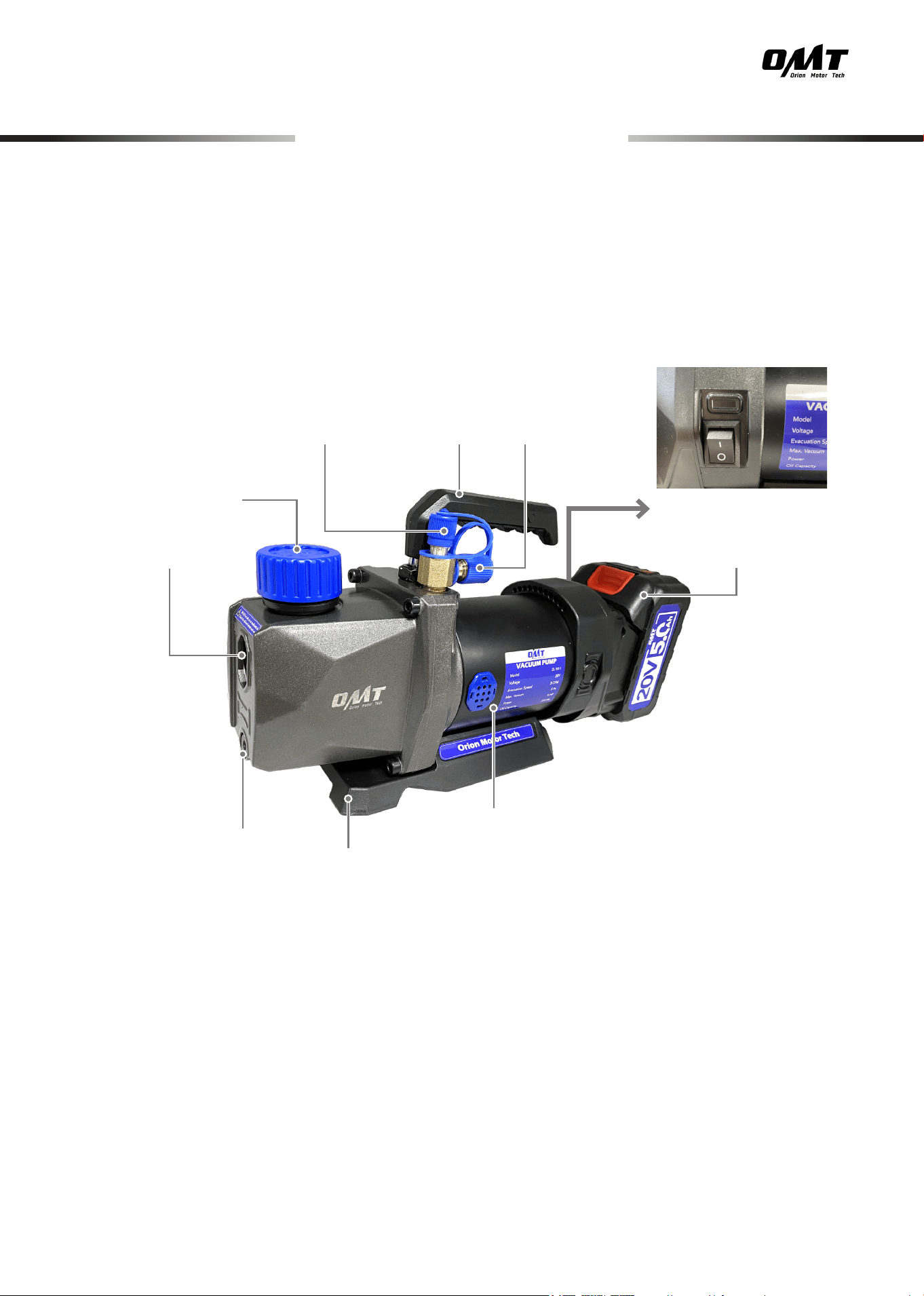
Product Diagram
Oil Inlet
1/4″ Gas Inlet Handle
Power Switch
Lithium Battery
1/2″ Gas Inlet
Motor
Base
Oil Drain Cap
Oil Window
5
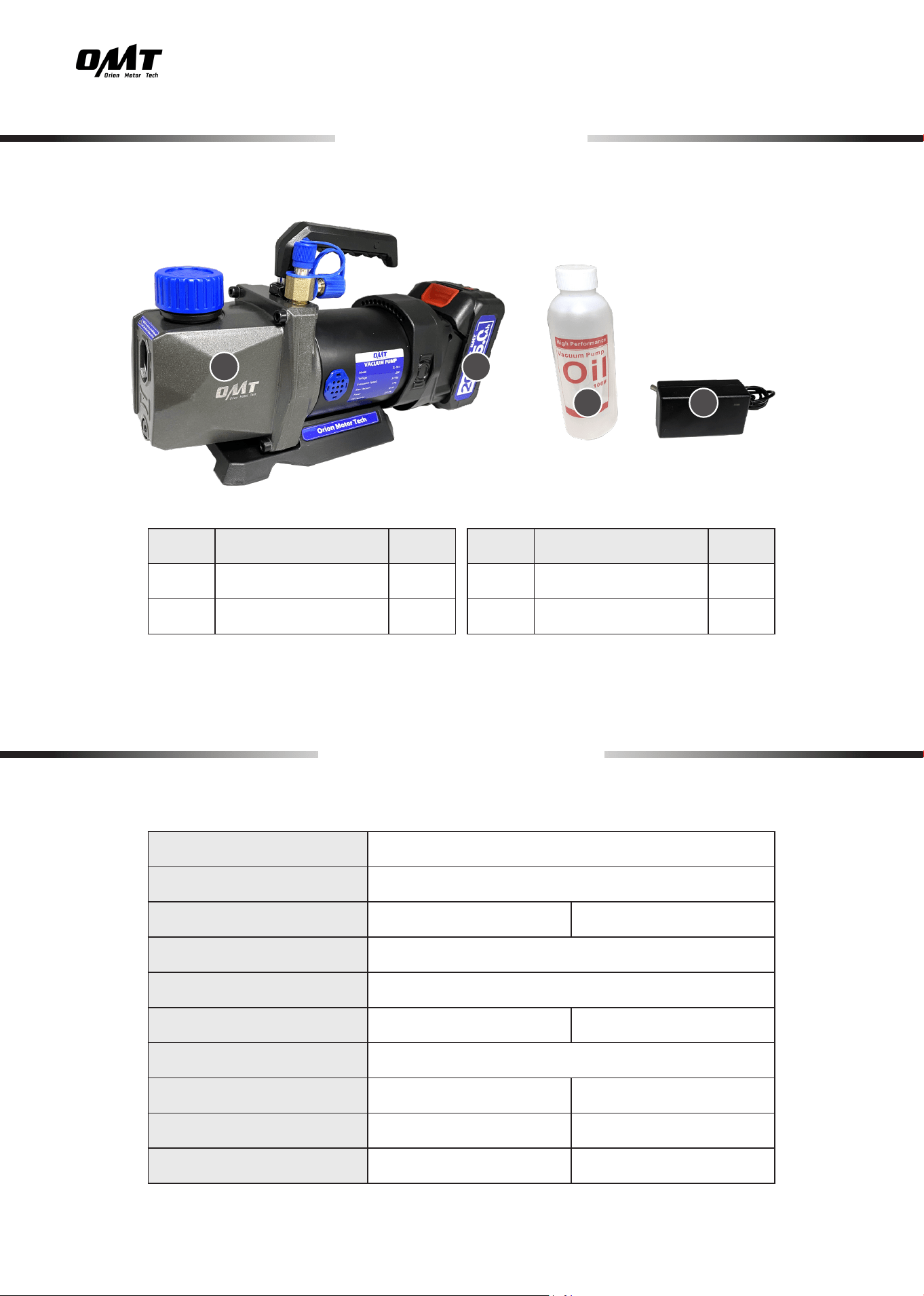
No. Item Qty.
A
Vacuum Pump
1
B
Lithium Battery
1
No. Item Qty.
C
Vacuum Pump Oil
1
D
Battery Charger
1
Specications
Package List
Model
ZL-18-1
Charger Input Power
AC 100–240(V) 50/60 (Hz)
Motor Power
1/4 hp 186 W
Battery Capacity
5000 mAh/90 Wh
Battery Voltage
20 V
Extraction Speed
3 cfm 0.09 m
3
/m
Max. Vacuum
5 Pa
Oil Capacity
7.4 . oz. 1 c or 220 mL
Dimensions
13.8×7.9×10.2 (in.) 35×20×26 (cm)
Weight
9.5 lb. 4.28 kg
A B
C D
6
Installation
1. Place the vacuum pump on a level surface and make sure the oil drain is tightly closed by
screwing its cap into place with an M4 hex wrench (not included).
2. Remove the pump’s oil inlet cap by hand.
3. Add the provided oil until the oil window is covered between its MIN and MAX height marks.
4. Replace the cap.
5. Connect the 1/2″ or 1/4″ gas inlet to the system that needs evacuation using a hose and a quick
coupler (not included) if needed.
6. (Optional) If your hose does not match the pump’s gas inlets, attach suitable adapter to your
hose.
• Make sure your surroundings ARE safe for using this device.
Avoid operating in crowded, dark, or cluttered areas.
Ensure NO explosives or ignition sources nearby.
• For optimal safety and performance, we recommend you take training BEFORE operating
this device.
Injury and failure could happen due to a lack of training.
• IfworkingonanHVACsystem,checkthatithasbeenturnedoBEFORE starting work.
Note: Equip your hose with a vacuum gauge (not included) to measure the vacuum degree.
7
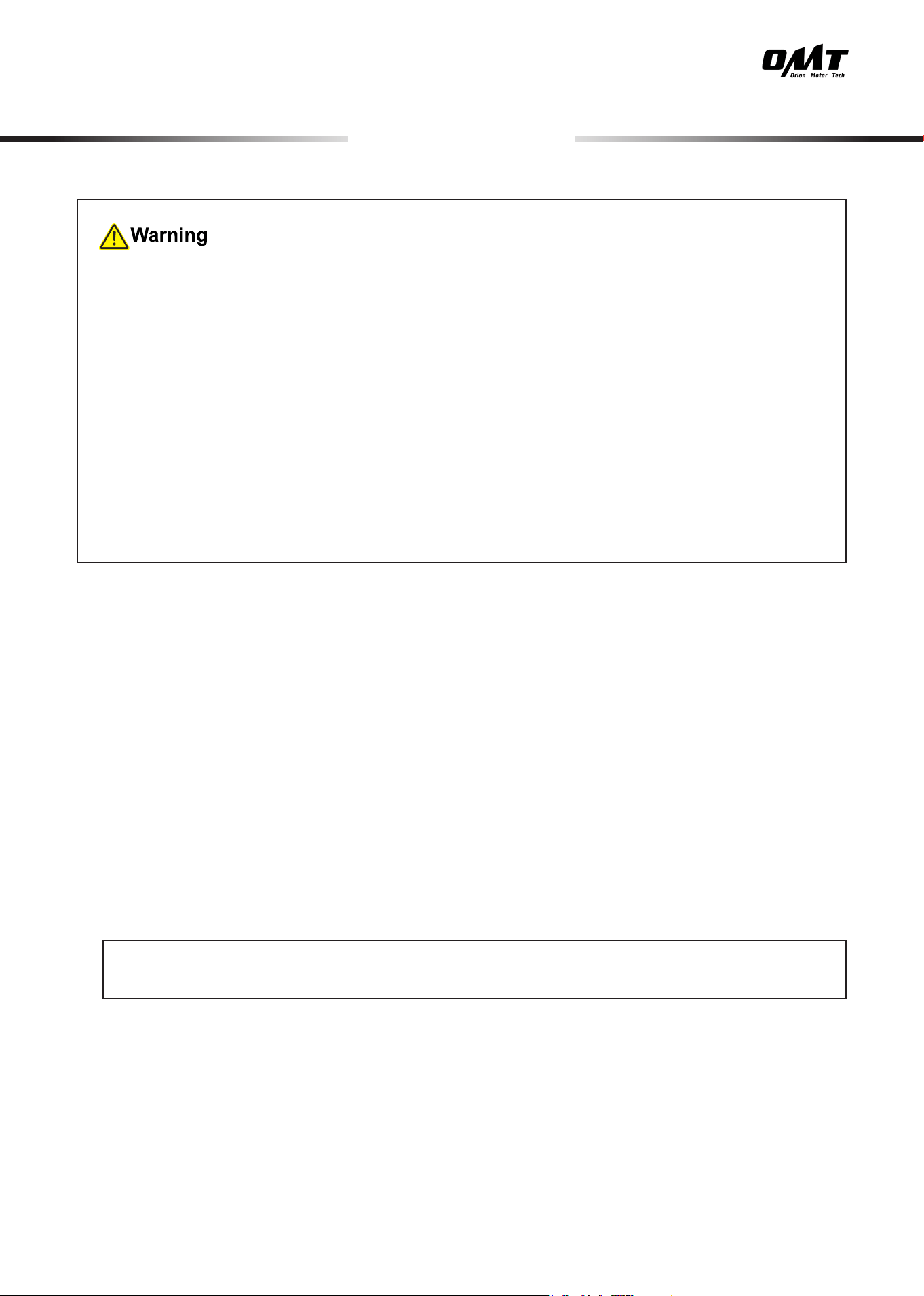
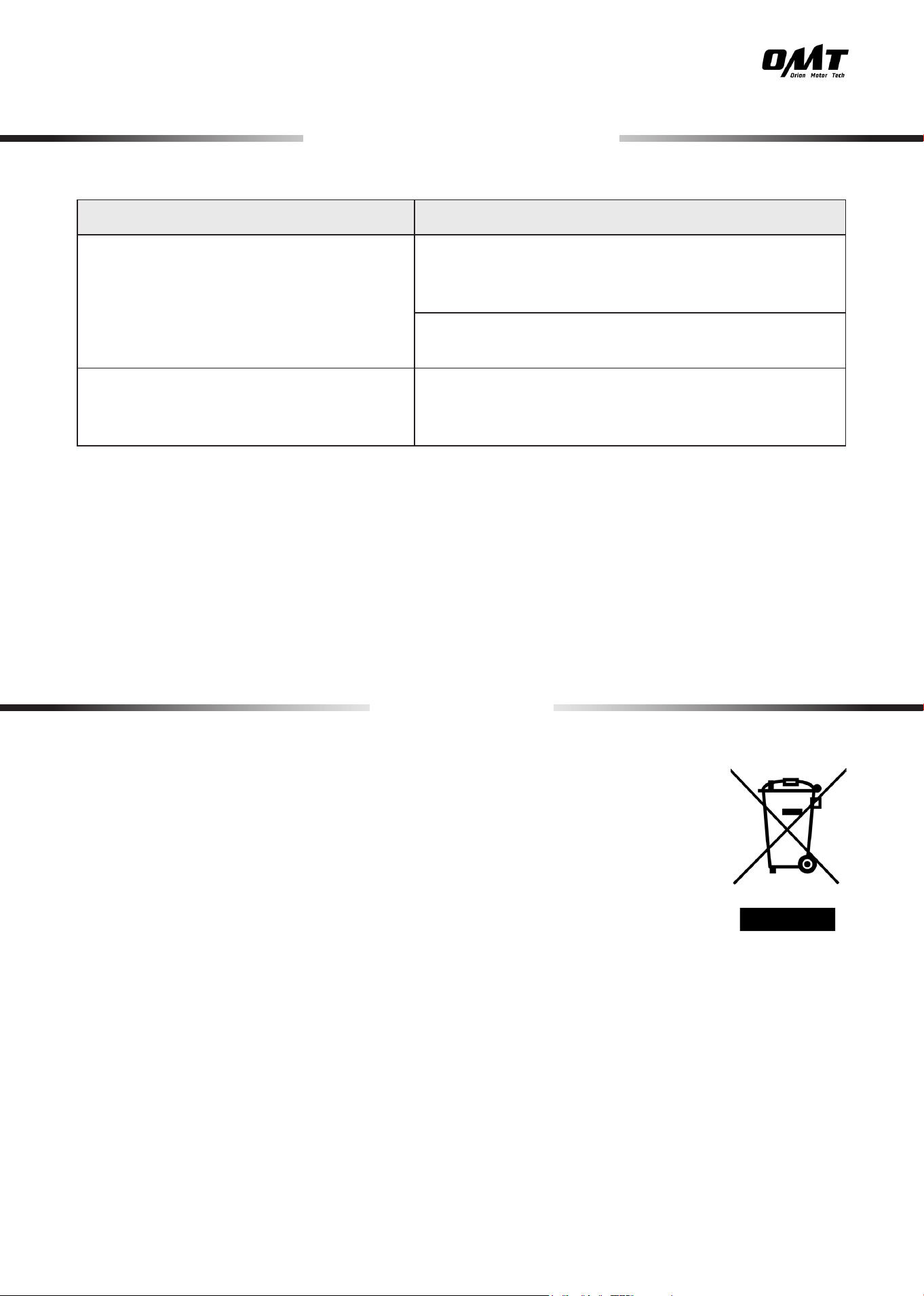
1. Slide the lithium battery along the groove of the vacuum pump and snap it into place.
Operation
2. Flip the power switch to I to turn on the power.
3. Closely monitor the vacuum level through your micron gauge.
4. When your desired vacuum degree is reached, ip the power switch to O to turn o the pump.
5. Disconnect it from the system.
• Be sure that ALL connections ARE tightly secured.
• Put on necessary PPE BEFORE starting work.
• DO NOT leave the pump unattended while it is in operation.
8
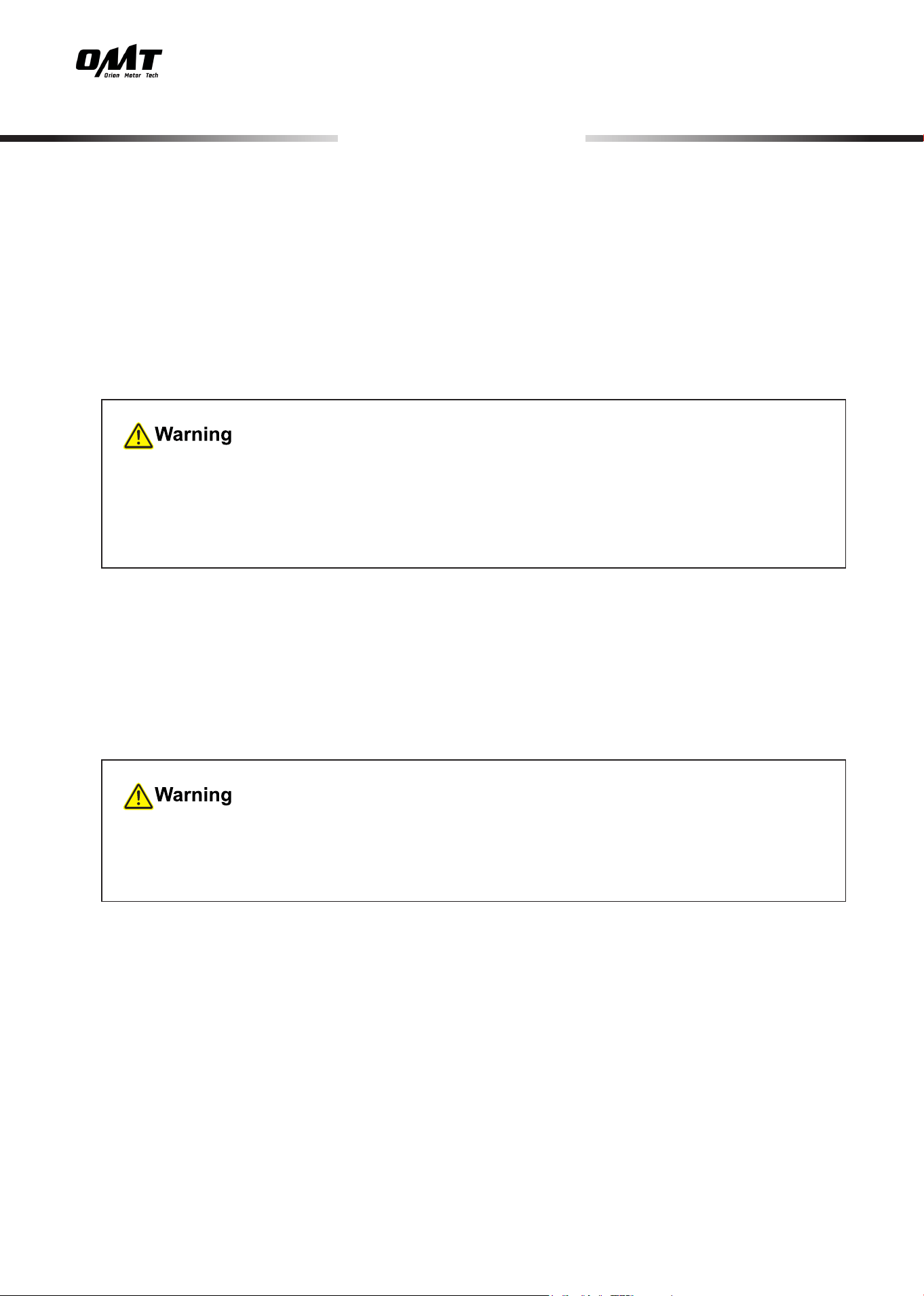
If the battery is low, use the provided charger to charge.
Operation
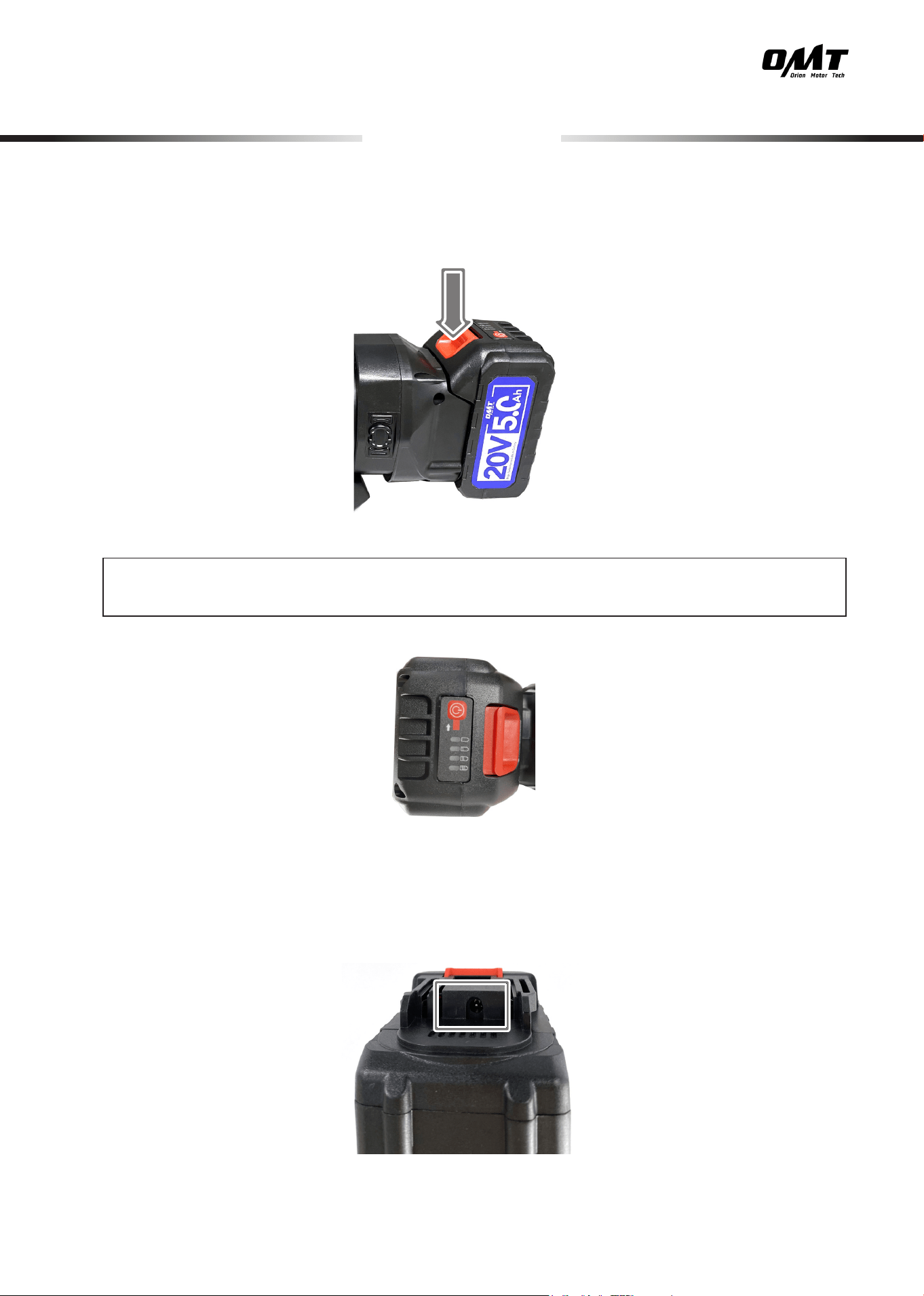
6. Remove the lithium battery by pressing the red button and sliding it out.
Note: Use power button on the portable power supply to check the battery power level.
9
• Remove the battery before any cleaning, maintenance, or repair.
• The exterior of the pump can be cleaned with a soft damp cloth. Do not use abrasive cleaners
or caustic chemicals.
• When the oil turns turbid or its level falls near the bottom of the reservoir window, replace it
using the following procedure:
1. Remove the oil drain cap using your M4 hex wrench (not included).
2. Grip the handle of the pump and tilt it down to drain the remaining oil into a suitable container.
3. Screw the cap into place and start lling it as instructed above.
• NEVER drop the pump on hard or rough surfaces.
• If any part of the pump is damaged or worn, have it repaired or replaced before further use.
• Remove the lithium battery and store in a cool, dry, and clean place after each use.
Maintenance
Make sure the remaining oil is warm. If you are unsure of your oil's temperature, connect to
thepowerandturnonyourpump,runningitforabout10minutestoheattheoilsuciently.
Turnothepumpanddisconnecttothepowerbeforecontinuing.
Once the initial oil has been used up, O N LY use oil of equivalent weight (ISO 100 or SAE
30) as a replacement.
10
Troubleshooting
Problems Possible Solutions
The vacuum pump cannot be turned on.
Check the power of portable power supply. If it is out
of power, charge it. If it is broken out, replace with a
suitable new one.
Move the pump to a warmer location, wait a while,
and activate your pump.
The vacuum pump turns o automatically
during use.
The thermal protector will deactivate your pump if its
motor reaches 160°F (70°C). Wait about 15 minutes
to let it cool down and restart your pump.
Electrical products should not be disposed of with household products. In the
EU and UK, according to the European Directive 2012/19/EU for the disposal of
electrical and electronic equipment and its implementation in national laws, used
electrical products must be collected separately and disposed of at the collection
points provided for this purpose. Locations in Australia, Canada, and the United
States may have similar regulations. Contact your local authorities or dealer for
disposal and recycling advice.
Disposal
VPH-F001-00 Rev. 22 Jun. 2024
Thank you for choosing our products! If you have any questions
or comments, contact us at
support@orionmotortech.com
and we'll resolve your issue ASAP!
For a .pdf copy of the latest version of these instructions, use the
appropriate app on your smartphone to scan the QR code to the
right.
Contact Us