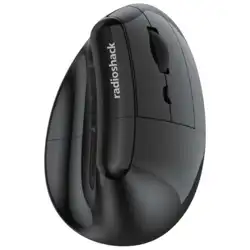
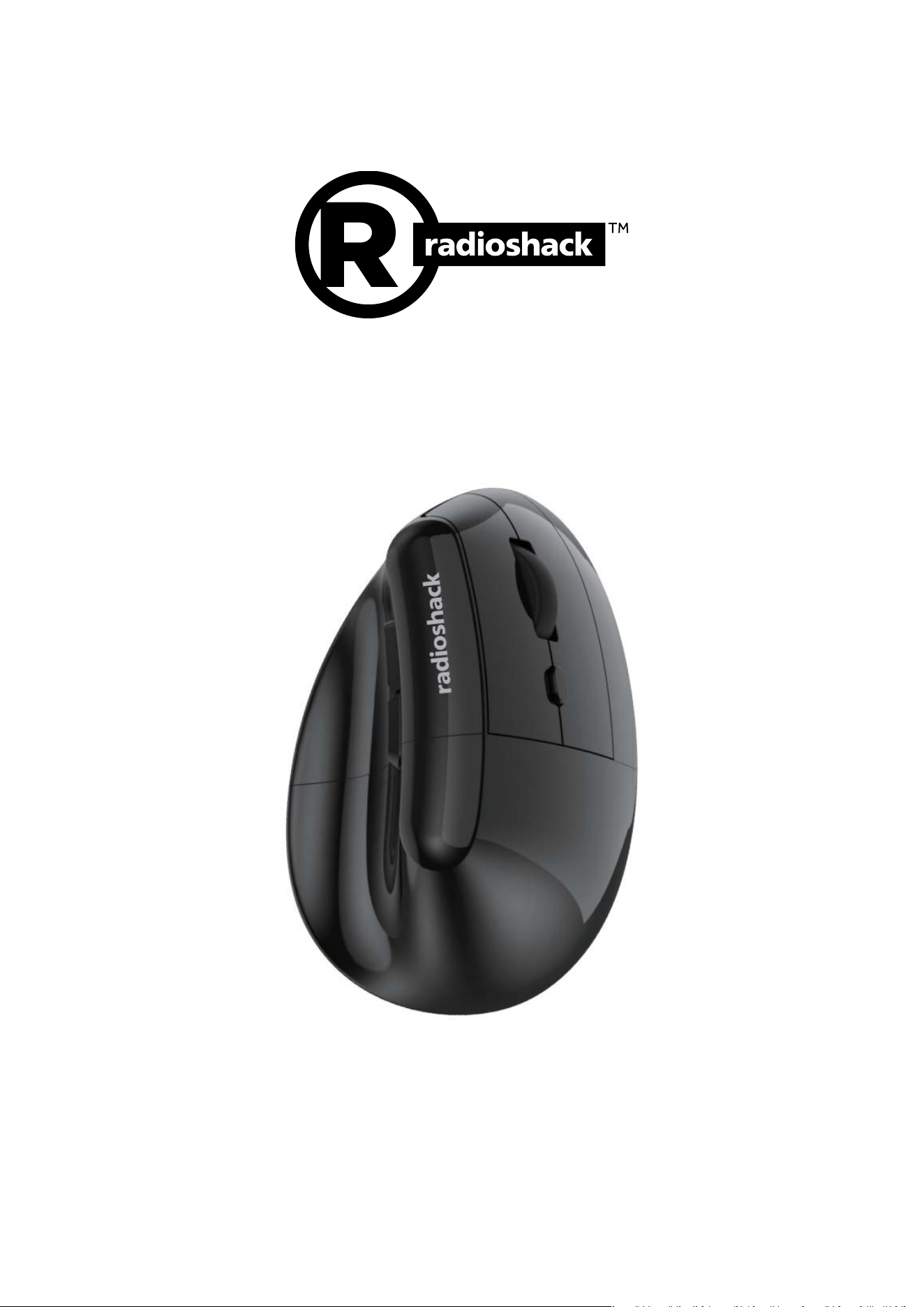
Ergonomic 2.4Ghz Mouse
Model: 2606086
USER MANUAL
Thank you for choosing the RadioShack Ergonomic 2.4Ghz Mouse
2606086! We appreciate your purchase and hope you enjoy its quality. To get the most out of
your device, please read these instructions carefully and keep this guide for future reference.

Table of Contents
1. Product Description
2. Safety Information
3. Package Contents
4. Specifications
5. Quick Start Guide
o 5.1 Know your mouse
o 5.2 Mode Connectivity
o 5.3 Charging and Battery Management
6. Maintenance and Care
7. Troubleshooting Guide
8. FCC Part 15 Compliance
1) Product Description
The RadioShack Ergonomic 2.4Ghz Mouse is a high-performance, ergonomic mouse
designed. It has a high-precision sensor, and programmable macro functionality for
professional use.
Key highlights:
• Connectivity: 2.4 GHz wireless
• Sensor: Hunter Sun + PAW3212
high-precision sensor
• DPI: 800-1200-1600-2400-3200-
4800 DPI
• Polling rate: up to 125 Hz
• Battery: Built-in 500 mA lithium-ion
• Battery life: Up to ~38 hours
(typical), standby up to ~300 days
• Switches: > 5 million silent clicks
switch
2) Safety Information
• Read all instructions before use.
• Do not expose to liquids or excessive moisture.
• Keep away from heat sources and direct sunlight.
• Use on stable surfaces; ensure adequate ventilation around the device.
• Avoid opening or modifying internal components; seek authorized service if needed.
• If servicing is required, use authorized personnel.
3) Package Contents
• 1x Gaming mouse
• 1x USB receiver (plugged into the mouse)
• 1x User manual
• 1x Type-C cable
4) Specifications
• Modes: Wired, 2.4 GHz wireless
• Key count: 6
• Material: ABS
• Color: Black
• Chipset: Hunter Sun + PAW3212
• DPI settings: 800-1200-1600-2400-3200-4800
• Light: None (N/A)
• Switch lifetime: > 5 million silent clicks switch
• Polling rate: 125 Hz
• Interface: USB-C
• Working distance (wireless): up to 10 m
• Battery: 500 mA (built-in)
• Charging: USB-C, 1–2 hours
• Operating current: ~13 mA
• Operating time: ~38 hours
• Standby time: ~300 days
• Weight: ~118 ± 5g (including receiver) (±3 g).
• Dimensions: 108L X 71W X 69Hmm
5) Quick Start Guide
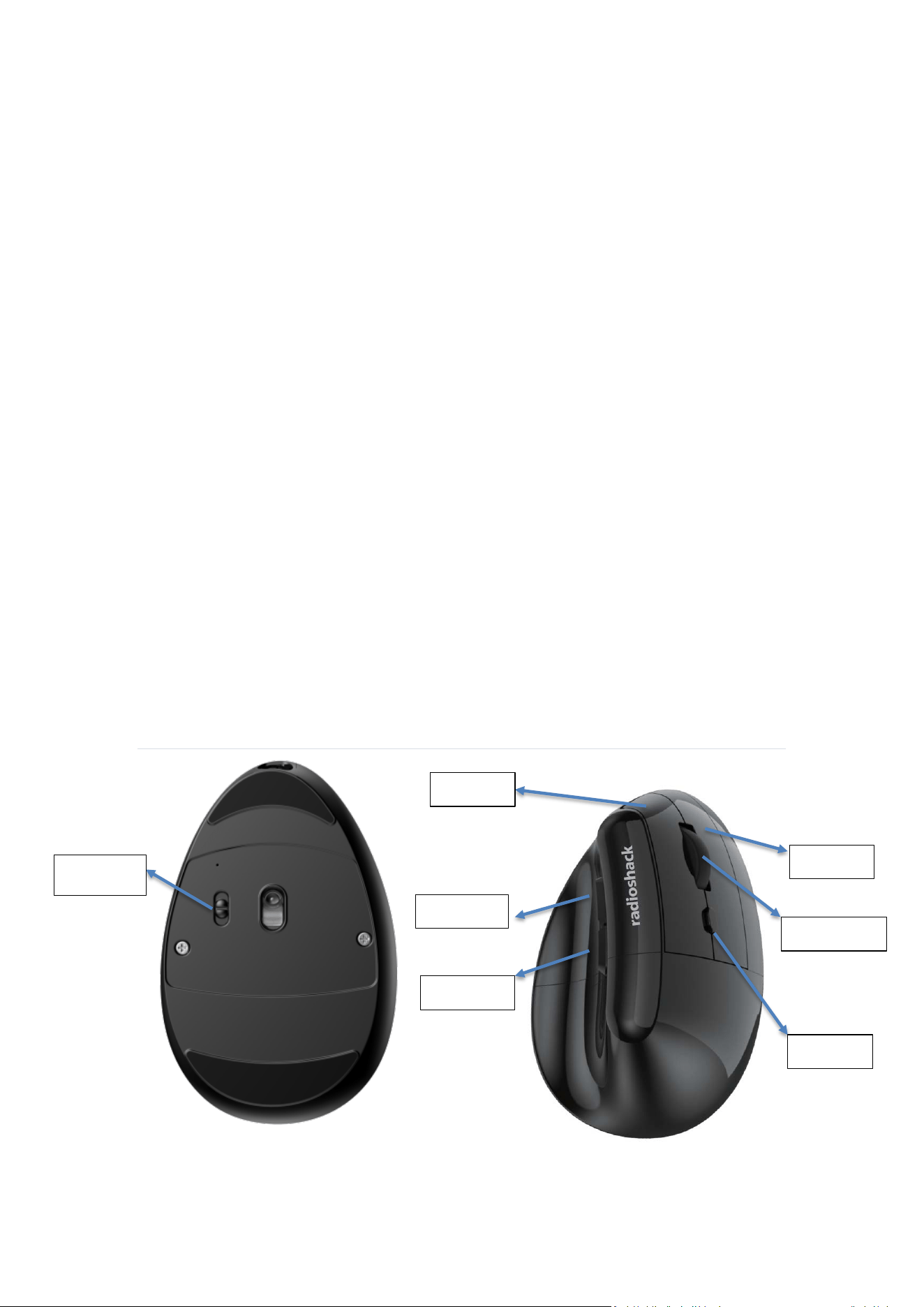
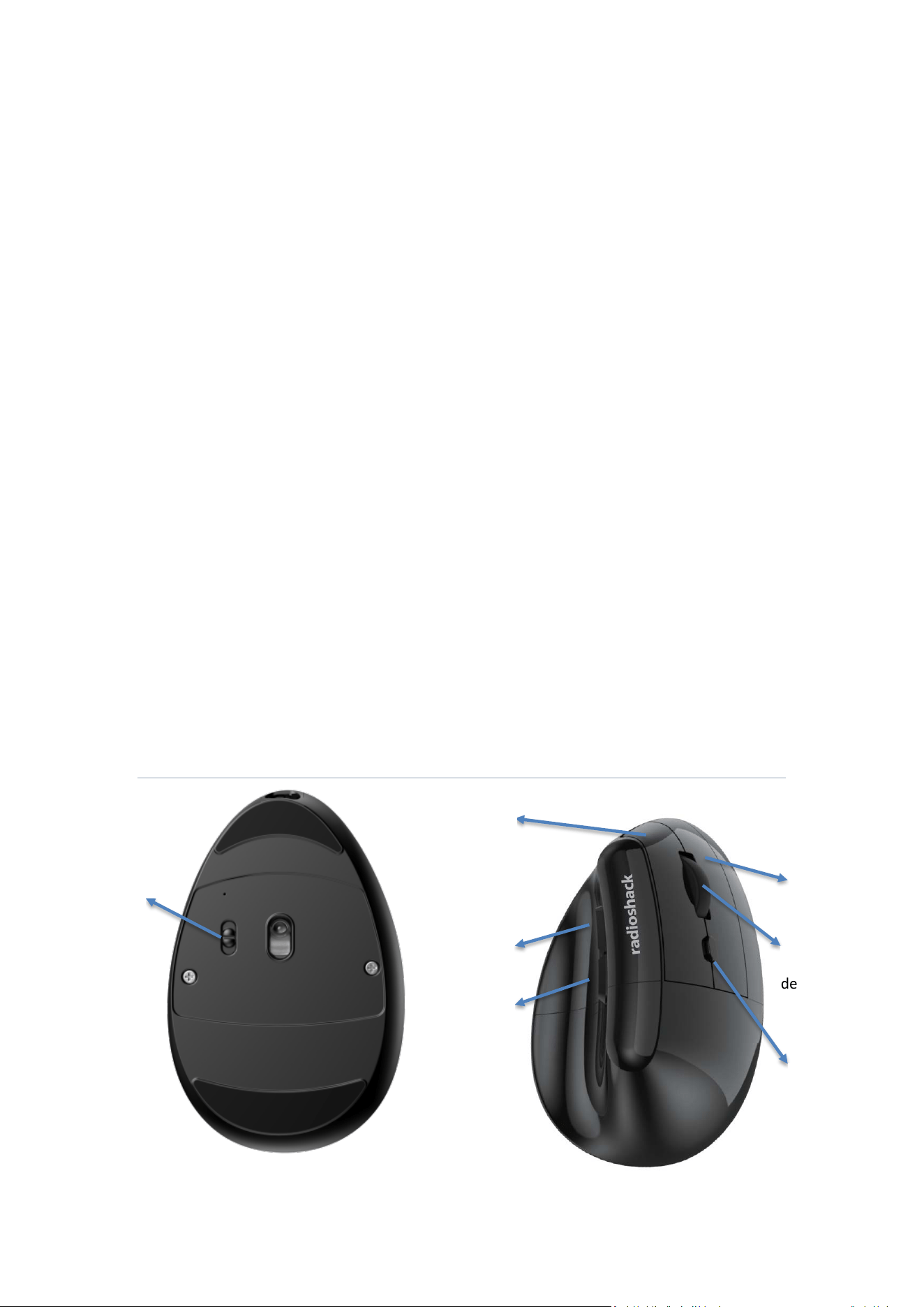
5.1Know your Mouse:
Left Key
Right Key
Scroll Whell
DPI Key
Forward
Backward
On/ Off

5.2 Mode Connectivity 2.4Ghz
1. Remove the mouse from the packaging.
2. Turn the mouse switch to the ON position. The red indicator light on the bottom will
illuminate and then turn off.
3. Insert the receiver into a USB port on your computer. Once the connection is
established, the mouse is ready to use.
Note
• If the cursor does not move correctly during use, please check the battery level.
• If the battery is low, charge the mouse promptly.
5.3 Charging and Battery Management
• When charging, the red LED indicator is on.
• When charging completes, the red LED indicator will turn off.
6) Maintenance and Care
• Clean with a dry or slightly damp cloth; avoid harsh chemicals.
• Do not attempt to disassemble.
• Store in a cool, dry place.
7) Troubleshooting Guide
• The table below provides a quick reference for common symptoms, probable causes,
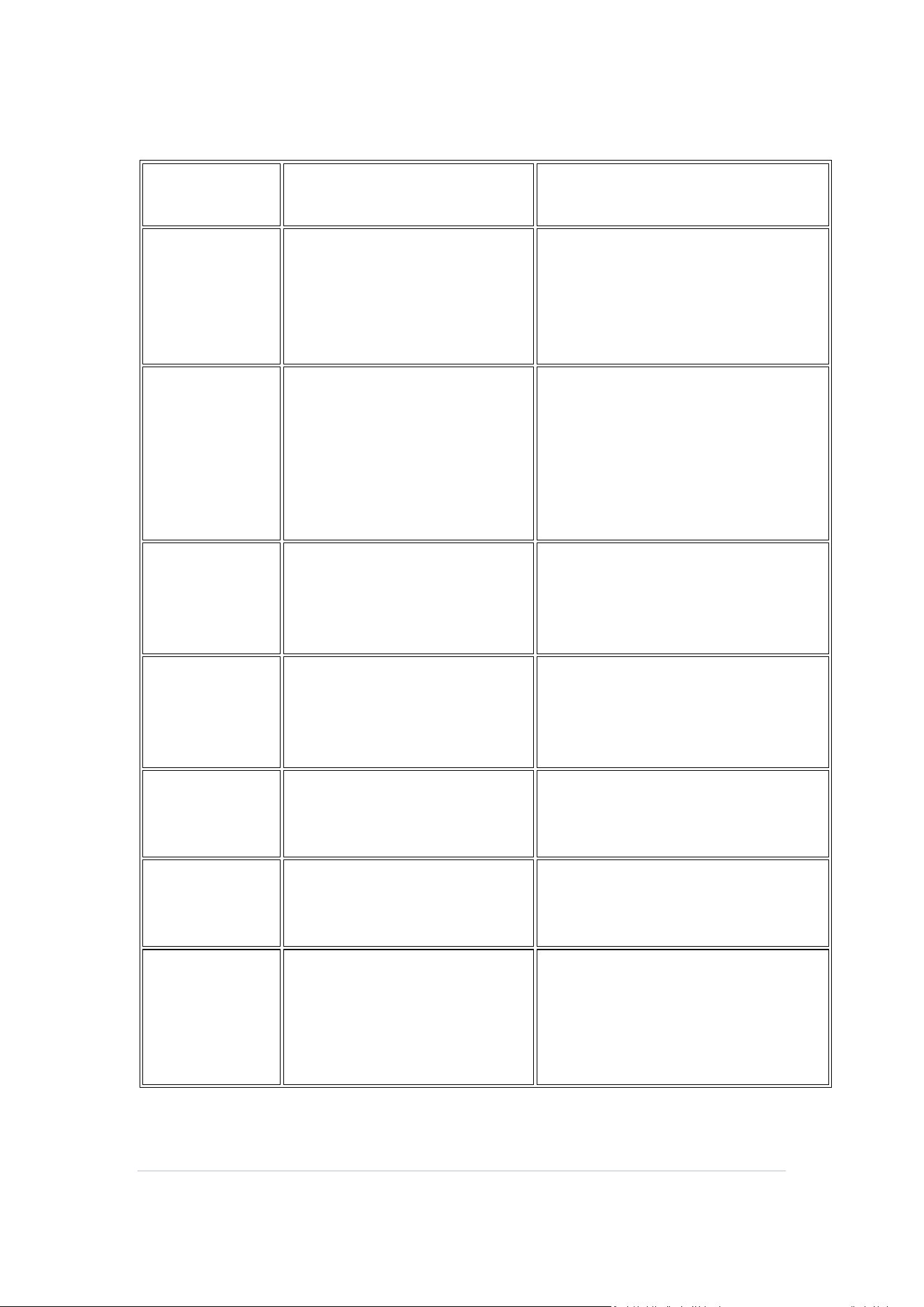
and recommended remedies.
Symptom
Probable Cause
Troubleshooting / Remedy
Device won’t
power on
Battery depleted; power switch
off
- Verify power switch is ON
- Charge battery with the supplied
cable
- Check for visible damage
2.4G receiver
not recognized
Missing driver; USB port issues;
receiver not seated
- Re-seat receiver
- Try a different USB port (prefer USB
2.0/2.4G support)
- Update OS/driver if needed
DPI not
changing
DPI cycle not registering;
sensor issue
- Press D DPI button to cycle; verify
cursor speed matches setting
- Re-seat battery if possible
Cursor skips or
stalls
Dirty sensor or surface; battery
low
- Clean optical sensor area; recharge
or replace battery
- Use a clean, flat surface
Buttons not
registering
Debris under buttons
- Clean around button edges; check
for obstruction
Indicator LEDs
not lighting
LED fault; power issue
- Check power supply and battery;
inspect connections
Connectivity
intermittently
drops
Interference; range limit; driver
issues
- Move closer to host or away from
interference sources (microwave
ovens, routers)
- Re-pair and ensure drivers updated
8) FCC Part 15 Compliance

NOTE: This equipment has been tested and found to comply with the limits for
a Class B digital device, pursuant to part 15 of the FCC Rules. These limits
are
designed to provide reasonable protection against harmful interference in a
residential installation. This equipment generates, uses and can radiate radio
frequency energy and, if not installed and used in accordance with the
instructions, may cause harmful interference to radio communications.
However, there is no guarantee that interference will not occur in a particular
installation. If this equipment does cause harmful interference to radio or
television reception, which can be determined by turning the equipment off
and on, the user is encouraged to try to correct the interference by one or
more of the following measures:
- Reorient or relocate the receiving antenna.
- Increase the separation between the equipment and receiver.
-Connect the equipment into an outlet on a circuit different from that to which
the receiver is connected.
-Consult the dealer or an experienced radio/TV technician for help.
Changes or modifications not expressly approved by the party responsible for
compliance could void the user's authority to operate the equipment.
This device complies with Part 15 of the FCC Rules. Operation is subject to
the following two conditions: (1) this device may not cause harmful
interference, and (2) this device must accept any interference received,
including interference that may cause undesired operation.
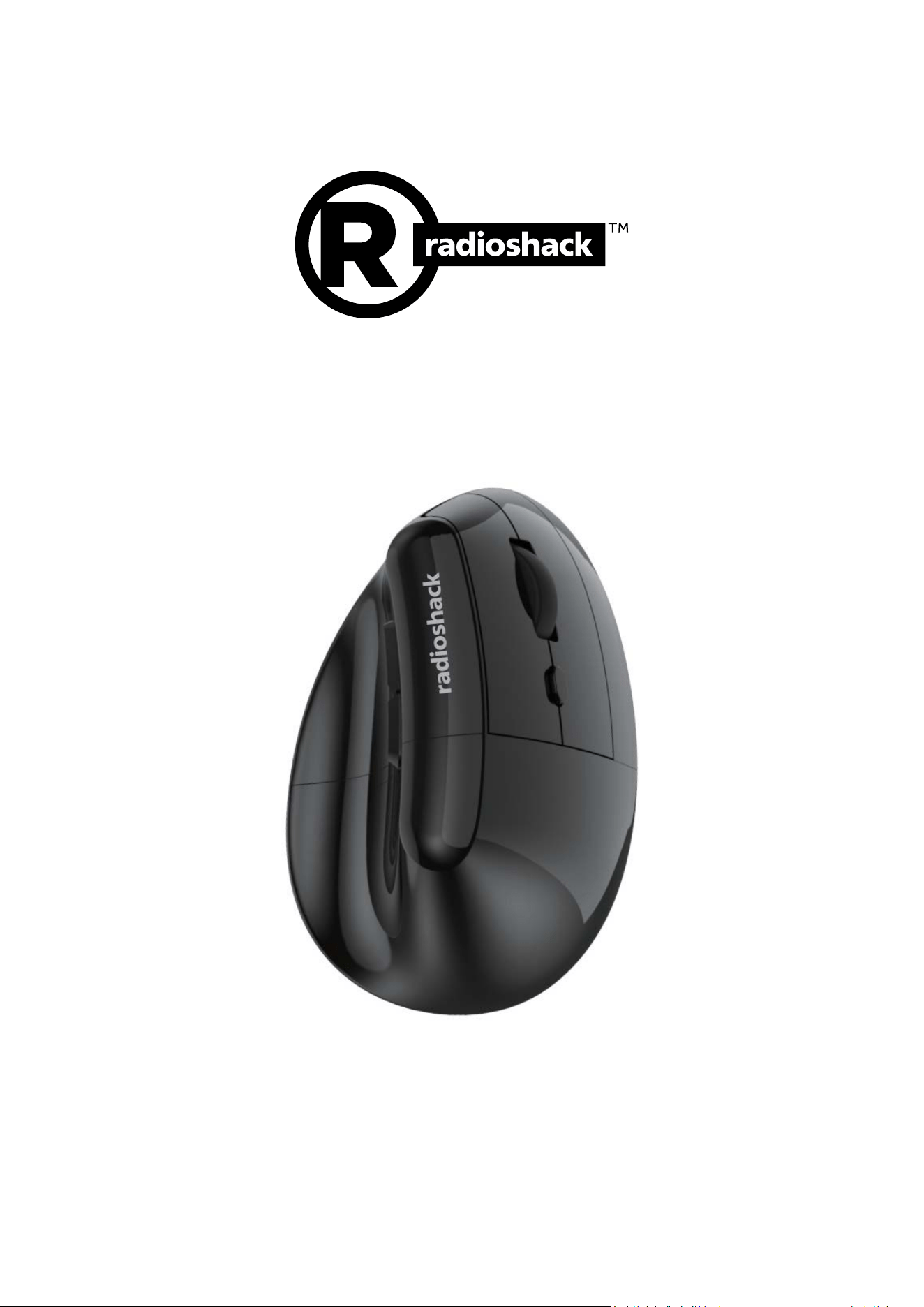
Ratón ergonómico de 2,4 GHz
Modelo: 2606086
MANUAL DE USUARIO
¡Gracias por elegir el ratón ergonómico RadioShack de 2,4 GHz 2606086! Apreciamos su
compra y esperamos que disfrute de su calidad. Para aprovechar al máximo su dispositivo,
lea atentamente estas instrucciones y guarde esta guía para futuras consultas.

Tabla de contenidos
1. Descripción del producto
2. Información de seguridad
3. Contenido del paquete
4. Características técnicas
5. Guía de inicio rápido
o 5.1 Conoce tu ratón
o 5.2 Modo de conectividad
o 5.3 Carga y gestión de la batería
6. Mantenimiento y cuidado
7. Guía de solución de problemas
8. Cumplimiento de la Parte 15 de la FCC
1) Descripción del producto
El ratón ergonómico de 2,4 GHz de RadioShack es un ratón ergonómico de alto rendimiento.
Tiene un sensor de alta precisión y funcionalidad macro programable para uso profesional.
Aspectos clave destacados:
• Conectividad: inalámbrica de 2,4
GHz
• Sensor: Hunter Sun + PAW3212
sensor de alta precisión
• DPI: 800-1200-1600-2400-3200-
4800 DPI
• Tasa de sondeo: hasta 125 Hz
• Batería: iones de litio de 500 mA
• Duración de la batería: hasta ~ 38
horas (típico), en espera hasta ~
300 días
• Interruptores: > interruptor de 5
millones de clics silenciosos
2) Información de seguridad
• Lea todas las instrucciones antes de usar.
• No exponer a líquidos ni a humedad excesiva.
• Mantener alejado de fuentes de calor y luz solar directa.
• Úselo en superficies estables; Asegure una ventilación adecuada alrededor del
dispositivo.
• Evite abrir o modificar componentes internos; busque servicio autorizado si es
necesario.
• Si se requiere servicio, utilice personal autorizado.
3) Contenido del paquete
• 1x Ratón para juegos
• 1x receptor USB (conectado al ratón)
• 1x Manual de usuario
• 1x cable tipo C
4) Especificaciones
• Modos: Cableado, inalámbrico de 2,4 GHz
• Número de teclas: 6
• Material: ABS
• Color: Negro
• Chipset: Hunter Sun + PAW3212
• Configuración de DPI: 800-1200-1600-2400-
3200-4800
• Luz: Ninguna (N/A)
• Vida útil del interruptor: > interruptor de 5
millones de clics silenciosos
• Tasa de sondeo: 125 Hz
• Interfaz: USB-C
• Distancia de trabajo (inalámbrica): hasta 10 m
• Batería: 500 mA (incorporada)
• Carga: USB-C, 1-2 horas
• Corriente de funcionamiento: ~13 mA
• Tiempo de funcionamiento: ~38 horas
• Tiempo de espera: ~300 días
• Peso: ~118 ± 5 g (incluido el receptor) (±3 g).
• Dimensiones: 108L x 71W X 69Hmm
5) Guía de inicio rápido
5.1 Conozca su mouse:
Tecla
izquierda
Tecla
derecha
Rueda de
desplazamiento
Selección
DPI
Hacia
Adelante
Hacia atrás
Encendido /
Apagado

5.2 Modo Conectividad 2.4Ghz
1. Retire el ratón del embalaje.
2. Gire el interruptor del mouse a la posición ON. La luz indicadora roja en la parte
inferior se iluminará y luego se apagará.
3. Inserte el receptor en un puerto USB de su computadora. Una vez establecida la
conexión, el ratón está listo para usar.
Nota
• Si el cursor no se mueve correctamente durante el uso, verifique el nivel de la batería.
• Si la batería está baja, cargue el mouse de inmediato.
5.3 Carga y gestión de la batería
• Durante la carga, el indicador LED rojo está encendido.
• Cuando se complete la carga, el indicador LED rojo se apagará.
6) Mantenimiento y cuidado
• Limpiar con un paño seco o ligeramente húmedo; Evite los productos químicos
agresivos.
• No intente desarmarlo.
• Almacenar en un lugar fresco y seco.
7) Guía de solución de problemas
• La siguiente tabla proporciona una referencia rápida de los síntomas comunes, las
causas probables y los remedios recomendados.
Síntoma Causa probable Solución de problemas
El dispositivo no se
enciende
Batería agotada; Apagado de
alimentación
- Verifique que el interruptor de
encendido esté encendido
- Cargue la batería con el cable
suministrado
- Compruebe si hay daños visibles
Receptor 2.4G no
reconocido
Conductor desaparecido;
Problemas con el puerto USB;
receptor no sentado
- Vuelva a colocar el receptor:
pruebe con un puerto USB
diferente (prefiera la
compatibilidad con USB 2.0 / 2.4G)
- Actualice el sistema operativo /
controlador si es necesario
DPI no cambia
El ciclo DPI no se registra;
problema con el sensor
- Presione el botón DPI para realizar
un ciclo; verificar la configuración
de coincidencias de velocidad del
cursor: vuelva a colocar la batería si
es posible
El cursor salta o se
detiene
Sensor o superficie sucios;
batería baja
- Área limpia del sensor óptico;
recargue o reemplace la batería:
use una superficie limpia y plana
Botones que no se
registran
Escombros debajo de los
botones
- Limpiar alrededor de los bordes
de los botones; comprobar si hay
obstrucción
Los LED
indicadores no se
encienden
Fallo del LED; Problema de
energía
-
Verifique la fuente de
alimentación y la batería;
Inspeccionar conexiones

Síntoma
Causa probable
Solución de problemas
La conectividad
cae
intermitentemente
Interferencia; límite de rango;
problemas con los
controladores
- Acérquese al host o aléjese de las
fuentes de interferencia (hornos
microondas, enrutadores)
- Vuelva a emparejar y asegúrese de
que los controladores estén
actualizados
8) Cumplimiento de la Parte 15 de la FCC
Esta sección proporciona un resumen conciso y orientado al usuario del cumplimiento de la
Parte 15 de la FCC. Es informativo y no sustituye la documentación formal de la FCC.
• Propósito y funcionamiento: El 2606086 contiene radiadores no intencionales y, en
algunas configuraciones, radiadores intencionales dentro de las bandas aplicables.
El funcionamiento no debe causar interferencias perjudiciales; El dispositivo debe
aceptar interferencias de otros dispositivos.
• Límites de emisión: Cumple con los límites de la Parte 15.209/15.247 para la
categoría de dispositivo. Las emisiones se mantienen dentro de los límites
permitidos de intensidad de campo y conducción con la antena instalada.
• Manejo de interferencias: Si el dispositivo causa interferencias dañinas en la
recepción de radio / TV, intente:
o Reorientación o reubicación del dispositivo
o Aumento de la separación del receptor
o Conexión a una toma de corriente diferente o uso de una fuente de
alimentación de mayor calidad
• Instalación: Instale en un entorno controlado como se describe. No modifique los
circuitos de RF o el gabinete de manera que afecten el cumplimiento.
• Datos de prueba: Se realizaron pruebas de cumplimiento con la antena instalada y
la configuración recomendada.