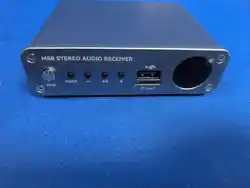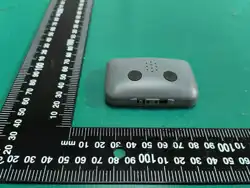

PlayCaller Digital (PC-DCP) User Manual
1. Power On/Off
Press the power button briefly to turn the power-on. Or in the powered-on state press
and hold the power button until the red LED blinks, then release to turn power off.
2. Voice Receiving Mode
Speaker Mode: The default working state after powering on is speaker mode.
Bluetooth Mode: Press the Bluetooth button briefly to switch to Bluetooth mode (blue
LED on).
3. Pairing
Entry Method:
In the normal working state after powering on, press the "Vol-" button three times
consecutively, then press and hold the "Vol+" button until the red and green LEDs blink
alternately, then release to enter pairing mode.
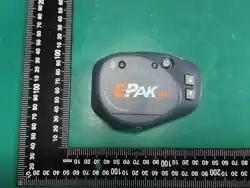
Pairing with Epak Xtra Main:
The Main of EPak Xtra enters pairing mode first, with the red and green LEDs blinking
alternately.
When the PC-DCP receiver's green LED blinks quickly several times and then the red LED
stays on, pairing is complete (press the power button briefly to save and exit). Then pair
the next one. After all PC-DCP receivers to be paired have been paired, press the power
button once to save and turn EPak Xtra M power off.
4. Bluetooth Mode
Entry Method: In the normal working state after powering on, press the Bluetooth
button briefly to switch to Bluetooth mode (the blue LED blinks slowly at this time).
Press and hold the Bluetooth button until the blue LED blinks quickly, then release to
enter Bluetooth pairing mode, waiting to pair with Bluetooth headphones. After pairing
is complete, the blue LED stays on, indicating successful pairing.
5. Working
After powering on, when the PC-DCP receiver is not connected to the network, the
green LED blinks every 3 seconds. After connecting to the EPak Xtra Main, the green LED
stays on. During voice reception, the volume can be adjusted using the "Vol-" and "Vol+"
buttons, with a total of 5 levels from high to low. There are corresponding prompt tones
during adjustment. During voice reception, when the intercom distance is exceeded, the
green LED blinks every 3 seconds with a prompt tone, and it automatically reconnects
when back within communication range.
In Bluetooth mode, it will actively search for previously paired Bluetooth headphones. If
the connection is successful, the blue LED stays on. After successful connection, the
volume can be adjusted using the "Vol-" and "Vol+" buttons, with a total of 15 levels
from high to low. There are corresponding prompt tones in the Bluetooth headphones
during adjustment.
6. Low Battery
When the battery voltage is low, the red LED blinks twice every 10 seconds, and a
prompt tone "battery low" sounds every 10 seconds.
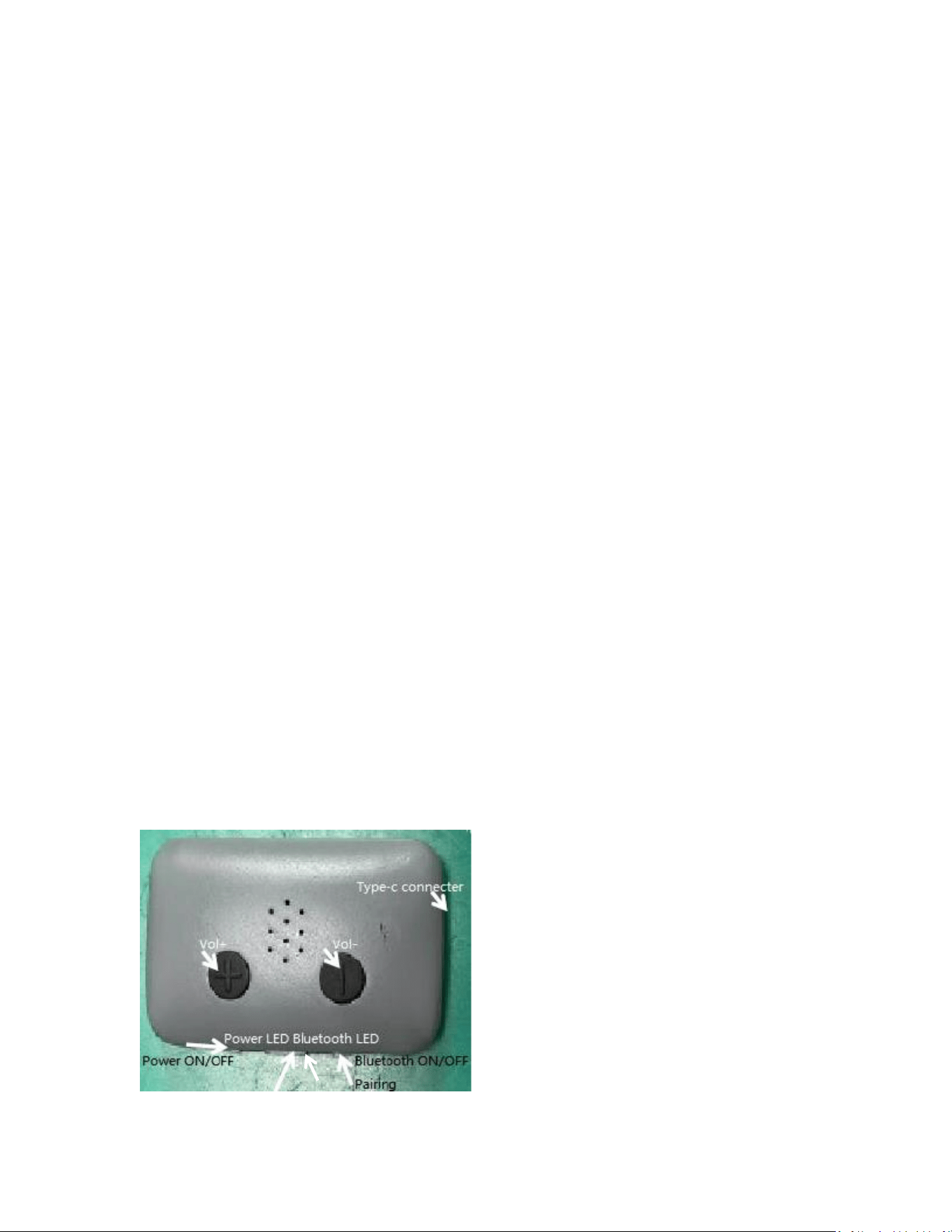
7. Product Button

FCC Caution:
Any Changes or modifications not expressly approved by the party responsible for compliance could
void the user's authority to operate the equipment.
This device complies with part 15 of the FCC Rules. Operation is subject to the following two
conditions:
(1) This device may not cause harmful interference,
and (2) this device must accept any interference received, including interference that may cause
undesired operation.
IMPORTANT NOTE:
Note: This equipment has been tested and found to comply with the limits for a Class B digital device,
pursuant to part 15 of the FCC Rules. These limits are designed to provide reasonable protection
against harmful interference in a residential installation. This equipment generates, uses and can
radiate radio frequency energy and, if not installed and used in accordance with the instructions, may
cause harmful interference to radio communications. However, there is no guarantee that interference
will not occur in a particular installation. If this equipment does cause harmful interference to radio or
television reception, which can be determined by turning the equipment off and on, the user is
encouraged to try to correct the interference by one or more of the following measures:
—Reorient or relocate the receiving antenna.
—Increase the separation between the equipment and receiver.
—Connect the equipment into an outlet on a circuit different from that to which the receiver is
connected.
1.
—Consult the dealer or an experienced radio/TV technician for help.
FCC Radiation Exposure Statement:
The device has been tested and comply with FCC SAR limits.
ISED Warning
This device complies with Innovation, Science, and Economic Development Canada licence-exempt
RSS standard(s). Operation is subject to the following two conditions:
(1) this device may not cause interference, and
(2) this device must accept any interference, including interference that may cause undesired
operation of the device.
Le présent appareil est conforme aux CNR d' Innovation, Sciences et Développement économique
Canada applicables aux appareils radio exempts de licence. L'exploitation est autorisée aux deux
conditions suivantes :
(1) l'appareil nedoit pas produire de brouillage, et
(2) l'utilisateur de l'appareil doit accepter tout brouillage radioélectrique subi, même si le brouillage est
susceptible d'en compromettre le fonctionnement.
The device has been tested and comply with IC SAR limits.
L'appareil a été testé et est conforme aux limites IC SAR.