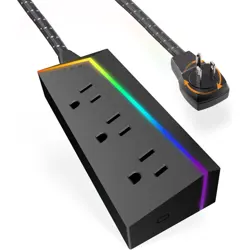

Explore more
Titan products
Having problems?
Let us know how we can
help. Call 1-800-654-8483
between 7AM-8PM, M-F,
Central Time.
Like our product?
Leave a review on your
favorite retailer website
or amazon.com.
For deals, to register
your purchase and
to tell us how we’re
doing, simply scan
the code or visit
byjasco.com/deals.
Exclusive deals
Thank you for
your purchase
Surge protectors, HDMI cables and
more at titangamingtech.com
57354 | 60046 v3 1/22
MADE IN VIETNAM
Titan is a trademark of Jasco
Products Company and is under
license by Jasco LLC, 10 E. Memorial
Rd., Oklahoma City, OK 73114.
This Jasco product comes with a
limited-lifetime warranty. Visit www.
byjasco.com for warranty details.
Questions? Contact our U.S.-based
Consumer Care at 1-800-654-8483
between 7AM-8PM, M-F, Central Time.
DESIGNED IN THE USA
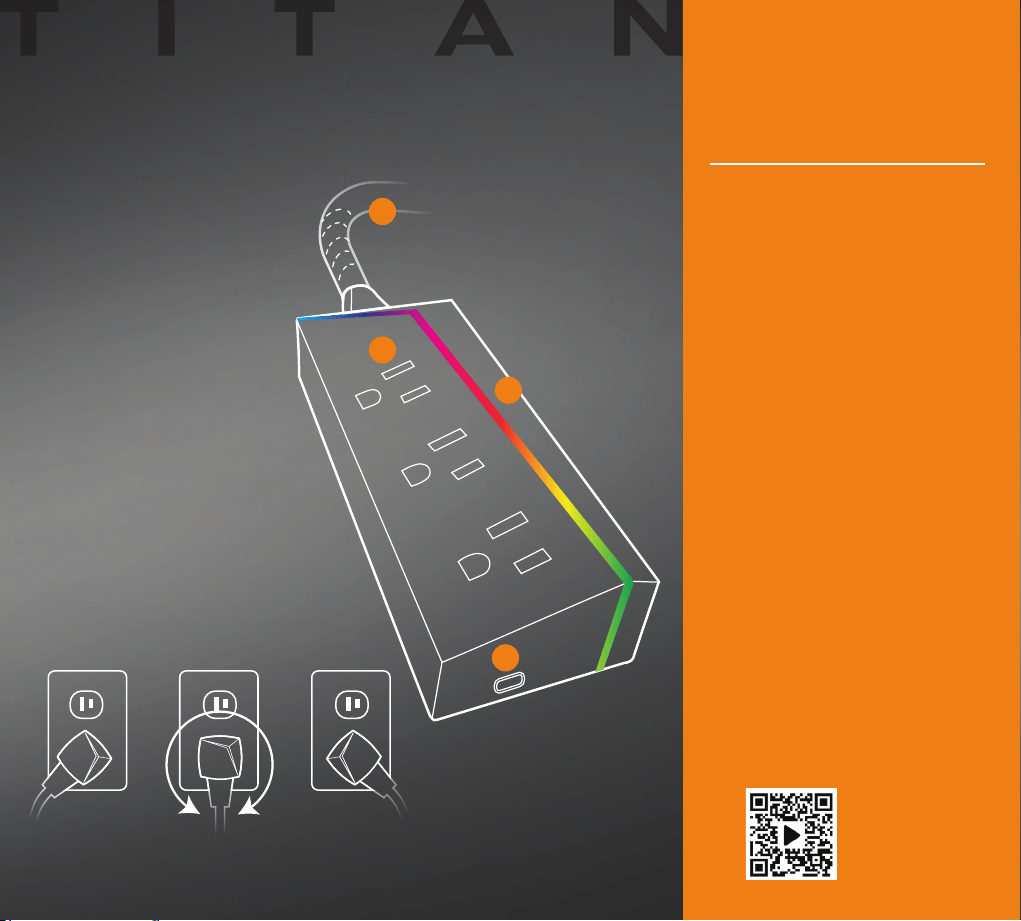
A. Grounded Outlets
B. Color-Changing LED
C. Capacitive-touch button
D. Braided Cord
POWER STRIP
Adjust plug to desired angle, then
insert into wall outlet.
360° Plug ROTATION
A
D
B
C
Plug your Titan extension
cord into a standard
grounding duplex wall
receptacle. Ensure there are
no exposed conductors.
Turn off gaming equipment
before plugging into the
extension cord. Do not use
extension cords to connect
equipment to the power strip.
The extension cord is
now providing power.
Gaming equipment can
now be turned on.
Press the capacitive-touch
button to select one of the LED
light options or set it to cycle
through the full spectrum
of hues. Hold button for two
seconds to turn OFF. From
the OFF position, hold the
button to brighten or dim the
selected color. The capacitive-
touch button will always bring
up the last saved setting.
See how it works
Scan code or visit
byjasco.com/57354i
INSTRUCTIONS
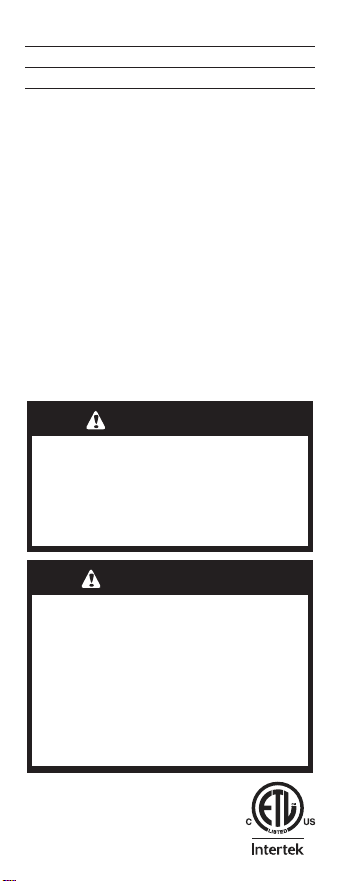
DO NOT PLUG MORE THAN TOTAL OF
1625 WATTS INTO THIS CORD
To find total Watts being used if Watts not marked
on appliance, multiply ampere rating on nameplate
by 125 to determine equivalent Watts. Add
determined Watts for each connected appliance
or lamp (sum of Watts on bulbs) to find total Watts
being used.
ATTENTION: INSTRUCTIONS FOR PROPER USE
• Fully extend before using.
• Use only within electrical rating
marked on this cord.
• Unplug when not in use (grasp plug,
not cord, to unplug from outlet).
• Do not splice, repair or modify
extension cords.
SJT-B 3-Conductor 16AWG
Maximum Amps 13
Electrical Rating 125VAC
Maximum Watts 1625
CAUTION
TO REDUCE THE RISK OF FIRE OR ELECTRIC
SHOCK, DO NOT USE THIS DEVICE WITH A RE
-
CEPTACLE IN WHICH THE SLOT OPENINGS DO
NOT ALIGN WITH THE BLADES. NOT FOR USE
WITH GROUND-FAULT CIRCUIT-INTERRUPTER
RECEPTACLES OR RECEPTACLES WITH INDICA
-
TOR LIGHTS OR CONTROLS.
57354 | 60046 3 1/22
WARNING
RISK OF ELECTRIC SHOCK
• DO NOT USE IN WET LOCATIONS
• KEEP CHILDREN AWAY
• USE INDOORS ONLY
• FULLY INSERT PLUG
RISK OF FIRE
• DO NOT EXCEED ELECTRICAL RATINGS
NOT FOR USE WITH
• AQUARIUMS OR OTHER
WATER-RELATED PRODUCTS
• GENERATORS AND POWER INVERTERS
• MEDICAL LIFE-SUPPORT PRODUCTS