@口UR�T
HRRG ./
I
/
+
今
、
r
。
」
/
/丈
I
/
XS01
—匡
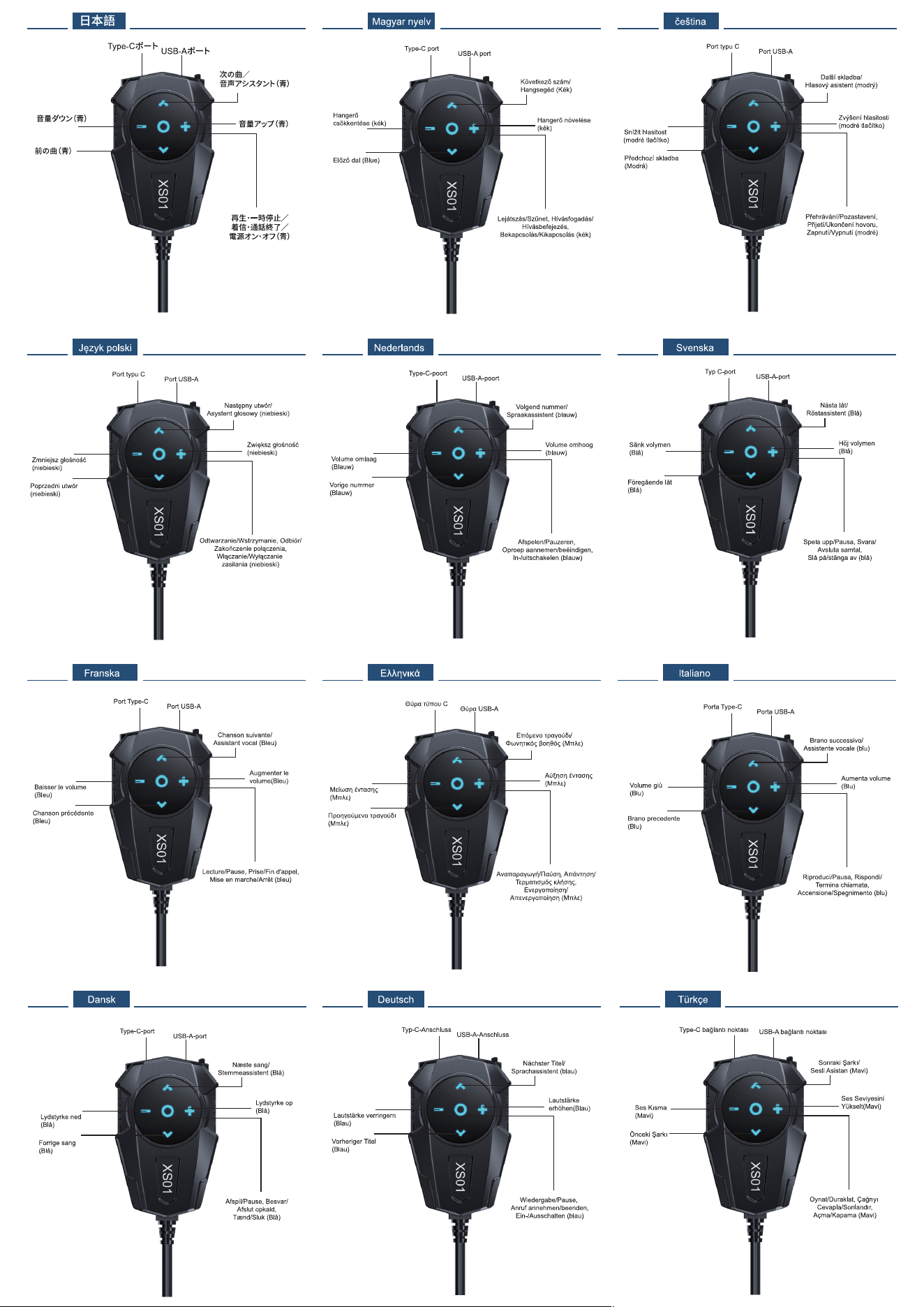
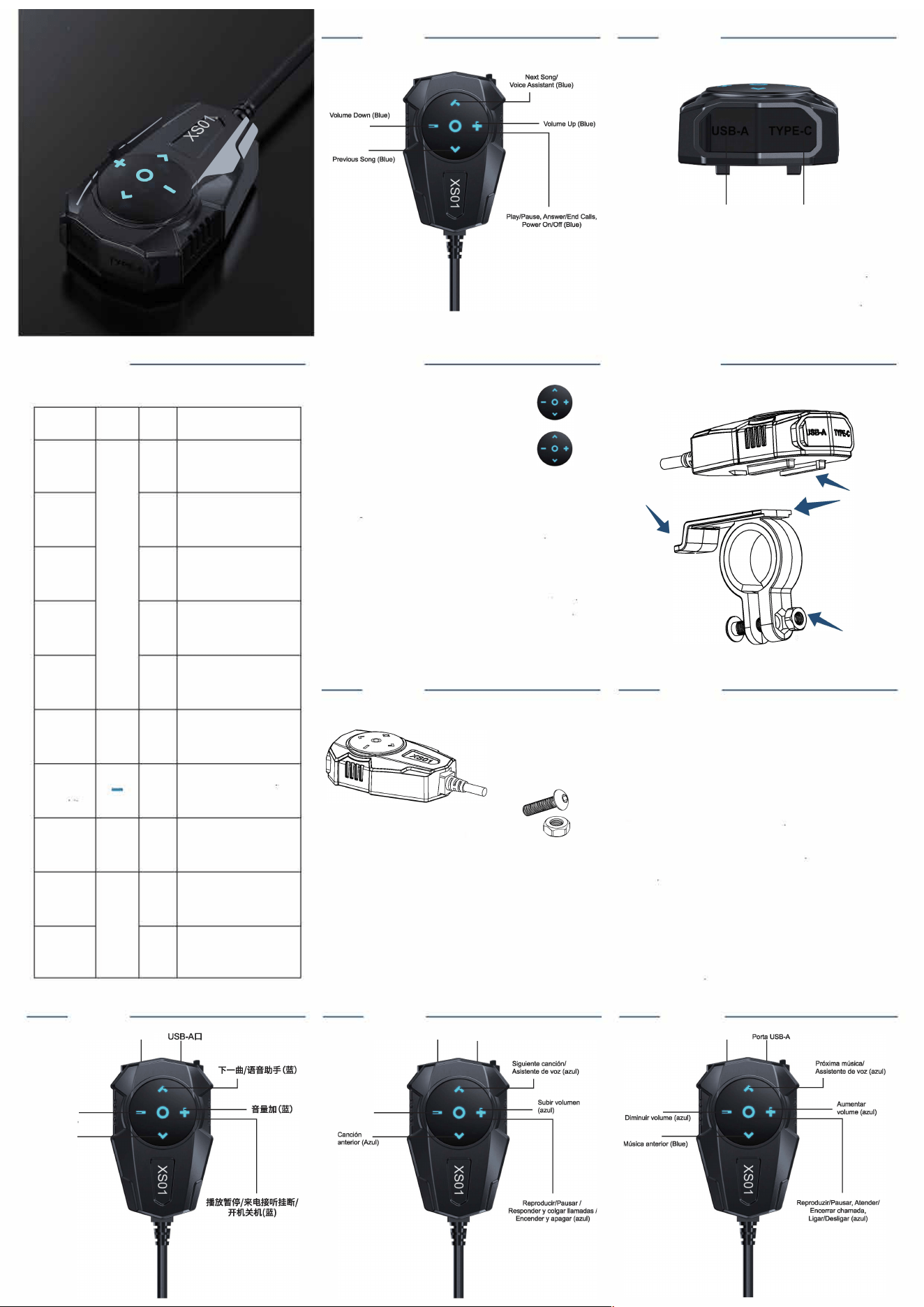
Function Keys and Operating Instructions
Features
Button
Instructions
Press and hold r 3 seconds
PowecOcJO
Loog p,s
to tum the device on o「o
Play/Pa,se
Shortp哗
In mobile music playback
mode: p once to play or
pause the music
。
In call mode Press briefly to
Answer/Hang up
Shop�ss
answer the call Press briey
again to end the call
Block calls
In call mode Press and hold
Loog P"
to reject Hang up
Eod Replay
Doobl�a,,,
In call mode: Double-tap the
last number 1o redial
Turn up
+
ShortpceM
p briefly to increase the volume
the volume
Loog P"
one level at a time; press and hold
to inc「ease the volume continuously
Press briey to decrease
Vol,me
Shortp,=
the volume one level at a time,
J匕"七,,,于..
Loog pss
press and hold to decrease
the volume continuously
When the Bluetooth conneion
Previous Song
^
is active While music is playing
Short pee毡
on your phone, press briey
to skip to the previous track
When the Wireless connection
Next song
Shortp呻
o
is
n
a
y
ct
o
i
u
ve
「p
W
ho
h
n
i
e
le
,
m
press
usic
b
is
rie
p
la
y
ying
to skip to the previous track
V
When the Wireless connection
is active Double-tap to activate
Voice Assistant
Doobl�cUck
the voice assistant, then
double-tap again to exit the
voice assistant {depending
on you「phone)
TYPE-C口
音虽减(蓝)
上
一
曲(蓝)
匡
Product Oveiew
—匡
Wireless pairing
Wireless pairing mode: The blue LED in the
bu廿on area ashes slowly
Wireless pairing successful: The blue LED in the
buon area ashes continuously
Introduction to Wireless Connection Procedures
1. Cla,olo Bl"'toolh Coooectloo
Aec oooo忒ct们g the powec s,pply'°"玩lly, pee茨, aod hold the powe, b,oo foe 3 secoods
to t,m oo the devloe. The bl,e LED lo the b,ttoo araa will flash sloy, aod the devloe will
a,Lu ,aUclly attempt to ,aooooa,t to the la欱palrad phooa (a,to-,aooooact)
lf the devl岱has oot beeo palced be. ,eah e the Bl"'toolh aame'XS01" lo yooc
phooa·, Bt,atooth ,attlog, aod mao,ally tap to ooooact. Oooa ooooactad, the bl,a LED lo
the Moo a,ea will飞malo lit , "" oow oootrol baslo 1ooctloos ,ooh a, moslo playback
aod aoswerlog oalls oo yooc phooe.
2. Cleaclog Palclog Hlslo
Aflec powerlog oo, slm,ltaoeoo,ly pra,o aod hold the V> aod V- b,ttoos e 5斡ooods to
啦a, Iha palclog hlsto. The bl,a LED lo Iha b,ttoo acaa wm ash rapidly foe 3aw"''
3. Powec S,pply Speclfl迈!loo,
Opecallog voltage raoge, DC 7V-26V. The pd,ct at,ra, ravee polaclty pcoteloo,
rave飞e'°""'"'°"面II oot damage the dev虹b,t will praveot II from powe,Og oo
oo,mally. The dev心will ooly 1,ootioo aod ootp,t ,opported p,oloools oooe the powec
s,pply ;, 中."七scUt ooooected, with the ,opported p,otoools detennloed by the lop,t
voltage.
匡
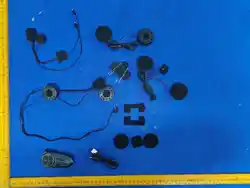
Product List
Bracket
Baja,
vol,meo (a,ol)
XS01
_
勹
Fuse
- 宫
Screws and nuts
勹尸\
Allen wrench
Bracket silicone gasket
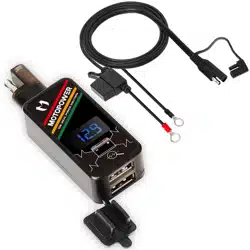
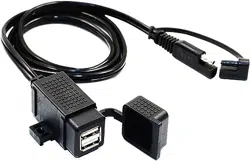
P,erto Type-C
P,eo USB-A
匡
、
Snap-on
top position
USB-A po
pe-C
po
USB-A Output Protocols: Apple; BC 1.2; QC 2.0; QC 3.0; FCP,
SCP; AFC;MTK PE+ 1.1; MTK PE+ 2.0; SFCP; VOOC
pe-C
Output Protocols:
pe-C PD; Apple; BC 1.2; QC 2.0,
QC 3.0; FCP;SCP;
AFC; MTK PE+ 1.1; MTK PE+ 2.0C
—匡罚曰,
Installation Diagram
Screw
Warning
This device complies with part 15 of the FCC Rules. Operation is subject to the
following two conditions:
(1)This device may not cause harmful interference, and
(2)this device must accept any interference received, including interference that
may cause undesired operation.
Any Changes or modifications not expressly approved by the party responsible for
compliance could void the user's authority to operate the equipment.
Note: This equipment has been tested and found to comply with the limits for a
Class B digital device, pursuant to part 15 of the FCC Rules. These limits are
designed to provide reasonable protection against harmful interference in a
residential installation. This equipment generates uses and can radiate radio
frequency energy and, if not installed and used in accordance with the instructions,
may cause harmful interference to radio communications. However, there is no
guarantee that interference will not occur in a particular installation. If this
equipment does cause harmful interference to radio or television reception, which
can be determined by turning the equipment off and on, the user is encouraged to
try to correct the interference by one or more of the following measures:
-Reorient or relocate the receiving antenna.
-Increase the s eparation between the equipment and receiver.
-Connect the equipment into an outlet on a circuit different from that to which the
receiver is connected.
-Consult the dealer or an experienced radio/TV technician for help.
*RF warning for Portable device:
The device has been evaluated to meet general RF exposure requirement. The
device can be used in portable exposure condition without restriction.
_
Poa Type-C