USER MANUAL


Contents
In the box
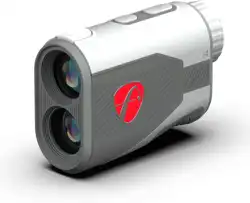
The i4 Rangefinder
Viewfinder indicators
Operating instructions
Get the FS Golf App
Set up FS Mode
Operating FS mode
1
2
3
4
6
7
8
9
10
11
12
13
Charging
Care
Avoid
Technical specifications
Support
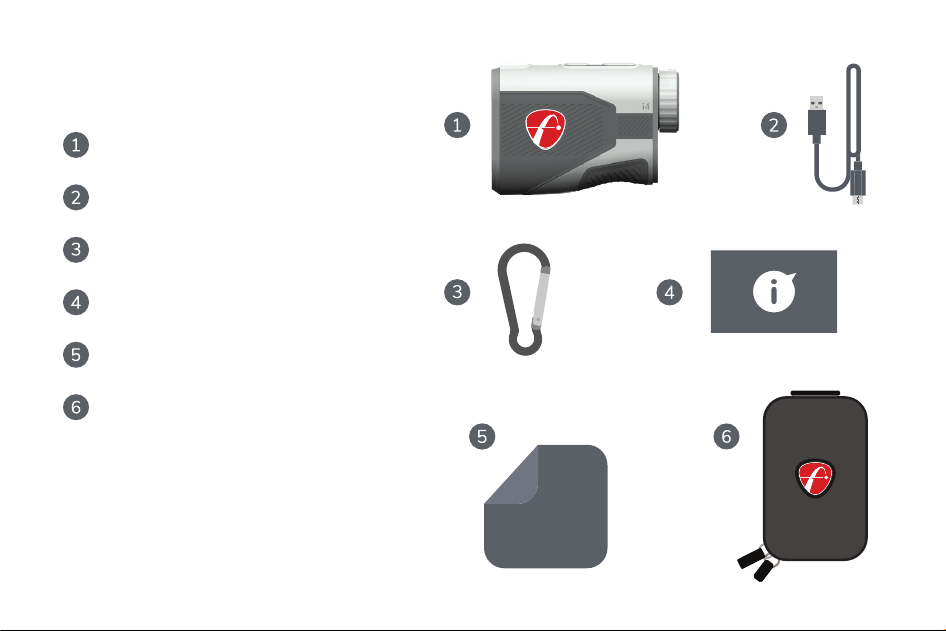
i4 Rangefinder
USB-A to USB-C charging cable
Carry case (not to scale)
Quickstart Guide
Microfiber cloth
Carabiner
In the Box
1
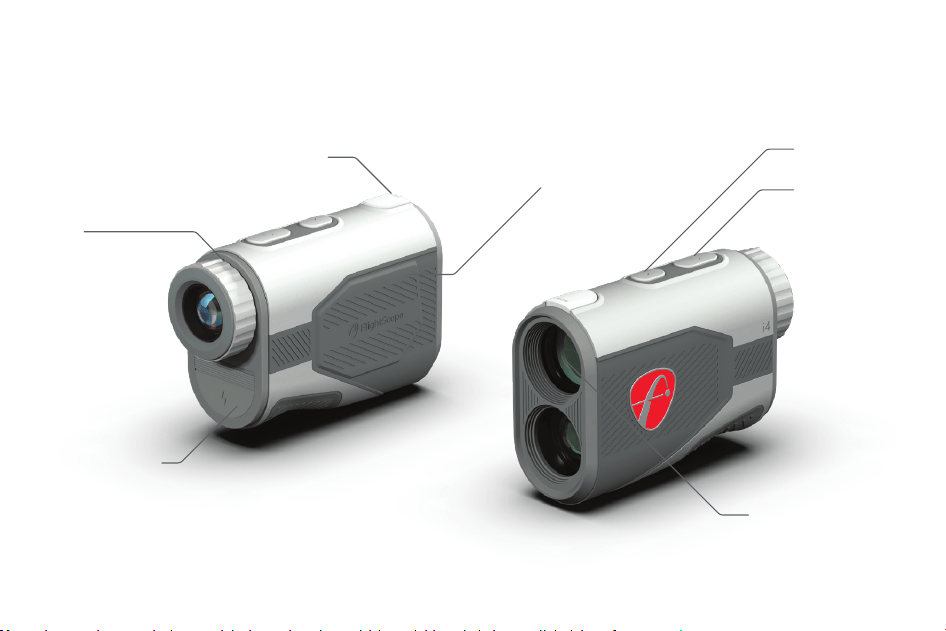
Power
USB-C port
6x adjustable focus
Slope mode indicator
Magnet for easy
cart attachment
Mode
1000 yd range to
target lens
The i4 Rangefinder
2
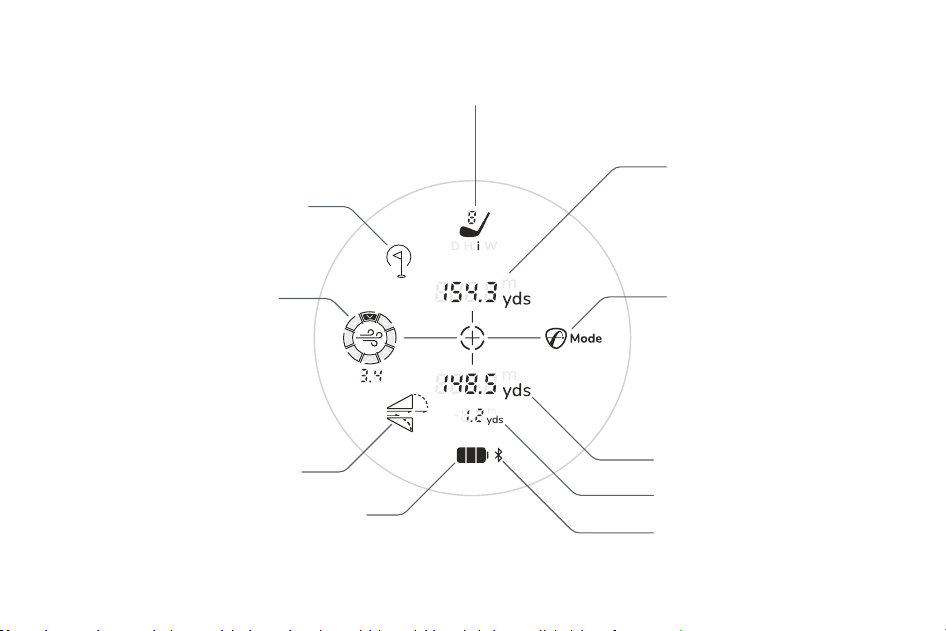
Viewfinder indicators
Personalized club recommendations based on
personal launch data, current weather and
environmental conditions
User-selectable wind direction
paired with real-time wind
speeds from local weather
stations
Effective playing distance
Provides a dynamic effective
distance that uses your home
location as a reference and then
factors in real-time local
environmental conditions
FS Mode
Combines effective playing distance,
personalized club recommendations,
local weather, and environmental
conditions to elevate precision and
strategy
Slope indicator
Battery life
Bluetooth indicator
Pin detection indicator
Slope number
Direct distance to target
3
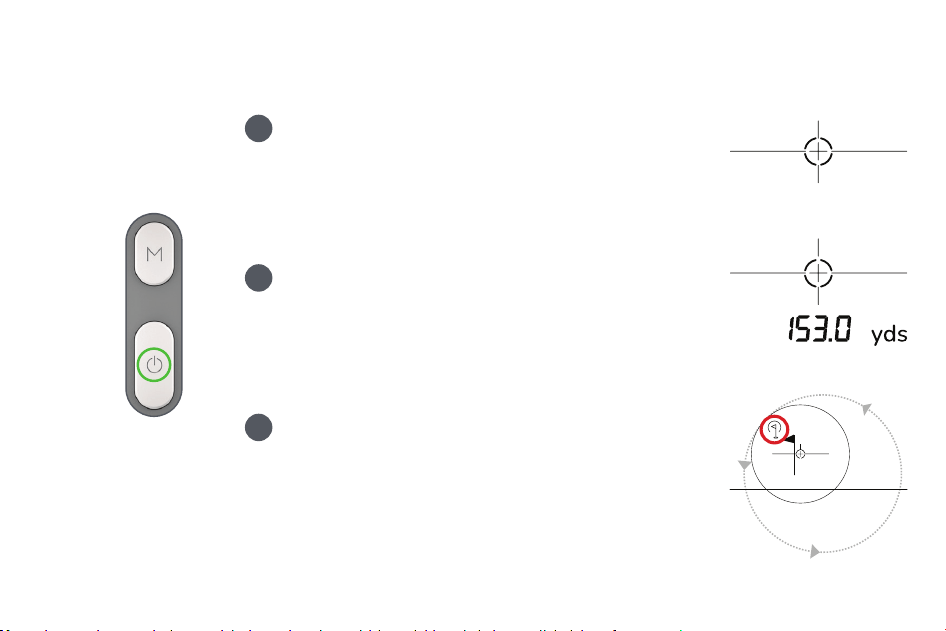
Operating instructions
Press the power button briefly to turn on the
Rangefinder. Look through the viewfinder to
see the display. It will turn off automatically
after 10 seconds.
Aim at a target and briefly press the power
button again to measure the direct distance.
You will feel a vibration indicating that the
measurement has been taken.
2
Power
3
To shoot the distance to an object such as a flag
stick, press and hold the power button while
moving the viewfinder around the object until
the target detection logo appears. Release the
power button, and the rangefinder will display
the distance.
1
4
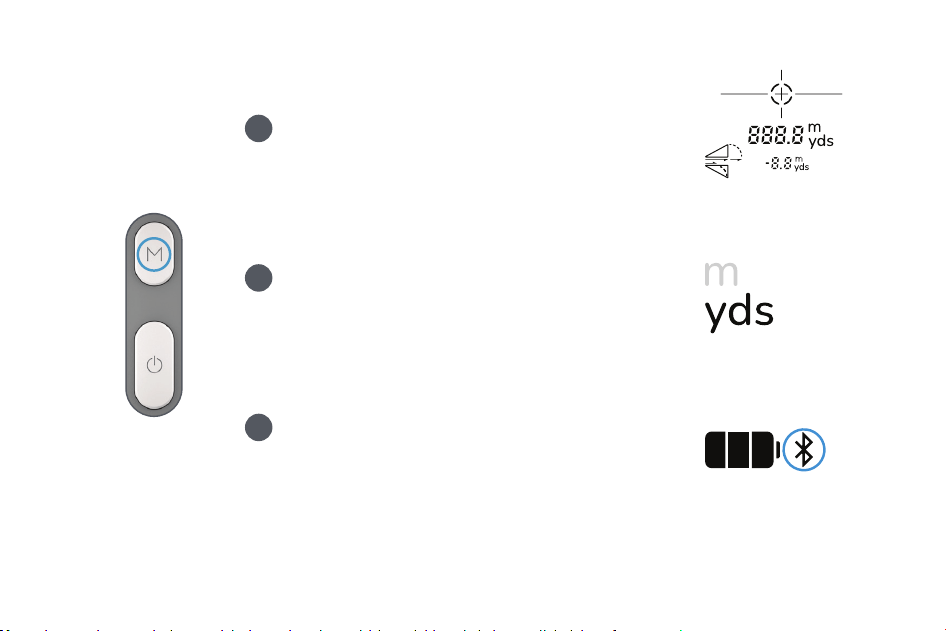
Briefly press the mode button to toggle
the SLOPE MODE on and off.
Press and hold the mode button to change
the units of measurement between
METERS and YARDS.
Mode
5
6
Press and hold the power button and short
press the M button to toggle Bluetooth on /
off.
4
5
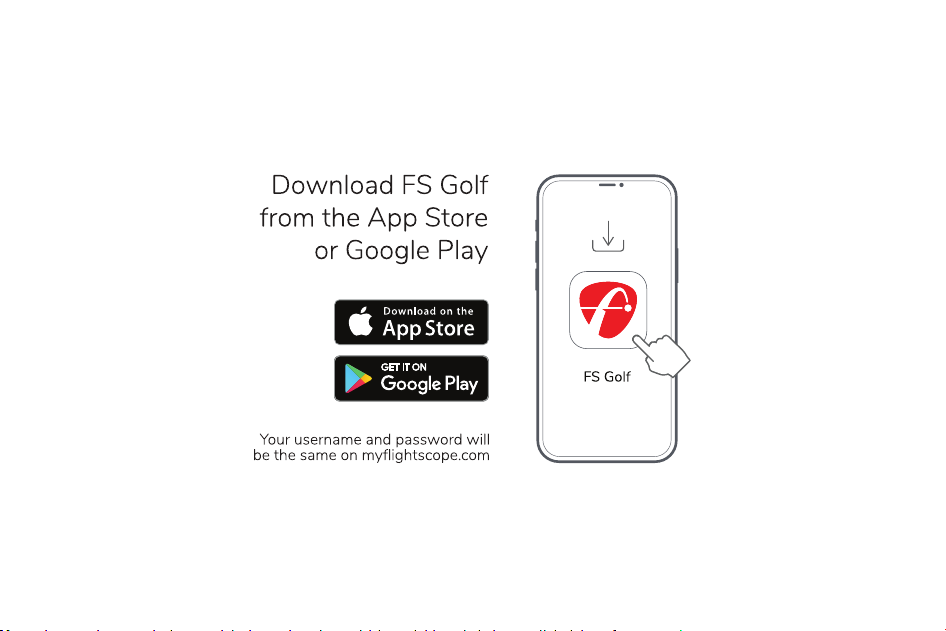
Get the FS Golf App
6

Set up FS Mode
Turn your i4 Rangefinder on and activate
Bluetooth. Now your i4 Rangefinder will
automatically pair with your FS golf profile.
Use your mobile device or tablet to setup your i4
rangefinder for use with FS Mode. Make sure your
smart device’s bluetooth connection is turned on.
Allow location access while using the FS Golf App
for accurate weather and wind conditions and
ensure precise location is turned ON.
On your smart device, open the FS golf app.
Select devices, then select i4 Rangefinder.
Look into the viewfinder and see if FS mode is
active or repeat the pairing process.
3
4
5
7
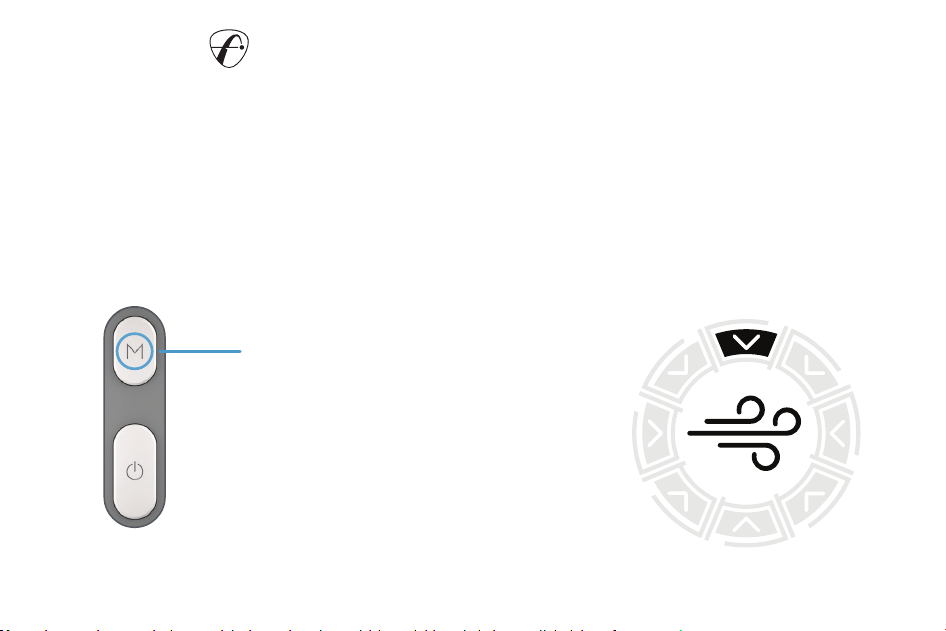
To adjust the wind direction, start by
taking a measurement in FS Mode. Then,
press the mode button briefly to change
the wind direction. The wind direction will
appear at the 12 o’clock position (head
wind) and will rotate clockwwsie with
each press of the mode button.
Toggle Wind direction
FS mode requires your smart device to be nearby (within 30 feet or 10 meters),
running the FS Golf application and having Bluetooth activated on your i4
Rangefinder. When the Rangefinder is switched on, it will return to the same
mode and settings as were used previously. FS mode can be disabled by
simply deactivating Bluetooth.
Operating FS Mode
8
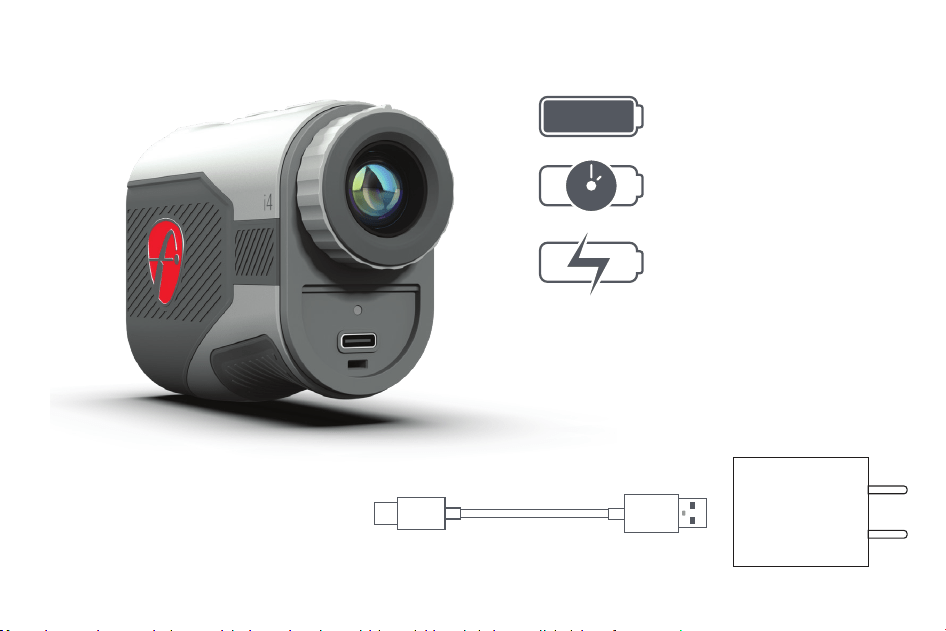
USB-C 40inch
(1m)
USB-A
5V 1A
Power supply
Charging
3.7V 730mAh
500hrs
Estimated charging time
run time
Polymer lithium
2 hours
9
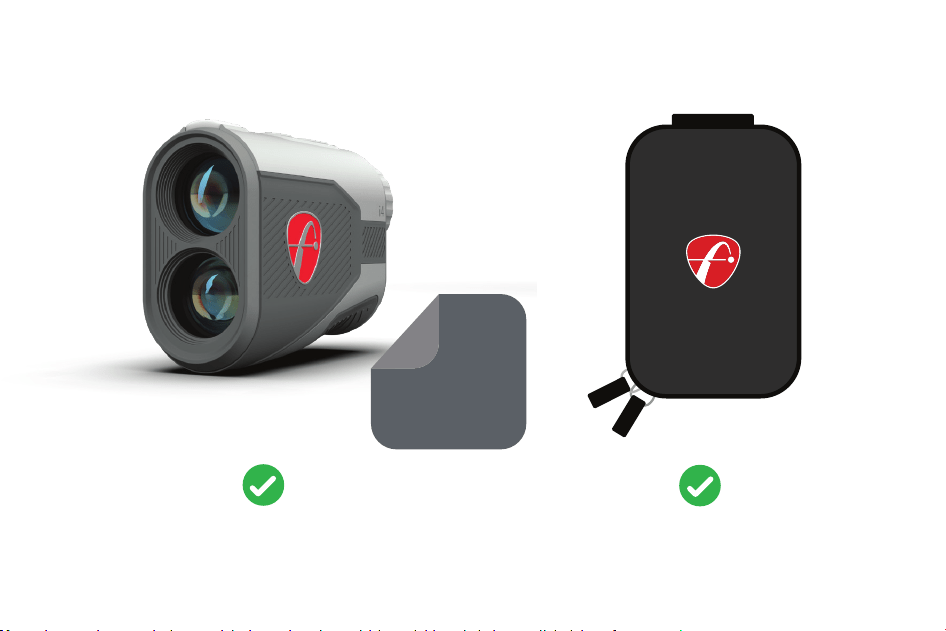
Clean with
microfiber cloth
Store in pouch
when not in use
Care
10
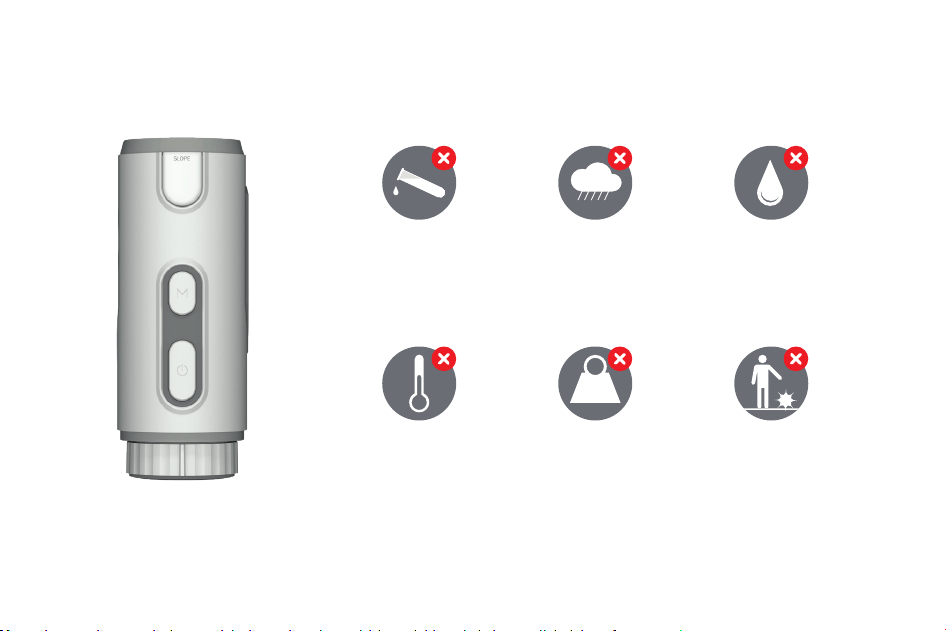
Physical impactFlames and
direct heat
Excessive weight
loading
Moisture,
including rain
Water immersion Solvent Chemicals
Avoid
11
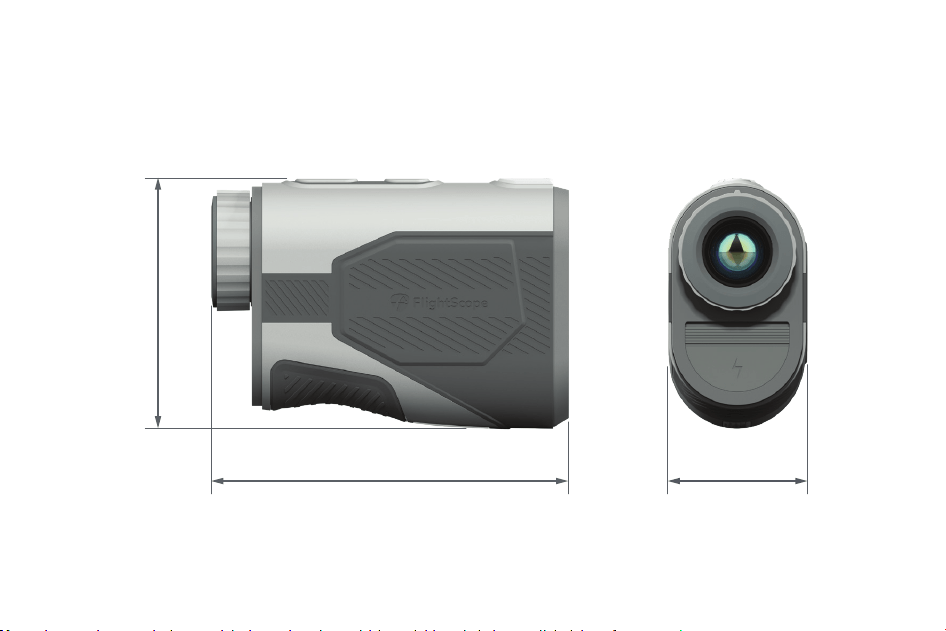
Technical specifications
4.03 inch
102.4mm 102.4mm
2.85 inch
72.6mm
1.57 inch
12
Support
If you need assistance please email our support at
13

14
E19-UF184-ISS2