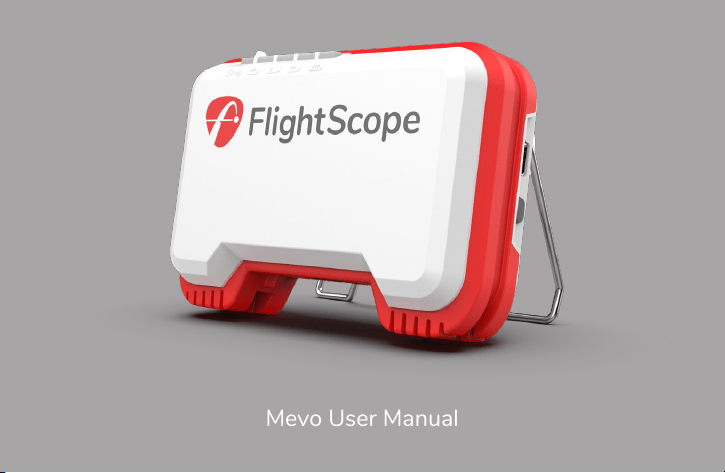
Mevo User Manual
me vo
[mēvō] noun
measure your numbers
evaluate your game
visualize your improvement
optimize your performance
“FlightScope technology is developed to offer you performance data you
can trust in your pursuit of excellence.”
Performance data you can trust
Henri Johnson - Founder & CEO

In the box
Battery warning
The radar
Battery indicators
Status indicators
Get the app
First time setup
Setup
1
2
3
4
5
6
7
10
Charging
Noise
Care
Performance tracking
Support
Technical specs
19
Data 16
20
23
24
25
26
FCC Statement
27
Contents
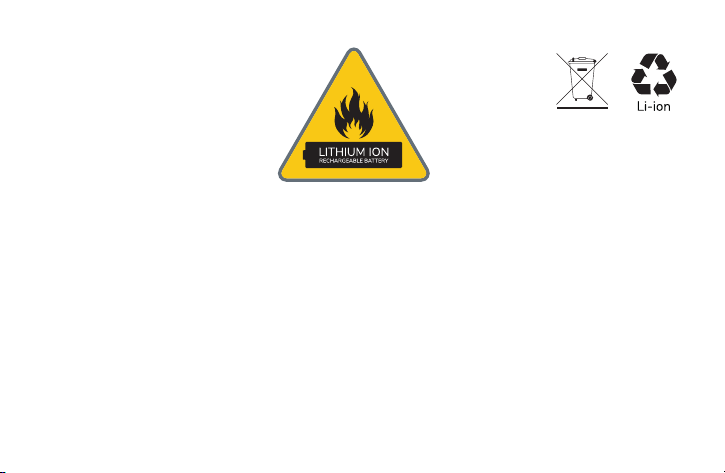
Battery warning
CAUTION: This device contains a Li-ion battery. Do not expose to temperatures below freezing point.
Do not expose to excessive heat. Avoid physical impact, puncture, crushing or dropping. If the unit is
struck by a club or ball, a short circuit or other heat reaction may occur, resulting in a fire.
Do not tamper with the battery pack. Avoid physical damage or stress when removing or inserting the
battery. Do not short-circuit the battery terminals. Maintain battery condition by charging and
discharging regularly, at least every few months.
Use only the included charger and charging cable for best results. If the battery bulges, emits fumes,
or becomes very hot, disconnect it from the charger and replace the battery. Dispose of old batteries in
accordance with applicable waste battery and recycling regulations.
1
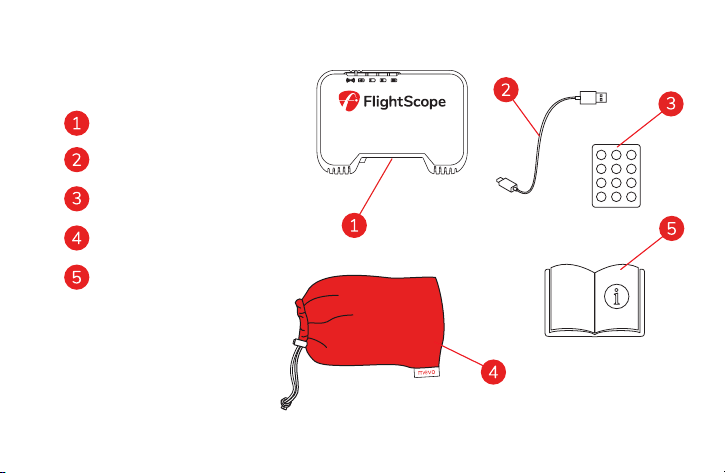
* Refer to page 12
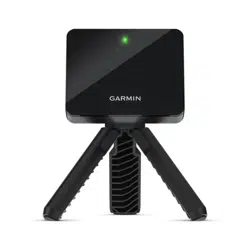
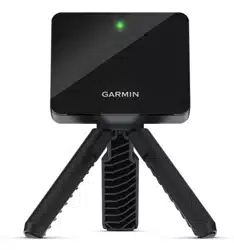
Mevo
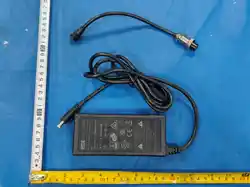
USB charging cable
Aluminum stickers*
Pouch
Manual
In the box
2
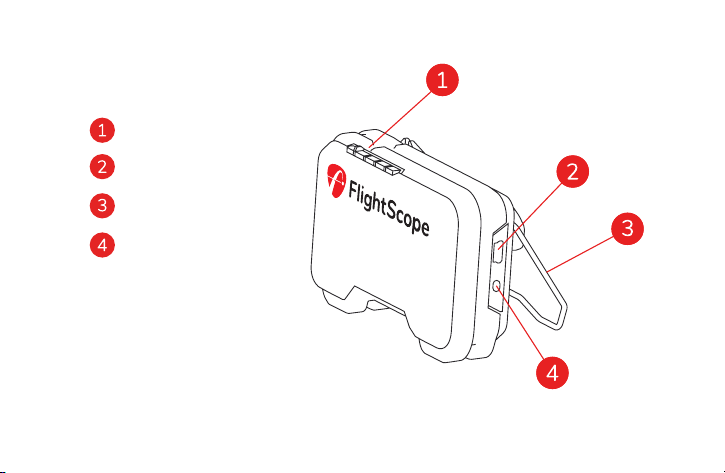
LED indicators
USB
Kickstand
Power button
The radar
3
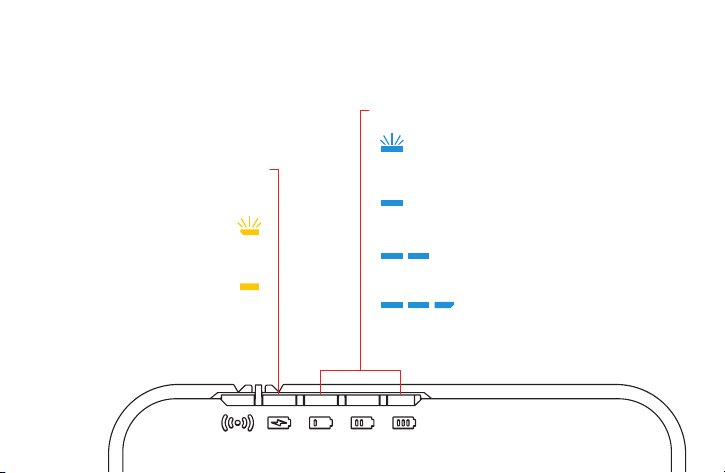
charging status
flashing while charging
solid when fully charged
flashing fast 1-15%
battery 15-35%
battery 35-70%
battery 70-100%
battery status
Battery indicators
4
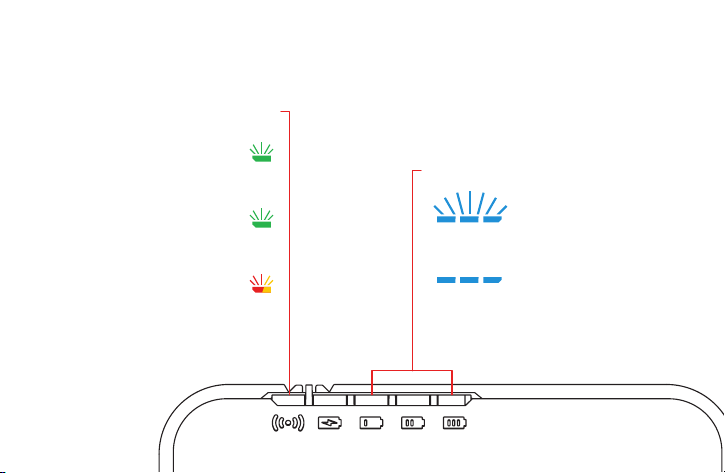
quick flash during start-up
slow flash when idle
flashing red & orange
when armed
radar status
flashing when waiting for connection
solid when connected
bluetooth status
Status indicators
5
Download FS Golf
from the App Store
or Google Play
Your username and password will
be the same on myflightscope.com
Get the App
6
1 2
100%
50%
or more
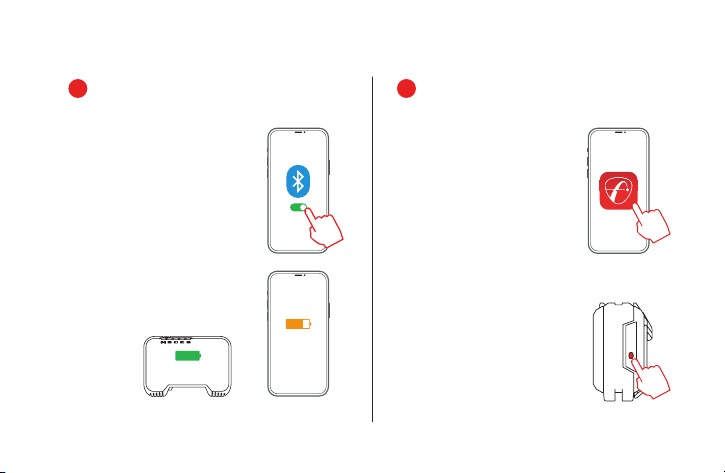
Download and install the FS Golf
app onto your mobile device.
Make sure your mobile device’s
bluetooth is turned on.
Open the FS Golf app on your
phone and log in or sign up.
Press the power button on the
Mevo. The battery indicators will
begin to flash.
Make sure your mobile device and
Mevo are fully charged before
getting started.
First time setup
7
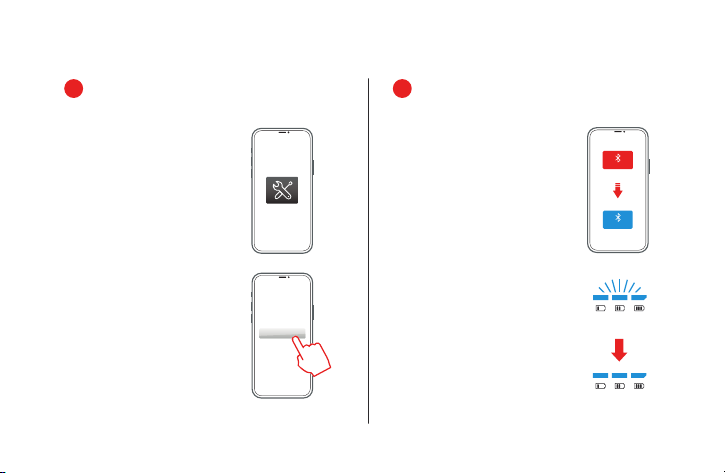
Once connected the bluetooth
icon will switch from red to blue.
The battery lights on your Mevo
will go from blinking to solid.
Press the settings icon in the top
bar of the FS Golf app.
BT discovery
connected
3 4
CONNECTED
Press the ‘Select’ button next
to ‘Devices in Range.’
The FS Golf app will begin
searching for your Mevo device.
DISCONNECTED
Select
8
press
and hold
5 6
You are now ready to start using
your Mevo.
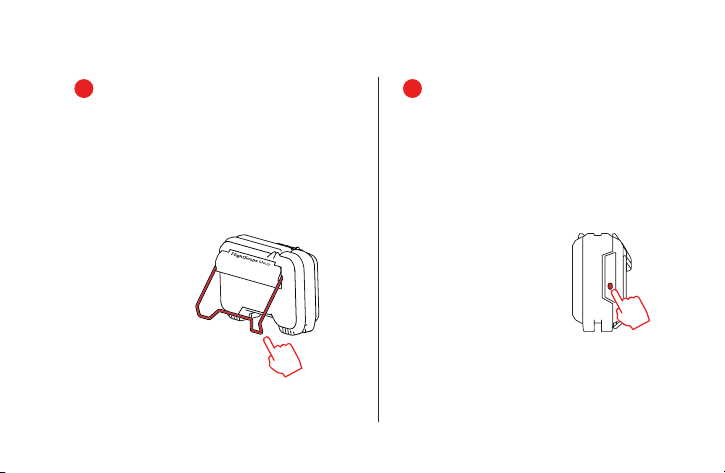
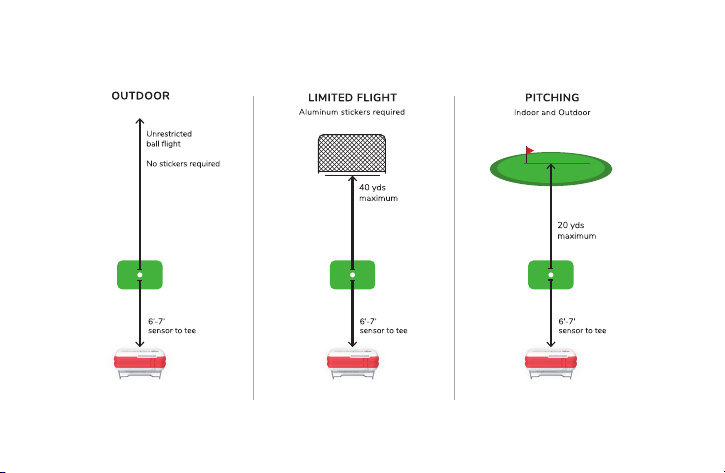
Open the kickstand and place
behind your tee position (see page 10).
When finished with your session,
switch off the Mevo by pressing
and holding the button until all
the indicators are off.
Visit myflightscope.com to
review saved sessions and track
performance.
9
Setup
10
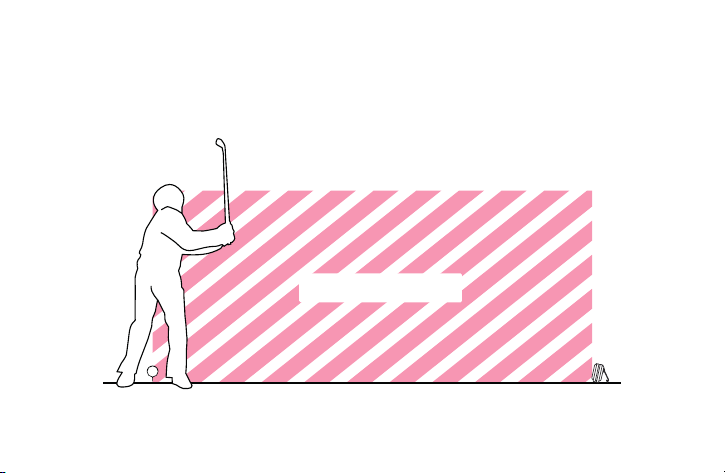
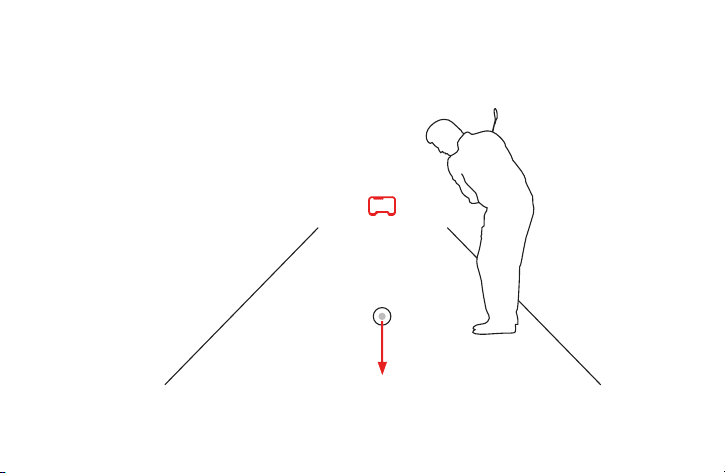
Keep area between Mevo and the tee clear of any objects and people.
KEEP CLEAR
11
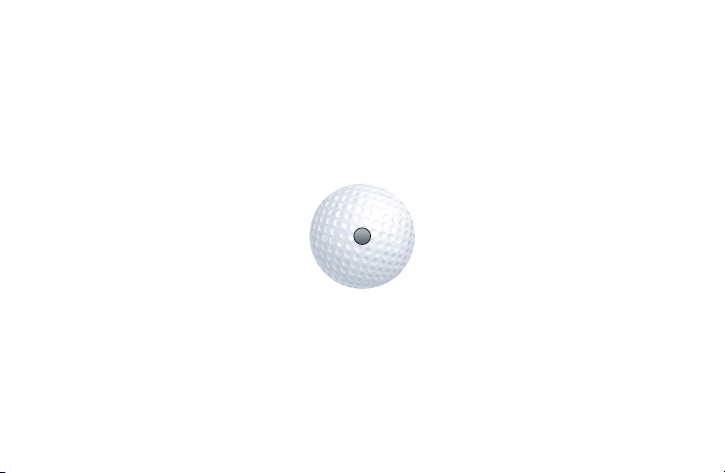
*Place an aluminum sticker on the ball in limited flight environments - see note above.
To order additional stickers: go to flightscope.com
When hitting outdoors in an unrestricted ball flight environment, aluminum
stickers are not required. To enjoy optimal spin accuracy in a limited flight
environment (indoors or into a net indoors or outdoors), place an aluminum
sticker on the ball to ensure spin accuracies only attainable by scientific
instruments.
12
aluminum sticker
facing forward
When using an aluminum sticker on a ball, aim the
sticker away from the radar.
13
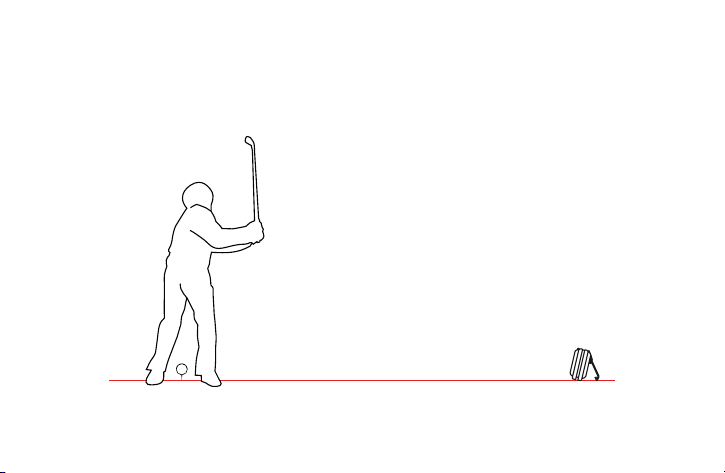
For accurate tracking, Mevo must be level with the launch position.
14
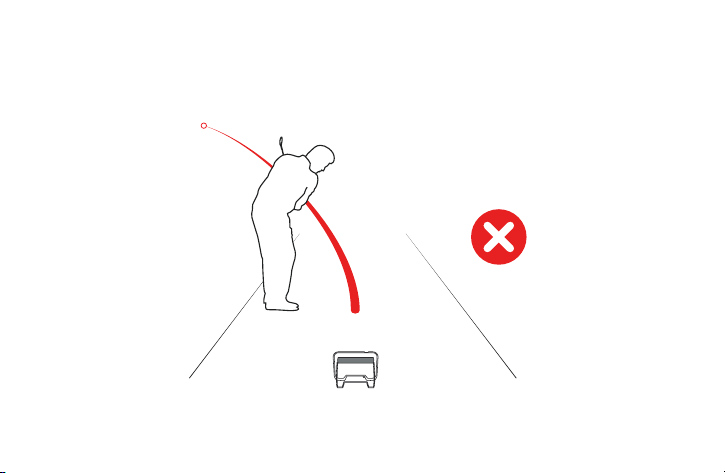
Extremely low and wide shots, and shots that pass behind the player
might not be displayed.
15
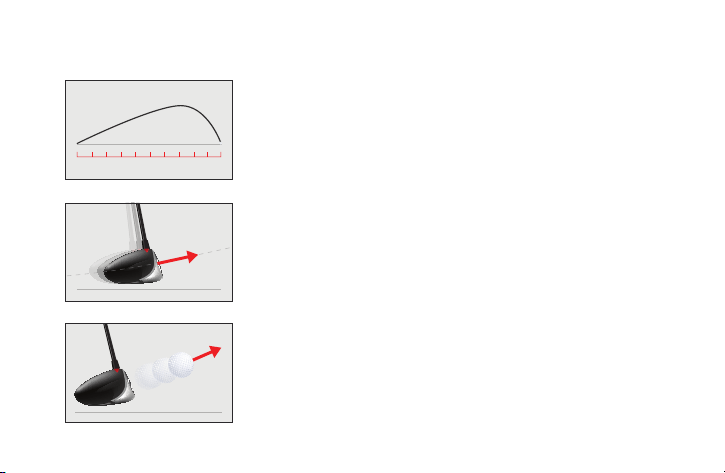
Carry Distance
Club Speed
Ball Speed
The landing distance of the ball from the tee.
Knowing your carry distances allows you to work on consistency and club
gapping with every club in the bag.
The speed of the club measured at impact with the ball.
Improve distance and spin control by learning how to make more
controlled swings when needed. Club speed has the biggest effect on ball speed.
The launch speed of the golf ball.
This is directly by club speed and quality of strike. Higher club speed
does not necessarily mean higher ball speed if the ball is not hit correctly. Ball speed
has the biggest effect on carry distance.
Data
16
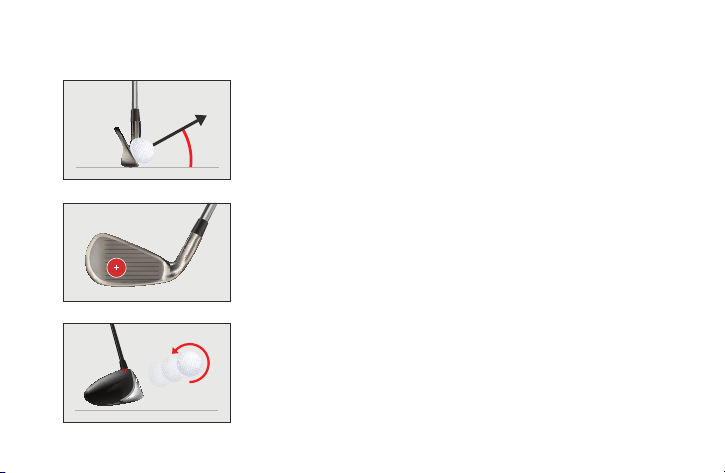
Vertical Launch
Smash Factor
Spin Rate
The angle at which the ball is launched relative to the horizontal plane.
Knowing this helps improve optimal launch angles for different clubs in
various shot & weather scenarios.
This is the ball speed divided by the club speed.
This indicates the quality of the strike. Higher club speed does not necessarily
mean higher ball speed. Striking in the ‘sweet’ spot of the club - the higher the ratio,
the better the strike.
The number of rotations per minute of the ball at launch.
Spin rate has a major influence on carry distance and apex height of a shot.
Learn how to control your shots by understanding your spin rate. Spin also effects
the ball’s behavior when it lands producing rolling &/or stopping depending on spin rate.
17
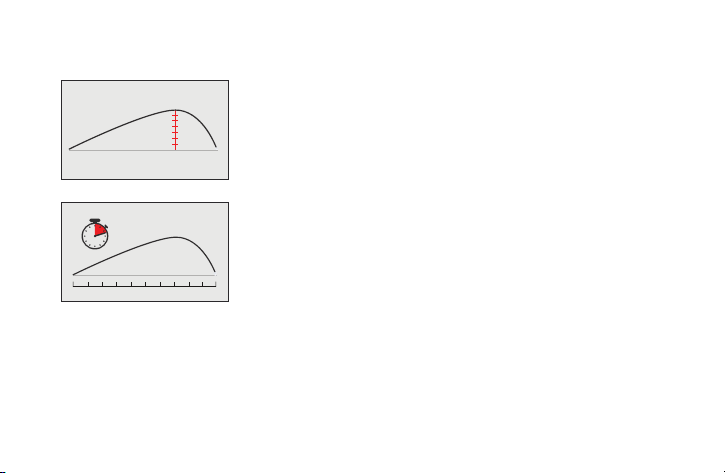
Apex Height
The height from the ground at the highest point of the shot.
Flight Time
The amount of time the ball spends in the air, measured in seconds.
18
OR
100%
lasts
up to
4hrs
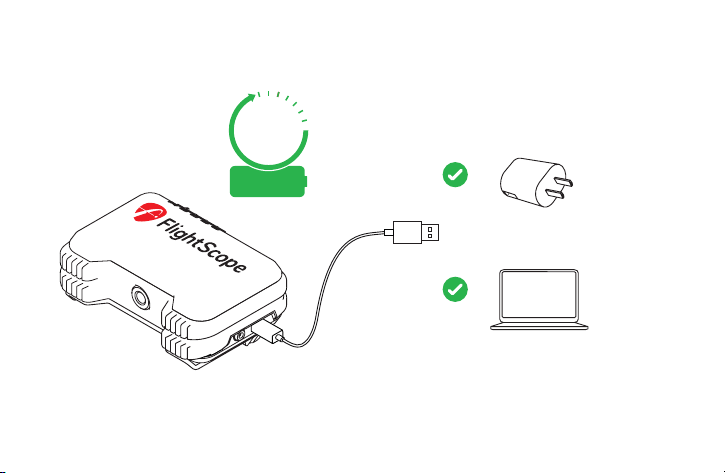
Use the cable provided to charge your Mevo.
Connect to a suitable USB socket or charger.
With a PC desktop or laptop,
charge for 2hrs for a full charge.
With 5V output, charge for
2hrs for a full charge.
Charging
19
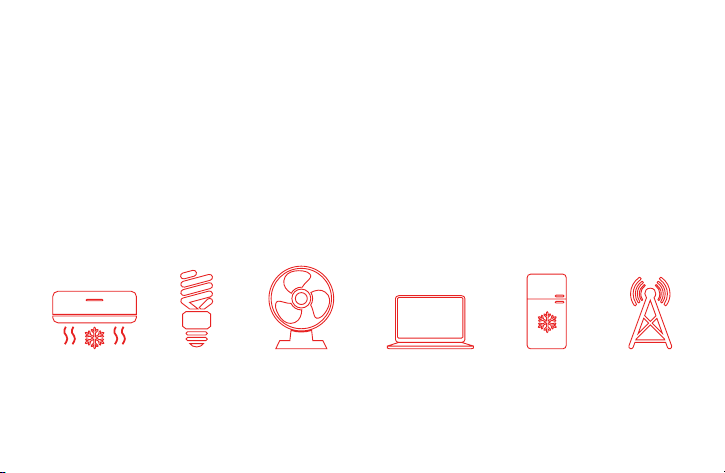
Mevo is a sensitive measuring instrument designed to operate in most
environments. However, certain things in the background can create noise
that can interfere with tracking.
fluorescent
lights
fans tv’s, laptops &
desktop computers
in front of the Mevo
fridges signal
towers
aircon
Some common noisy objects are:
Noise
20
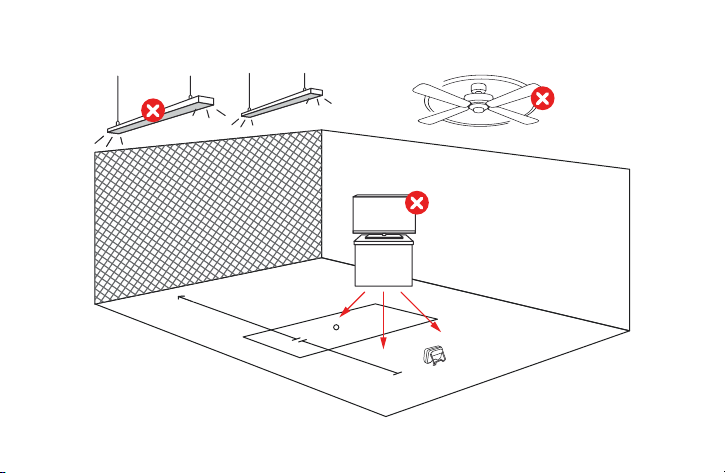
Fluorescent Lights Rotating machines, fans
21
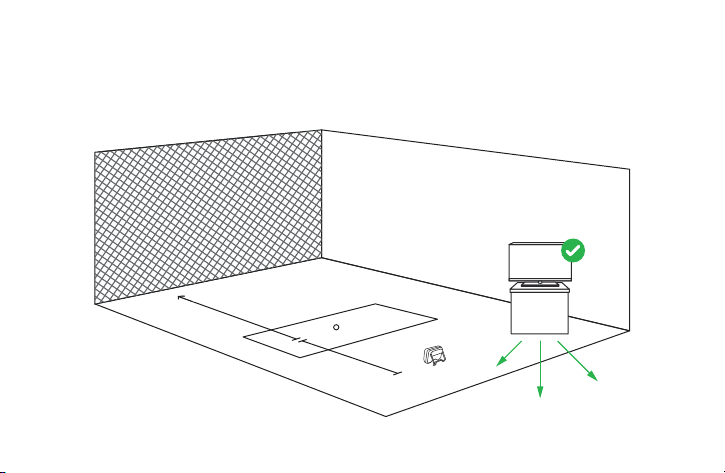
Keep area clear of possible noise interference. Make sure to move
electronic devices behind Mevo as far as practical.
22
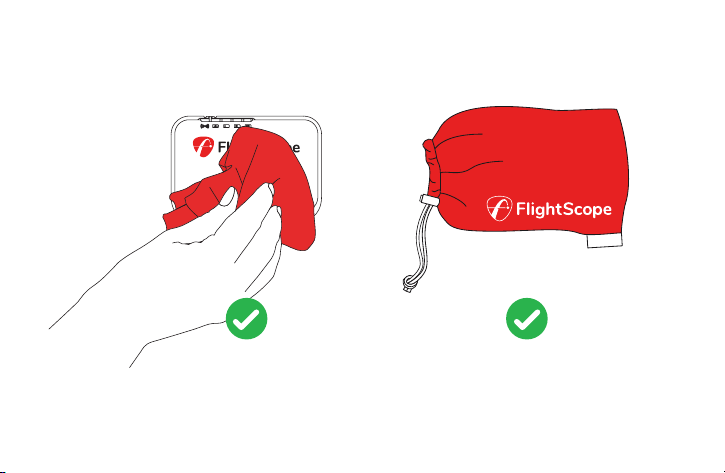
Mevo
Clean with
damp cloth
Store in pouch
when not in use
Care
23
Performance tracking
Visit myFlightScope.com to analyze and track your data performance over time.
Join the myFlightScope.com community and connect with fellow golfers to read performance stats.
Keep track of your stats over time, spot trends or tendencies and see how you have improved.
myFlightScope.com
24
Support
25
Technical Specifications
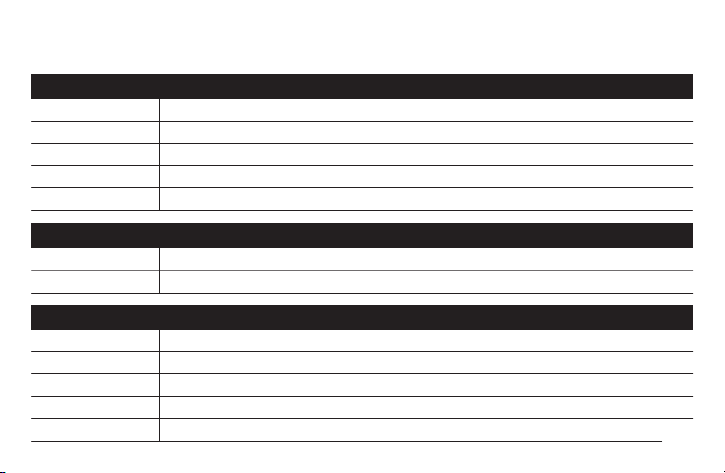
transceiver
bluetooth
electrical, physical and general
operating frequency
operating power (EIRP)
antenna gain
carrier modulation
detection method
24.125 GHz (Nominal). Fixed factory-set frequency in 24.075 ~ 24.175 GHz range (US/ FCC)*
20 dBi (+/-2dB)
CW/ None (NON)
14 dBm (25mW) typical
doppler velocity measurement
output power
operating frequency
operating temperature
dimensions
mass
power supply
2.4 GHz
-20 dBm to +4 dBm in 4dB steps
0°C ~ 40° C / 32° F to 100° F
Approx. 90mm x 70mm x 30mm / 3.55” x 2.76” x 1.18”
Approx 200g / 7oz
Bluetooth ® Low Energy
5V DC +/- 5%; current <1A, 500mA or more
data interfaces
26

FCC Statement: Changes or modifications not expressly approved by FlightScope (Pty) Ltd could void the user’s authority to
operate the equipment. This equipment has been tested and found to comply with the limits for a Class digital device, pursuant to
part 15 of the FCC rules. These limits are designed to provide reasonable protection against harmful interference in an office or
residential installation. This equipment generates, uses and can radiate radio frequency energy and, if not installed and used in the
accordance with the instructions, may cause harmful intereference to radio communications. However, there is no guarantee that
interference will not occur in a particular installation. If this equipment does cause harmful interference to other electronic
equipment, which can be determined by determined by turning this equipment off and on, the user is encouraged to try to correct
the interference by one or more of the following measures: Increase the seperation between the equipment causing and
experiencing the interference. Install a radio frequency shield between the equipment causing and experiencing the interference.
Consult your dealer for help.
This device complies with Part 15 of the FCC Rules. Operation is subject to the following two conditions:
[1] This device may not cause harmful interference.
[2] This device must accept any interference received, including interference that may cause undesired operation.
IC Statement: This device complies with Industry Canada license-exempt RSS standards. Operation is subject
to the following conditions: [1] This device may not cause harmful interference, and [2] this device must accept any interference
received, including interference that may cause undesired operation of the device.
Declaration IC: Le present appareil est conforme aux CNR d’Industrie Canada applicables aux appareils radio exempts de Licence.
L’exploitation est autorisee aux deux conditions suivantes: [1] l’appareil ne doit pas produire de brouillage, et [2] l’utilisateur de
l’appareil doit accepter tout brouillage radioelectrique subi, meme si le brouillage est susceptible d’en compromettre le
fonctionnement.
E19-JP547-ISS18.2
27

@flightscopegolf