CFHSO0510- Installation Guide
1.1
support@cleverfamilyhomes.com
cleverfamilyhomes.com/power-protection
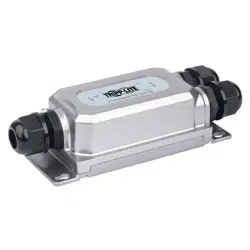
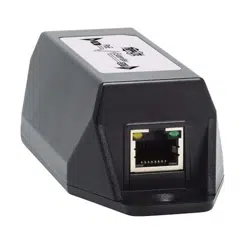
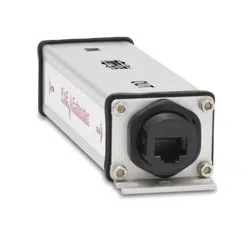
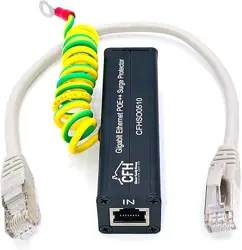
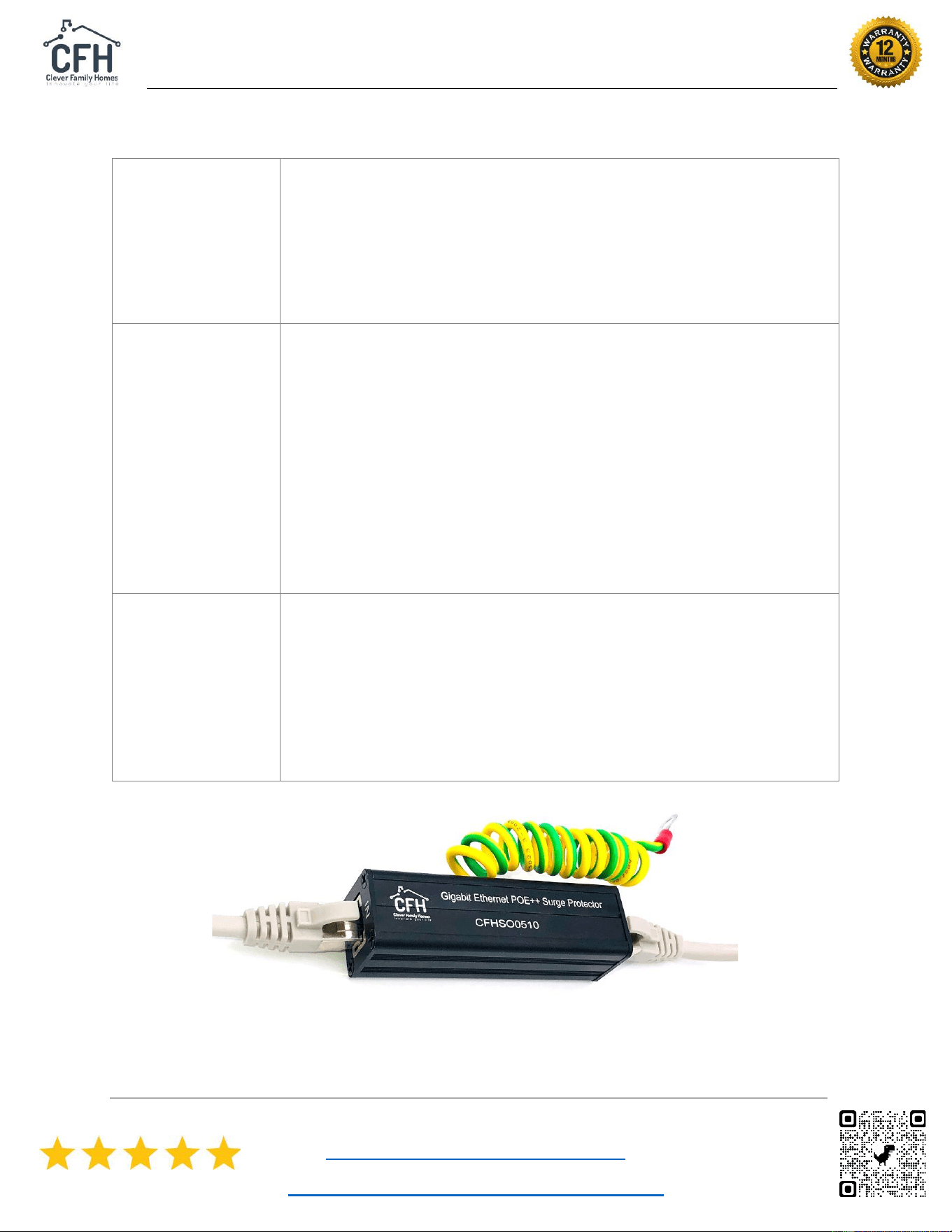
⚡ Ethernet Gigabit POE++ Surge Protector Kit with CAT
6a Jumper Cable and Ground Wire.
Contents:
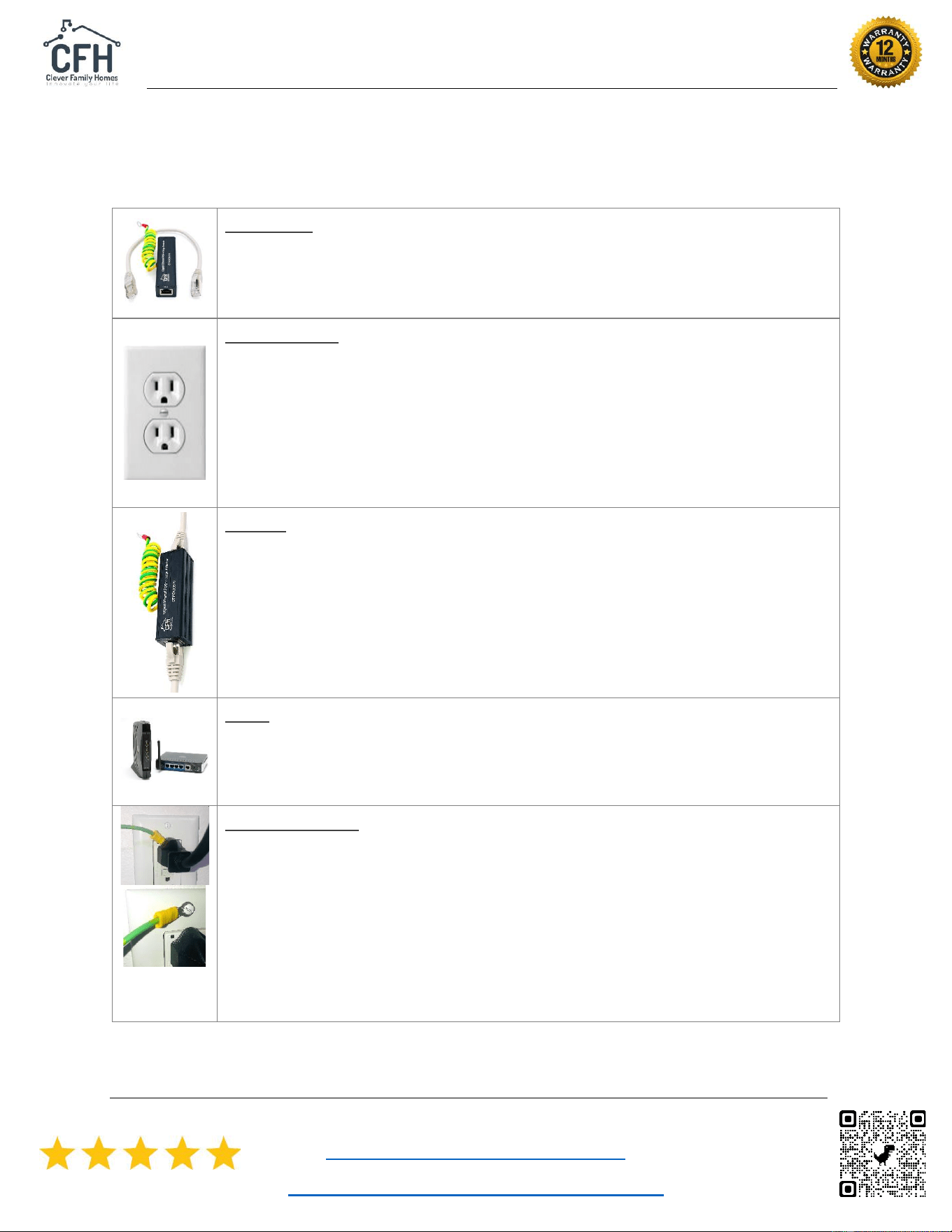
• One Ethernet POE++ SPD.
• 1-foot Cat 6a jumper cable.
• 2-foot AWG 14 ground wire.
Preparation:
• This SPD needs to be installed as close as possible to the device
to be protected using the 1-foot Cat 6a jumper cable.
• Find the best ground point: a wall outlet or device case screw
(Modem, Router, Switch etc.). Check that the connection is
properly grounded. For wall outlets, use a “outlet tester”. For
devices, check with the vendor or perform an ohm test <= 5.
Install:
• Insert the network CAT cable into the IN port.
• Connect one end of the CAT 6a 1-foot jumper lead onto the OUT
port of the protector and the other end onto the device RJ45
connection.
• Don’t bother installing and connecting the complete ground wire
until you have tested the connection.
Test:
• Connect the device and check that the data quality and speed is
ok and same as before. If there is any distortion or degradation,
see the troubleshooting guide over the page.
Ground install:
• Connect the free end of the ground wire to a wall outlet or screw
onto the metal case of a device (make sure it’s grounded).
• If using a wall outlet: (1) thread the #10 ring terminal over the
large round ground prong of a plug, (2) You can use one of the
wall socket plate screws if grounded or (3) you can also wire the
ground wire directly to the wall socket ground. We recommend
disconnecting the power and using an electrician for this.
CFHSO0510- Installation Guide
1.1
support@cleverfamilyhomes.com
cleverfamilyhomes.com/power-protection
Troubleshooting
A – After install,
No power/data,
distortion,
degradation etc.
• Make sure the IN/OUT RJ45 connections are inserted
correctly and are nice and tight.
• Re-test again using the original direct connection. Try
another CAT 6a jumper cable.
• If you can, try another network cable.
• If there are still problems, return or replace the protector.
B – After surge,
No power/data,
distortion,
degradation etc.
• Power surges can be excessive, and the protector can get
damaged in the line of duty. Sometimes you don’t even
know it has happened.
• Usually the protector can withstand several power surges,
but if the protector continues to fail, check the CAT cable
connections (they can get damaged). Check the direct
connection still works and then replaced the jumper lead.
• If the protector continues to fail, it has done its job and
it’s time to order another one. It’s also useful to keep
replacements handy.
Warranty and
Replacement.
• All parts and workmanship are under warranty for 12
months from time of purchase. If within this time, the
protector is not operating as expected under normal
consumer conditions, then it may be replaced or
refunded at no cost. Go through your store or contact
Clever Family Homes Support with the order id,
name/address, and date (attach packing slip if possible).
We love feedback and reviews. Please help us improve.