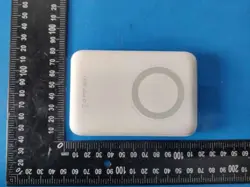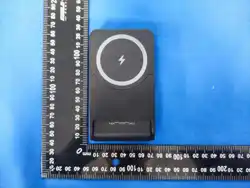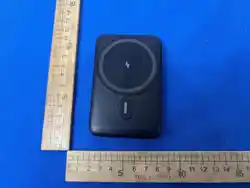
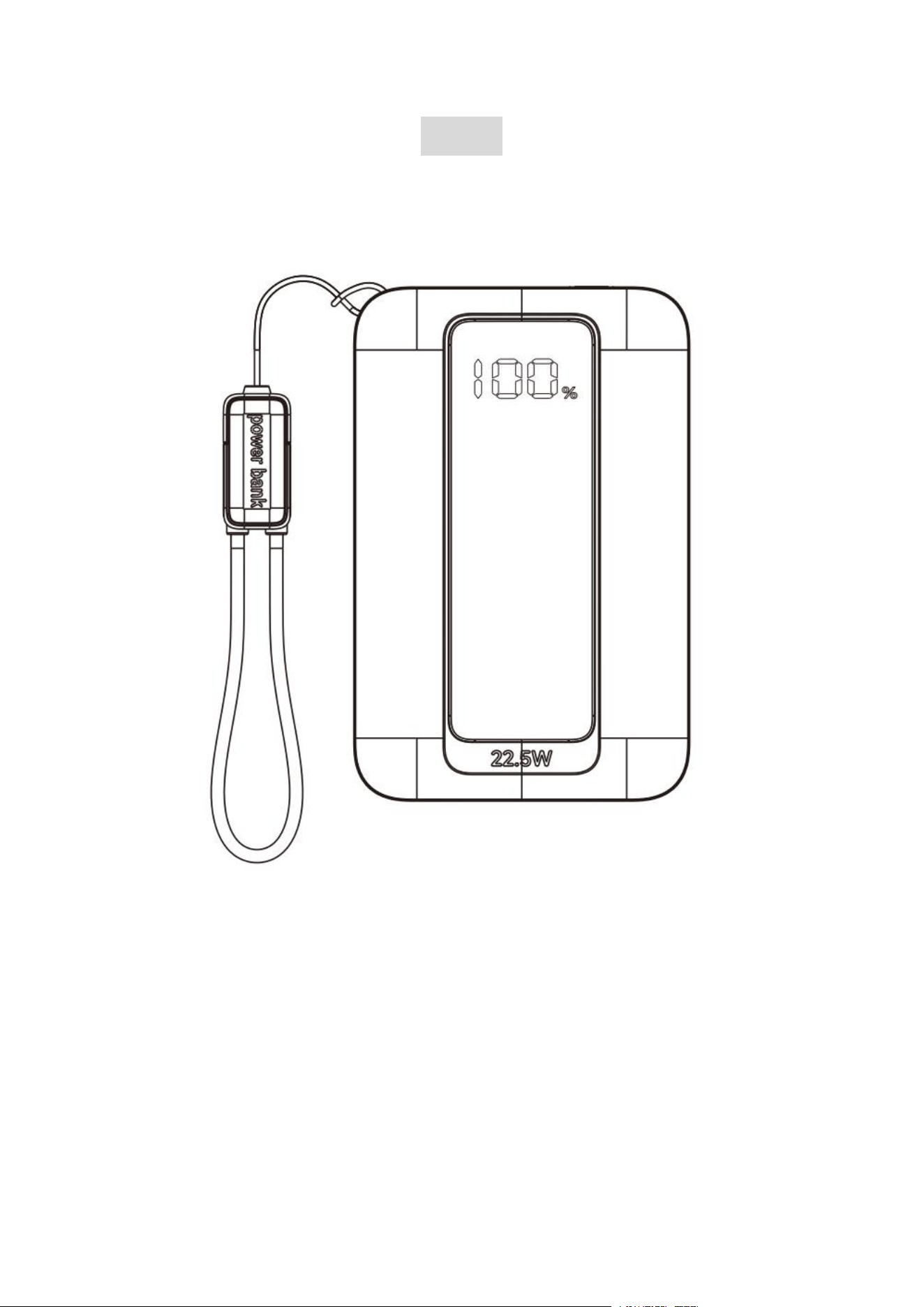
A106
USER MANUAL
2
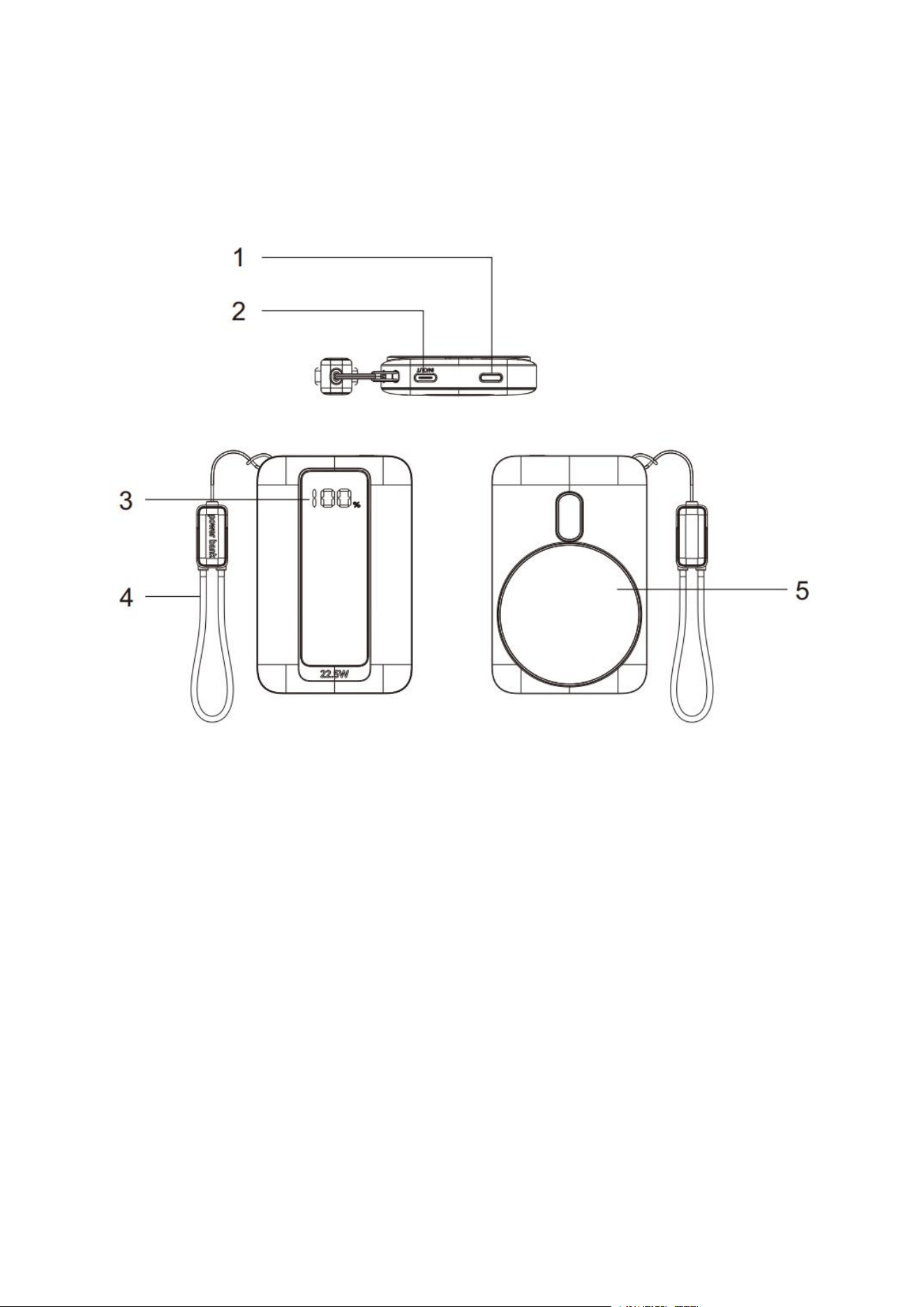
Product Introduction
1.power button
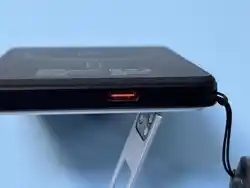
2.USB-C Input/output
3.Power Indicator Light
4.USB-C cable output
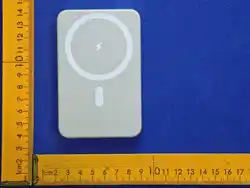
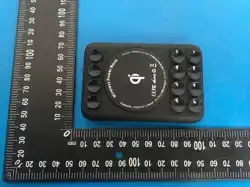
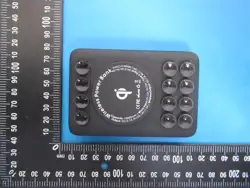
5.Wireless Charging Output
3
Preface
Dear users, thank you for purchasing our products. In order to
further understand the product, please read this manual
carefully before use. Wish you a happy experience!
Specification
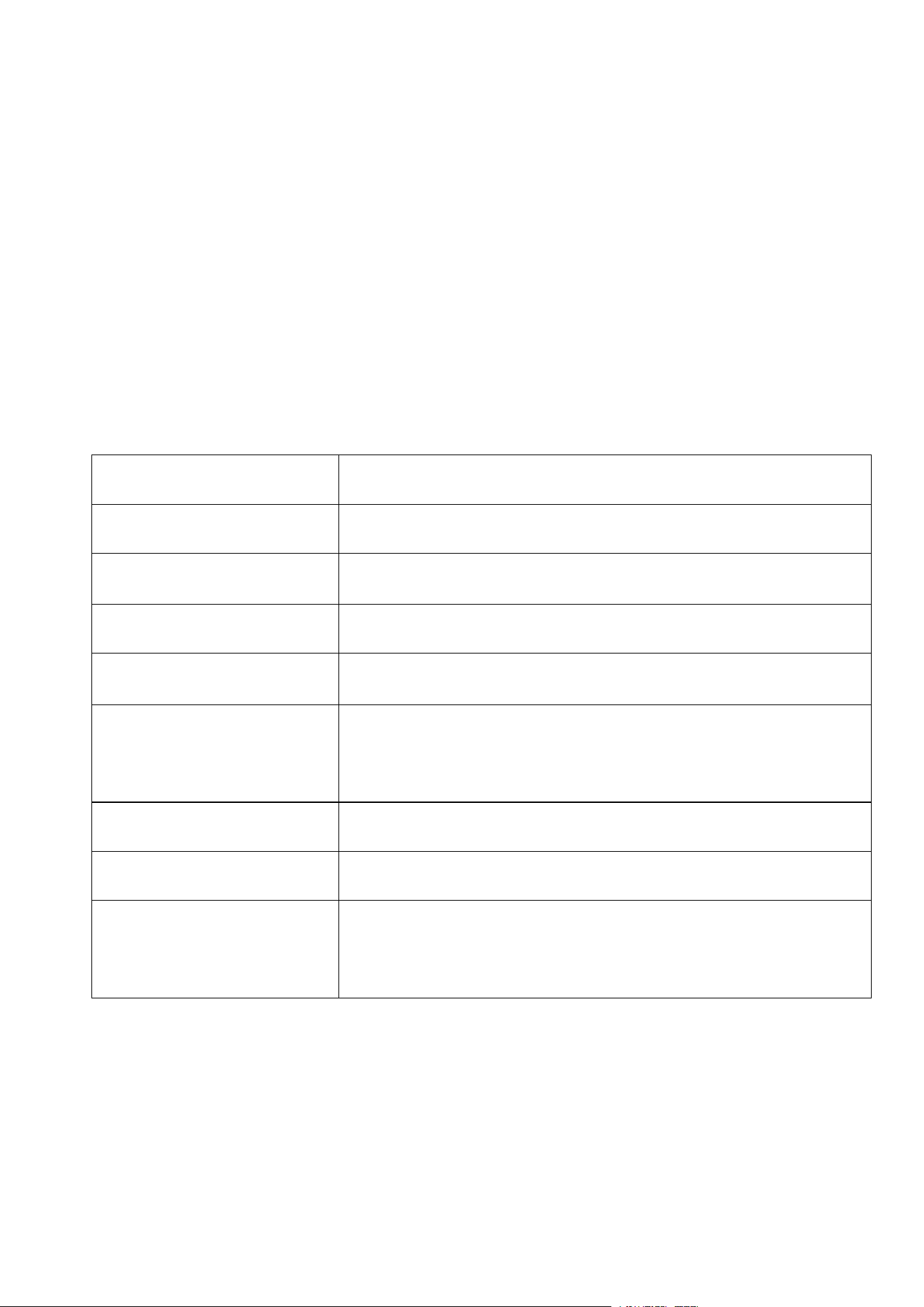
Product Name
Power Bank
Model
A106
Battery Capacity
5000mAh(18.5Wh)
Type-C Input
18W
Type-C Output
22.5W
Wireless Charging
Output
7.5W
Product Size
64.00*98.10*16.05mm/2.52*3.86*0.63 in
Product Weight
Packing List
Power Bank*1,User Manual*1,
USB Cable*1
4
How to Use Magnetic Wireless Power Bank?
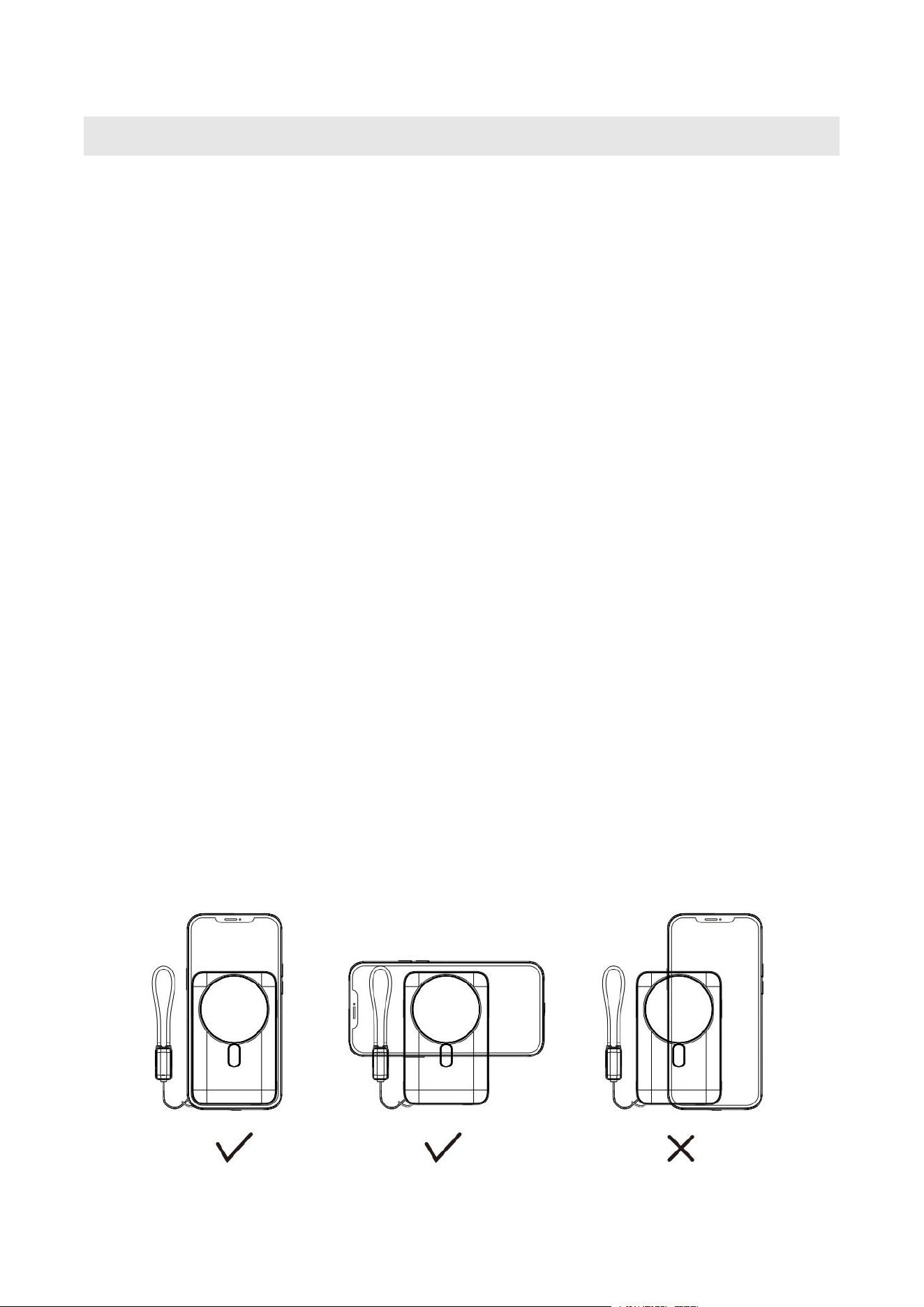
1.Placement of Equipment
Align the back of the phone for wireless charging to the po
wer bank (as shown below). to ensure a tight fit between t
he two.
Avoid misalignment, otherwise it may cause charging inte
rruption or reduced efficiency.
2.Start to Charger
After successful connection, the power bank and phone sc
reen will display the charging status (such as the indicator
light being constantly on and the phone popping up a char
ging prompt).
If there is no response, try adjusting the phone position or
restarting the power bank.
5
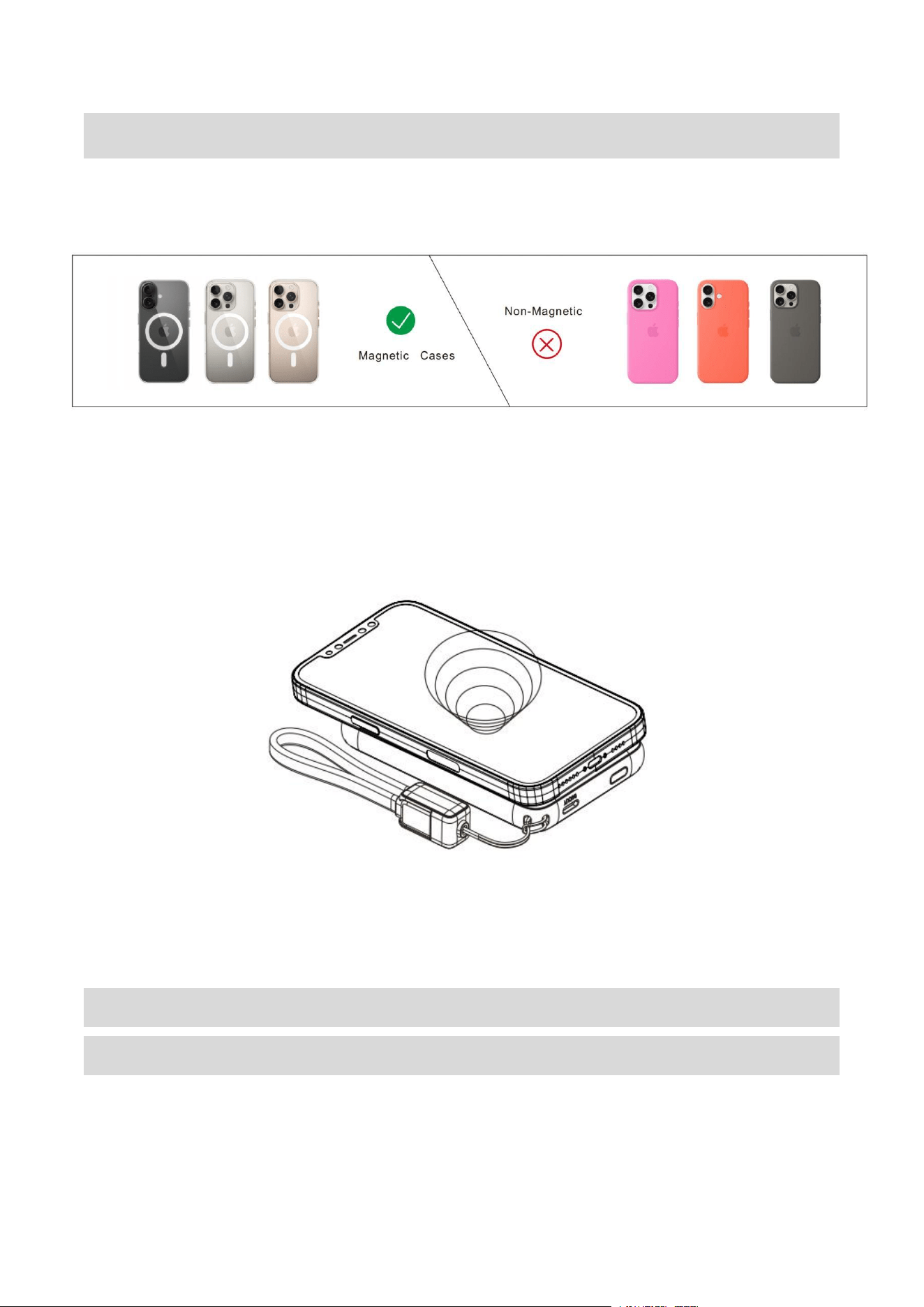
⚠ Attention
1.NOT Compatible with Non-Magnetic Phone Cases.
2.Magnetic Wireless charging only for the iPhone 12 ~16
Series or later.
Multiple Charging Mode with the Detachable
Lanyard Cable & USB-C Port
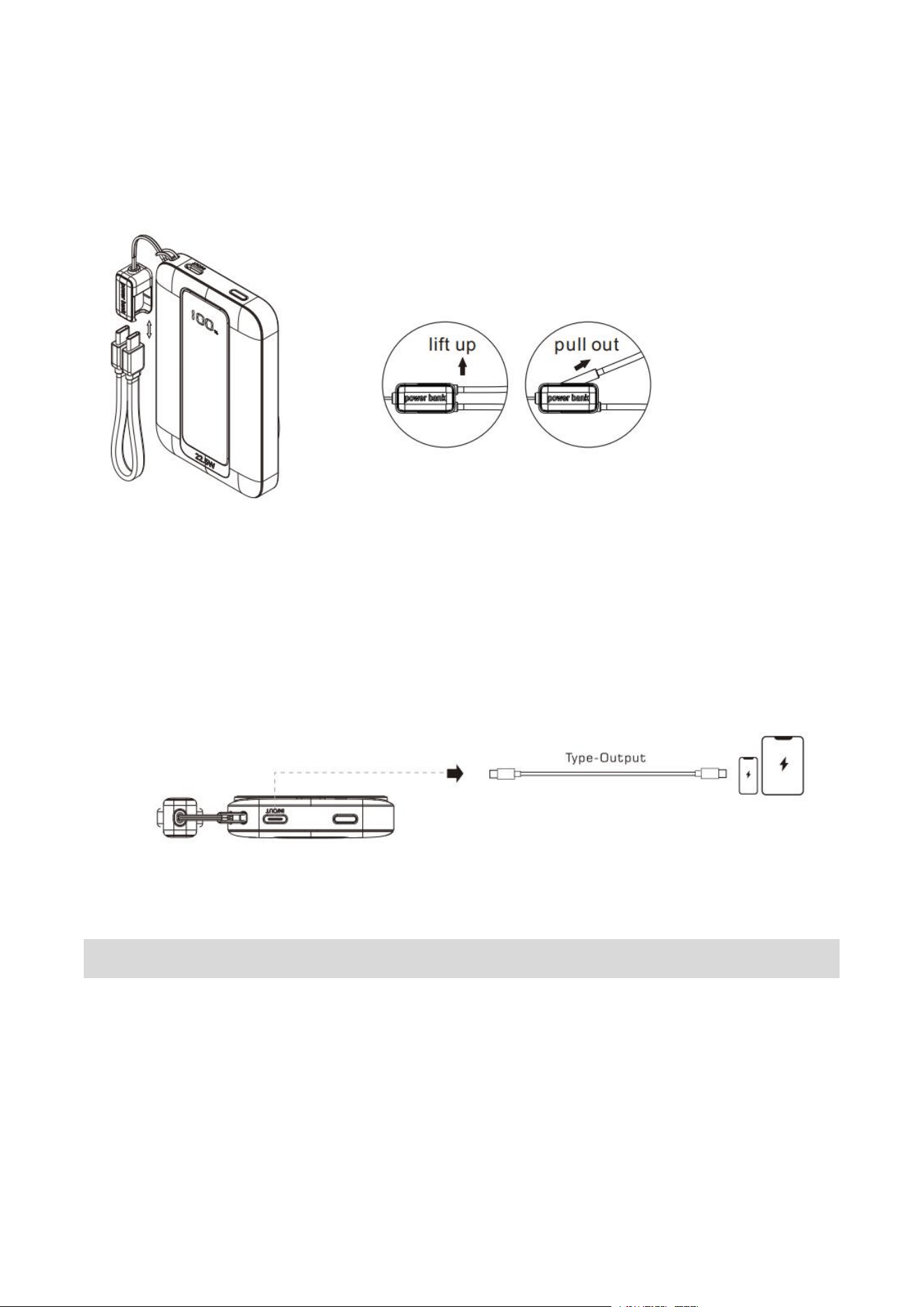
1.Charge Through The Detachable Lanyard Cable:
6
Connect the cable that comes with the power bank into your
phone.
2.Charge Through USB Output Ports:
Take out the charging USB cable that coming with your
phone, connect the correct port to the power bank and your
phone respectively.
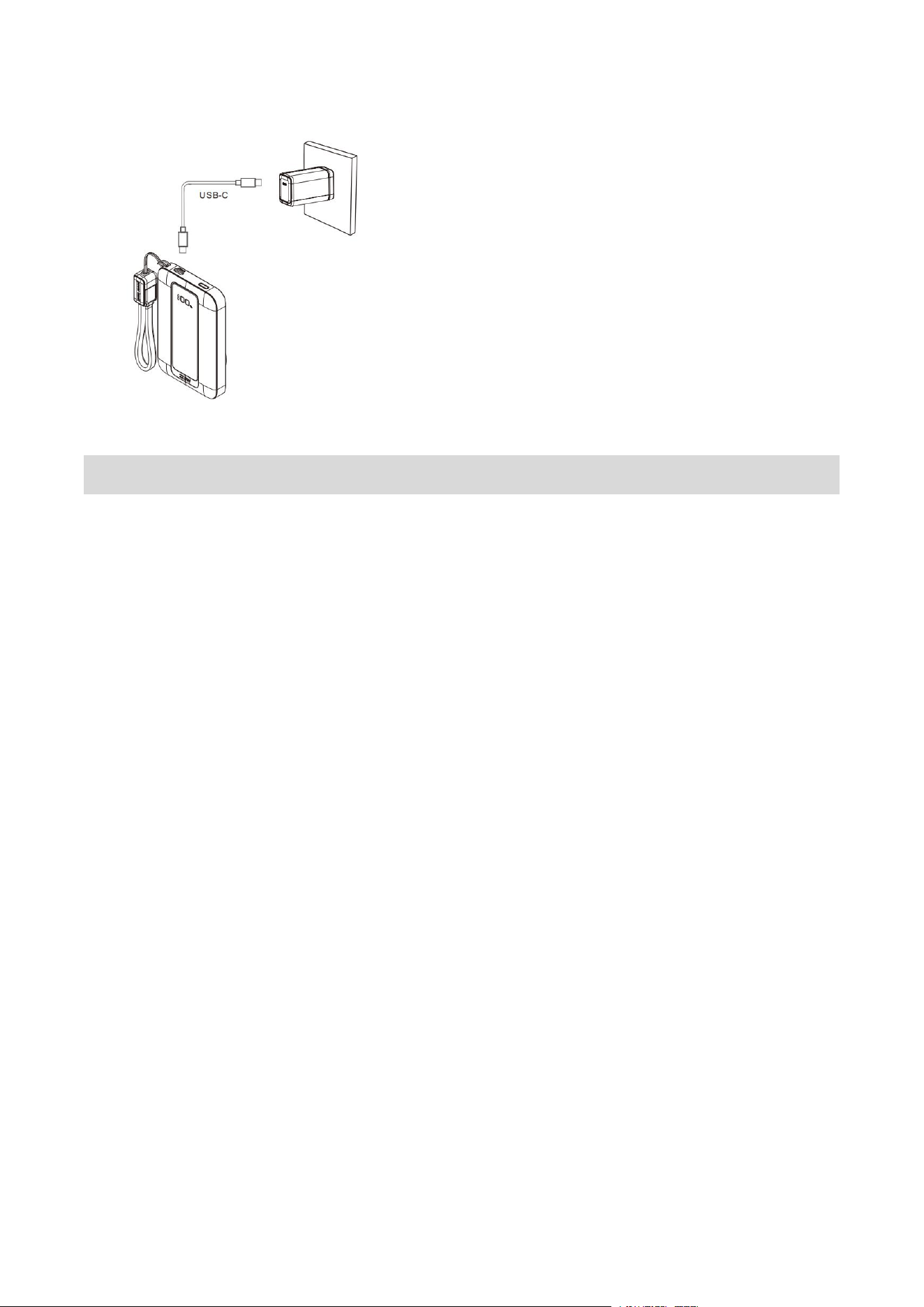
How to Recharge the Power Bank
Recharge Through Type-C Input Port
Please use the included charging cable to connect the pd
port of the power bank and an AC adapter or a power
supply device with a USB-C jack(such as a PC).
7
Notice
1. The AC adapter is not included in the package.
2. For faster charging, please recharge the power bank using an
adapter with 18W or higher power output.
3. The included charging cable is used to charge your devices or
recharge the power bank.
4. When charging or discharging, some heat may be generated
due to energy loss during transmission. This is normal.
5. Replacement of a battery with an incorrect type that can defeat
a safeguard (for example,in the case of some lithium battery
types).
6. Disposal of a battery into fire or a hot oven, or mechanically
crushing or cutting of a battery, that can result in an explosion.

8
7. leaving a battery in an extremely high temperature surrounding
environment that can result in an explosion or the leakage of
flammable liquid or gas.
8. A battery subjected to extremely low air pressure that may
result in an explosion or the leakage of flammable liquid or gas.
9. When disposing of secondary cells or batteries, keep cells or
batteries of different electrochemicalsystems separate from
each other.
10. Operating temperature should be between 32℉ to
104℉/0℃to 40℃.
11. Recommended storage temperature: 15°C–25°C (59°F–77°F),
humidity 45%–75% RH.
12. For long-term storage, maintain a state of charge (SOC) of
40%–60%.
13. Do not expose to temperatures above 60°C or below -20°C
for extended periods.
14. If the battery is hot or abnormal,please discontinue use
immediately.
15. If the product is not being used a long time,it should be
charged and discharged every three months.
After-sale Service

9
If you have any questions about the product, please contact us via
this email: support02603@163.com. We will be glad to assist you.
FCC Statement
1.This device complies with Part 15 of the FCC Rules. Operation is
subject to the following two conditions:
(1)This device may not cause harmful interference.
(2)This device must accept any interference received, including
interference that may cause undesired operation.
2.Changes or modifications not expressly approved by the party
responsible for compliance could void the user's authority to
operate the equipment
Note: This equipment has been tested and found to comply with
the limits for a class B digital device,pursuant to Part 15 of the FCC
Rules. These limits are designed to provide reasonable protection
against harmful interference in a residential installation.
This equipment generates uses and can radiate radio frequency
energy and,if not installed and used in accordance with the
instructions,may cause harmful interference to radio
communications.However,there is no guarantee that interference
will not occur in a particular installation.if this equipment does
cause harmful interference to radio or television reception,which

10
can be determined by turning the equipment off and on,the user
is encouraged to try to correct the interference by one or more of
the following measures:
Reorient or relocate the receiving antenna.
Increase the separation between the equipment and receiver.
Connect the equipment into an outlet on a circuit different
from that to which the receiver is connected.
Consult the dealer or an experienced radio/TV technician for
help.
The device has been evaluated to meet general RF exposure
requirement.
The device can be used in portable exposure condition without
restriction.