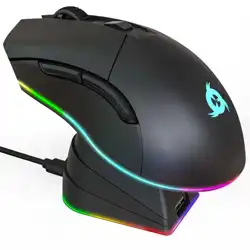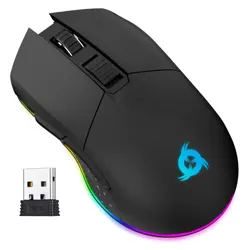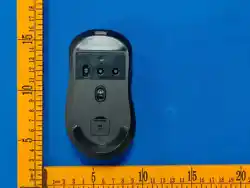
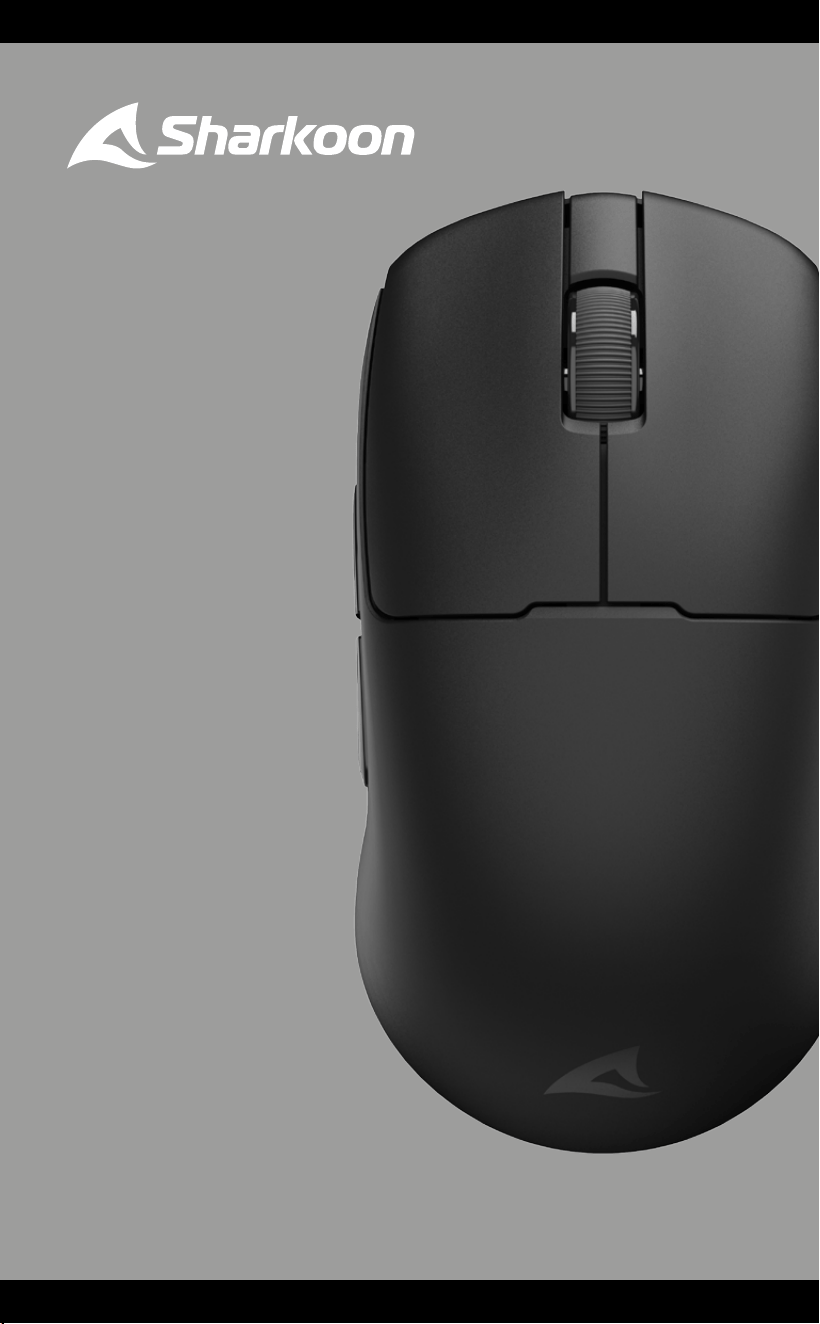
SKILLER
SGM70W
Manual

Safety Instructions
This device is intended as a mouse for use on a PC in dry indoor areas. For
your own safety, always follow the instructions below and make sure that the
device is not damaged before use. In addition, only use compatible cables
and authorized accessories The manufacturer’s guarantee will be void if the
product or any installed hardware components are damaged due to improper use
or non-compliance with these safety instructions. Should any problems occur
with the product, contact our technical customer support at
• WARNING! Choking hazard due to small parts. Danger of strangulation.
Keep the device and its cabling away from children under the age of 6
years!
• WARNING! Risk of electric shock from electrical parts. Keep the device
away from liquids!
• WARNING! Epileptic seizures caused by flashing lights. Only use the device
in well-lit rooms or, if possible, deactivate the device’s lighting! If in doubt,
seek medical advice before use!
• CAUTION! Damage to joints due to poor body posture. Be aware of the
correct ergonomic positioning of your chair and equipment and take regular
breaks!
• DANGER! Explosion hazard from heat and mechanical impact. Only use the
device in normal indoor areas and do not allow it to fall or be knocked or be
subject to any other kind of force.
• WARNING! Explosion hazard if exposed to liquids or flammable gases. Do
not store the device in environments with unusual air pressure or with
temperatures above 45 °C.
• PLEASE NOTE! Damage to the battery due to deep discharge. Recharge the
built-in battery at least occasionally!
• PLEASE NOTE! The power output of the charger should be at least 0.2
watts, the minimum required by this wireless device. To achieve the maxi-
mum charging rate for this device, the output power of the charger should
be at least 5.0 watts.
01
Specifications
General:
Type: Dual Mode
Wireless Communication: 2.4 GHz
Max. Wireless Range: 10 m
Max. DPI/CPI: 26,000
Min. DPI/CPI: 400
Sensor: Optical
Chip: PixArt PAW3395
Onboard Memory for Game Profiles:
Capacity of Onboard Memory: 512 kB
Illumination: RGB
Max. Polling Rate: 1,000 Hz/8,000* Hz
Lift-O Distance: 2 mm
Frames Per Second: Self-Adjusting
Inches Per Second: 650
Max. Acceleration: 50 g
Mouse Feet: 2 Glass + 1 PTFE
Color Versions: Black
Weight without Cable: 49 g
Dimensions (L x W x H): 118 x 62 x 37 mm
Supported Operating Systems: Windows
Button Properties:
Number of Buttons: 5
Main Button Switches: Huano
Operating Life Cycles of Buttons: Min. 100 Million Clicks (Main Button Switches)
DPI Properties:
DPI Levels: 400; 800; 1,600; 3,200; 26,000
DPI Switch:
DPI Indicator: LED
Battery Properties:
Type: Lithium Polymer
Capacity: 500 mAh
Battery Life:
1,000 Hz 4,000 Hz 8,000 Hz
Max. 70 Hours Max. 26 Hours Max. 23 Hours
Recharge Options: Wired (USB)
Cable and Connectors:
Connector: USB-C to USB-A
Gold-Plated USB Plug:
Textile-Braided Cable:
Cable Length: 180 cm
Package Contents:
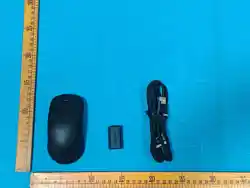
SKILLER SGM70W, USB Power and Data Cable, USB Receiver
* PLEASE NOTE! Higher polling rates use more processing power. For the highest polling rate setting of 8,000 Hz, a minimum of an Intel®
i7 9th generation or AMD Ryzen™ 7 2nd generation CPU (or equivalent) is required.
02
A
B
C
D
D
E
F
G
H
I
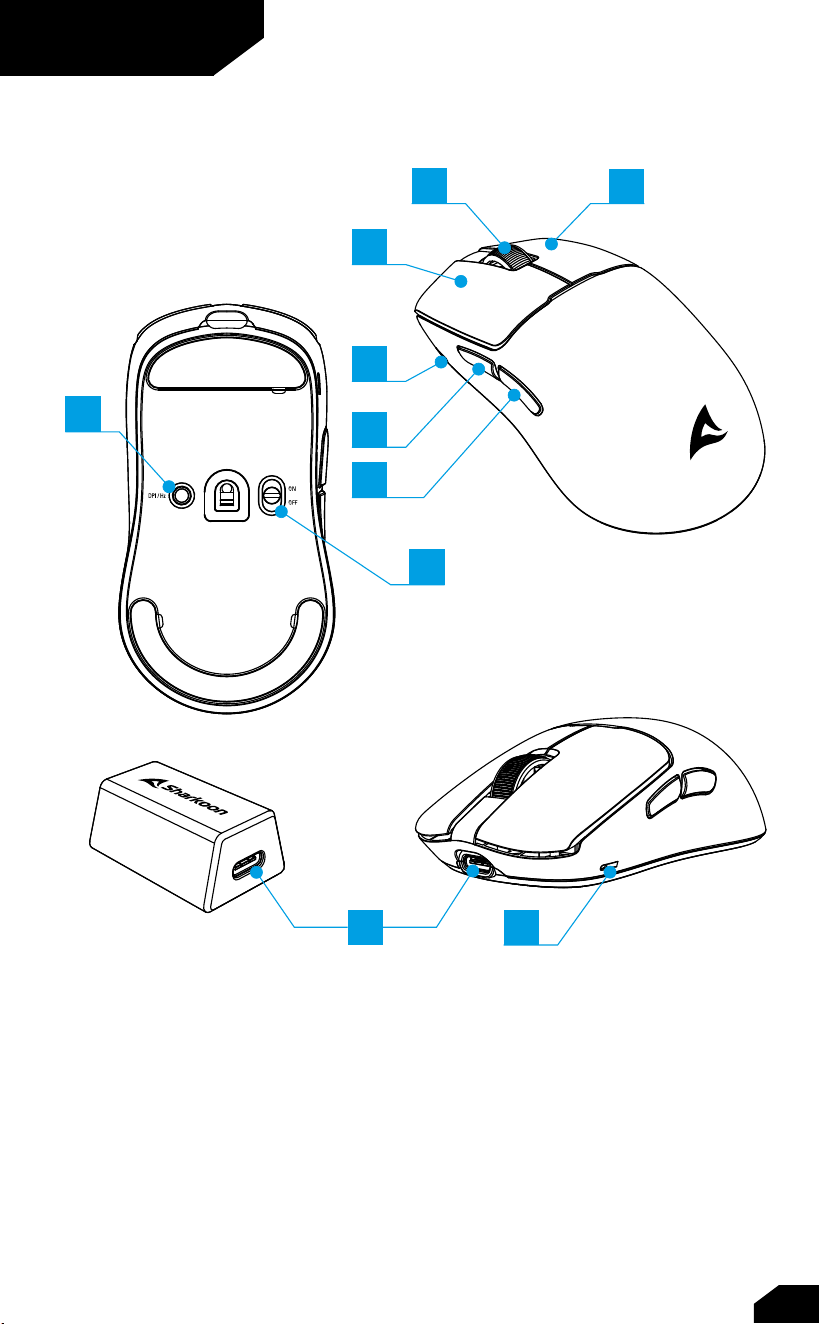
Overview
A Left Mouse Button
B Scroll Wheel
C Right Mouse Button
D DPI and battery
status indicator
E Thumb Button 1
F Thumb Button 2
G DPI Switch
H Mode Switch
I USB Connector
03
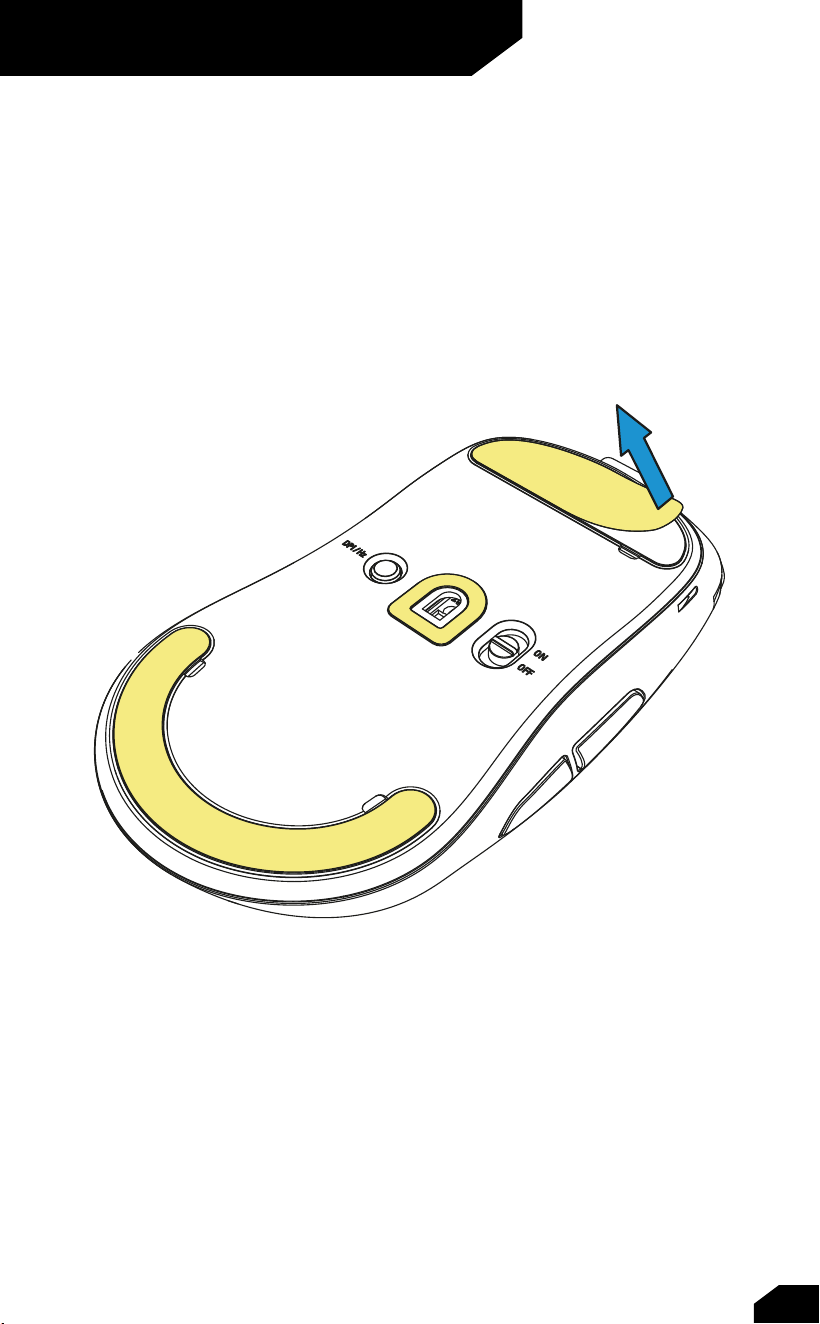
Remove Protection Foil
04
3
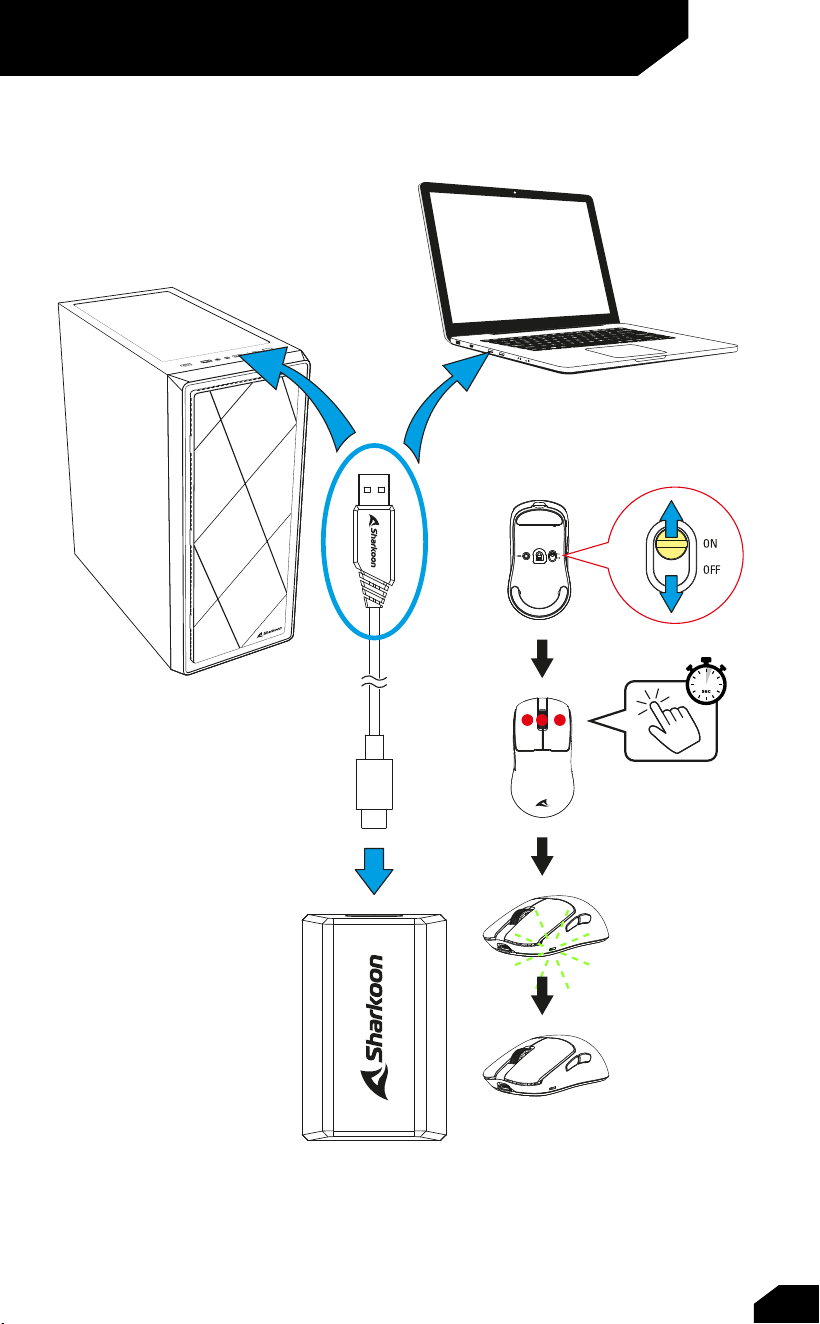
Connect via USB Nano Receiver
05
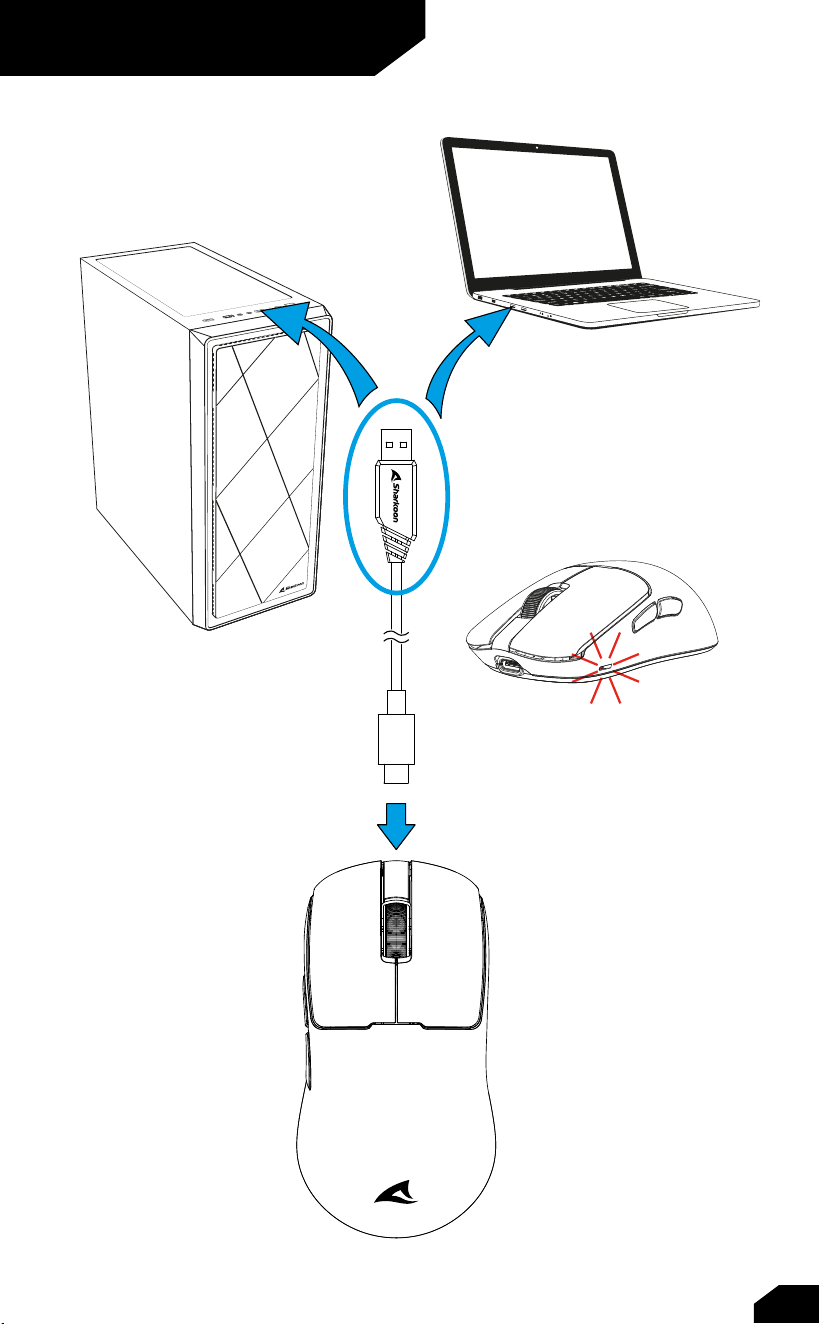
Connect via Cable
06
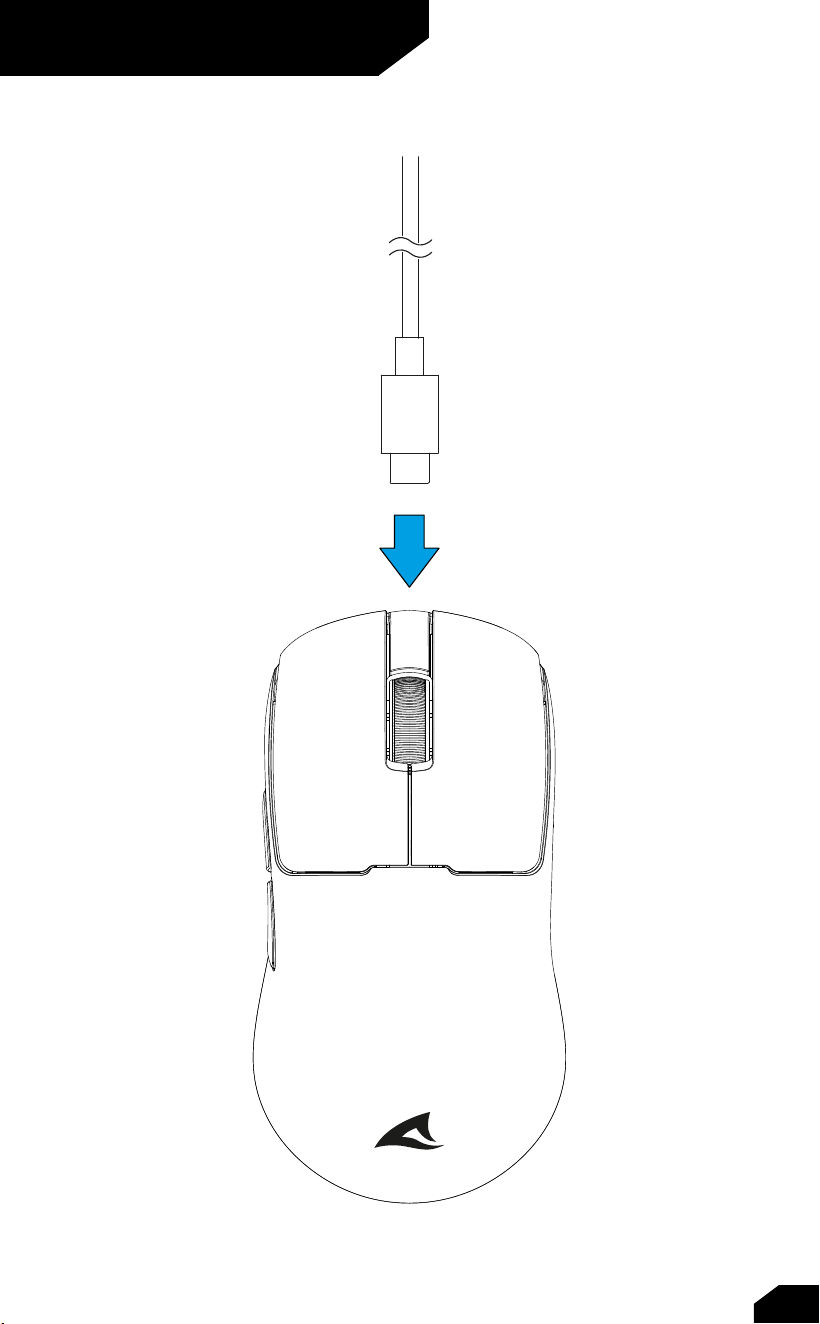
Charge the Mouse
07
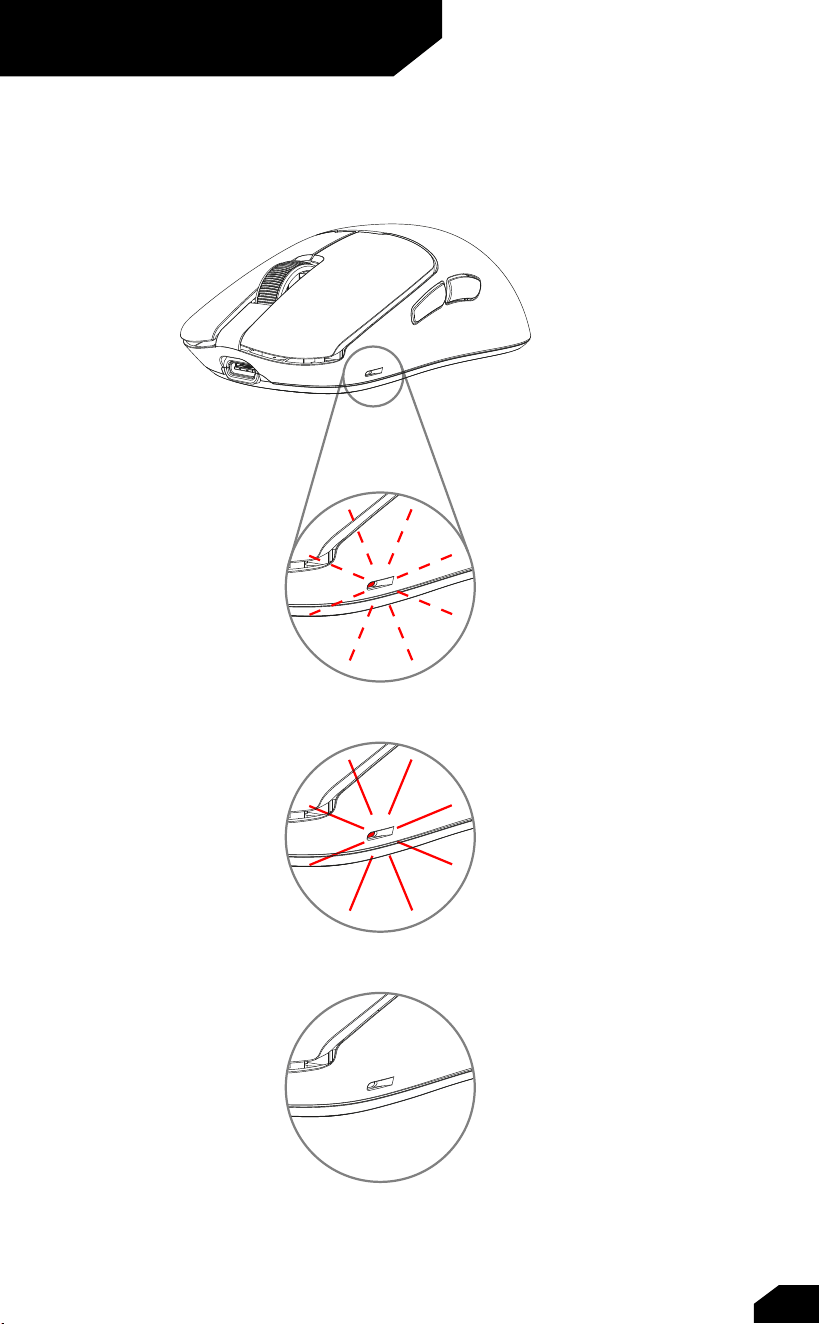
See Battery Status
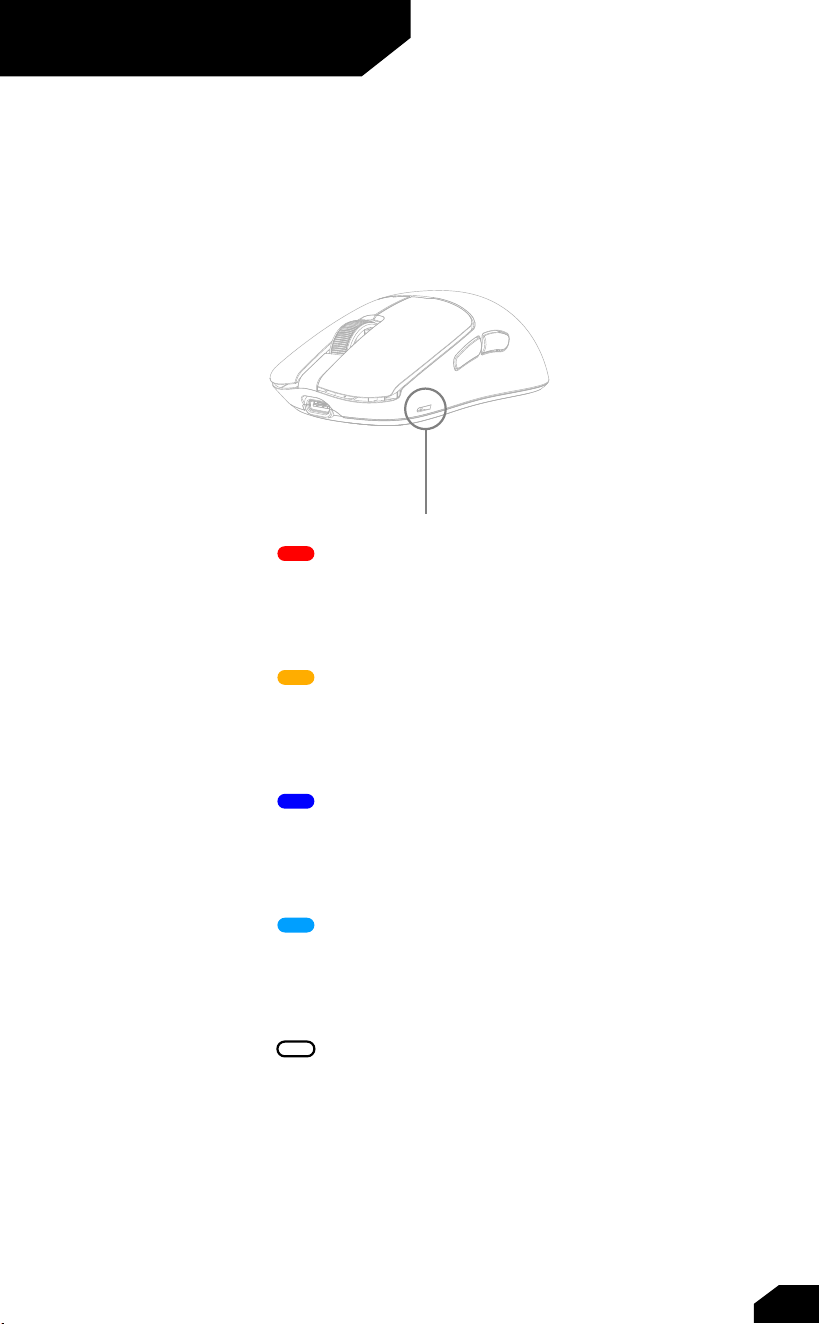
The illumination of the mouse indicates the battery status:
Low battery level
Charging
Charged
08
Select DPI Levels
400 DPI
800 DPI
1,600 DPI
3,200 DPI
26,000 DPI
Pressing the DPI selection button cycles through the DPI levels; the DPI
and battery status indicator briefly flashes in the color shown here:
09

Polling Rate
1,000 Hz
4,000 Hz
8,000 Hz
Quickly double-pressing the DPI selection button switches the polling rate;
the DPI and battery status indicator briefly flashes in the color shown below:
10
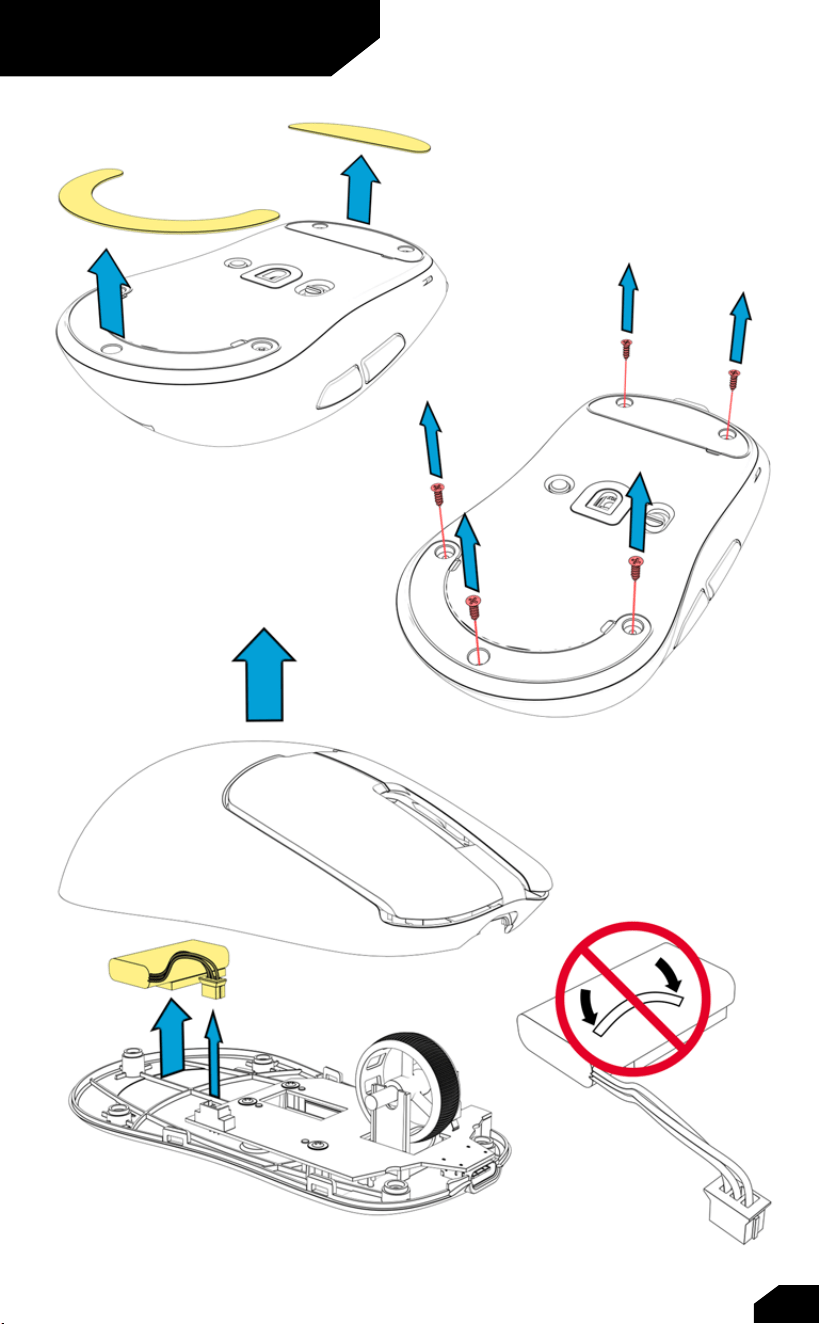
Recycle Battery
11

EU Declaration of Conformity
Sharkoon Technologies GmbH hereby declares that this device complies with
the RoHS (2011/65/EU) and R.E.D (2014/53/EU) directives.
The full EU Declaration of Conformity is available on the website
https://www.sharkoon.com/Download/Gaming/Mouse/SKILLER_SGM70W/
CE.zip
Legal Disclaimer
For potential loss of data, especially due to inappropriate handling, Sharkoon
assumes no liability.
All named products and descriptions are trademarks and/or registered
trademarks of the respective manufacturers and are accepted as protected.
As a continuing policy of product improvement at Sharkoon, the design and
specifications are subject to change without prior notice. National product
specifications may vary.
All rights reserved especially (also in extracts) for translation, reprinting,
reproduction by copying or other technical means. Infringements will lead to
c
ompensation. All rights reserved especially in case of assignation of patent
or utility patent. Means of delivery and technical modifications reserved.
Disposal of your old products
Your product is designed and manufactured with high quality materials and
components, which can be recycled and reused.
When this crossed-out wheeled bin symbol is attached to a product,
it means the product is covered by the European Directive 2012/19/EU.
Dispose of waste electrical and electronic equipment in accordance with the
regulations in your country and do not dispose of your old electrical and elec-
tronic equipment with normal household waste. Rechargeable and single-use
batteries must be disposed of separately from other waste. The correct dispos-
al of your old product will help prevent potential negative consequences to the
environment and human health.
Note
12

FC
C Statement
This equipment has been tested and found to comply with the limits for a
Class B digital device, pursuant to part 15 of the FCC Rules. These limits are
designed to provide reasonable protection against harmful interference in a
residential installation. This equipment generates, uses and can radiate
radio frequency energy and, if not installed and used in accordance with the
instructions, may cause harmful interference to radio communications.
However, there is no guarantee that interference will not occur in a
particular installation. If this equipment does cause harmful interference to
radio or television reception, which can be determined by turning the
equipment off and on, the user is encouraged to try to correct the
interference by one or more of the following measures:
• Reorient or relocate the receiving antenna.
• Increase the separation between the equipment and receiver.
• Connect the equipment into an outlet on a circuit different from
that to which the receiver is connected.
• Consult the dealer or an experienced radio/TV technician for help.
Caution: Any changes or modifications to this device not explicitly approved
by manufacturer could void your authority to operate this equipment.
This device complies with part 15 of the FCC Rules. Operation is subject to
the following two conditions: (1) This device may not cause harmful
interference, and (2) this device must accept any interference received,
including interference that may cause undesired operation.
RF Exposure Information
The device has been evaluated to meet general RF exposure requirement.
The device can be used in portable exposure condition without restriction.