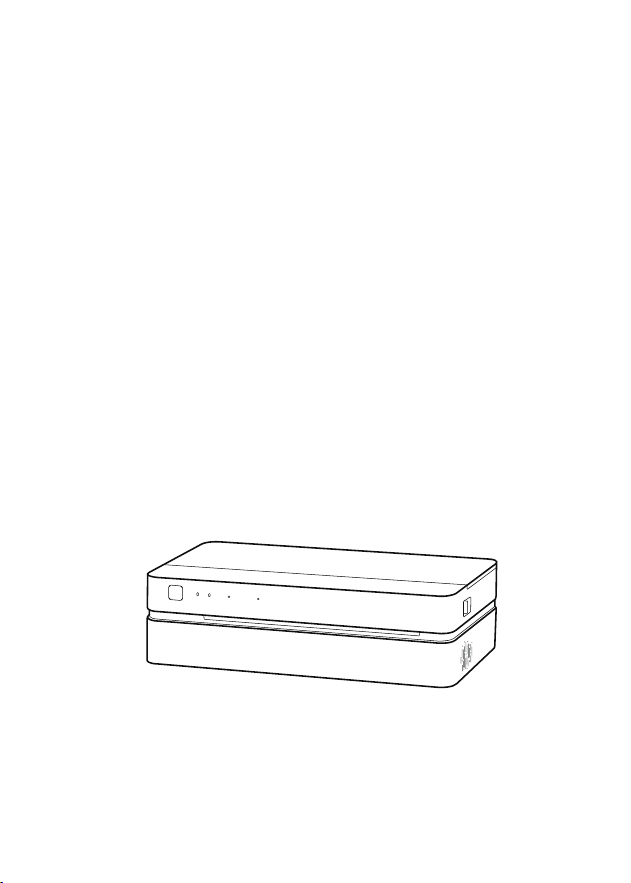
FT800 manual
Thank you for choosing POLONO
Keep this for further reference
01
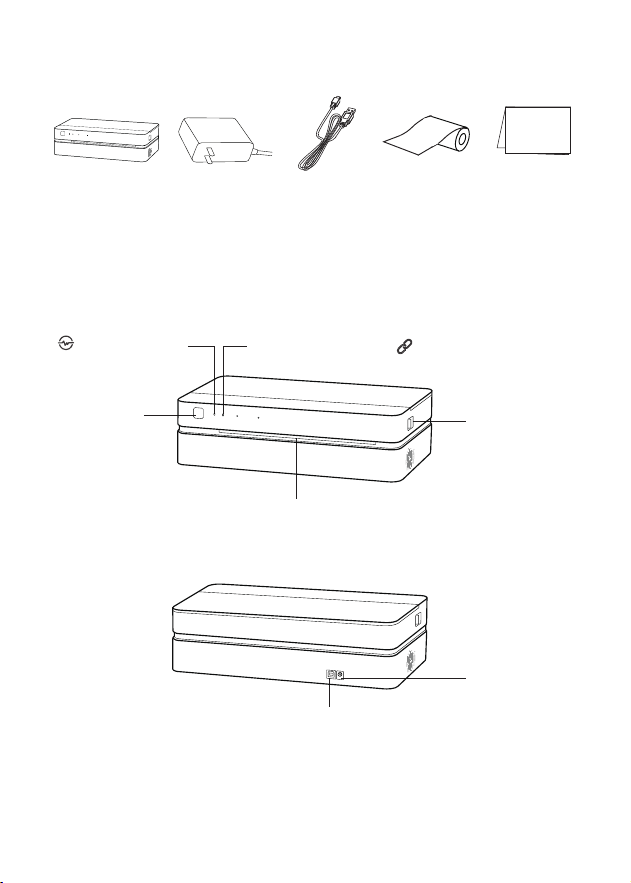
Back view:
Front view:
Packing list
Status indicator
Connection indicator
Power button
Paper outlet
Cover open
button(left and
right side)
Power port
USB port
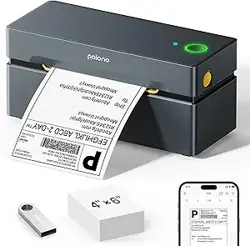
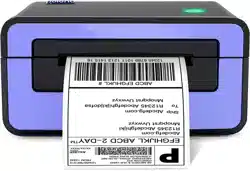
Printer
Power adapter
Manual
USB cable
Included Paper
1
2
3
02
Load the paper
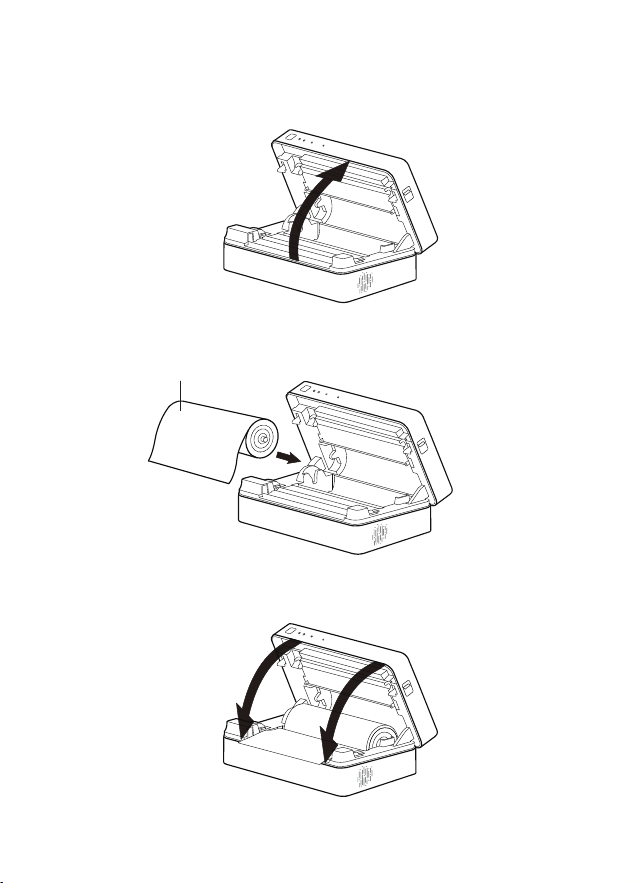
Slide both cover open buttons to open the top cover.
Load the paper with the print side facing upwards.
Refer to the image for the correct paper orientation
Close the top cover. It means both sides are closed correctly
if there is sound like snap.
surface is print side
03
Power on the printer
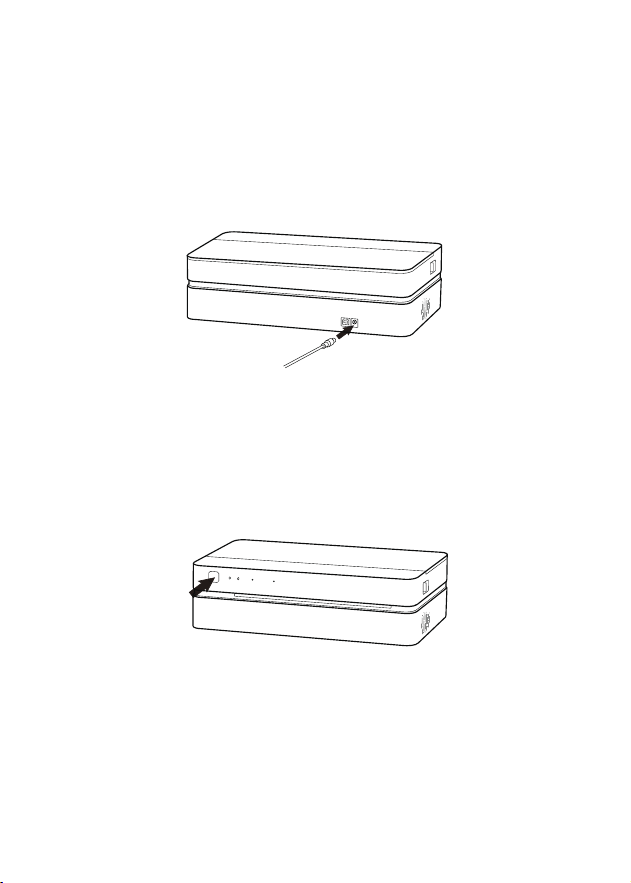
Plug the power adapter into the printer.
Hold the power button for 3 seconds to power on, the printer will beep and
indicator is on.
04
02
01
4
Downloading the app
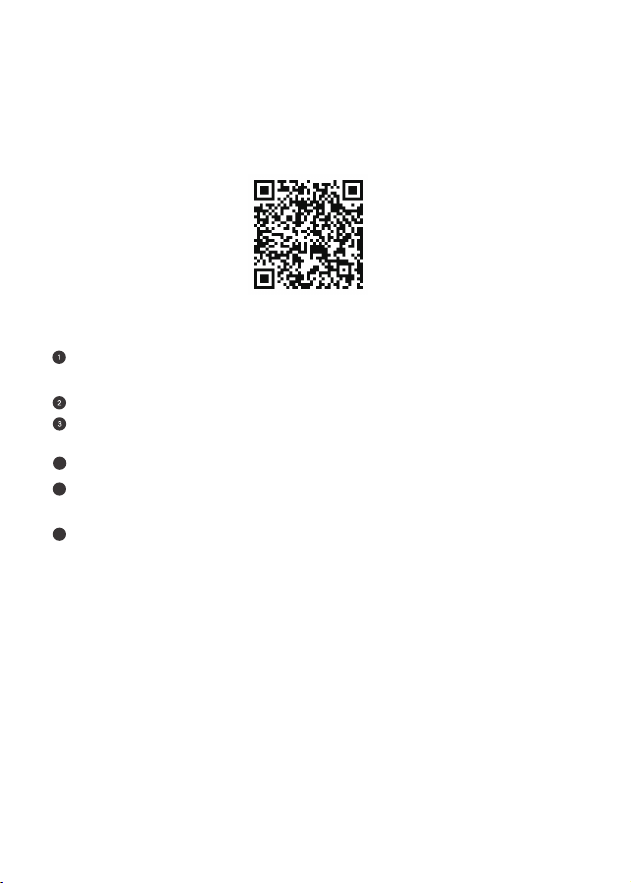
Scan the QR-code or search for “Hereprint” on the App Store or on
Google Play.
Using the app
Enable Wi-Fi and connect to a network running on the 2.4GHz band
(5GHz band is not supported).
Open the “Hereprint” app and click on the “+” in the top right.
Allow App access "Bluetooth" and "Location" permission for searching and
connecting printer.
Input the Wi-Fi password.Input the Wi-Fi password.
5
6
Before printing, make sure the mobile device is connected to the same
Wi-Fi as the printer.
Select the file you want to print through the “Hereprint” app,
edit and preview, then print.
Smart device installation
Windows installation
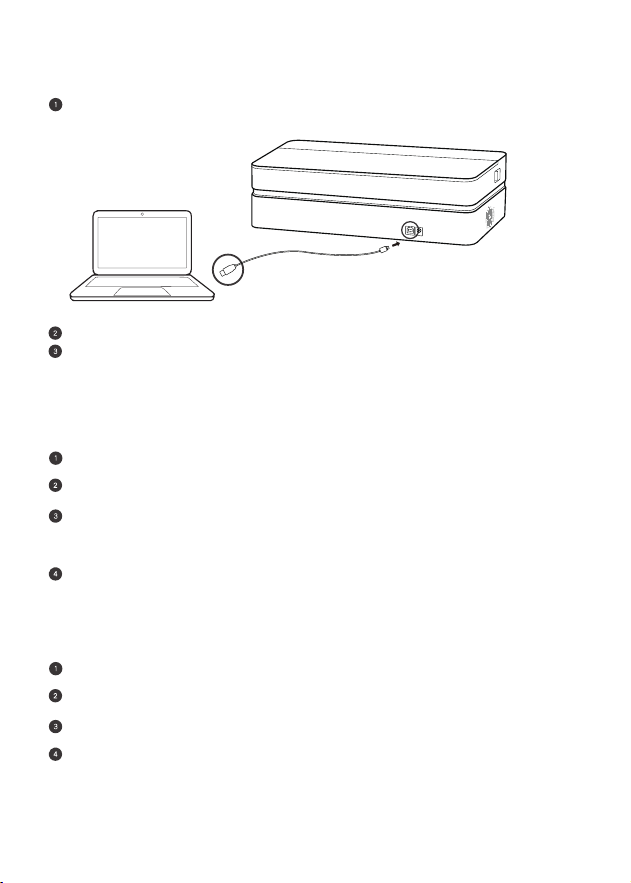
Connect the printer to the computer using the included USB cable.
Power on the printer.
Download the driver file from www.polono.com and install by proceeding through
the driver setup.
Connect the printer to the computer using the included USB cable.
Power on the printer.
Download the driver file from www.polono.com and install by proceeding through
the driver setup.
Add printer “FT800” on “Preference”-”Printers & Scanners”.
Mac installation
Printer should be operated in 0-40°C environments to prevent poor print quality.
Use the provided power adapter and paper for best results.
Do not touch the print head immediately after printing to avoid potential burns.
Do not touch or pull on the paper while printing to avoid malfunction.
Warning
05
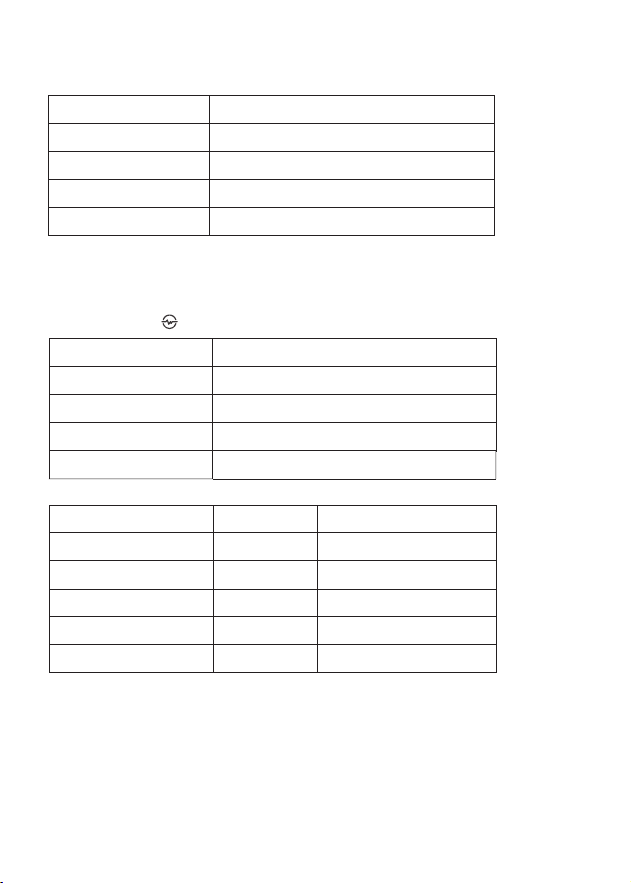
Specification
Indicator
Product size 314x159.5x92mm
Product model
FT800
Approximately 1.8kg
Net weight
DC 14V 3AInput
Operation temperature 0-40℃,10-85% RH,no condensation
Status Indicator
Power on Steady white
Power off No light
Slow flash whitePrinting
Upgrading firmware Flashes red, green, blue alternately
Status
Indicator
Print head overheat
Fast flash red
Slow flash red
Fast flash red
Slow flash red
Steady red
beeper
“beep-beep, the goes
another beep”
“beep, beep, beep”
“beep-beep-beep ”
No beeper
No beeper
Out of paper
Cutter jam
RFID error
Cover not closed correctly
06
Status indicator

07
Connection indicator
Status Indicator
Wi-Fi connected Steady white
Fast flash white
Steady green
Fast flash green
No light
Wi-Fi receiving data
USB connected
USB receiving data
No connection
FCC Statement
This device complies with part 15 of the FCC Rules.
Operation is subject to the following two conditions: (1)This device may not cause harmful
interference, and (2) this device must accept any interference received, including interference
that may cause undesired operation.
NOTE 1: This equipment has been tested and found to comply with the limits for a Class B
digital device, pursuant to part 15 of the FCC Rules. These limits are designed to provide
reasonable protection against harmful interference in a residential installation.
This equipment generates, uses and can radiate radio frequency energy and, if not installed
and used in accordance with the instructions, may cause harmful interference to radio
communications. However, there is no guarantee that interference will not occur in a
particular installation. If this equipment does cause harmful interference to radio or television
reception, which can be determined by turning the equipment off and on, the user is encouraged
to try to correct the interference by one or more of the following measures:
- Reorient or relocate the receiving antenna.
- Increase the separation between the equipment and receiver.

08
Warranty
POLONO offers an extensive warranty for all products that extend
- Connect the equipment into an outlet on a circuit different from that to which the receiver is
connected.
- Consult the dealer or an experienced radio/TV technician for help.
HNOTE 2: Any changes or modifications to this unit not expressly approved by the party
responsible for compliance could void the user's authority to operate the equipment.
This equipment complies with FCC radiation exposure limits set forth for an uncontrolled
environment. This equipment should be installed and operated with minimum distance 20cm
between the radiator & your body.
FCC ID: 2A4KN-FT800
order date.This warranty covers quality related issues and product defects.
If you are past the 30-day return period on Amazon,contact us directly via the
“Contact seller” option on your Order Details.If the product is not working properly,
we can send you a replacement product.
This warranty does not apply in case of abuse,mishandling,or unauthorized repair of
the product.
If you have any question about this warranty or would like additional information,
please contact us via the “Contact Seller” option or directly via e-mail at
Please keep the original box,packing materials and all documentation in the event
that service is required.