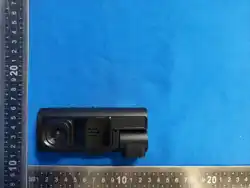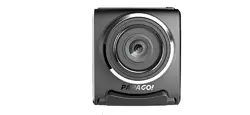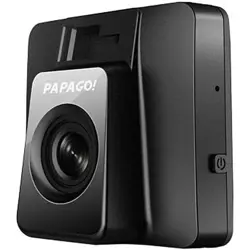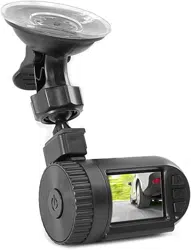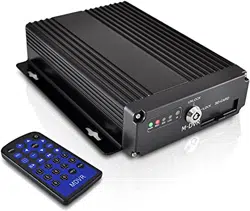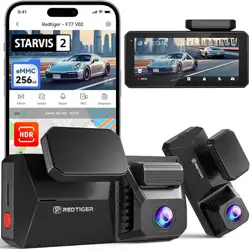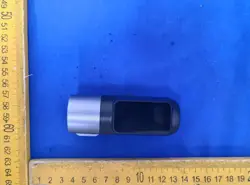

Tachograph
user's Guide
Dash camera,CarDvr
V59

High-definition tachograph
Instructions for use
Thank you for purchasing the appearance of fine high-resolution multi-function
onboard recorder. This product uses high-performance chips,High-definition video,
dynamic picture of the continuity of strong, under low light, can record video, To
achieve high-definition wide-angle shot.
This user manual details how to use, and provide you with detailed information,
including the use, Operational and technical specifications, please read the manual
carefully and fully understood before using, please keep this manual Book, we
hope that this product will meet your needs and long-term service to you!
Product manual
Introduction to main functions of mobile app
1. Download app
App loading can be performed in two ways:
1) Go to the app store to download
For IOS system, you can search "Viidure" in the app store to download:
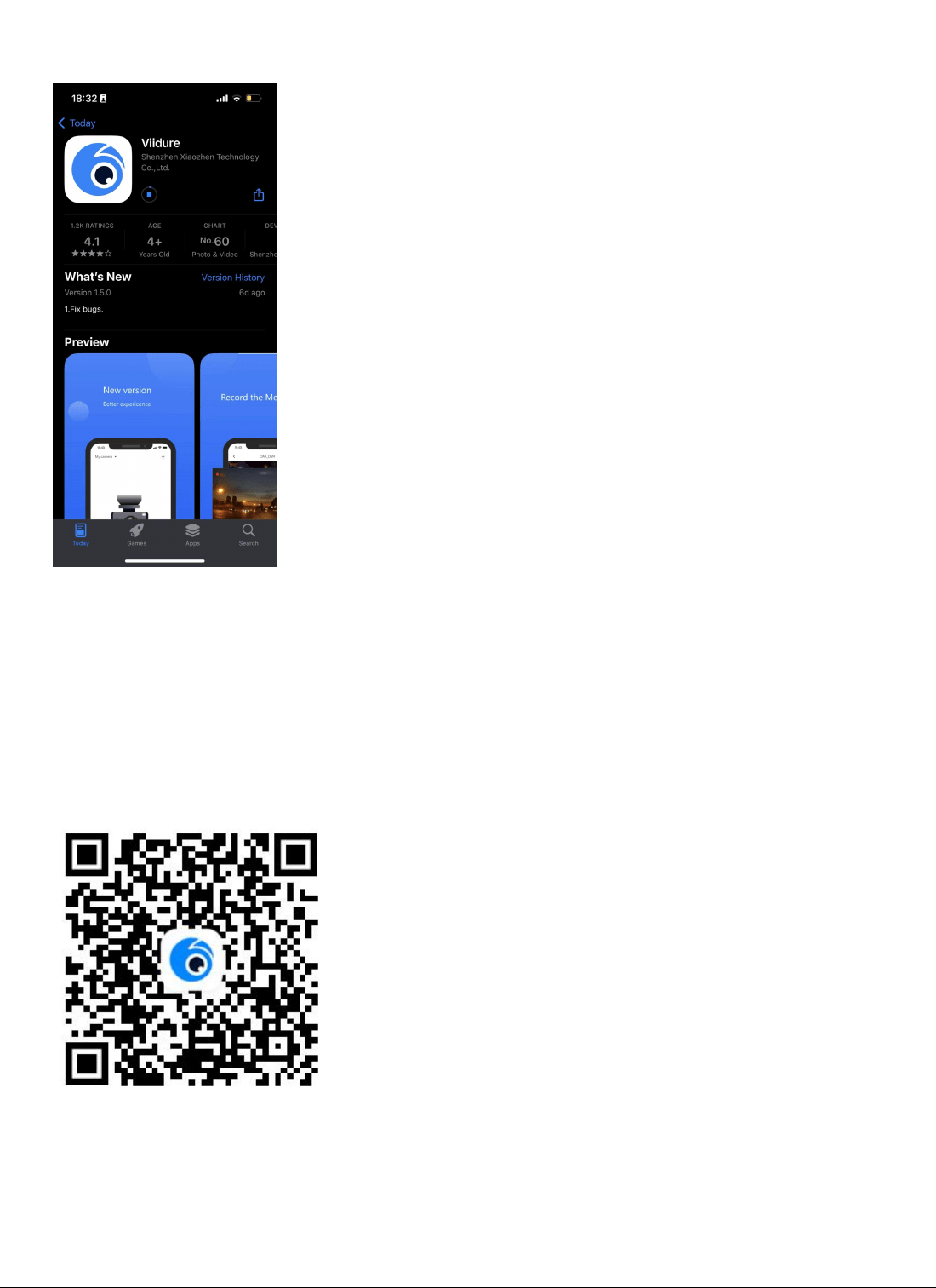
2) Scan the QR code for IOS and Android systems, which can be downloaded
by scanning the QR code"Viidure"APP. The steps are as follows:
1)Open wechat or other software with "scan" function to scan
2)Select the corresponding system of the mobile phone and click to
download
2. Registered account
1) Enter the "Viidure" app for account registration
2) Fill in the corresponding information as required, obtain the
verification code and fill in it. Click registration to complete the
operation
3.Connecting the camera
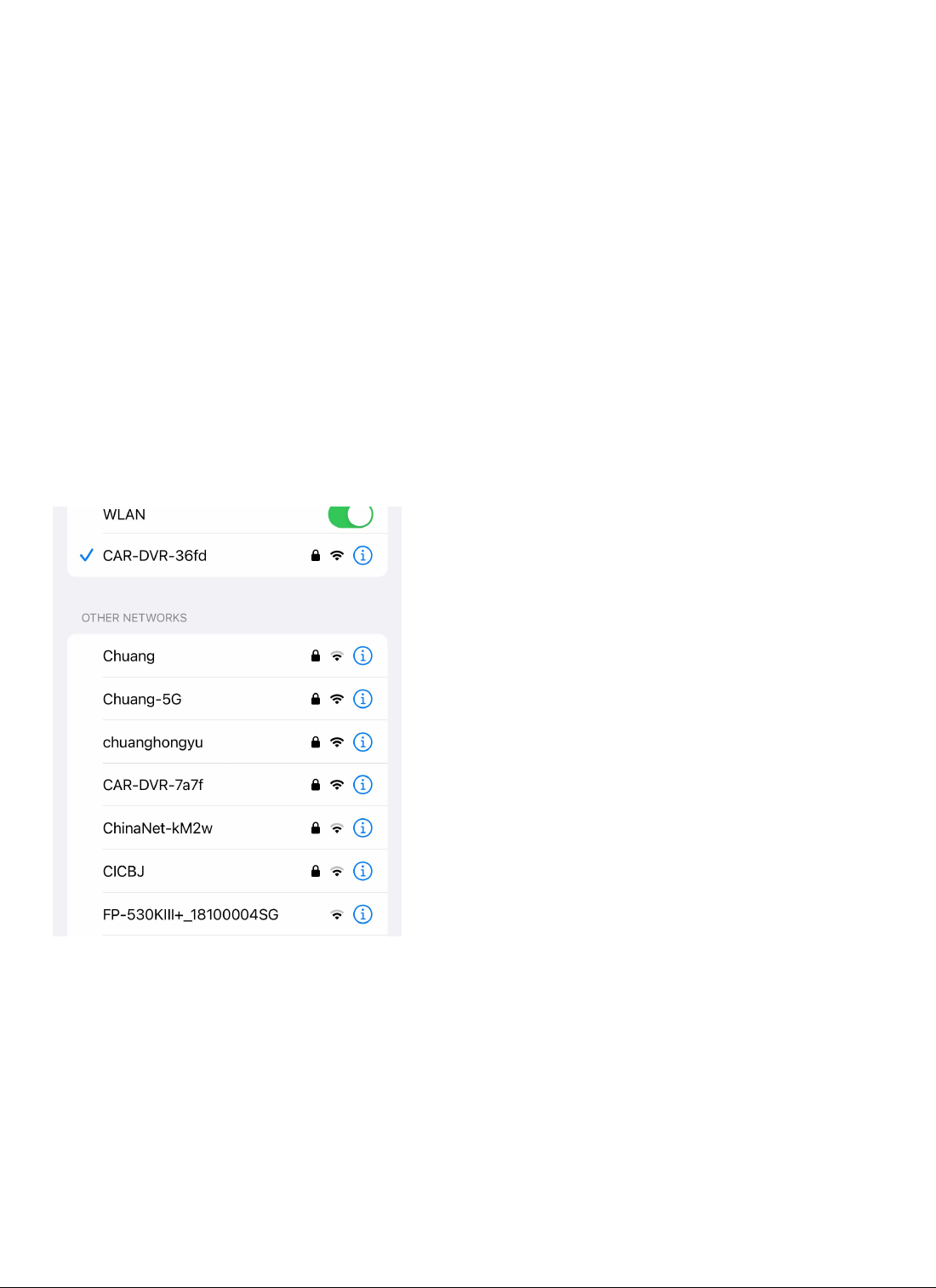
1) Enter the mobile phone wifi list (as shown in the figure below),
click "CAR-******" to enter the recorder device name, enter the
password "12345678", and the mobile phone is successfully connected
to the recorder;
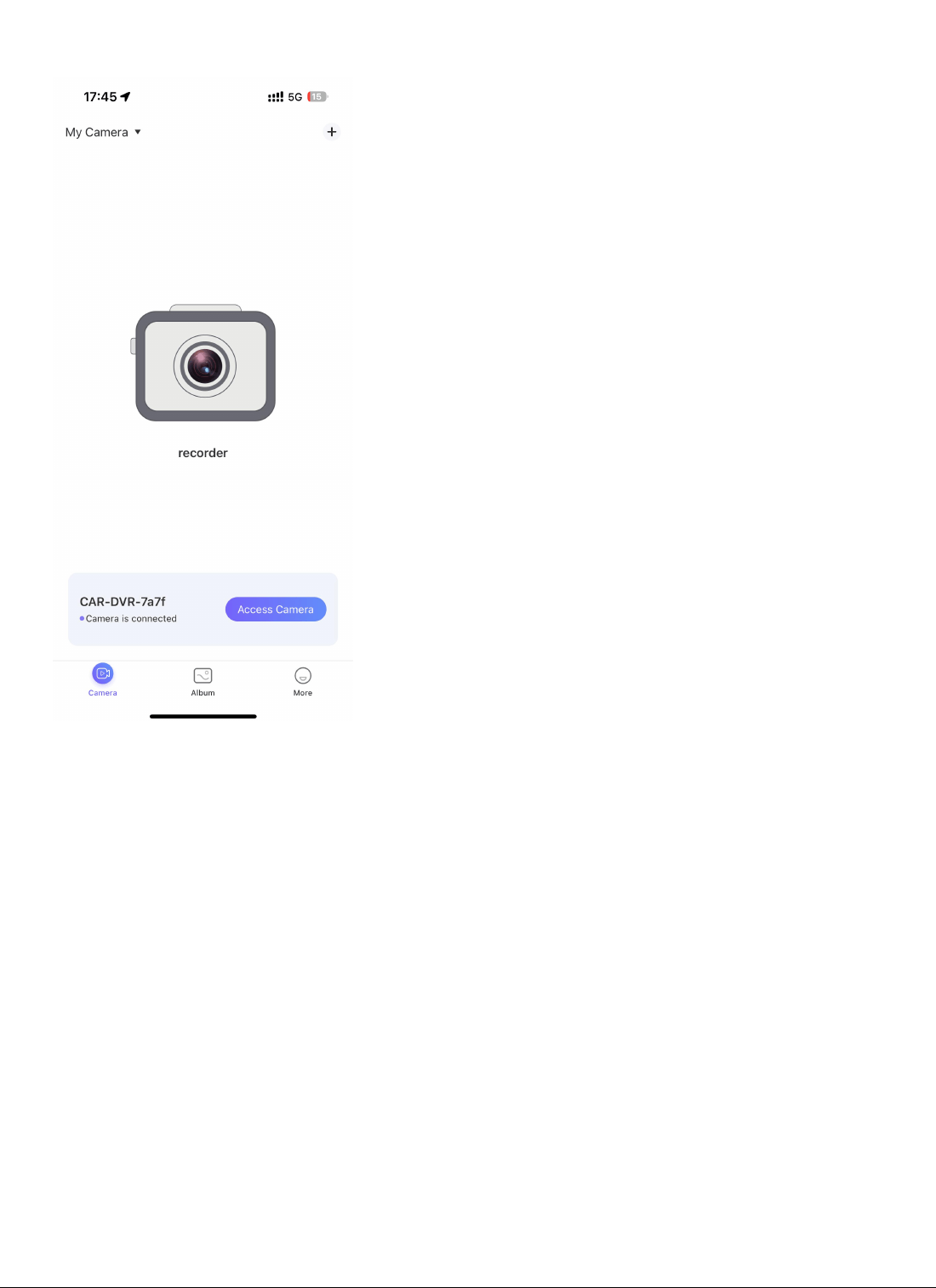
2) Log in to the downloaded app,"Viidure" enters the main interface,
click the camera icon above "CAR-******" to enter the recorder screen;
4. Parameter setting
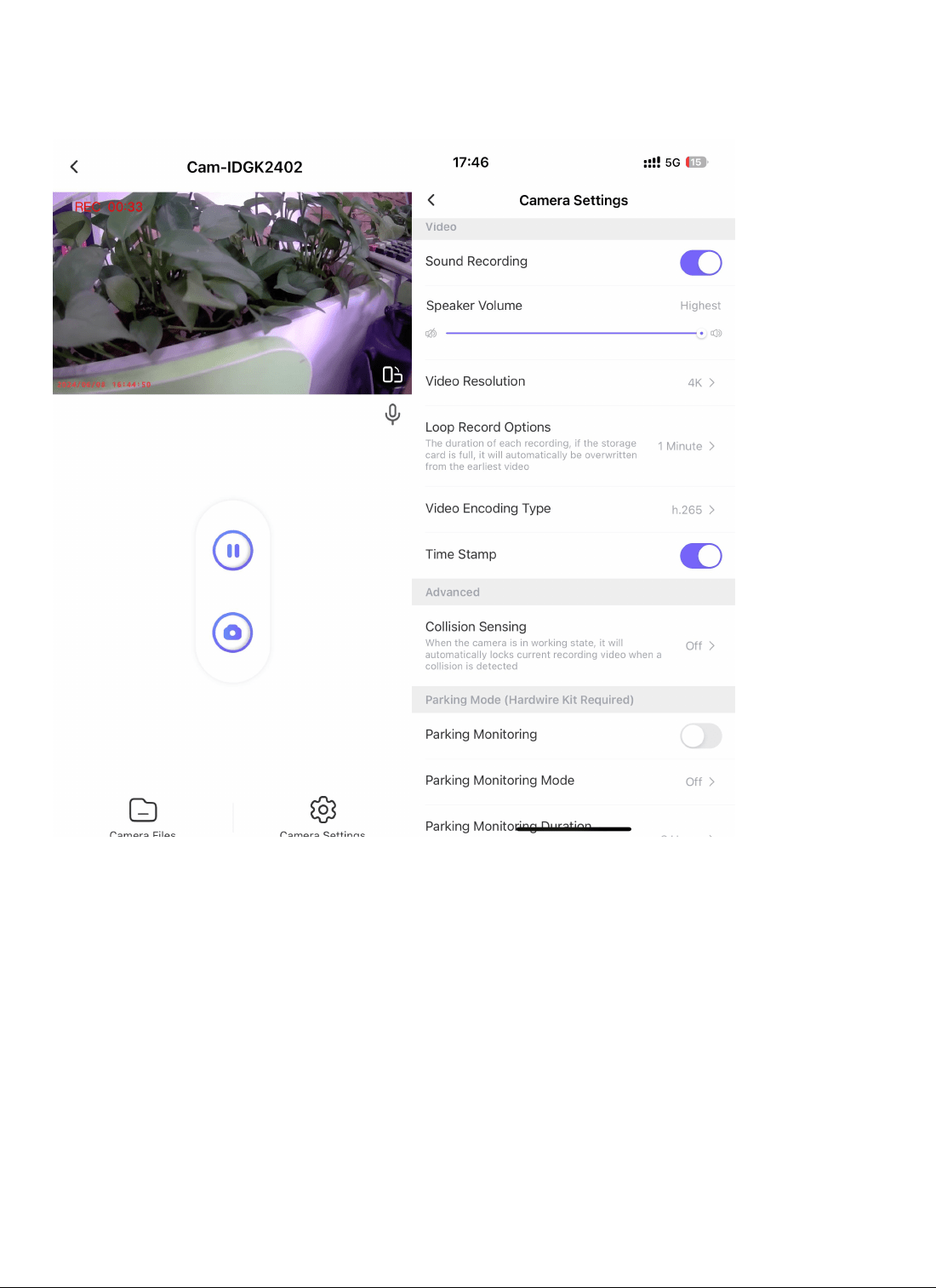
Set the parameters of the dash cam, such as modifying the WiFi password,
recording or not, and displaying the watermark time,Video cycle time,
collision sensitivity, video resolution, etc.
5. Parking monitoring
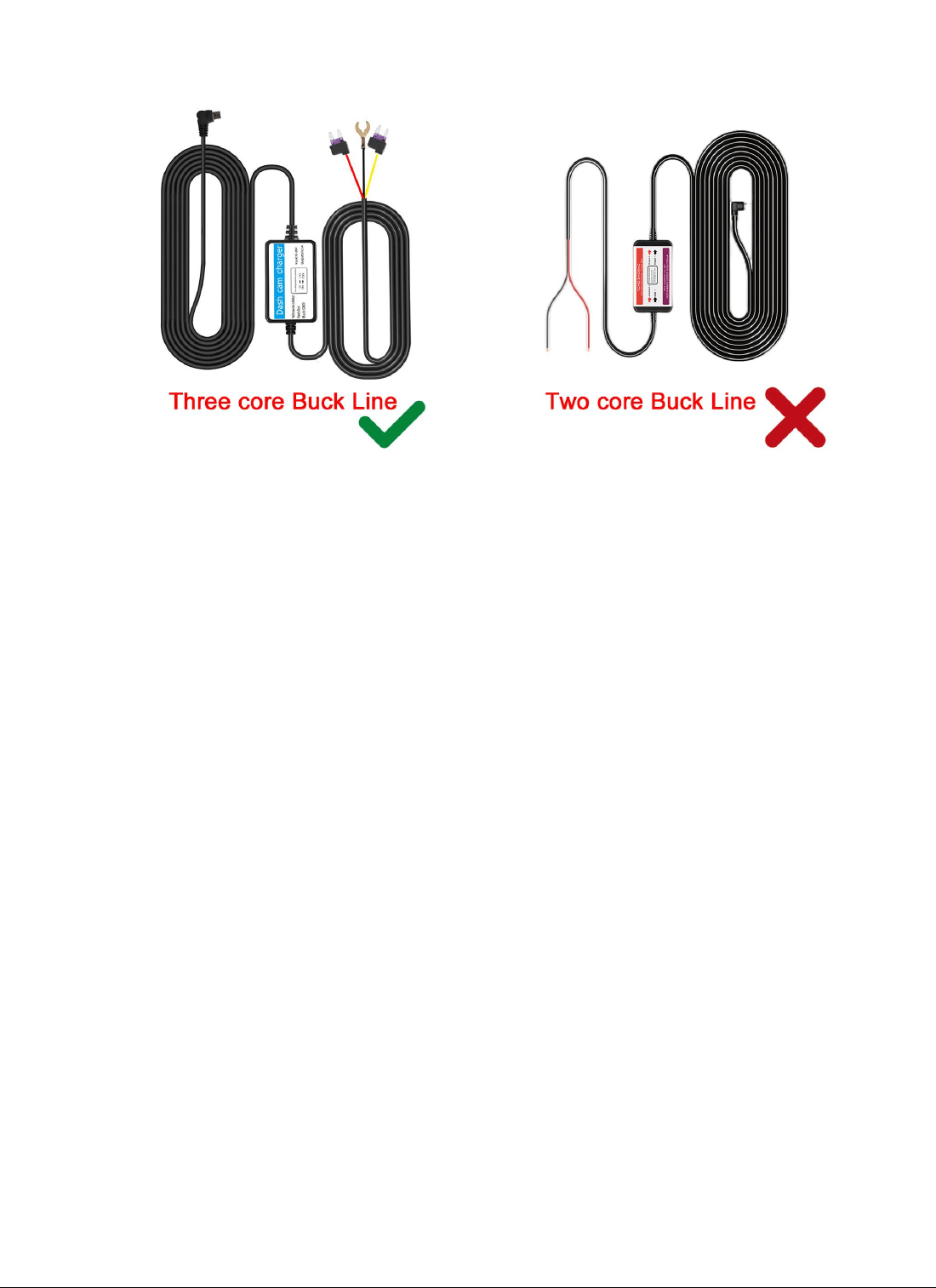
The parking monitoring mode requires a three core step-down wire connection,
and ordinary car chargers cannot trigger this function!
Parking monitoring function triggered - time setting for time-lapse
recording cycle: 6 hours, 12 hours, 24 hours, 48 hours, (set a 6-hour time,
and the machine will automatically shut down after continuously recording
for 6 hours after triggering the parking monitoring function)
Low voltage protection settings: 11.2V, 11.5V, 11.8V (When 11.2V is set, the
machine will automatically shut down when the car battery voltage is lower
than 11.2V)
6. video review and download
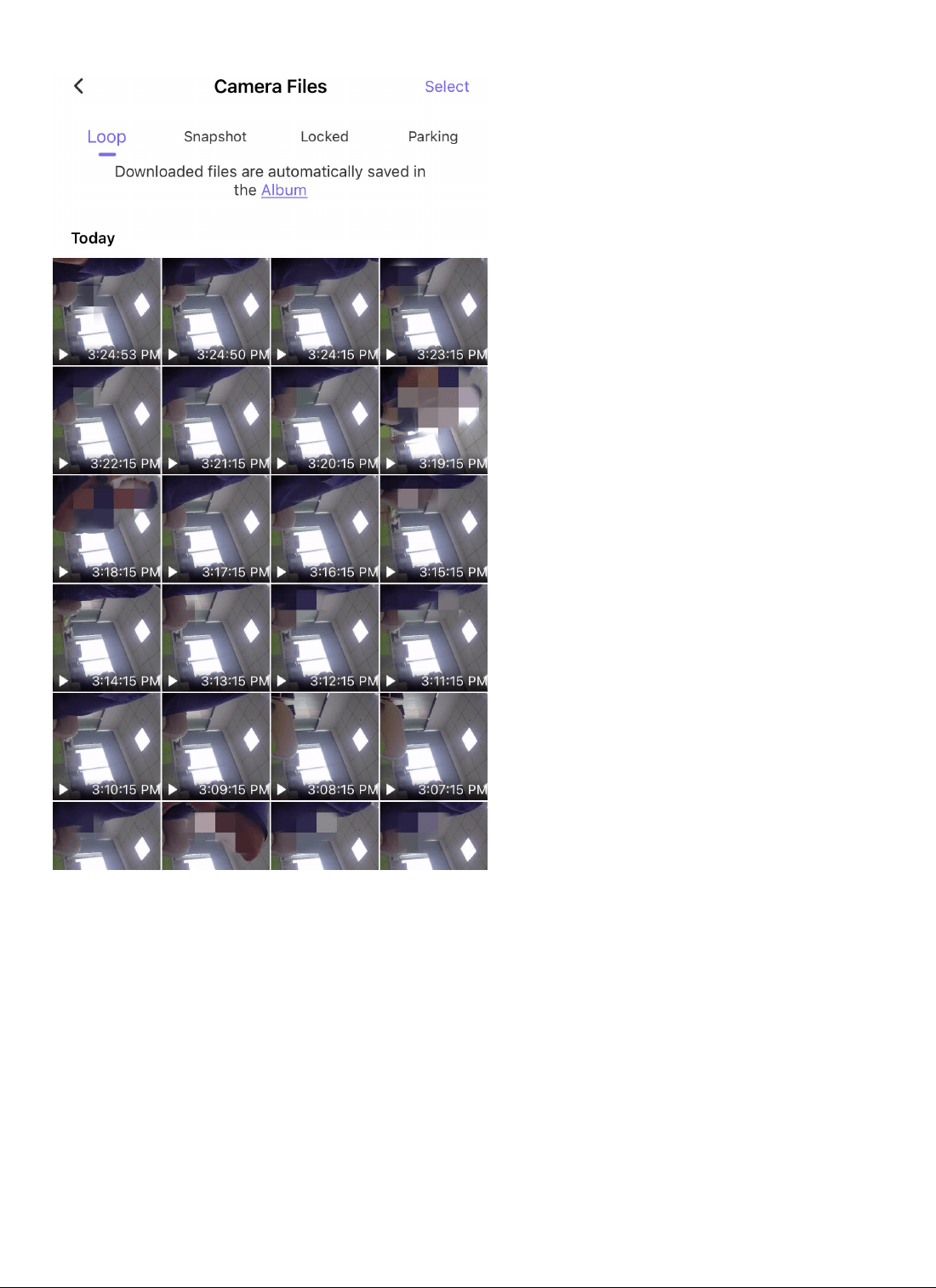
Product description
Key function description
1. power key 2 Reset key 3 TF card slot
Key function description:
1. power key
On / off function
In the shutdown state, long press the [power key] for 2 seconds to turn
on the power supply of the machine, and the machine will start working
automatically.
Press and hold the [power key] for 2 seconds when the machine is turned
on. The machine will automatically save the video file and user settings
and shut down.
2. Reset key
Press the reset key to reset the machine and restart it when the machine
crashes and cannot be switched on or off normally.
3.Tf card slot
Used to insert a memory card, [note] please use a high-speed TF Card
(class10 or above) with a capacity of no less than 8GB. The TF card can
support 128GB at most.
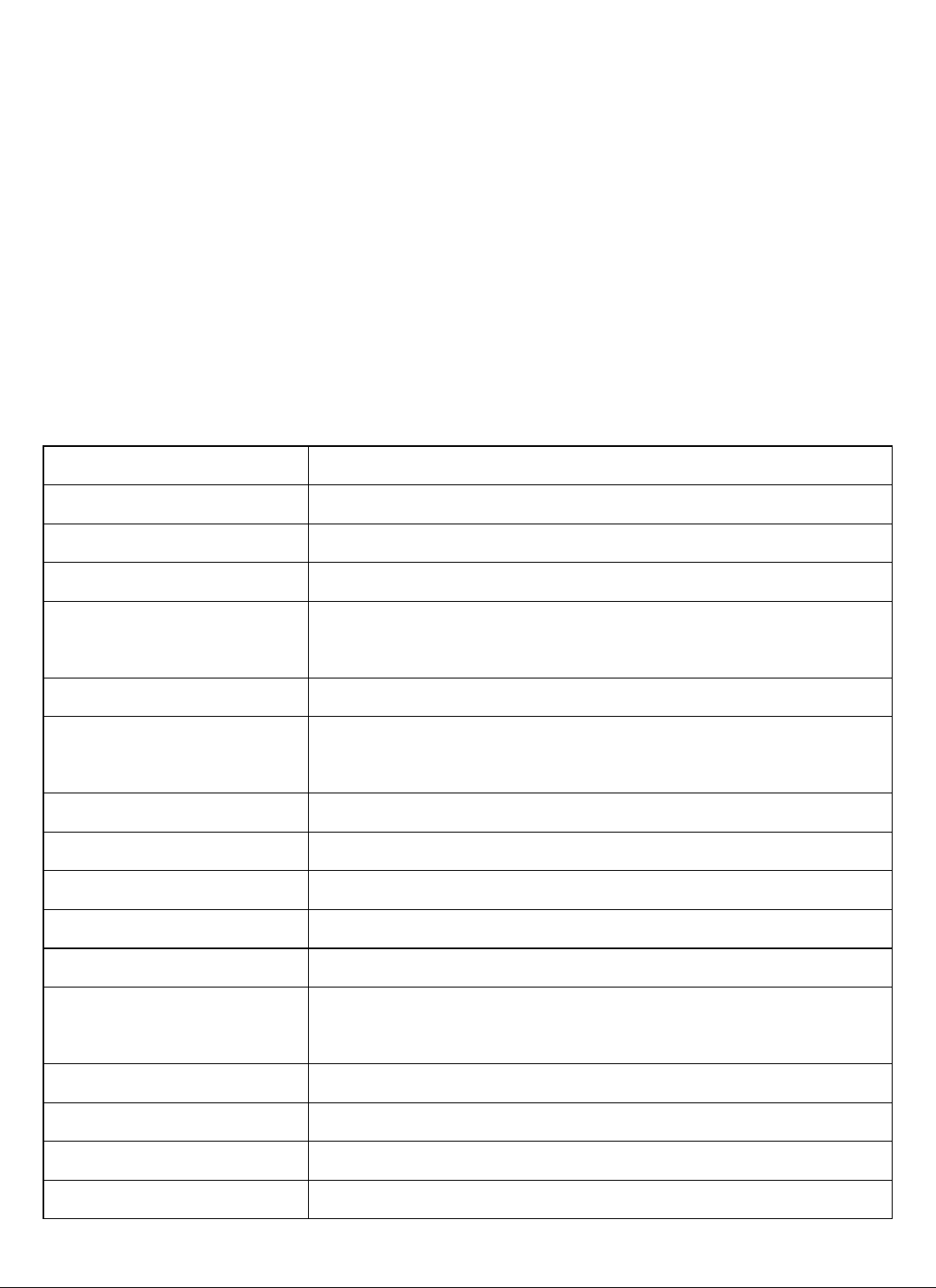
Product Specifications
product name
Dash camera,Car Dvr
Features
WiFi dash cam
Colour
custom made
Camera lens
High-resolution ultra wide-angle Camera lens
Language
English, Japanese, French, Italian, German, Spanish, Thai
Russian, Chinese (simplified 、Traditional), Korean, etc.
file format
MOV/MP4
Continuous loop
recording
Seamless loop recording, do not leak seconds
Motion detection
Support
Year Month Day points
Support
Carrier media
Built-in memory (total: 64MB)
Camera mode
800W
Photo format
JPEG
Storage card
TF (recommended more than 10-speed, capacity
8G-128G TF card)
Microphone
Support
Built-in audio
Support
Infrared night vision
Support
Power Interface
5V 1.5A
Troubleshooting:
Under normal operating conditions, if the products have problems,
please refer to the solution:
1,Could not take photos, video Check TF card whether there is enough
space, whether locked.
2,When recording, it will automatically stop Because of huge
high-definition video data, use SDHC compatible high-speed TF card,
high-speed TF card will be C10 identity.
3,Replay pictures and videos, the "File" prompt An error occurred when
TF card memory data, resulting in incomplete files, use the Car DVR
"Format" function, reformat the card.
4. The image is foggy
Please check the lens for dirt and finger prints. Before shooting, wipe
the lens with lens paper.
5. The recorder does not work. You can press the reset key with a sharp
object and then start it again to restore normal.
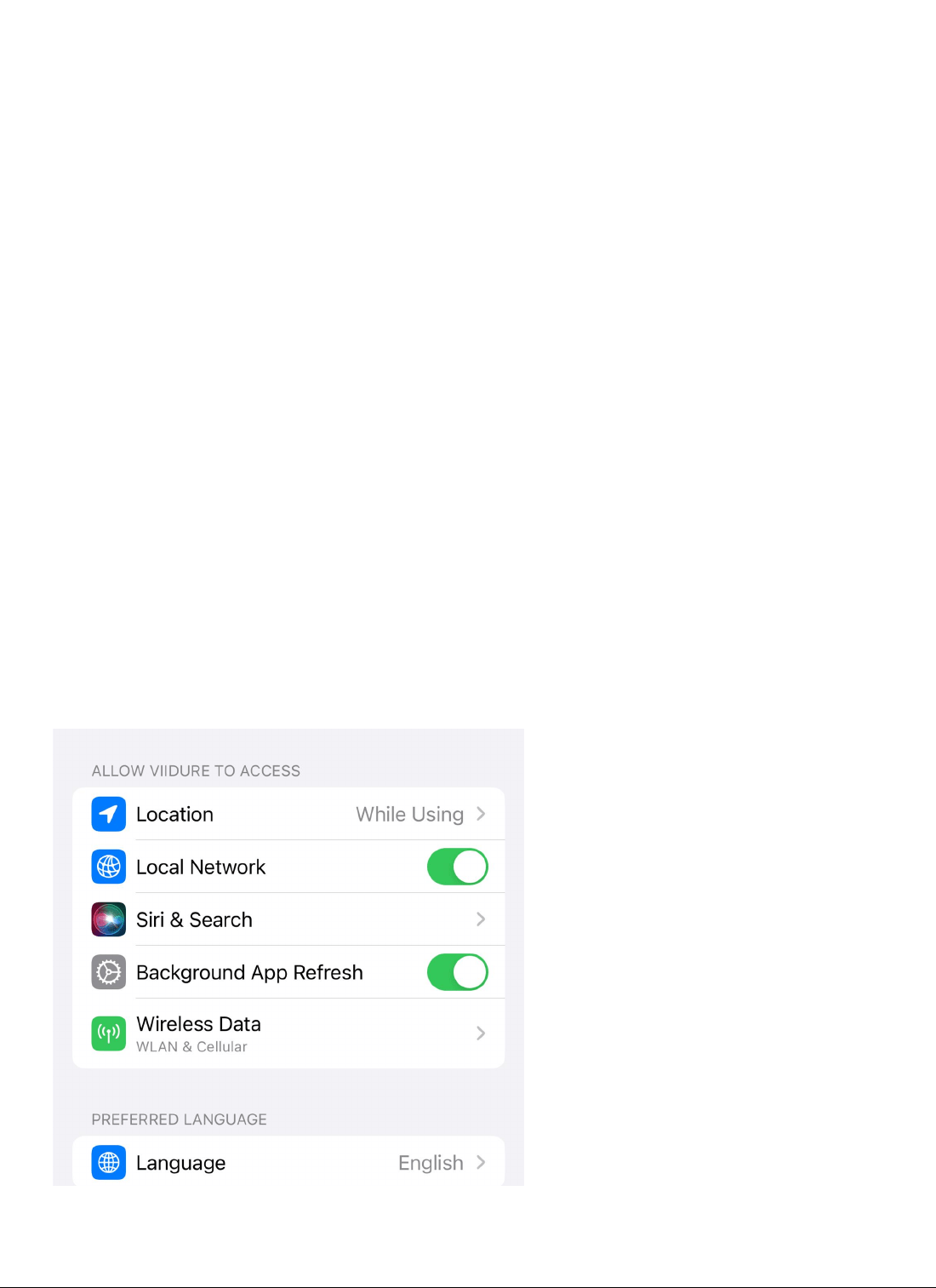
6. Open the network access permission for the first time, and open the
local photo album

7.
If the mobile phone cannot be connected to the product, first of all,
check whether the mobile phone is connected to other WiFi hotspots. The
app can only be connected to the recorder when the WiFi in the mobile
phone settings is connected to the recorder (for example, at home, it
is found that the recorder cannot be connected, so it is necessary to
check whether the WiFi signal in the mobile phone settings is connected
to the WiFi in the home)
8. The real-time picture of the mobile phone is stuck, which is generally
related to the WiFi signal. For example, when the mobile phone is too
far away from the recorder, the WiFi signal is weak, and the real-time
picture of the mobile phone will get stuck. In addition, if there are
too many WiFi signals around the recorder, it will also interfere with
the recorder and cause the real-time picture to jam
9. The preview speed in the album is very slow. It may be that there
are too many video files in the TF card, resulting in the timeout of
obtaining file information. Consumers are advised to format TF cards
regularly
10. record appearance many clients connect to it. But only one mobile
phone can be used to link at the same time. If it is found that the mobile
phone cannot be connected to the recorder, it should be ruled out whether
the recorder is connected to other mobile phones
11. Use the computer to play video recordings:
The product uses H.264 compression format The file type is mov or MP4
format. Many Microsoft Windows computers' built-in playback software
bodies (such as Windows Media Player) do not support H.264 encoding
format It may not be able to play, or the playing of the movie is not
smooth, the frame is fixed or broken, or the video and audio are not
synchronized. It is recommended to download other professional playing
software (such as potplayer, etc.).

FCC Warning
This device complies with part 15 of the FCC rules. Operation is subject to the following two
conditions: (1) this device may not cause harmful interference, and (2) this device must accept
any inte rference received, including interference that may cause undesired operation.
Changes or modifications not expressly approved by the party responsible for compliance could
void the user's authority to operate the equipment.
NOTE: This equipment has been tested and found to comply with the limits for a Class B digital
device, pursuant to part 15 of the FCC Rules. These limits are designed to provide reasonable
protection against harmful interference in a residential installation. This equipment generates
uses and can radiate radio frequency energy and, if not installed and used in accordance with the
instructions, may cause harmful interference to radio communications. However, there is no
guarantee that interference will not occur in a particular installation. If this equipment does
cause harmful interferenceto radio or television reception, which can be determined by turning
the equipment off and on, the user is encouraged to try to correct the interference by one or
more of the following measures:
-Reorient or relocate the receiving antenna.
•Increase the separation between the equipment and receiver.
•Connect the equipment into an outlet on a circuit different from that to which the receiver is
connected.
•Consult the dealer or an experienced radio/TV technician for help.
Radiation Exposure Statement
This equipment complies with FCC radiation exposure limits set forth for an uncontrolled
environment. This equipment should be installed and operated with minimum distance 20cm
between the radiator and your body.