美7S
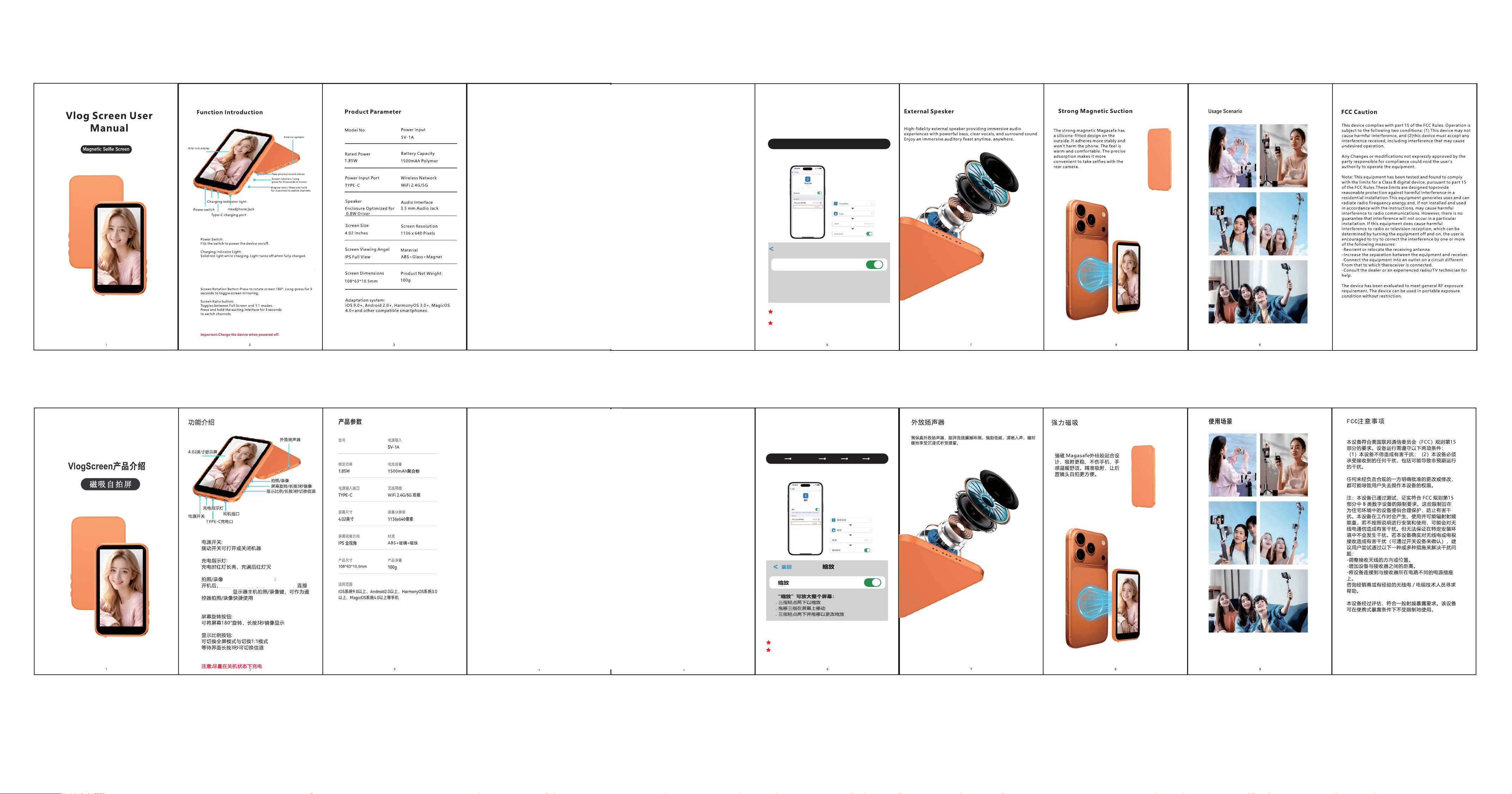
打开设置 辅助功能 触控 缩放
图示如下:
iscreen_BT
打开“缩放”时,画面会放大,三指轻点两下恢复
其它设置不变
苹果手机设置图示
打开手机设置中的“缩放”功能
设置路径如下
iscreen_BT
When Zoom is enabled, the display will magnify. Restore
original view with a three-finger double-tap.
Remaining settings remain unchanged.
Path:
Enable "Zoom" Function in Settings.
Back
Zoom
Zoom
Zoom enables full-screen magnification
Double-Tap with Three Fingers to Zoom In/Out
Three-finger drag to move on screen
Double-Tap with Three Fingers and Drag to Adjust Zoom Level.
iPhone Settings Instructions
Settings > Accessibility > Zoom > Turn On Zoom
As shown in the figure below
10
10
M7S