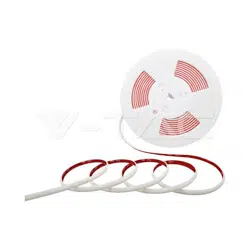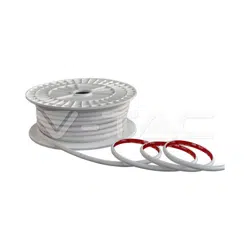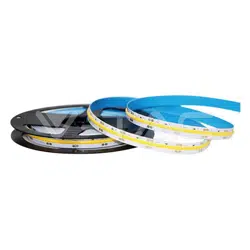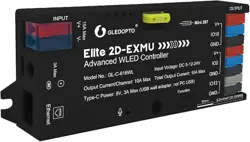
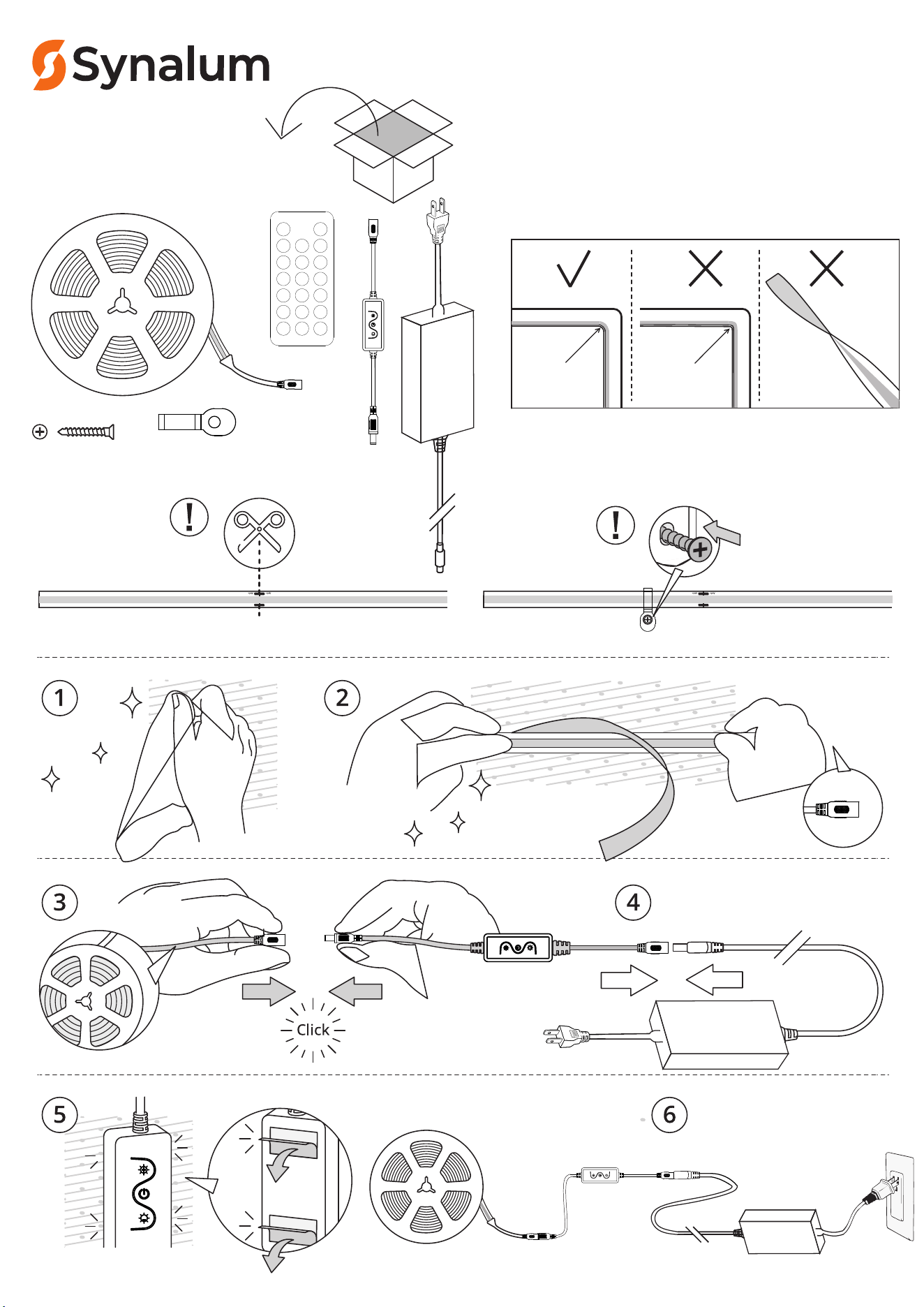
PROFESSIONAL LED STRIP
KA3. 0×12mm
20×7mm
COB LED
Strip Light
Kit
User manual
-
-
-
-
≥Ø 20 m m
<Ø 20 m m
SY-COB480W40-24V15M-108W
Remote Control for COB LED Str
ip Light Kit
DIMMER USER MANUAL
Thank you very much for choosing our company's LED strip. This
product has a unique and disncve 3-in-1 design, which includes
intelligent Blue tooth APP control, RF20 key remote control, and
3-buon independent control.
Product features:
1. Use mobile app control, wireless remote control, and three
buon control;
2. Timer management, which can set mulple sets of mers,
including single group, daily, weekday, weekend, etc.
3. Support group synchronizaon control, which can synchronize
mulple local lights.
4. Adjustable lighng brightness and dynamic mode.
5. System compability: Android 4.0 and above, iOS 8.0 and above.
Technical parameters:
● Working voltage: DC5-24V
● Product size: L72 * W22 * H14mm
● Working temperature: -20-60 ℃
● RF frequency: 2.4GHz
● Weight: 50g
● Remote control baery: 1PCS * CR2025 buon baery
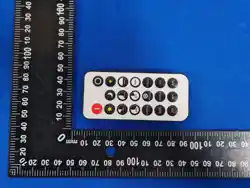
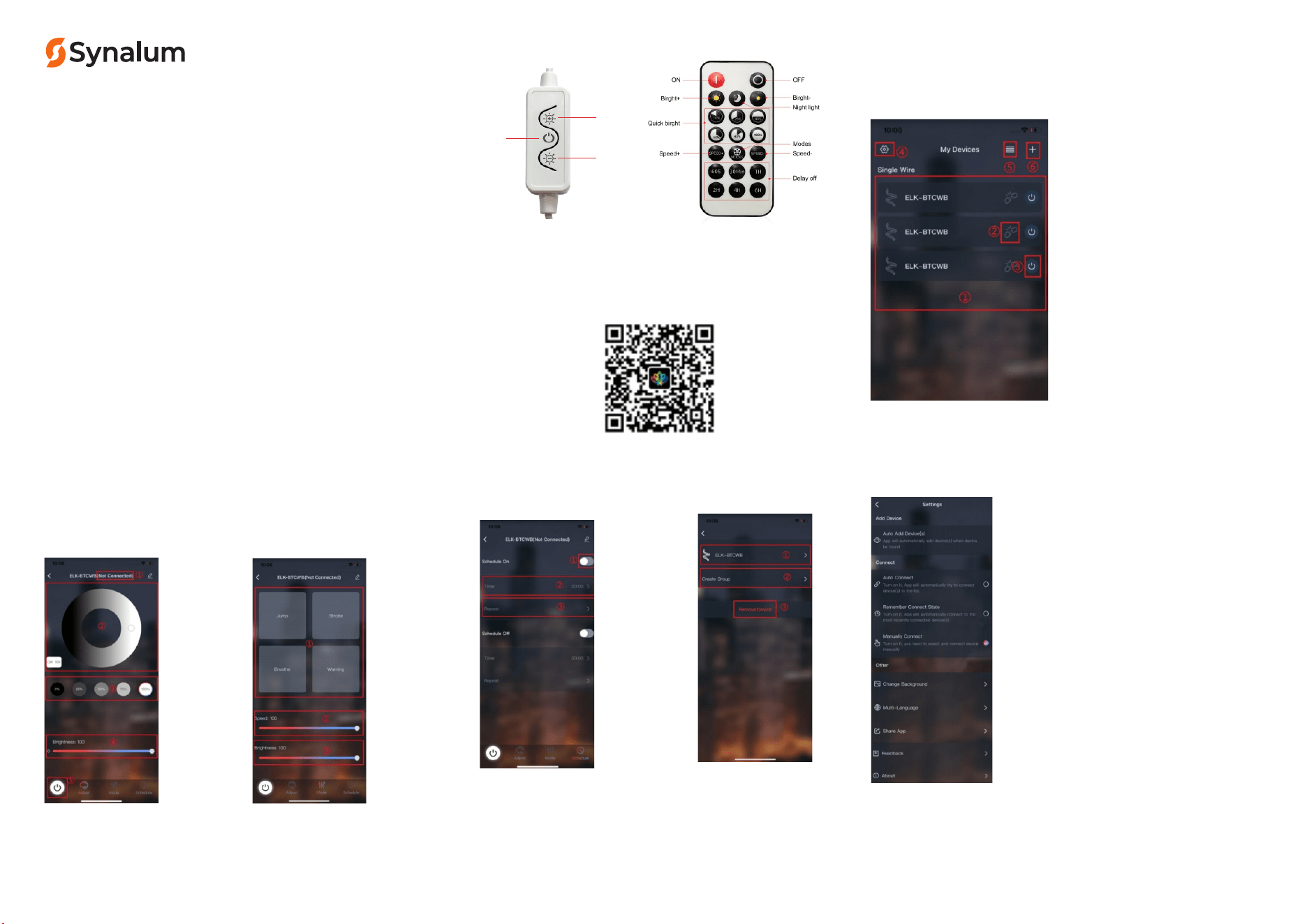
Remote control buon funcon
Birght+
ON/OFF
Birght-
Code pairing: Press and hold the power buon within 5 seconds
of powering on the device to match the code
Code clearing: Long press the shutdown buon within 5 seconds
of powering on the device to clear the code
APP Download: Both iOS and Android systems can download the
"Lotus Lamp X" APP by scanning the QR code.
Welcome to our App! Here are some guidelines to help you beer use the
App, First of all, the use of all the funcons of the App requires the
authorizaon of the relevant mobile phone system authority, and the
consent to open the App can use all the funcons of the App normally.
1. My Device
1) Device list, showing the searched device,
highlighted when connected.
2) Connecon status, click to connect / disconnect
the device.
3) Light switch buon, in the connected state, click
the light on/ off.
4) Set the buon, click to jump to the seng page
5) Switch over the device list display mode
6) Add the device/ group /virtual device entry
2. Device details
2.1 Adjust
You can switch the color of the
device by sliding the color disk or
clicking on the color block
2.2 Mode
Design a good combinaon
of speed and brightness.
1) Device connecon state
2) Change the device color
3) Brightness adjustment
4) Turning the lights on / off
1) Mode list
2) Speed of the mode
3) Brightness adjustment
2.3 Schedule
Support seng me on and me off.
2.4 Device eding
1) Switch
2) Time selecon
3) Repeat, can set Monday
to Sunday any me, support
mulple selecon
1) Modify the device icon
and name
2) Create groups
3) Remove the device
3. Set
1) Automacally add devices. Aer checking it off, the
APP will automacally search for nearby devices and
add them to my device list
2) linkage
Automac connecon: Aer checking, it will
automacally connect to my device list of devices
Memory connecon: When checked, the most
recently connected device is automacally connected
Manual connecon: aer checking, you need to
manually click on the corresponding device to connect
3)Other
Change the background: you can customize the APP
background map
Mul-language: you can switch to the APP language
and follow the mobile phone system by default
Share the APP: Download the QR code for the same
series of APP
Problem feedback: Problems can be fed by email
About: The APP version is introduced
Aenon:
1. Controller’s input voltage is DC5-24V, never connect to others
2. Before using the remote, the insulang film should removed.
3. Please don’t reverse the connecon of both cathode and anode,
4. Do not use in humid, high temperature environment.
5. Please don’t use this product in bed.
PR OFESS IO NAL LE D STRIP

This device complies with part 15 of the FCC Rules. Operation is subject to the
following two conditions: (1) This device may not cause harmful interference, and (2)
this device must accept any interference received, including interference that may cause
undesired operation.
Any Changes or modifications not expressly approved by the party responsible for
compliance could void the user's authority to operate the equipment.
Note: This equipment has been tested and found to comply with the limits for a Class B
digital device, pursuant to part 15 of the FCC Rules. These limits are designed to
provide reasonable protection against harmful interference in a residential installation.
This equipment generates uses and can radiate radio frequency energy and, if not
installed and used in accordance with the instructions, may cause harmful interference
to radio communications. However, there is no guarantee that interference will not
occur in a particular installation. If this equipment does cause harmful interference to
radio or television reception, which can be determined by turning the equipment off and
on, the user is encouraged to try to correct the interference by one or more of the
following measures:
-Reorient or relocate the receiving antenna.
-Increase the separation between the equipment and receiver.
-Connect the equipment into an outlet on a circuit different from that to which the
receiver is connected.
-Consult the dealer or an experienced radio/TV technician for help.
FCC Radiation Exposure statement
The device has been evaluated to meet general RF exposure requirement. The
device can be used in portable exposure condition without restriction.