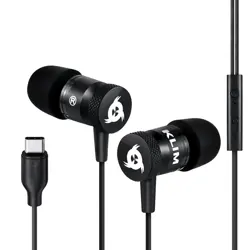
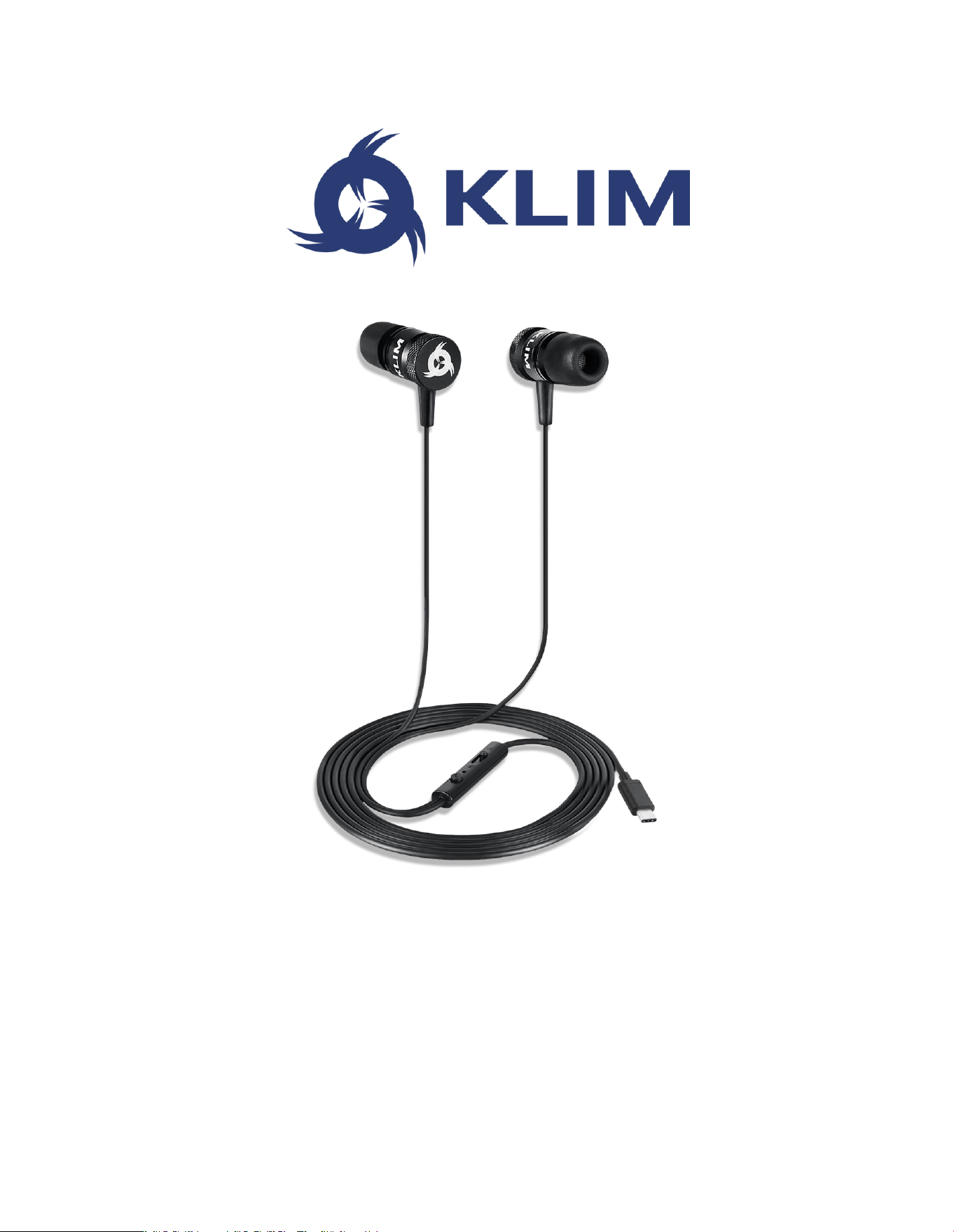
KLIM FUSION TYPE C
USER MANUAL
KLIM Fusion Type C User Manual www.klimtechs.com
2
0. INTRODUCTION
On behalf of the entire KLIM Team, thank you for acquiring our KLIM Fusion C Earphones!
We hope you enjoy this new audio experience while listening to your favorite music,
watching movies, gaming or on the phone. Please read this user manual carefully.
Features
Innovative memory foam ear tips
Built-in microphone
Heavy bass and clear treble
Includes lapel clip, carry pouch &
spare ear tips
Compatible with Android phones &
Nintendo Switch (via USB-C port)
I. KLIM FUSION EARPHONES
Technical specifications
AUDIO
MICROPHONE
Freq. response
15 Hz - 21 KHz
Frequency
50 Hz – 10 KHz
Sensitivity
98 ± 3 dB
Sensitivity
-42 dB ± 3 dB
Impedance
16 ohm
Impedance
< 2,2 K Ohm
THD
< 0.1%
OTHER
Connector type
USB type C
Cable length
130 cm
Weight
20 g
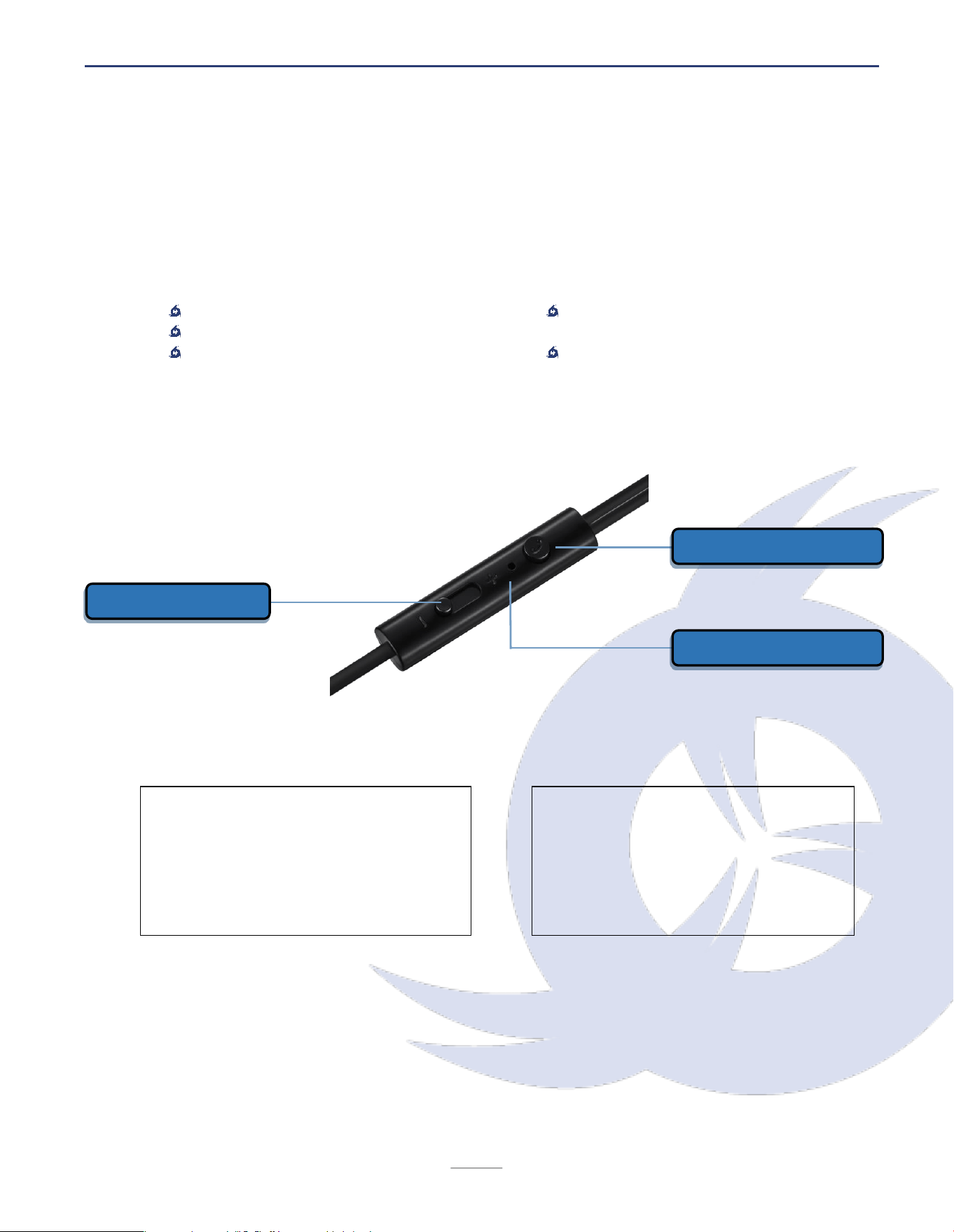
Volume up / down
Microphone
Multi-function button

KLIM Fusion Type C User Manual www.klimtechs.com
3
II. USING THE EARPHONES
Volume controller
Adjust the output volume by moving the slider on the controller. This control is independent
from the device’s volume settings. Unlike regular + / - buttons, this system ensures its
compatibility with all types of phones, tablets and computers.
Warning: Using earphones at a high volume (greater than 85 dB) for extended periods of
time may cause permanent harm.
Magnetized heads
Both metal earphones feature magnets. Wrap them around your neck safely or put them
together to avoid any cable entanglements.
Equalization and first time use
Our ears are used to familiar sounds and frequencies, such as the ones from other
headphones we may have used in the past. When trying the KLIM Fusion earphones for the
first time, please allow at least 10-15 minutes for your ears to adapt.
Also, remember that you may customize your audio experience by using third-party
equalization apps, which are usually available on PC and Android.
Multi-function button - Playback & phone controls
Play / Pause
Press once to play or pause the current track or
song
Skip track
Press twice in quick succession to skip to the next
track or song
Previous track
Press three times in quick succession to go back to
the previous track or song
Pick up call
Mute microphone
Press once to pick up an incoming call or mute the
microphone during a call
End call
Press for a few seconds during a call
Google assistant
Press for a few seconds to bring up the assistant
Note: playback controls and microphone/call compatibility may vary depending on your
device.

KLIM Fusion Type C User Manual www.klimtechs.com
4
III. PRODUCT MAINTENANCE
We recommend handling this product with care and avoid any impacts or cable pulls. While
in your pocket or bag, be careful with the product: avoid putting too much weight on it,
and keep the cable as straight as possible, especially near the connector, volume control
unit and earphones.
Memory foam ear tips
KLIM Fusion earphones use special memory
foam ear tips. They automatically expand in
your ear for maximum external isolation,
comfort and sound quality.
To clean them, use a slightly damp cloth, paper
towel or thin ear cue-tip to gently remove any
excess dirt, then dry it out. Be careful not to let
them soak too much water since they could become hard and lose some of their properties.
Lastly, do not scrape too hard since you may damage the foam.
We also recommend replacing the memory foam ear tips periodically once they are too
worn, so that your audio experience is always optimal. Boxes of memory foam ear tip
replacements are available on our store at https://store.klimtechs.com.

KLIM Fusion Type C User Manual www.klimtechs.com
5
IV. TROUBLESHOOTING & CONTACT
If you ever encounter any problems, remember that we remain at your disposal to help you
with any issues. Do not hesitate to contact us at support@klimtechnologies.com for
additional support.
There is no sound coming off the earphones / the volume is very low
Make sure that the connector is properly plugged into your device. Check that the volume
slider is at an adequate position (it may sometimes be inadvertently moved, reducing or
muting the sound) and verify the sound settings on your device.
The next/previous command does not work or it modifies the volume instead
Devices connected via USB-C devices may interact differently depending on the phone
model, affecting how the phone interprets the multi-function button presses. Some models
have headset customization options, please refer to your mobile device's manual for more
accurate instructions, or contact us to receive further assistance.
There is a rustling sound when I speak during the calls
Avoid using the microphone in windy areas and check that the microphone is not rubbing
against your clothes. Use the lapel clip to better position the cable and microphone and
avoid any unwanted contact with your clothing.
We thank you again for your purchase and hope that you enjoy using our KLIM Fusion C
earphones. Do not hesitate to leave a comment on the site you purchased it, it will help
us tremendously :)
The KLIM Team