Need some help?
Visit https://www.tp-link.com/support/
for technical support, the user guide, FAQs, warranty & more
?
© 2023 TP-Link 7106510740 REV1.0.0 www.tp-link.com
Quick Installation Guide
English
Getting Started
!
Please remain online (Wi-Fi or mobile data) throughout
the app download and login steps.
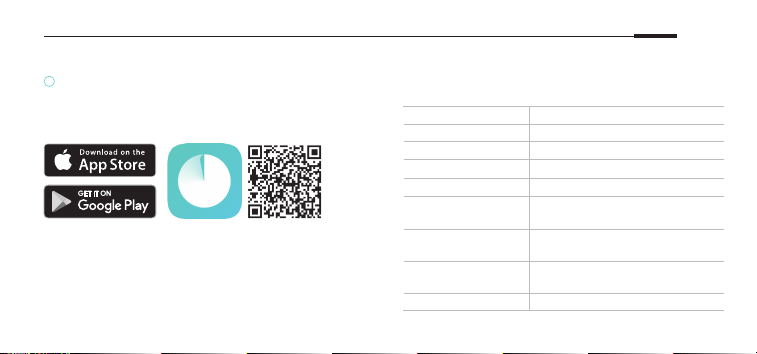
Download the TP-Link Deco app for iOS or Android.
The app will walk you through the setup.
LED Status
Each Deco has an LED light that changes color
according to its status. See the explanation below.
LED DECO STATUS
Pulse Yellow Deco is resetting.
Solid Yellow Deco is starting up.
Pulse Blue Deco is ready for setup.
Solid Blue Deco is setting up.
Pulse Green/
Pulse White
Deco is upgrading rmware.
Solid Green/
Solid White
Deco is all set up and
connected to internet.
Pulse Red
The satellite Deco is
disconnected from main Deco.
Solid Red Deco has an issue.

English: Safety Information
• Adapter shall be installed near the equipment and shall be easily accessible.
• Keep the device away from water, re, humidity or hot environments.
• Do not attempt to disassemble, repair, or modify the device. If you need service, please contact us.
• Do not use damaged charger or USB cable to charge the device.
• Do not use any other chargers than those recommended.
• Do not use the device where wireless devices are not allowed.
• Use only power supplies which are provided by manufacturer and in the original packing of this product. If you have any
questions, please don’t hesitate to contact us.
Please read and follow the above safety information when operating the device. We cannot guarantee that no accidents or
damage will occur due to improper use of the device. Please use this product with care and operate at your own risk.