© ADVANCE TABCO FEBRUARY 2016
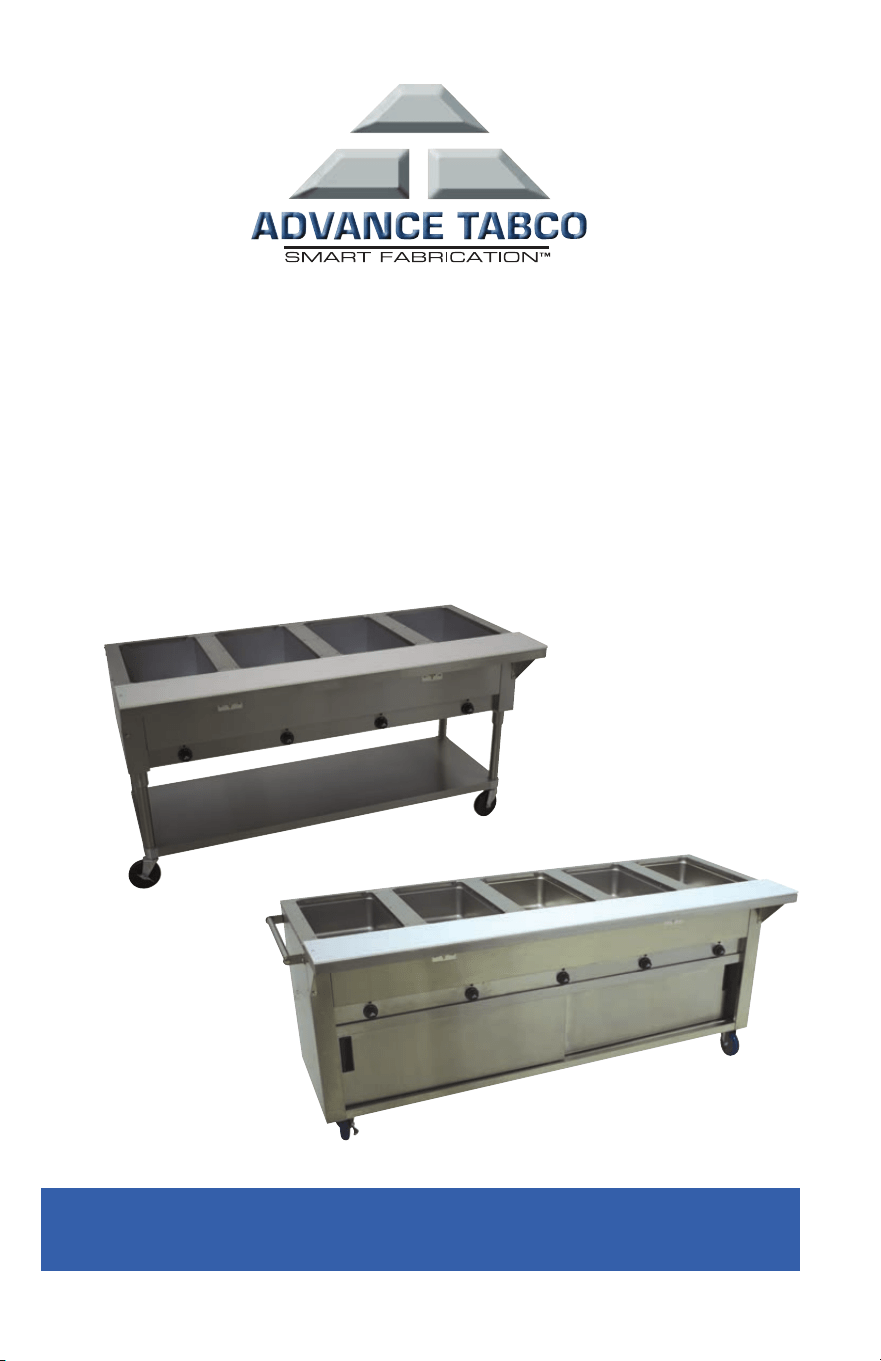
Installation Instructions for:
SU-25S Casters (Food Units with Undershelf)
TA-255P Casters (Enclosed Base Food Units)
SU-6 Push Handle
CHECK FOR CONCEALED DAMAGE
FILE CLAIM WITH DELIVERING FREIGHT CARRIER
®
INSTALLING SU-25S CASTERS
ON FOOD TABLES WITH UNDERSHELF
CONTENTS INCLUDED:
(2) Stainless Steel 5” Swivel Casters
(2) Stainless steel 5” Swivel Casters with Brakes
TOOLS NEEDED:
5/32” Allen Wrench
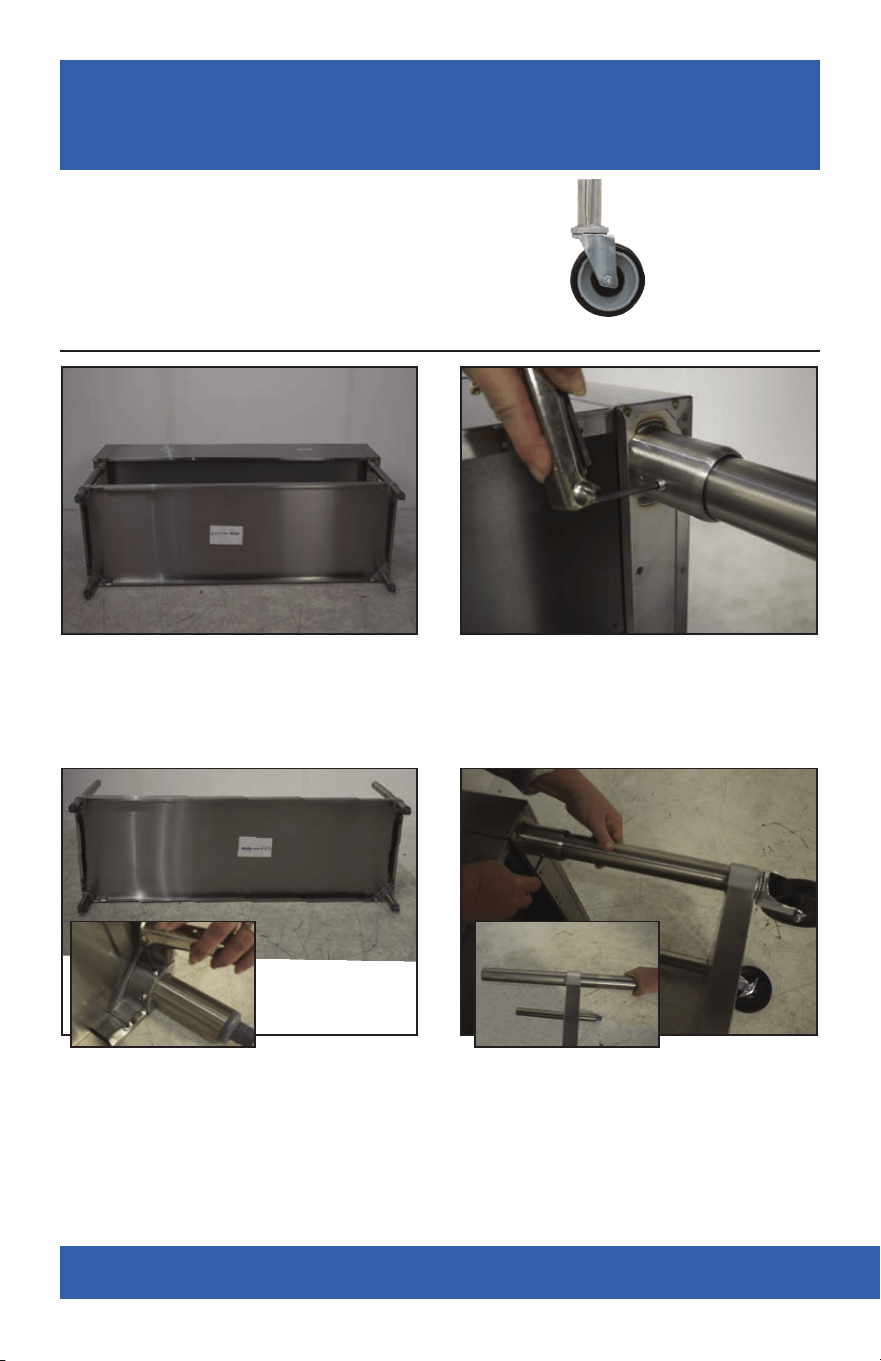
STEP 1: Carefully turn unit on its back. STEP 2: Using 5/32” Allen wrench,
remove set screws and set aside.
DO NOT DISCARD SET SCREWS.
STEP 3: Remove undershelf and legs
from food unit.
STEP 4: Using 5/32” Allen wrench
loosen set screws securing legs
to undershelf.
STEP 5: Install legs with casters by
repeating above.
Swivel Casters
with Leg
For Additional Assistance, Please call Customer Service at: 1-800-645-3166
For Additional Assistance, Please call Customer Service at: 1-800-645-3166
INSTALLING TA-255P CASTERS
ON ENCLOSED BASE FOOD TABLES
CONTENTS INCLUDED:
(2) 5” Swivel Casters
(2) 5” Swivel Casters with Brakes
TOOLS NEEDED:
3/4” Opened End Wrench
Pipe Wrench
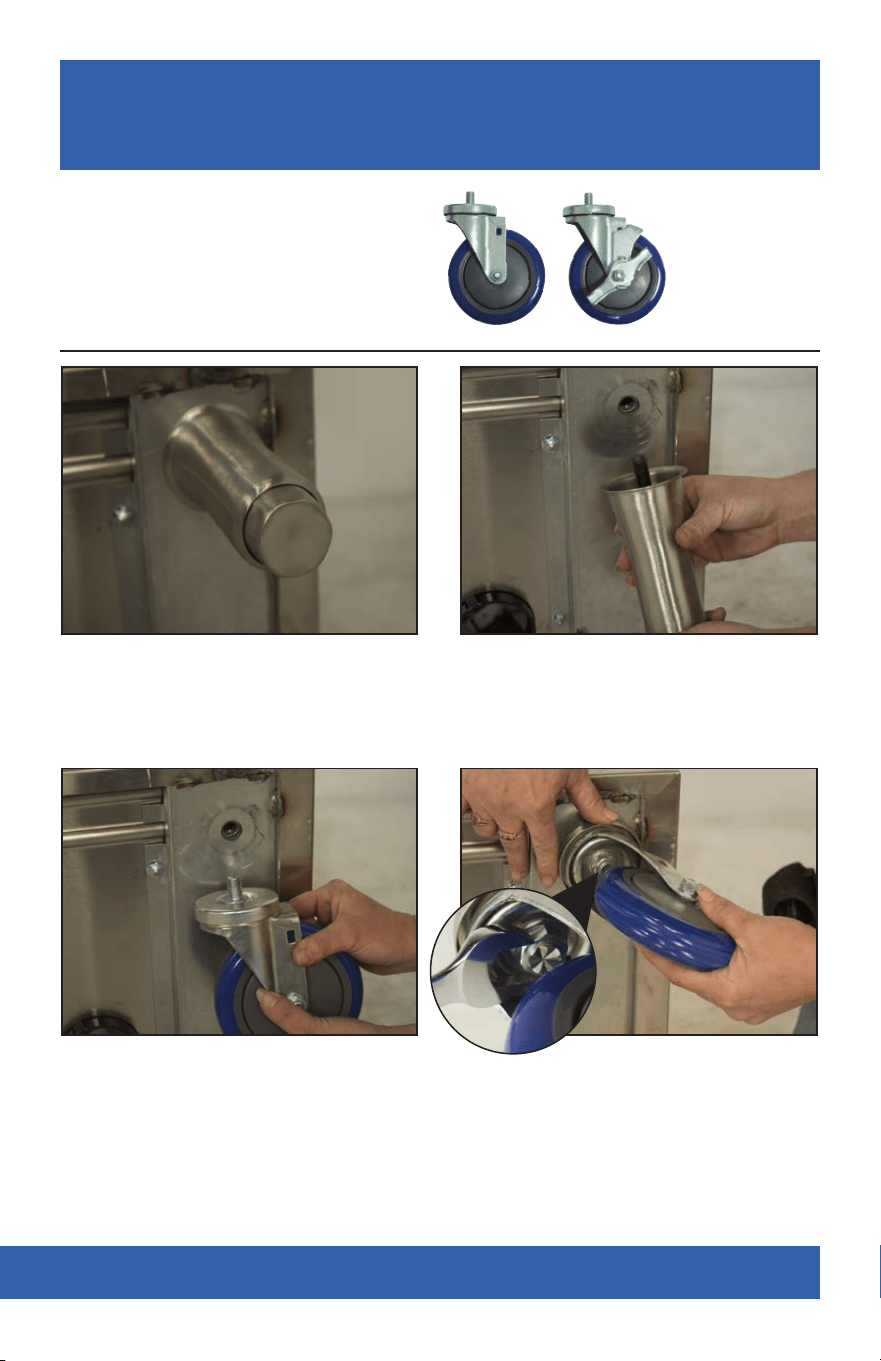
STEP 1: Carefully turn unit on its back. STEP 2: Unscrew leg from support
channel (pipe wrench may be
necessary).
STEP 3: Screw each caster into each
threaded hole by hand.
STEP 4: Once all casters are in
place, tighten the bolt head that
appears under the caster body
using a 3/4” open end wrench.
Swivel Casters
For Additional Assistance, Please call Customer Service at:
1-800-645-3166
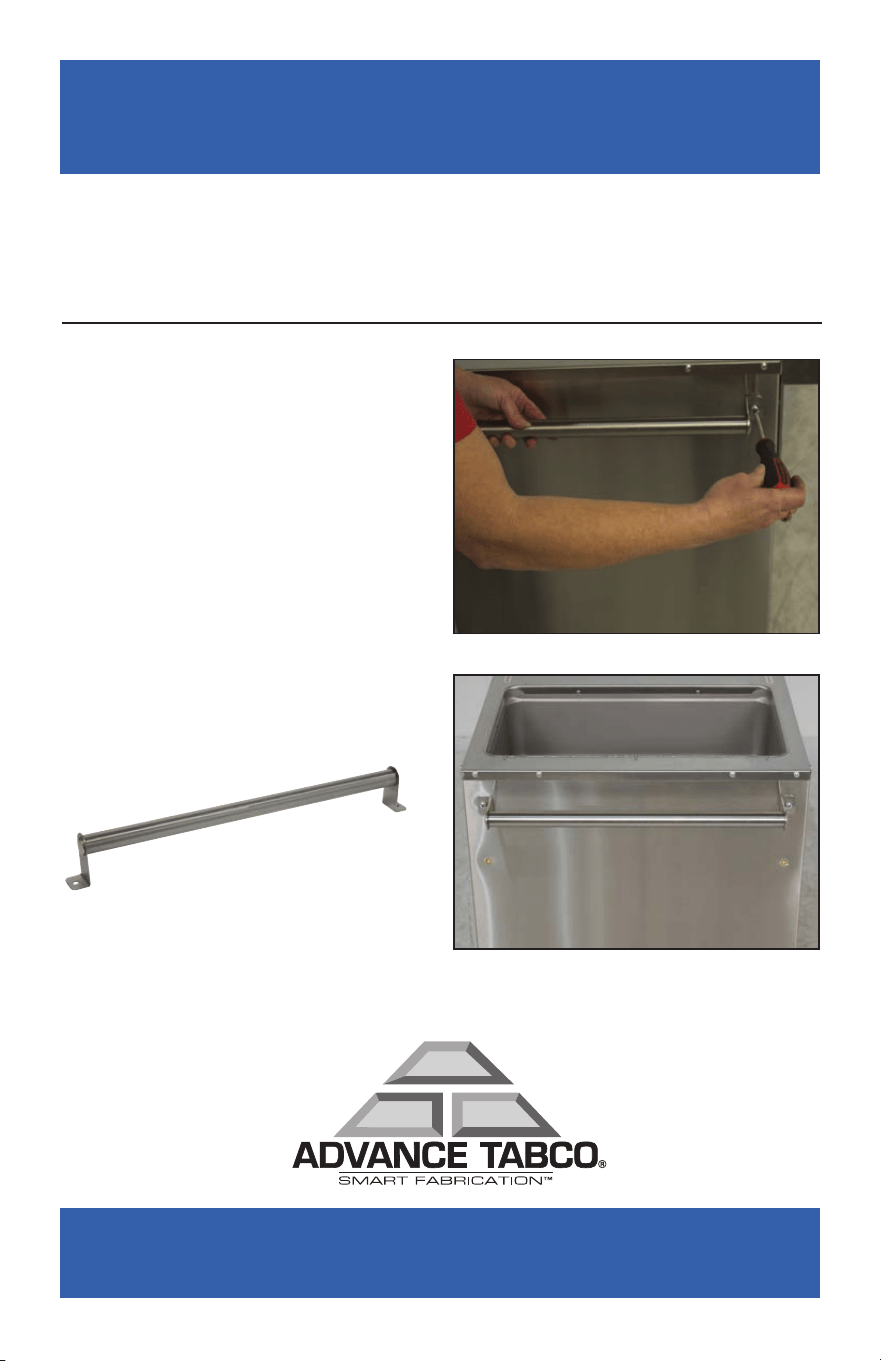
STEP 1: Attach the Push Handle
to the two pre-existing holes on
the desired end of the Food Table
using the 2 supplied Bolts.
INSTALLING THE SU-6 HANDLE ON ADVANCE TABCO
HOT & COLD FOOD TABLES (SOLD SEPARATELY)
CONTENTS INCLUDED:
(1) Handle
(2) Bolts
TOOLS NEEDED:
Phillips Head Screwdriver