Dorman Products, Inc. | Corporate Oce and Customer Service: 1-800-523-2492
©2021 No reproduction in whole or in part without prior written approval.
13776_Instructions
REMOVAL/INSTALL INSTRUCTIONS:
KEYLESS ENTRY REMOTE
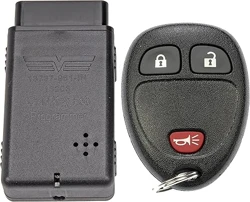
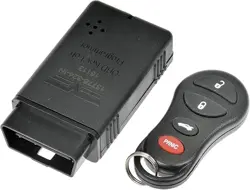
13776
ATTENTION: Refer to the appropriate shop manual for your vehicle to obtain specic service procedures for this part. If you do not have a service
manual or lack the skill to install this part, it is recommended that you seek the services of a qualied technician. Pay special attention to all
cautions and warnings included in the shop manual. Read and follow all instructions carefully. This product is only designed to function properly on
specic vehicle applications. Please verify that the vehicle requirements match the product specications and application notes for this part.
Disclaimer:
Even though every attempt is made to ensure this information is complete and accurate, it is impossible to account for all possible circumstances or situations. Please consult with a qualied auto
technician before attempting to perform any work you are not qualied to do. Automobiles can be hazardous to work on; be sure to take all necessary safety precautions. Failure to do so may result in
property damage or personal injury. Certain motor vehicle standards and performance requirements may apply to your motor vehicle (such as Federal Motor Vehicle Safety Standards by the National
Highway Trac Safety Administration). Be sure that your work is performed in accordance with such standards and that you do not disable any motor vehicle safety feature.
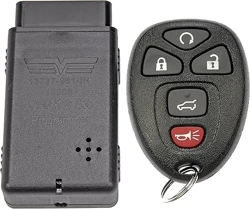
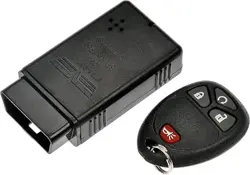
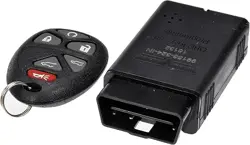
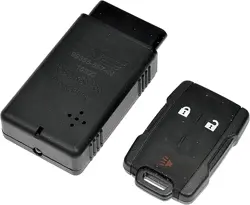
REMOVAL/INSTALL OF KEYLESS ENTRY REMOTE (13776)
Chrysler 2006–01, Dodge 2010–08, Dodge 2006–01, Jeep 2004–02
GENERAL TECH TIPS:
• DISCLAIMER: All currently programmed and new remotes must be reprogrammed to your vehicle. Please have all remotes in hand at time
of programming.
• Due to the programming process being sensitive to voltage drops, it is recommended that a battery charger is hooked up to the vehicle before
beginning the programming process.
Programming Instructions
STEP 1: Turn vehicle ignition key to ON position, without starting engine (Key-On Engine-O—Position “1”).
Still need help?
Please call our Technical Support team for assistance
from our team of certied automotive experts.
1-800-523-2492
STEP 3: Wait 10 seconds then press the LOCK and UNLOCK buttons on the key fob simultaneously for three
seconds. Press the LOCK button for two seconds.
STEP 4: Repeat Step 3 for all additional remotes.
STEP 5: When all key fobs have been programmed, turn ignition key o and remove programmer from the
OBD II port.
STEP 6: Wait two minutes and verify each key fob functions properly. If programming was unsuccessful,
restart the procedure.
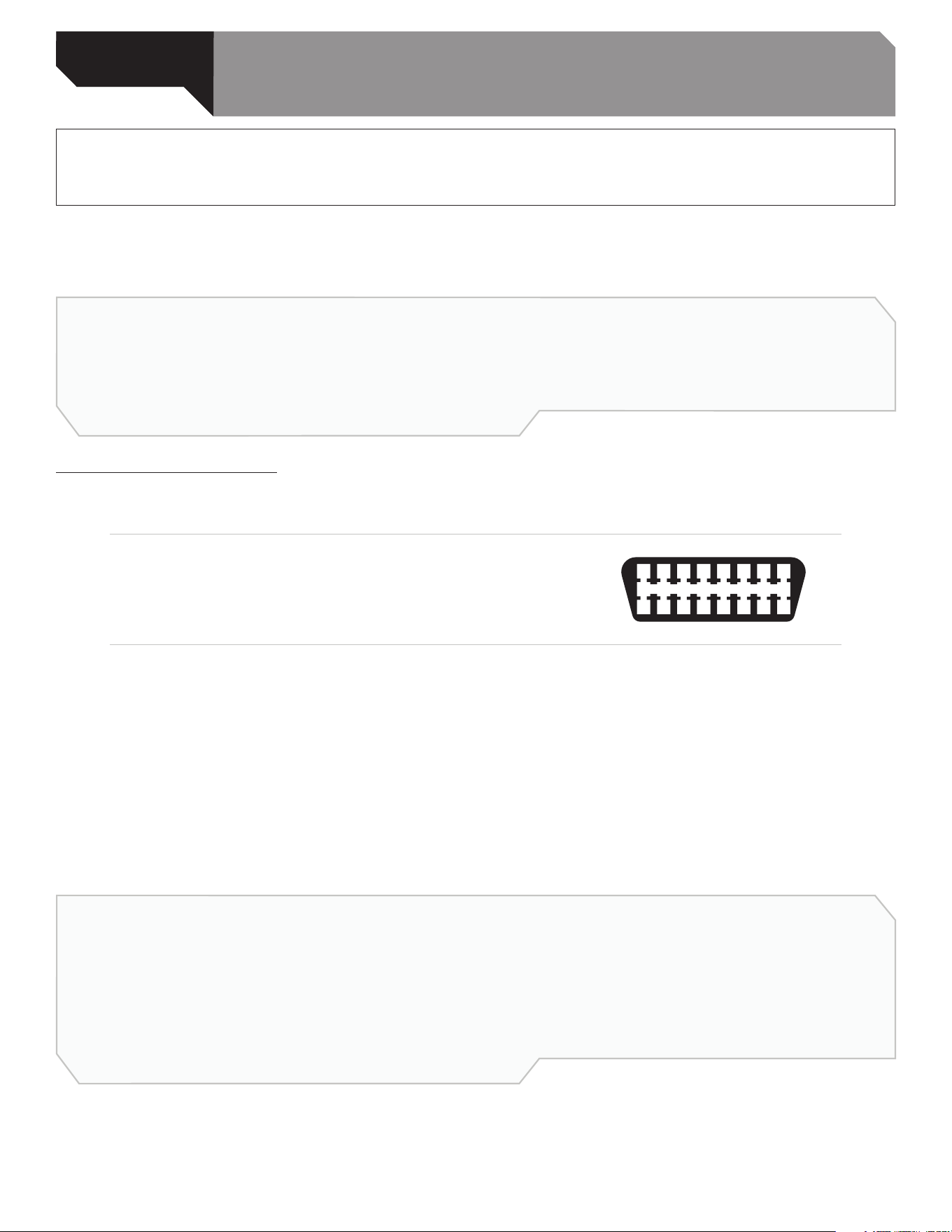
STEP 2: Insert programmer into OBD II port, located
under steering column, near pedals.