Welcome
Welcome to the world of Philips! We are Philips products. You can have
access to full set of technical support on Philips official website, such as user
manuals, software downloads, and warranty information, etc.
www.philips.com/support
Product Features
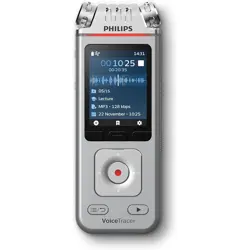
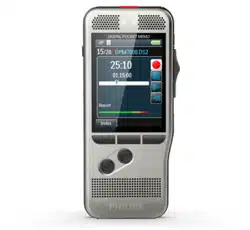
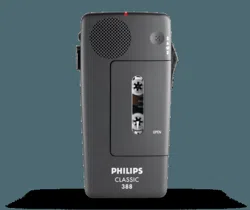
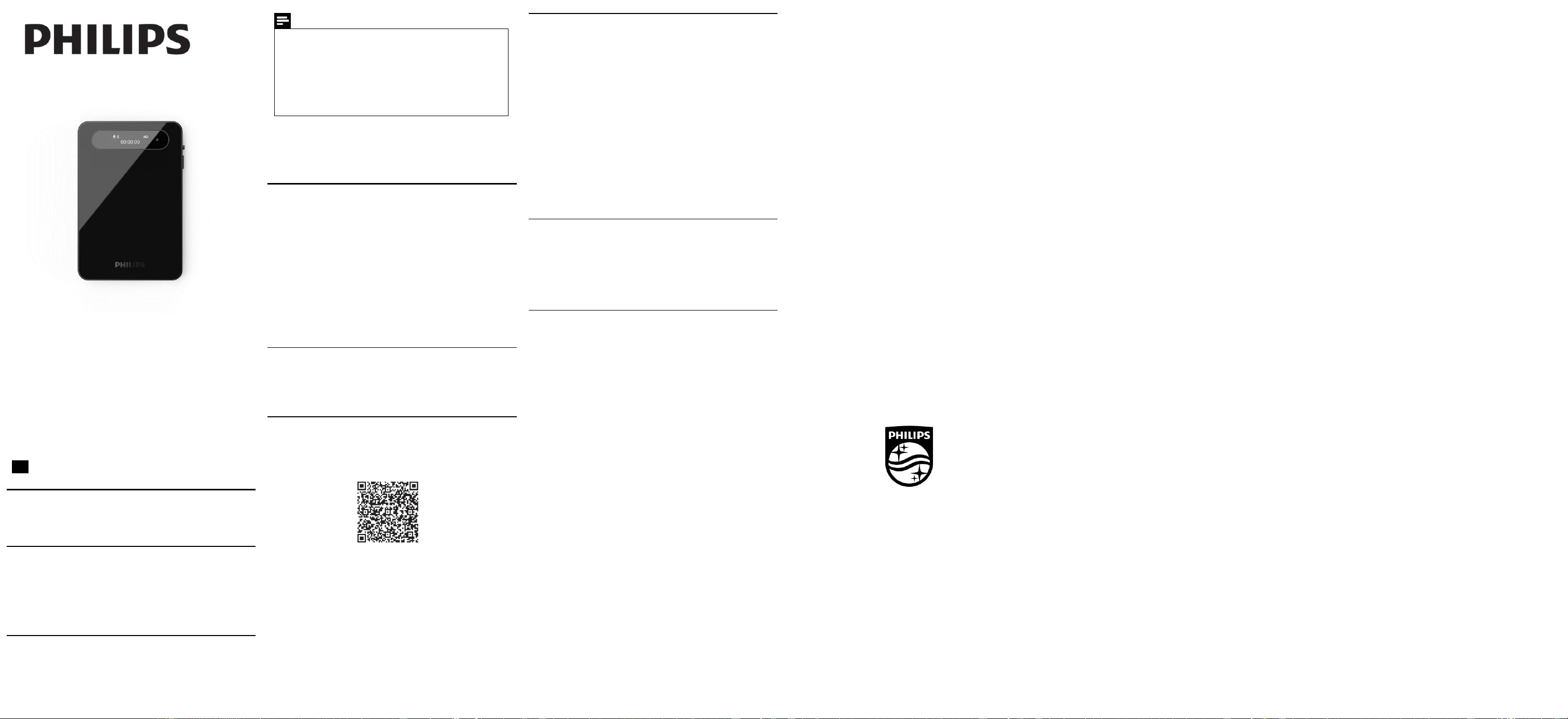
This product is a convenient clip-on voice recorder, easy to carry, with the
following product features:
· Real-Time Transcription.
· Real-Time Translation.
· File transfer.
· Call recording.
Safety Information
· To avoid short circuits, do not place the product in areas exposed to
water or moisture.
· Do not place the product near heating equipment.
· Please note that do not squeeze the cable, especially at the plug.
Attention
· Special Statement: Please read this manual carefully before
using this product. The company shall not be liable for any data loss
or damage caused by human operation or force majeure. Users are
specially reminded to operate with caution and back up data
separately.
· The displayed images are for reference only. Philips reserves the
right to change the color/appearance/design/parameters/product
functions. For any updates to hardware, software, or APP, no prior
notice will be given.
Usage Notes
• It is recommended to charge the device with a compliant charger for
about 2 hours before first use.
Usage Instructions
Getting Started
· Power on: While powered off, press the recording button for 2–3 seconds.
The device will vibrate and power on, entering standby mode with a green
light illuminated. Press the recording button again for 2 seconds to power
off the device; the green light will extinguish.
· Recording: In standby mode, press the recording button. The device will
vibrate once and commence recording; during recording, the red light
remains steadily illuminated. Press the record button again briefly to save
the recording and the device will vibrate twice. It will then return to
standby mode with the green light illuminated.
· Recording mode: When the toggle switch is in the upper position, the
device is in telephone recording mode. When the toggle switch is in the lower
position, the device is in standard recording mode. Telephone recording files
are named with the prefix ‘PH’, while standard recording files are named
with the year, month, and day prefix.
Indicator Light Status
- Recording status: Steady red light
- Standby status: Steady green light
- Low battery: Red light flashing
- Charging status: Green light flashing; Lights turn off when fully charged
APP Operation Guide
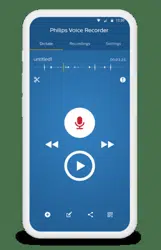
1. Both Android and iOS phones can scan this QR code to install and
download the APP. For all permissions popped up during the installation
process, please select the "Always Allow" option; otherwise, the APP cannot
be used. Please be informed.
Warm Reminder: The APP will be updated regularly without prior notice.
The manual is for reference only, and the actual operation shall be based on
the latest APP.
2. On the main menu interface of the APP's real-time translation function,
turn on the button. The APP will start recording, recognize text and
translate it, and the voice recorder will also start recording at the same
time.
3. On the APP's main interface, select "Files" to switch to the file list
interface.
4. Sync Device: Selecting this option displays a folder named by time. After
selecting the relevant folder, pull down the screen to refresh and sync the
files from the voice recorder. Note that files recorded via the APP will not
be synced to the phone repeatedly; only files recorded independently by the
voice recorder can be synced.
5. Operations such as editing, sharing, and speaker differentiation can be
performed on the file playback interface.
Sync File Operations
(1) On the APP interface, select the "Sync Device" option to enter the list
interface, click the corresponding folder, then select the required files to
sync in the list interface. The default transfer method is Bluetooth. During
transfer, click ‚Accelerate‛ switches to Wi-Fi Fast Transfer. A connection
prompt will appear upon switching; click ‚Connect‛ to commence transfer.
Upon completion, you will return to the list screen. Note: After Fast
Transfer concludes, manual connection to the external network is required
to access online services.
(2) After the file is successfully uploaded, click the file to enter and
transcribe it.
(3) The transcribed file can be played, edited, shared, saved, etc.
(4) On the sync device list interface, select "Delete" and a prompt will pop
up with "Delete Phone Files" or "Delete Voice Recorder Files". Selecting
"Delete Phone Files" will delete the transcribed content on the phone;
selecting "Delete Voice Recorder Files" will delete the files on the voice
recorder. Please exercise caution when using the delete function: back up
important files to avoid accidental deletion.
(5)Delete All: Selecting "Select All" and then deleting will remove all files.
You can choose "Select All" or "Deselect All".
Technical Specifications
· Connection port: TYPE-C
· Built-in storage capacity: 64GB
· Recording format: MP3
· Bit rate: 32 kbps
· Sampling rate: 16 kHz
· Battery capacity: 700 mAh
Warranty Card
This product is made of high quality material and great care has been taken
in its manufacture. It is designed to give good performance provided it is
properly operated and maintained. The product is sold subject to the
understanding that if any defect in manufacture or material shall appear
within 12 months, the warranty period is subject to country Consumer
Law, Jingwah Digital Service will arrange for such defect to be rectified
without charge under the following warranty terms and conditions.
Warranty Terms and Conditions:
The defect is not due to use of the product for other than domestic purposes,
or an incorrect voltage, or use of improper accessories, or contrary to
operating instructions, or to accidental damage(whether in transit or
otherwise), misuse, neglect or inexpert repair, or incorrect installation, or
the product is excessively used for improper purposes other than daily
consumption, or accessories belonging to the product, transportation.
Present this warranty card and sales invoice when demanding service from
Philips authorized service centres.
User's Name:
..............................................................
Address:
......................................................................
Tel.No:
......................................................................
Post Code:
......................................................................
Company Seal:
.....................................................
Date of Purchase:
..............................................................
Model No:
......................................................................
Serial No:
..............................................................
Product Place:
......................................................................
Shop name and address:
.......................................
Tel.No/Post Code:
............................................................
Invoice No:
..................................................................
Product Service Hotline:400 800 7890
Register your product and get support at:
www.philips.com/voicetracer
© 2025 Speech Processing Solutions GmbH. All rights reserved.
This product has been manufactured by and is sold under the responsibility
of Speech Processing Solutions GmbH, and Speech Processing Solutions
GmbH is the warrantor in relation to this product.
Specifications are subject to change without notice. Philips and the Philips
shield
emblem are registered trademarks of Koninklijke Philips N.V. and are used
under license.
Document version 1.0, 16/12/25
This device complies with Part 15 of the FCC Rules. Operation is subject to the
following two conditions:
(1) this device may not cause harmful interference, and
(2) this device must accept any interference received, including interference
that may cause undesired operation
This device has been tested and found to comply with the limits for a Class B
digital device, pursuant to Part 15 of the FCC Rules. These limits are designed
to provide reasonable protection against harmful interference in a residential
installation. This device generates, uses and can radiate radio frequency
energy and, if not installed and used in accordance with the instructions, may
cause harmful interference to radio communications.
However, there is no guarantee that interference will not occur in a particular
installation. If this device does cause harmful interference to radio or
television reception, which can be determined by turning the device off and
on, the user is encouraged to try to correct the interference by one or more
of the following measures:
--Reorient or relocate the receiving antenna.
--Increase the separation between the device and receiver.
--Connect the device into an outlet on a circuit different from that to which
the receiver is connected.
--Consult the dealer or an experienced radio/TV technician for help
Changes or modifications not expressly approved by the party responsible for
compliance could void the user's authority to operate the equipment
RF warning for portable device:
The device has been evaluated to meet general RF exposure requirement.
The device can be used in portable exposure condition without restriction.
Voice Recorder
VTR7900
User manual
EN