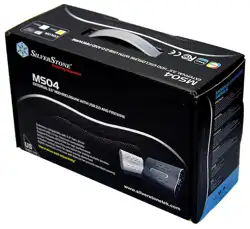

MS04
manual
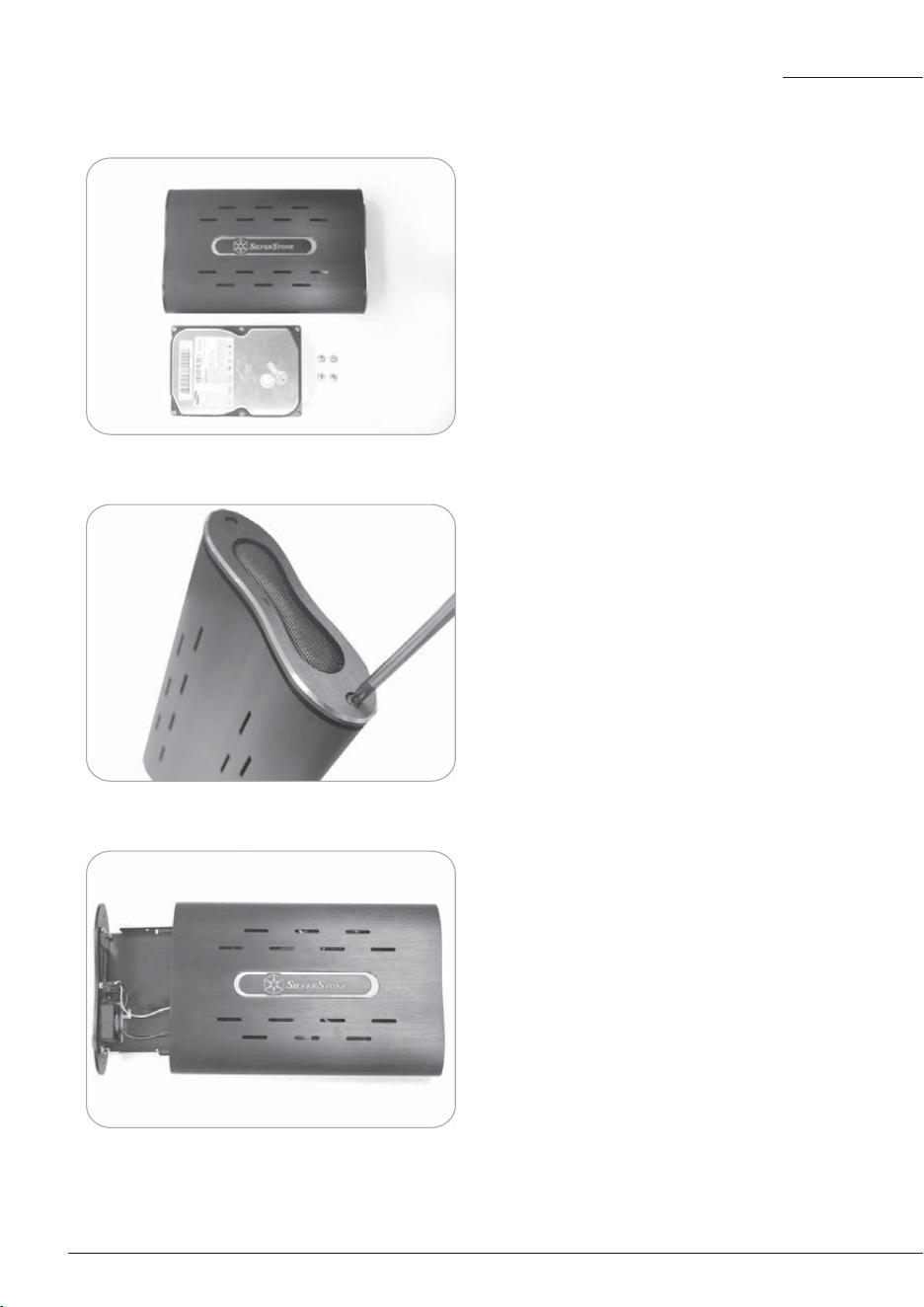
1.Prepare for installation (3.5"
hard drive shown must be
purchased separately)
2.Remove two screws located on
the side with the air mesh grille
3.Pull and slide out the internal
tray
This is a unique product, please read the following detailed
installation guide we have prepared meticulously for you.
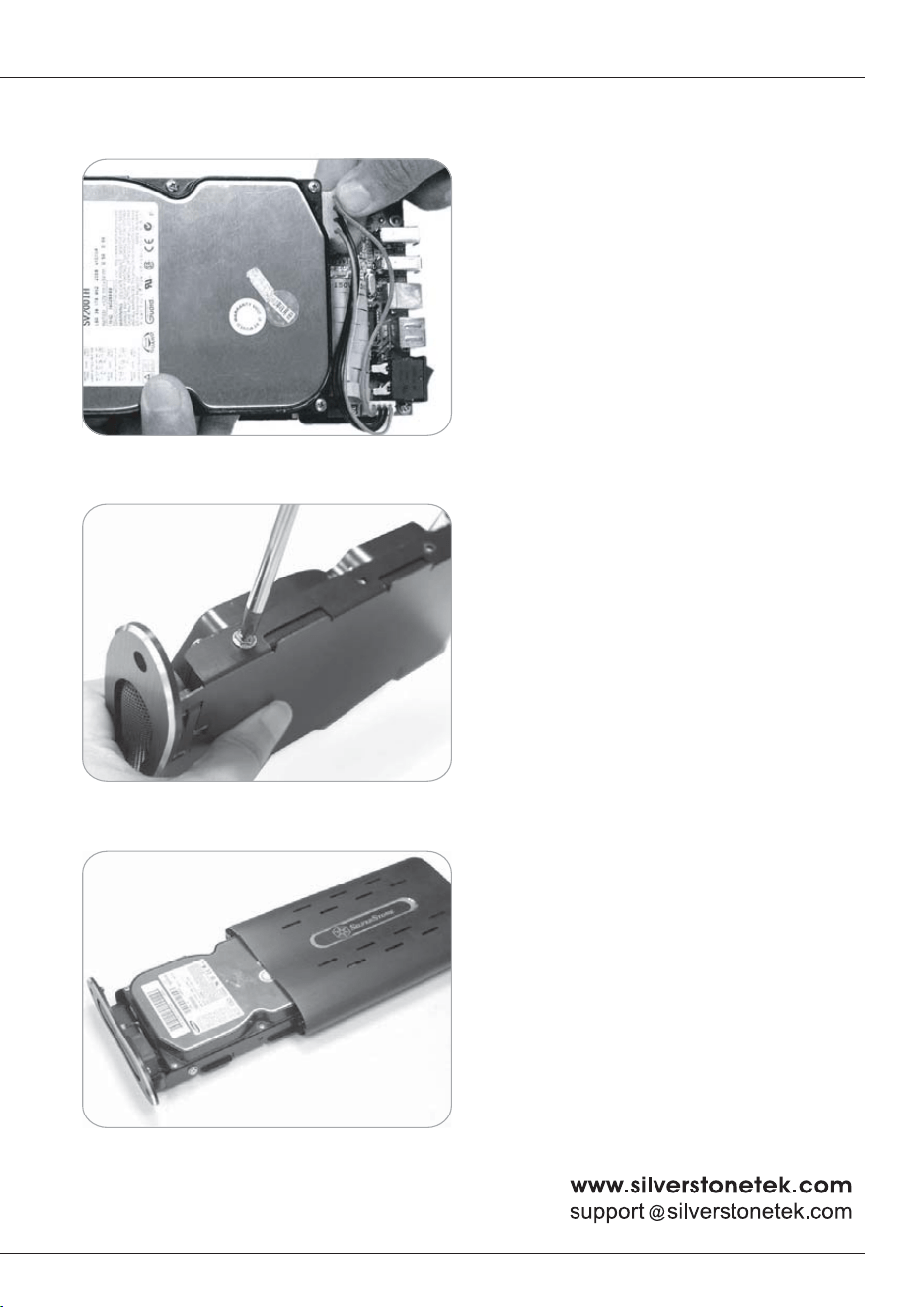
4.Connect both IDE cable and
4pin connector to your 3.5"
hard drive as shown
5.Secure the hard drive by
inserting and tightening four
screws on both sides of the
tray
6.Slide the assembled tray back
into the MS01 enclosure. Take
great care to ensure that no
wires or cables are caught in
between the enclosure and the
tray
August, 2006
Warranty Information
NO: G11400309