EN
Clip
Screw
01
Product Illustration
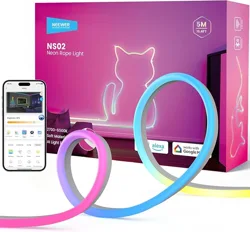
Thank you for purchasing this complete set of NEEWER String Lights.
You can control this product with the NEEWER Home app to elevate
your home decoration.
Package Contents
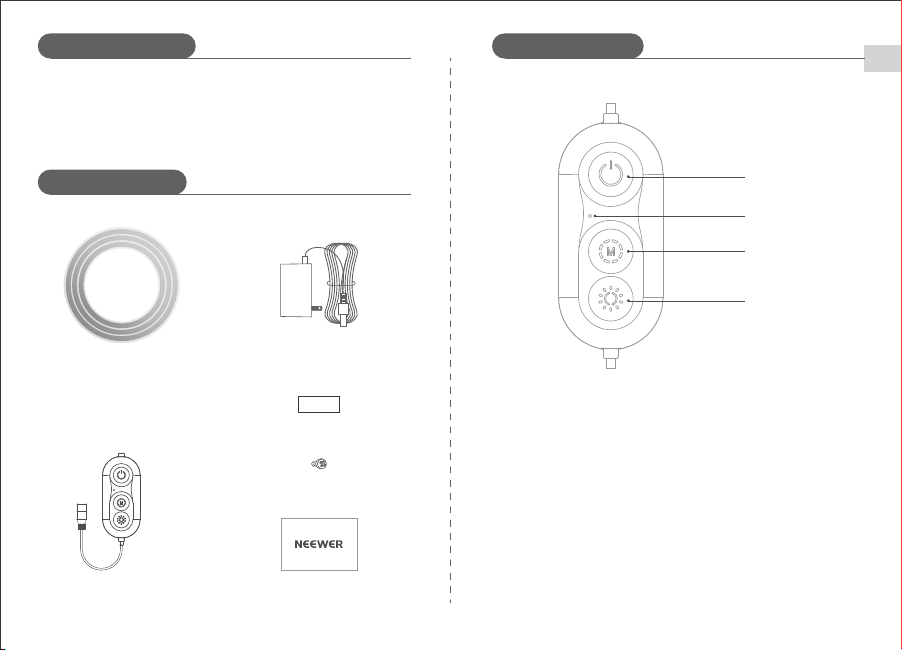
Light Strip
Controller
User Manual
Power Adapter
Product Overview
Power Button
Microphone
Mode Button
Brightness Button
Power Button: Power on/off (short press).
Reset (long press for 5 seconds).
Microphone: For the Music Modes.
Mode Button: Short press to cycle through 7 modes: Warm White,
Cool White, Scene 1, Scene 2, Scene 3, Music Mode 1,
Music Mode 2.
Brightness Button: Short/long press to adjust brightness.
EN
02
Assembly Guide
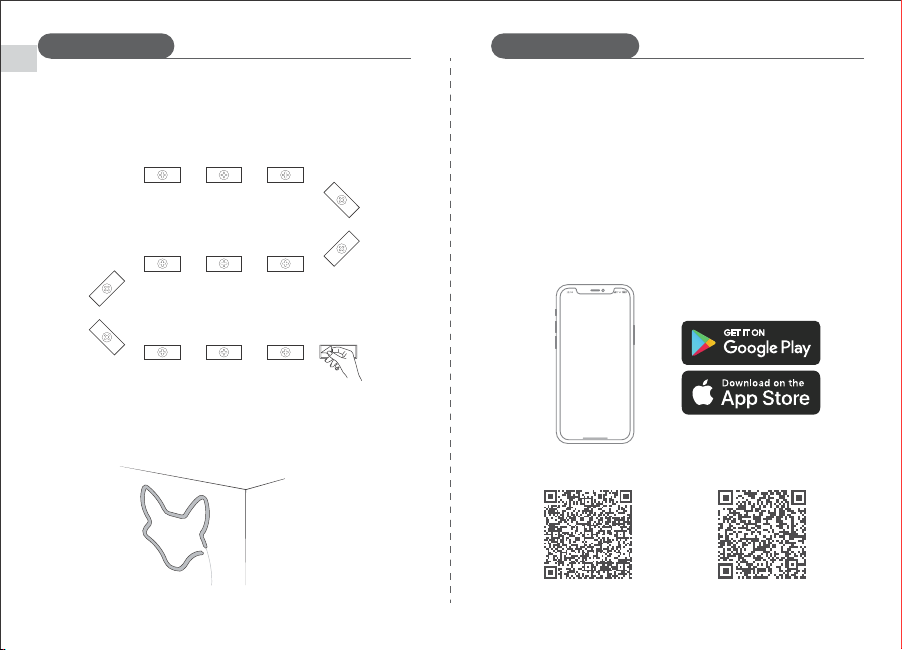
1. Connect the light strip to a power source and check if it lights up.
2. Plan your desired shape in advance. Attach the clips to the wall.
For better security, use screws to firmly fix the clips.
3. Install the light strip, then open the NEEWER Home app to start
using.
Directions for Use
Pairing the lights with the NEEWER Home app.
1. Download "NEEWER Home" from App Store (iOS) or Google Play
(Android).
2. Enable Bluetooth on your phone. Open the app, tap "+" icon at the
upper right corner and search for "NS02". Tap the device name
and add.
3. Only supports 2.4GHz Wi-Fi routers (802.11 b/g/n). 5GHz is not
supported
Neewer Home
Android
iOS
EN
Mode NS02
03
Input
24VDC 1.5A(3m/9.8Ft);
24VDC 2A(5m/16.4Ft)
Color RGB
Operating temperature -10~40℃/14~104℃
Specifications
Note
1. Do not drop the product, subject it to collisions, or severe impacts.
2. Keep away from inflammable and explosive items.
Troubleshooting
1. Lights won't turn on
a. Check the power supply first. Long press the power button for 5
seconds to reset, then short press it to power on.
b. Make sure the contacts are connected properly.
2. Can't pair with the NEEWER Home app
a. Make sure Bluetooth is enabled on the phone.
b. Keep the pairing distance within 20m. If an error occurs with the
paired device, delete it from the app and pair again.
c. Make sure your Wi-Fi router is 2.4GHz (5GHz is not supported).
d. Make sure the password is correct when setting the Wi-Fi network.