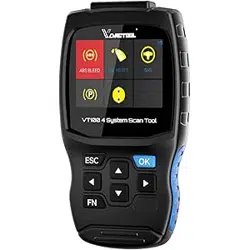
Professional Mum-System Scan Too/
USER MANUAL
ESC ?
SHENZHEN CHUANG XIN HONG TECHNOLOGY CO., LTD
Visit our website: www.vdiaqtool.cn
For Technical Assistance, send us email:
I .Tool Descriptions
5
7
3
9
4
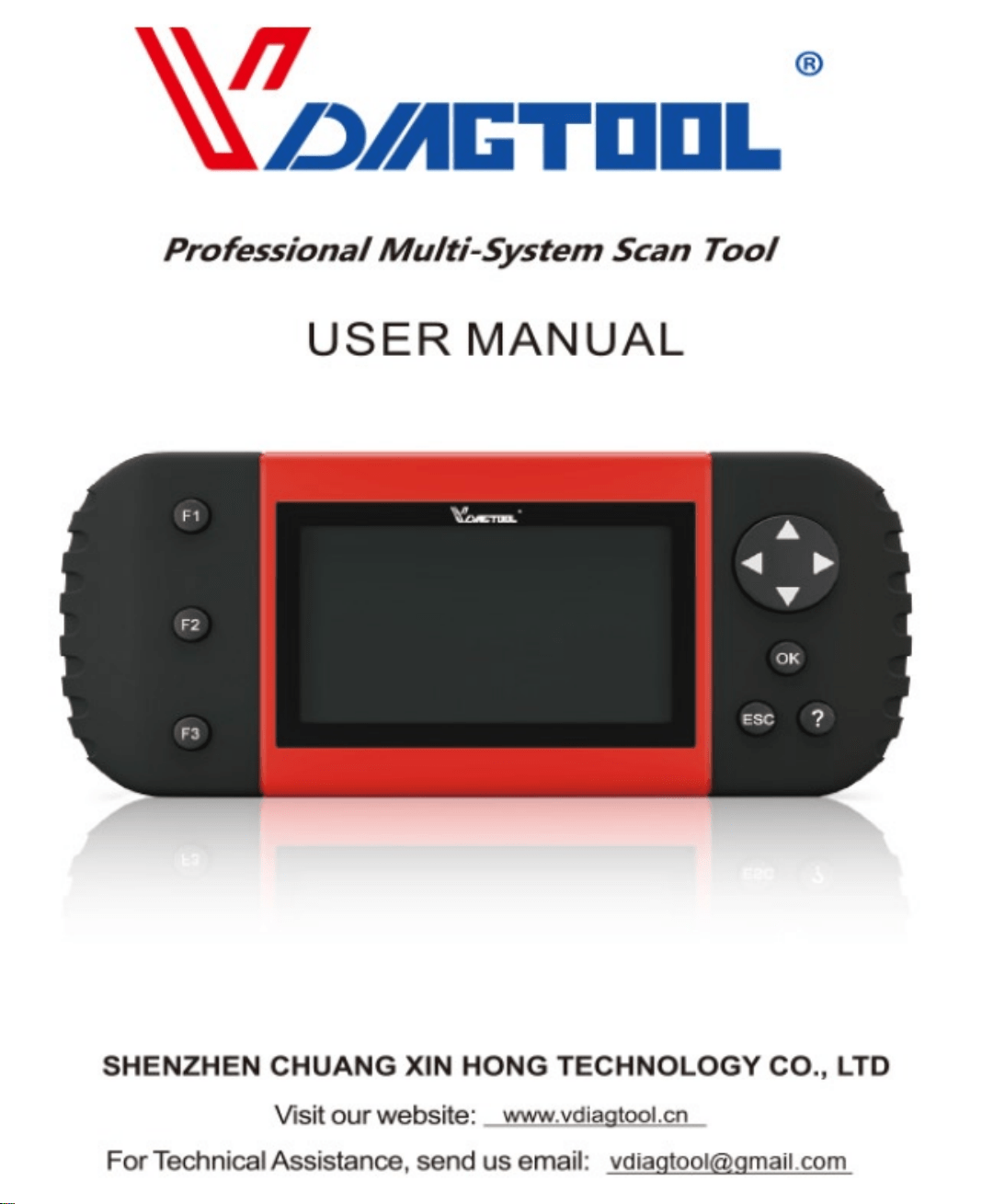
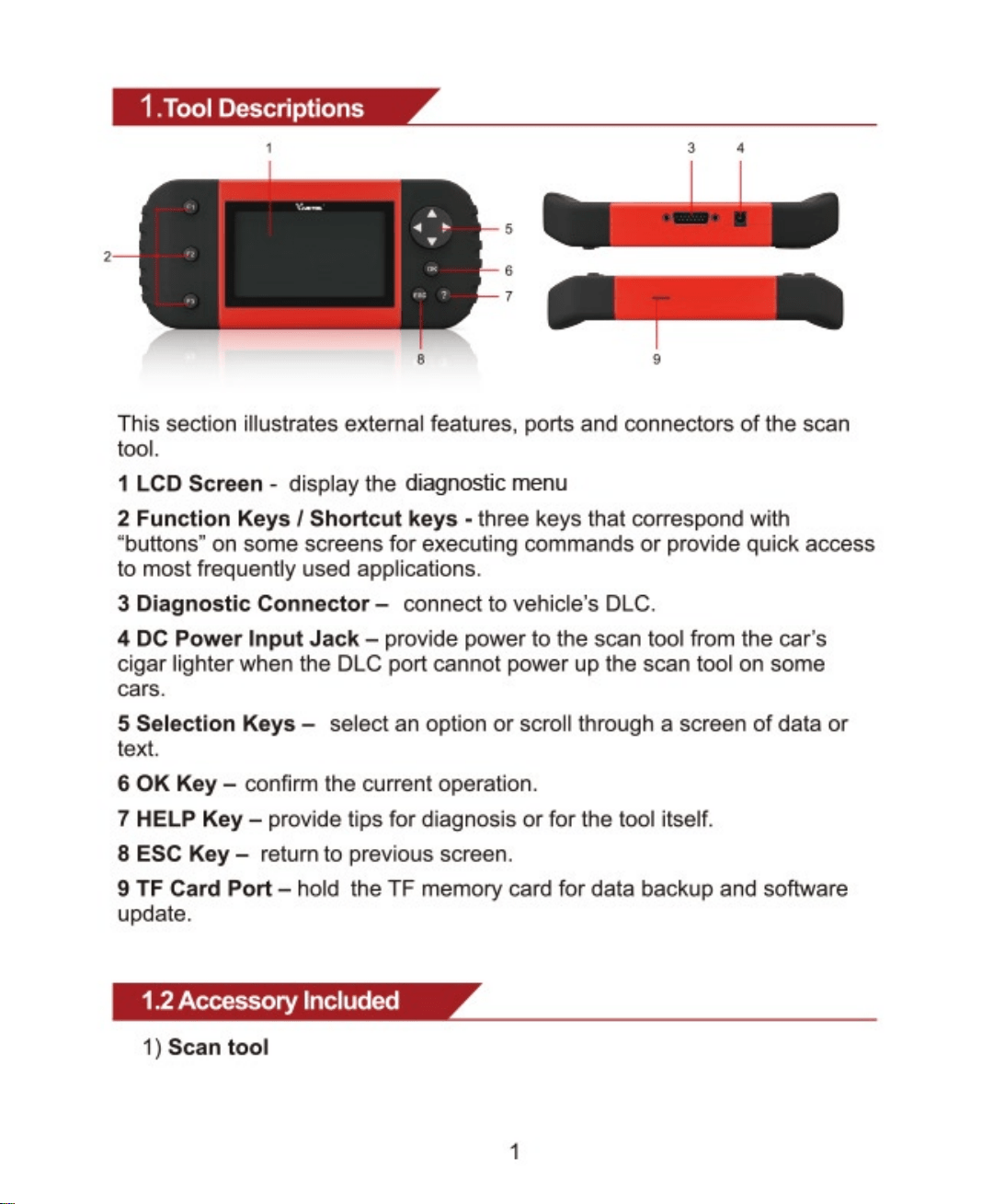
This section illustrates external features, ports and connectors of the scan
tool,
I LCD Screen - display the diagnostic menu
2 Function Keys I Shortcut keys - three keys that correspond with
"buttons" on some screens for executing commands or provide quick access
to most frequently used applications.
3 Diagnostic Connector— connect to vehicle's DLC.
4 DC Power Input Jack —provide power to the scan tool from the car's
cigar lighter when the DLC port cannot power up the scan tool on some
cars.
5 Selection Keys— select an option or scroll through a screen of data or
text.
6 0K Key — confirm the current operation.
7 HELP Key —provide tips for diagnosis or for the tool itself.
8 ESC Key — return to previous screen.
9 TF Card Port— hold the TF memory card for data backup and software
update.
1.2 Accessory Included
1) Scan tool
1
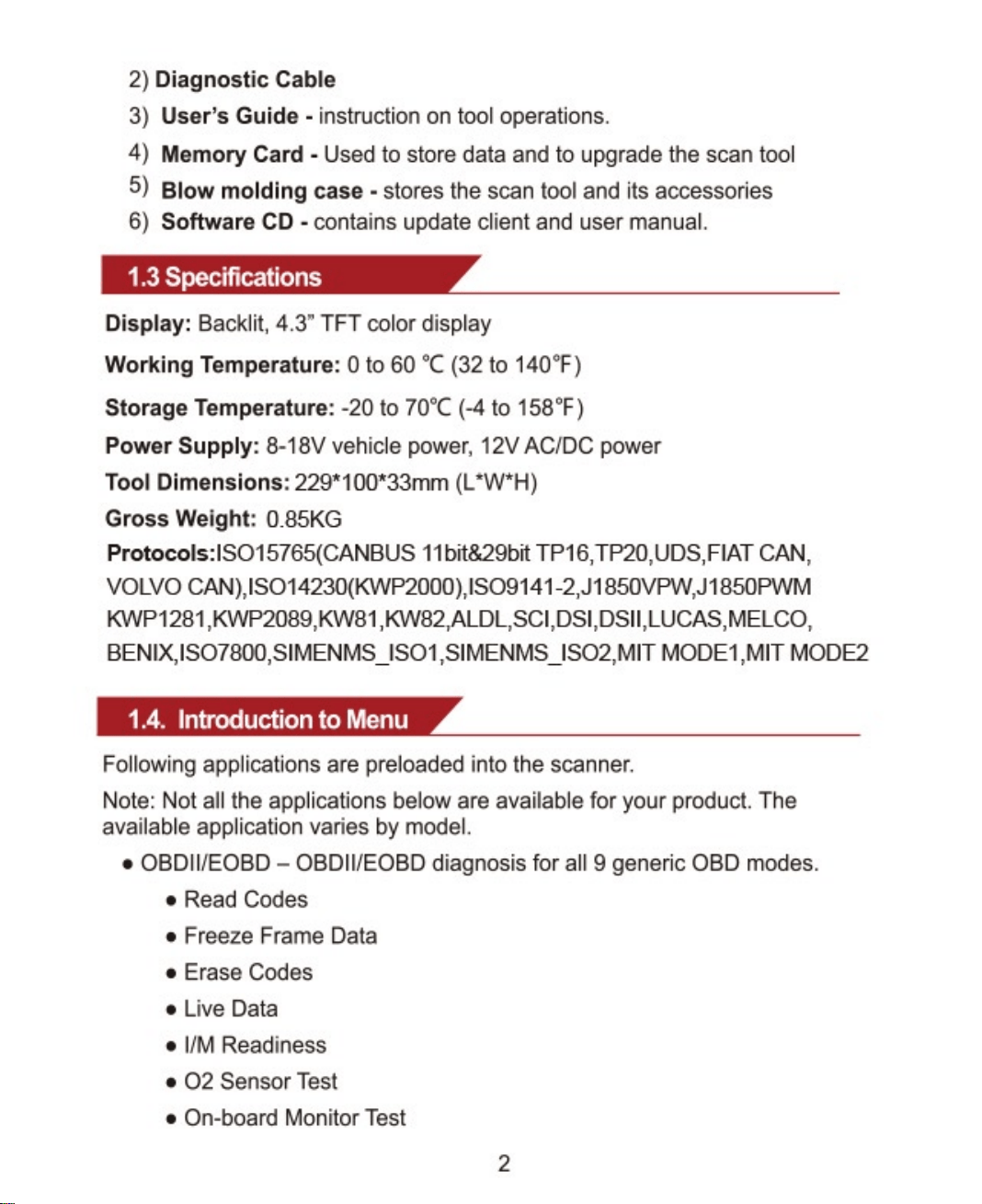
2) Diagnostic Cable
3) User's Guide • instruction on tool operations.
4) Memory Card Used to store data and to upgrade the scan tool
5) Blow moldingcase- storesthescantoolanditsaccessories
6) Software CD • contains update client and user manual.
1.3 Specifications
Display: Backlit, 4.3" TFT color display
Working Temperature: Oto 60 oc (32 to 1400F)
Storage Temperature: -20 to 700C(-4 to 1580F)
Power Supply: 8-18V vehicle power, 12V ACIDC power
Tool Dimensions: 229* 100*33rnrn
Gross Weight: 0.85KG
11bit&29bit TPI CAN,
VOLVO CAN),
ISOIISIMENMS IS02,MlT MODEI,MIT MODE2
1.4. Introduction to Menu
Following applications are preloaded into the scanner.
Note: Not all the applications below are available for your product. The
available application varies by model.
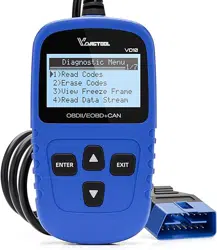
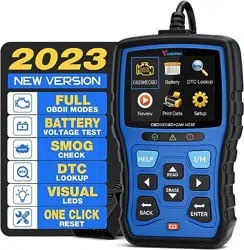
OBDIWEOBD - OBDII/EOBD diagnosis for all 9 generic OBD modes.
Read Codes
Freeze Frame Data
• Erase Codes
• Live Data
• 11M Readiness
e 02 Sensor Test
• On-board Monitor Test
2
• Component Test
Vehicle Information
e Modules Present
Unit of measure
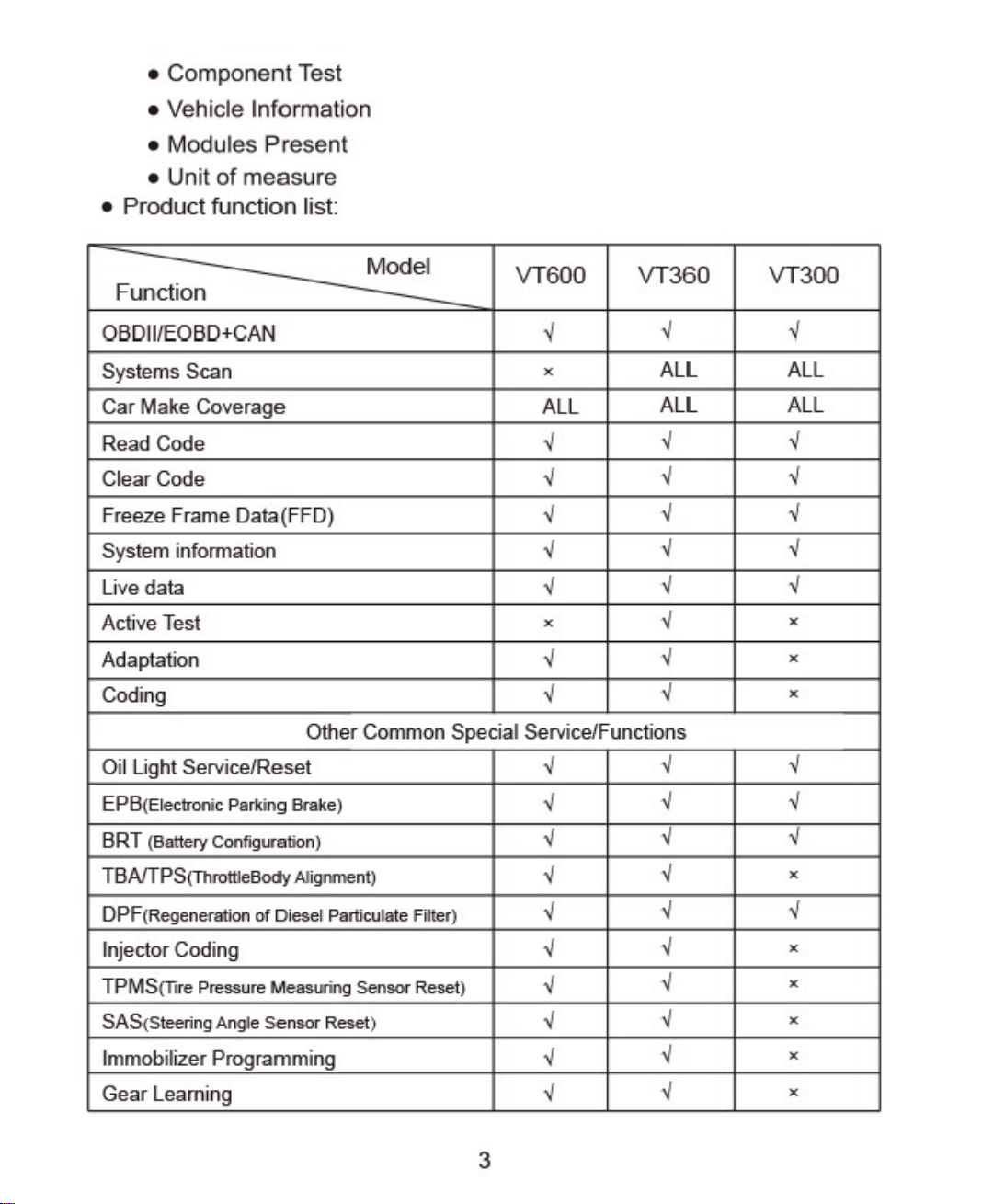
• Product function list:
Model
Function
03DlWE03D+CAN
Systems Scan
Car Make Coverage
Read Code
Clear Code
freeze Frame Data(FFD)
System information
Live data
Active Test
Adaptation
Codlng
VT600
x
ALL
x
VT360
ALL
ALL
Other Common SpeCial Service/Functions
Oil Light Service/Reset
EPd(Electronic Parking Brake)
BRT (Battery Configuration)
TBAfTPS(Throttleaody Alignment)
DPF(Regeneration of Diesel Particulate Filter)
Injector Coding
TPMS(Tire Pressure Measuring Sensor Reset)
SAS(Steering Angle Sensor Reset)
Immobilizer Programming
Gear Learning
3
VT300
ALL
ALL
x
x
x
x
x
x
x
x
x
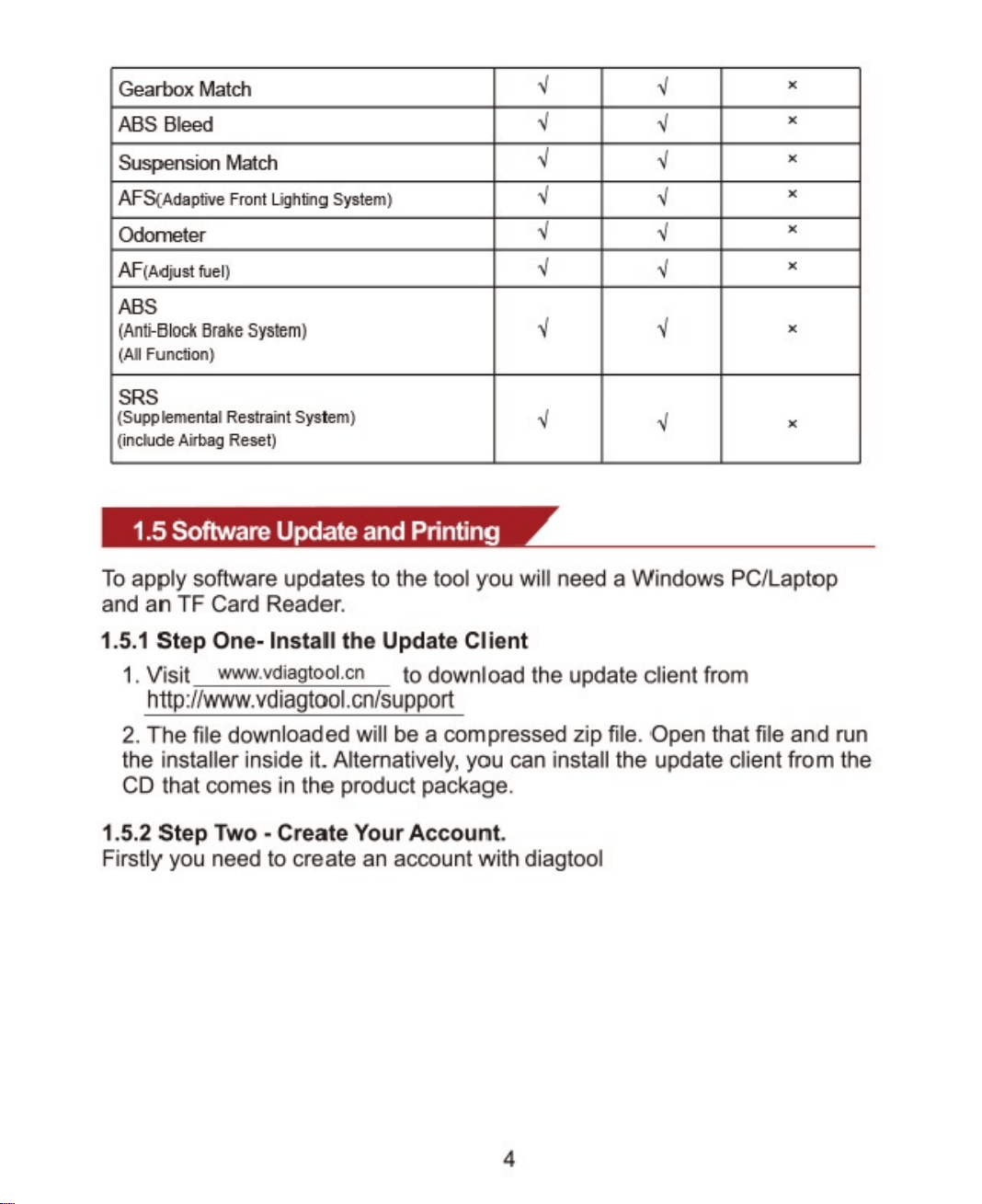
Gearbox Match
ABS Bleed
Suspension Match
AFSCAdaptive Front Lightng System}
Odometer
AF(Adjust fuel)
ABS
(Anti-dlock Brake System)
(All Function}
SRS
(Supp lamental Restraint System)
(include Airbag Reset)
1.5 Software Update and Printing
x
x
x
x
x
x
x
x
To apply software updates to the tool you will need a Windows PC/Laptop
and an TF Card Reader.
1.5.1 Step One- Install the Update Client
I Visit www.vdiagtool.cn
to download the update client from
http://www.vdiagtool.cn/support
2. The file downloaded will be a compressed zip file. Open that file and run
the installer inside it. Alternatively, you can install the update client from the
CD that comes in the product package.
1.5.2 Step Two - Create Your Account.
Firstly you need to create an account with diagtool
4
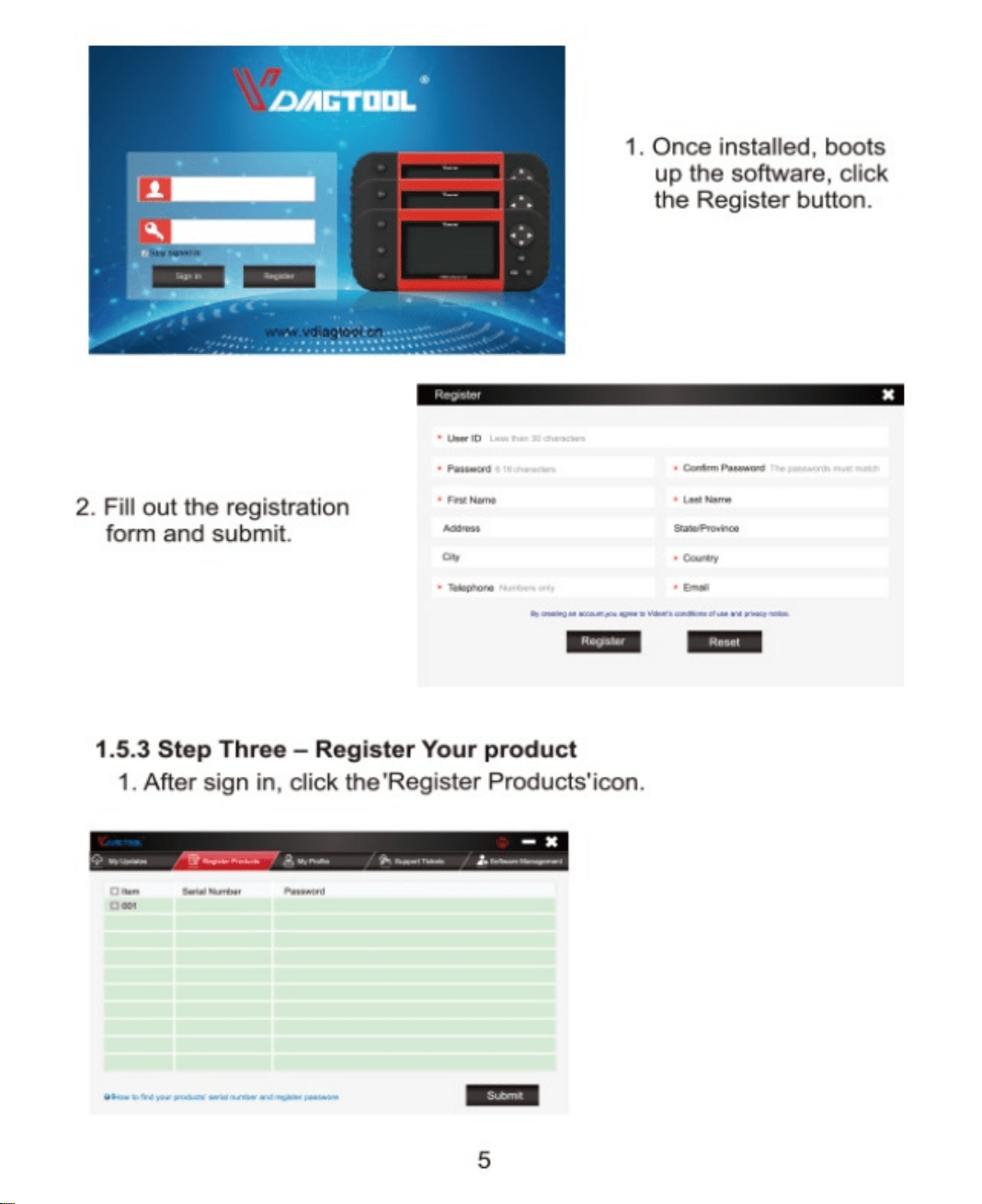
I . Once installed, boots
up the software, click
the Register button.
2. Fill out the registration
form and submit.
1.5.3 Step Three —Register Your product
I. After sign in, click the'Register Products'icon.
5
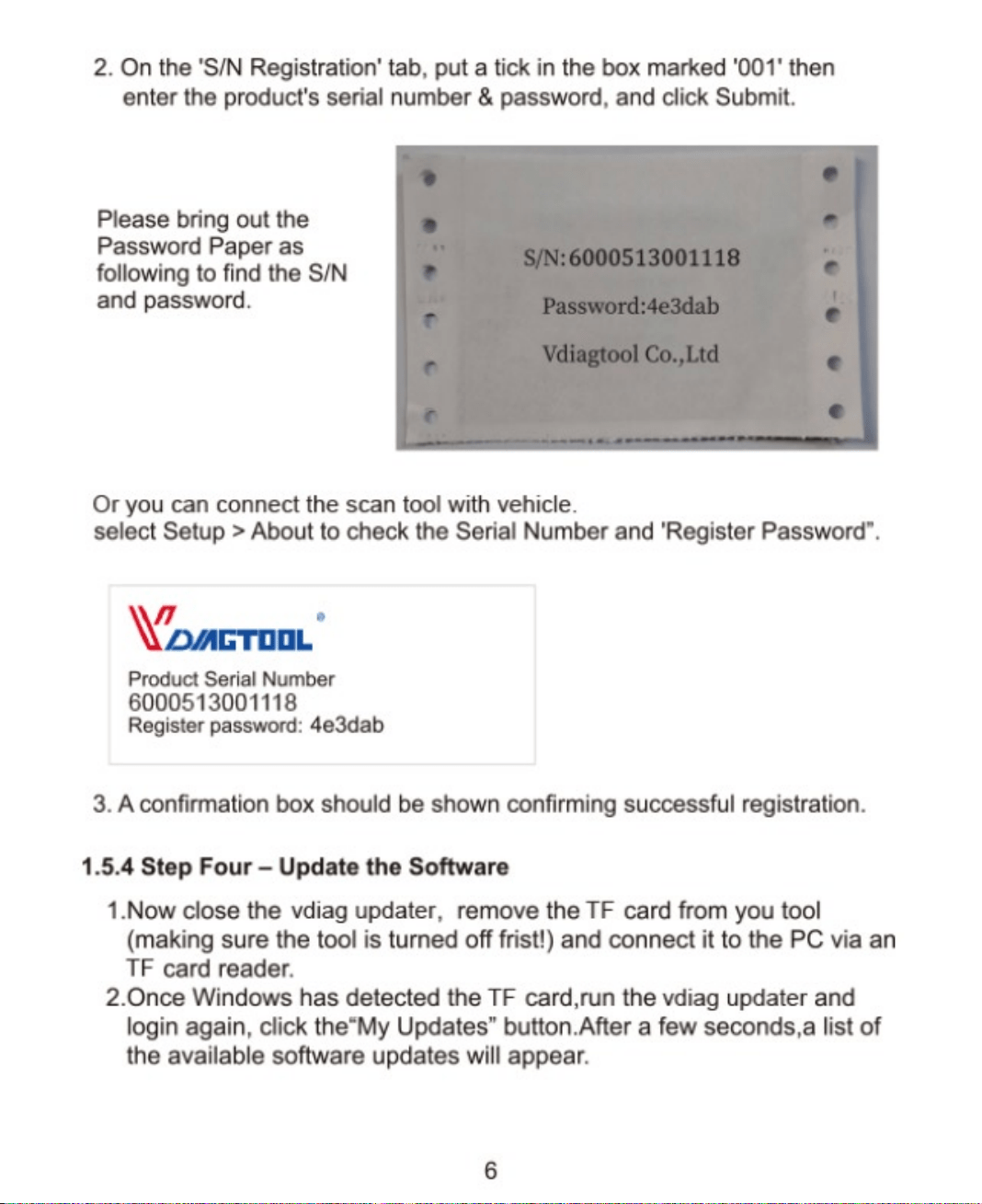
2. On the 'SIN Registration' tab, put a tick in the box marked '001' then
enter the product's serial number & password, and click Submit.
Please bring out the
Password Paper as
following to find the SIN
and password.
SIN: 6000513001118
Password:4e3dab
Vdiagtool Co.,Ltd
Or you can connect the scan tool with vehicle.
select Setup > About to check the Serial Number and 'Register Password".
Product Serial Number
6000513001118
Register password: 4e3dab
3. A confirmation box should be shown confirming successful registration.
1.5.4 Step Four Update the Software
1.Now close the vdiag updater, remove the TF card from you tool
(making sure the tool is turned off frist!) and connect it to the PC via an
TF card reader.
2.0nce Windows has detected the TF card,run the vdiag updater and
login again, click the"My Updates" button.After a few seconds,a list of
the available software updates will appear.
6
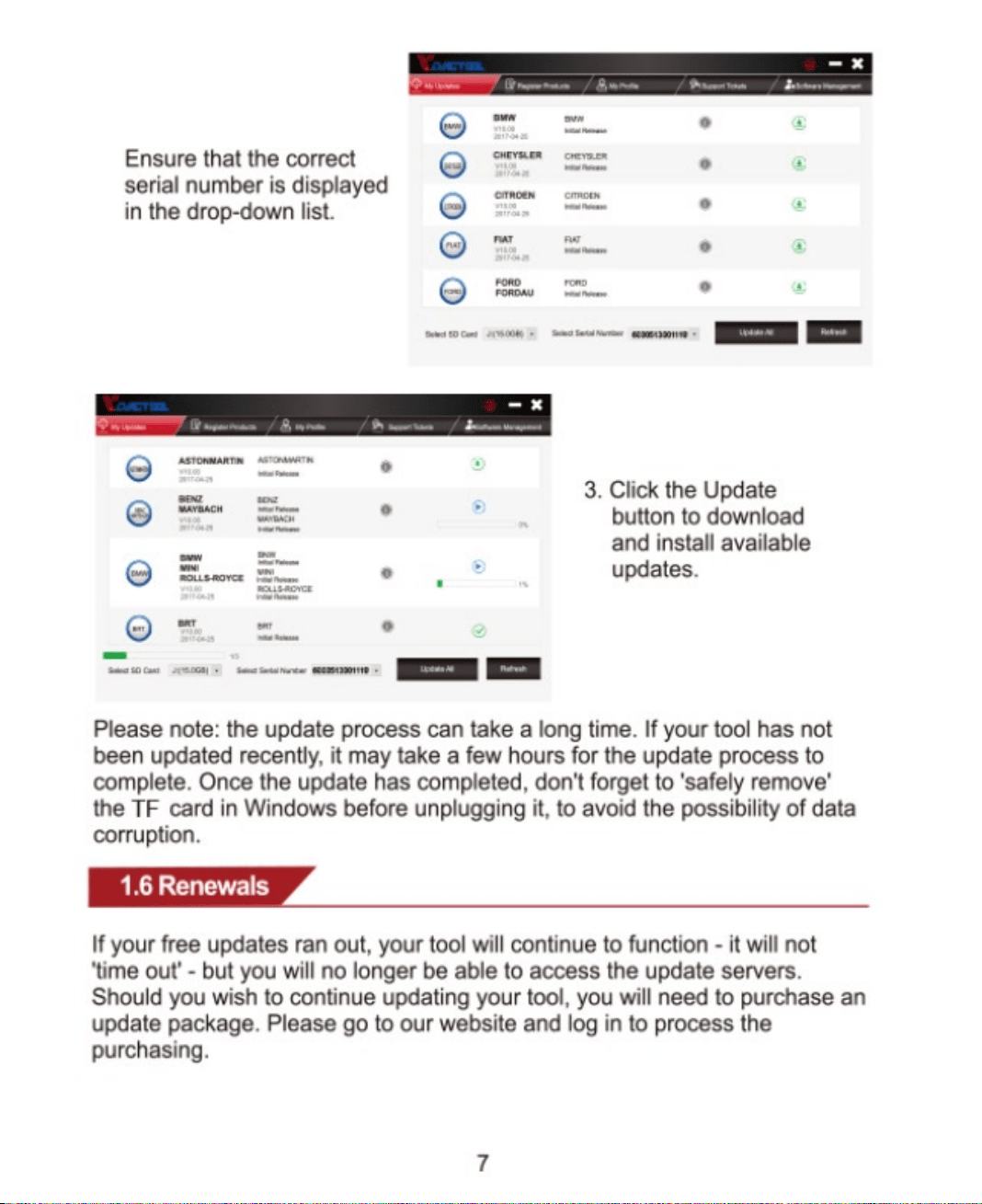
Ensure that the correct
serial number is displayed
in the drop-down list.
cte•m.e•
3, Click the Update
button to download
and install available
updates.
Please note: the update process can take a long time. If your tool has not
been updated recently, it may take a few hours for the update process to
complete. Once the update has completed, donetforget to 'safely remove'
the TF card in Windows before unplugging it, to avoid the possibility of data
corruption.
1.6 Renewals
If your free updates ran out, your tool will continue to function - it will not
'time out' - but you will no longer be able to access the update servers.
Should you wish to continue updating your tool, you will need to purchase an
update package. Please go to our website and log in to process the
purchasing.
7