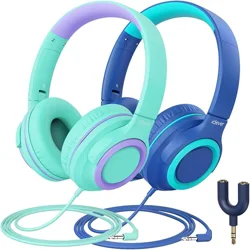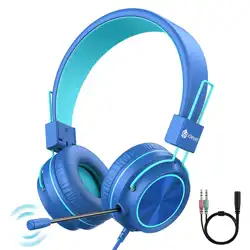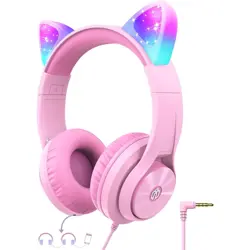
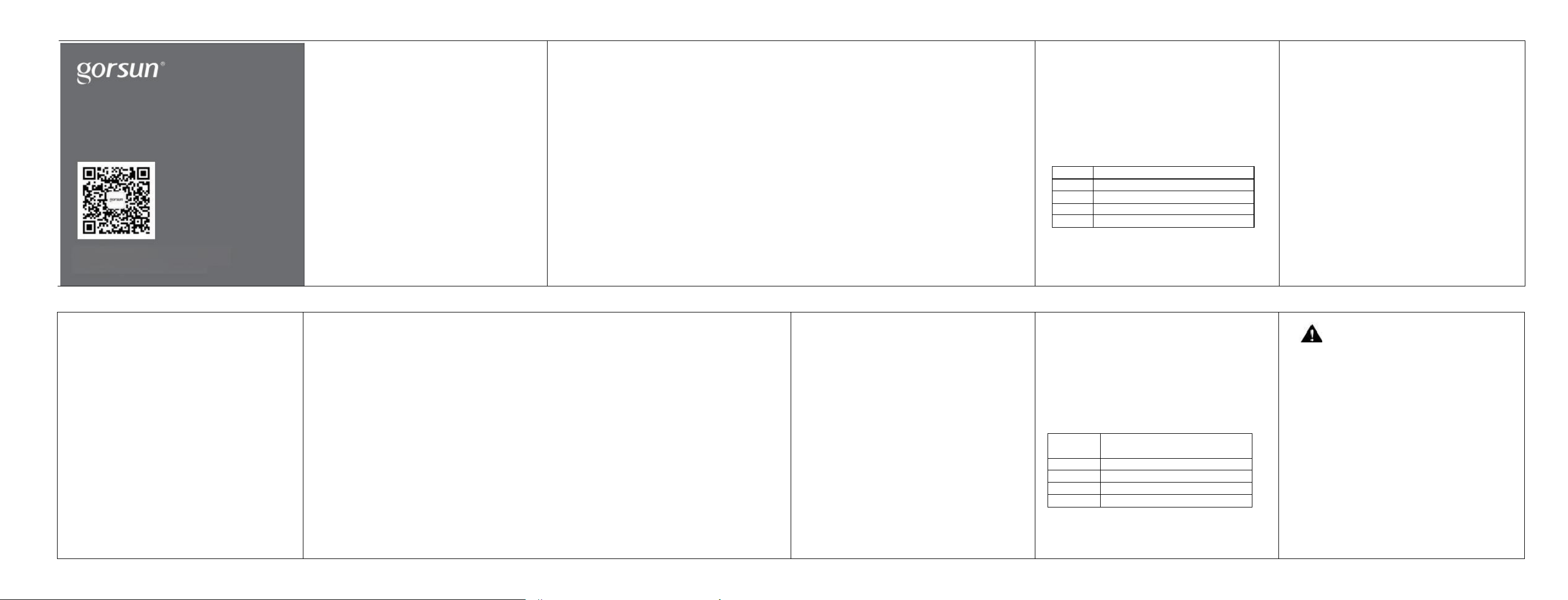
产品名称:歌尚E88A蓝牙耳机
主要功能:蓝牙(通话)+AUX
AUX功能:不开机插上即可使用;开机后插入AUX线自动
关闭蓝牙功能
开机状态:5分钟无设备连接自动关机
有效范围:约12米
工作频率:2.402-2.480GHz
电池规格:3.7V/1200mAH (内置可充电锂电池)
充电电压:DC4.2-5.5V
灵敏度:102±3dB/mW
喇叭直径:40mm
包装清单
●一个蓝牙耳机主机
●一根USB充电线
●一根AUX-in 音频线
· 一本说明书
按键说明
1.“ - ”短按减音量/长按上 一 曲
3. “乙”开启/关闭/暂停/播放
功能说明
开机:长按“ ”三秒钟以上,设备启动自动进入蓝牙
模式,LED 指示灯蓝色长亮。
关机:长按“弋”三秒钟以上, LED 指示灯熄灭,设备关闭。
按健指引
1.接通电话:来电时短按“ ”
2. 挂断电话:通话中短按“ ”
3.回拨最后一次电号码:双击“ ”
4.播放音乐:正常状态下短按“ ”,自动打开智能设备播放音乐。
5.诵话后继续播放:有来电时,自动暂停播放中的音乐,通话结
束后,需要短按“ ”继续播放。
蓝牙模式
1. 首次配对:开机自动进入蓝牙模式,语音提示:
"P ower on Pairing",LED指示灯蓝色长亮,1秒后如若搜
索不到最后一次与之连接的蓝牙设备,耳机自动进入蓝
牙配对模式,LED指示灯蓝红快速交替闪烁,打开智能设
备的蓝牙功能,开启搜索并选择设备“GS”, 无需密码,配
对成功后语音提示“Connected”,LED 指示灯蓝色长亮。
2. 后续配对:开机后会自动搜索并连接最后一次与
之配对的设备。
3. 最大音量警示音:“didi”。
4. 省电模式:匹配状态持续5分钟无任何操作,耳机自动关
机;插入AUX-in线自动切断供电。
5.国际通用Micro USB 充电口。
AUX- in 播放模式
在任意模式下,插入AUX-in 线,耳机自动关机,切换到
AUX-in功能,此时无需耗电。
TF 卡播放模式
关机情况下,插入TF卡,短按开机按钮三秒左右,蓝牙耳
机自动进入TF卡播放模式。
开机情况下,插入TF卡,蓝牙耳机自动进入TF卡播放模式。
同时按下“ 十 一 ”切换TF卡模和蓝牙模式。
*注意:TF卡最大支持容量为16GB,如使用超过16GB的
TF 卡,有可能导致系统无法播放音乐
LED灯状态
充电状态
红色LED指示灯长亮,满电时,指示灯熄灭
开机状态
蓝色LED指示灯长亮
关机提示
LED指示灯熄灭
配对状态
红蓝LED指示灯交替闪烁
连接成功
蓝色LED指示灯长亮
注意事项
●蓝牙耳机进入配对模式后若无配对连接操作,
请关闭设备避免电量损耗。
●搜索蓝牙耳机时,不要进行其他操作,以免程序出错。
●在使用中请选择适当音量,以防对耳朵造成伤害。
●请注意蓝牙耳机的良好使用环境,以防对耳机造成伤害。
●长时间未使用耳机,请先将耳机充满电后再使用。
●本产品充电时适配电压为5V电源,请勿使用非5V充电电压
为本产品充电,违反此操作导致产品燃烧损坏或其他安全
事故,本公司概不负责!
Product Name: W ireless Kids ANC Headphone
Function: Bluetooth (call)and AUX
AUX function: It can be used without powering on,and
will automatically power-off after using AUX cable.
Power on status: Auto power-off after disconnected for 5
minutes.
Specifications
Working Range:around 12m
Frequency Response:2.402-2.480GHz
Battery Voltage:3.7v/1200mAH
Battery Charging Voltage:DC4.2-5.5V
Sensitivity:102±3 dB/mW
Impedance:32ohm
Speaker diameter:40mm
Packing list
● A Bluetooth Headphone
● An USB charging data cable
● An AUX-in audio cable
● A manual
Button Function
1 . “ 一 ”Volume down:short press
Move previous:long press
3.“ ”Power on/Power off,Pause/play
Function Description
1.Power on:Long press“ ”for more than 3 seconds,the
headphone turn on and enter Bluetooth Mode,Blue LED is on.
2.Power off:Long press“ ”for more than 3
seconds,the LED indicator light is off and the headphone
Button Guide
1.Hang on:Short press" "button when being called.
2.Hang up:Short press" "button when calling.
4.Play music:Normally short press" "button to turn
on the smart devices automatically to play music.
5.Continue to play music after the call:When there is an
incoming call,the music will be automatically suspended.
After the call,you need to short press the" "button
to continue playing.
Bluetooth mode
1.First pairingIt will enter the Bluetooth mode automatically
when the"GS"is switched on,then voice prompts,"Power
on Pairing",blue LED is on ,and if the last connected
device could not be found after 1s,the"GS"will
automatically enter the Bluetooth pairing mode,and you
willfind that LEDlight flashed between red and blue,at this
then search the device named "GS"to get connected
without a password,after pairing successfully,voice
prompts "Connect ed",the blue LED is on.
2.Subsequent pairing:after powering on,it will automatically
3.Warning voice of maximum volume:"Didi"
4.Power saving mode:headset will automatically power off
after pairing continuously for 5 minutes;it will cut off powel
supply automatically after using Aux-in cable for power
saving.
5.International general Micro USB charging port.
AUX-in Mode
In any modes,insert the AUX-in line,the headset
automatically shut down,and switch to AUX-in function
without power consumption.
TF card playback mode
When powering off,insert TF card,short press the power
button about three seconds,the Bluetooth headset
automatically enter the TF card play mode.
When powering on,insert TF card,Bluetooth headset
automatically enter the TF play mode.
Press both · + 一 " at the same time to switch between
*Note:The maximum support capacity of TF card is
16GB.If using the card more than 16GB,the system
maybe can not play music.
LED light status
Charging
The red LED is on,when full charged,
the indicator ligh is off.
Powering on
Blue LED flashes
Poweringoff
Red LED flashes and finally turn to off
Pairing
Blue and red LED flashes alternately
Connected
Blue LED is on
Note
1.Please turn off the device to avoid power consumption if
no pairing operation taken after bluetooth headset entering
into the pairing mode.
2.Please do not make other operations when searching
bluetooth in case of procedure error.
3.Please adjust volume appropriately to avoid doing harm to
the ears.
4.Please pay attention to choose a good surroundings for
bluetooth headset use to avoid causing damage to the
headset.
5.Please get bluetooth headset full charged firstly when it
has not being used for a long time before.
6.Please only use an adapter with the out put of 5V to charge
this product,otherwise,may cause product damage or other
satety problems.The company will not be responsible for any
combustion damage or other safety incidents caused by the
violation of this operation.
HIGH PERFORMANCE FOLDABLE
MINI BLUETOOTH HEADSET
2.“十”
Volume up:short press
Move next:long press

FCC Caution:
This device complies with part 15 of the FCC Rules. Operation is subject to the
following two conditions: (1) This device may not cause harmful interference, and (2)
this device must accept any interference received, including interference that may
cause undesired operation.
Any Changes or modifications not expressly approved by the party responsible for
compliance could void the user's authority to operate the equipment.
Note: This equipment has been tested and found to comply with the limits for a Class
B digital device, pursuant to part 15 of the FCC Rules. These limits are designed to
provide reasonable protection against harmful interference in a residential installation.
This equipment generates uses and can radiate radio frequency energy and, if not
installed and used in accordance with the instructions, may cause harmful interference
to radio communications. However, there is no guarantee that interference will not
occur in a particular installation. If this equipment does cause harmful interference to
radio or television reception, which can be determined by turning the equipment off
and on, the user is encouraged to try to correct the interference by one or more of the
following measures:
-Reorient or relocate the receiving antenna.
-Increase the separation between the equipment and receiver.
-Connect the equipment into an outlet on a circuit different from that to which the
receiver is connected.
-Consult the dealer or an experienced radio/TV technician for help.
The device has been evaluated to meet general RF exposure requirement. The device
can be used in portable exposure condition without restriction.