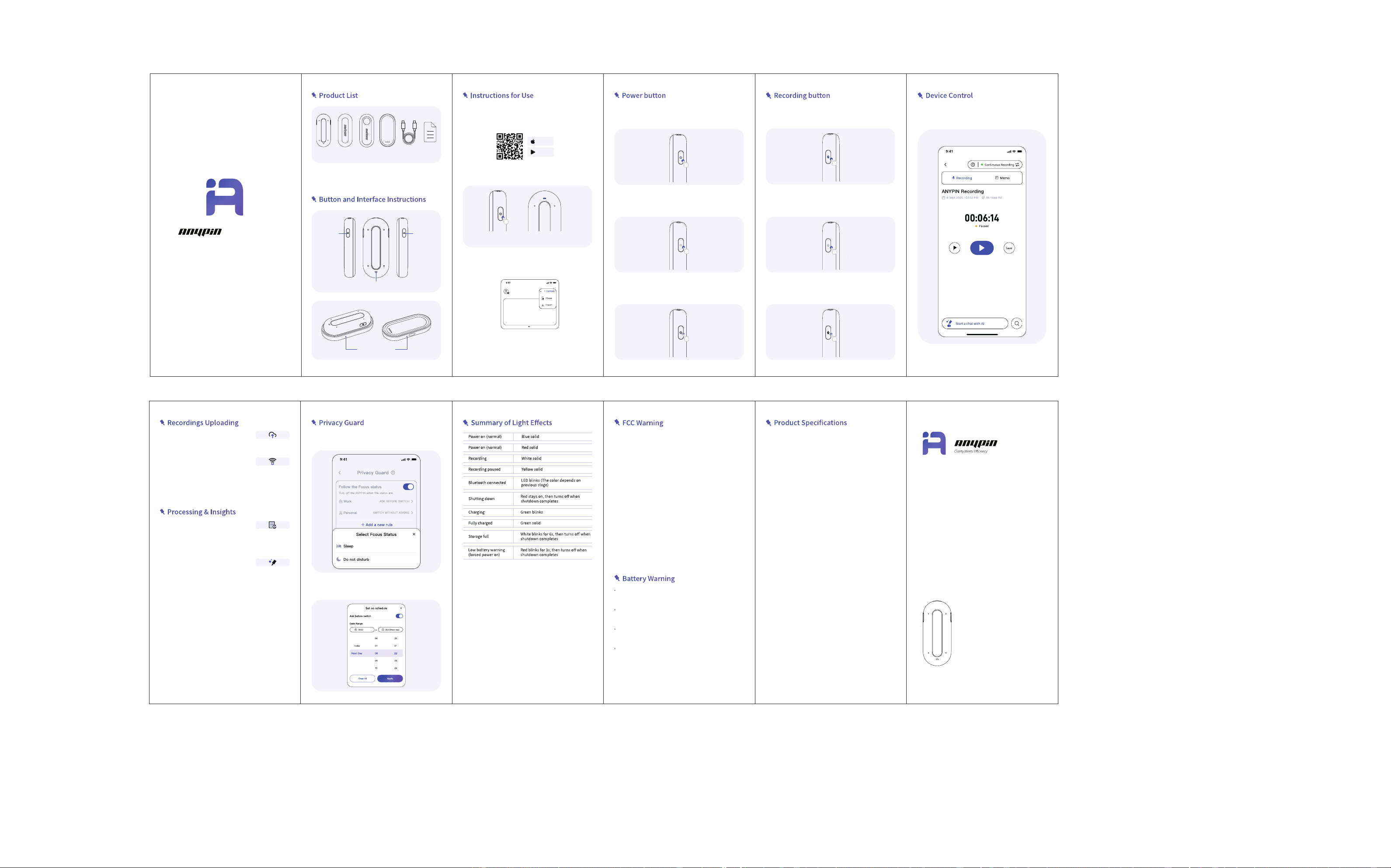
In recording mode, double-click to pause/continue
recording.
3.Pause/continue recording
In recording mode, long press for 1.5 seconds to end the
recording and save it.
2.Stop and save the recording
Start recording by long-pressing for 1.5 seconds while the
device is powered on.
1.Start recording
Control your recordings effortlessly through the mobile
app.
1. Audio recording control
The above interaction requires that the device and the
APP ANYPIN be in a Bluetooth connection state.
Click to switch the mode
Lighting position
Power
button
Recording
button
Charging
station
x1
Back plate
x1
Back clip
x1
Host
machine
x1
Data cable
x1
User
Manual
x1
Manufacturer: SYNLAN TECHNOLOGY
PTE. LTD.
Address: 7 Temasek Boulevard Suntec
City Tower One #29-01D
Singapore 038987
Allows fast, manual transfer of record-
ings through the app.
1. Fast Uploading
Automatically transfers recordings in the
background when connected to Wi-Fi.
2.WiFi Uploading
ANYPIN delivers clear, accurate transcrip-
tion in 120+ languages with advanced
speech processing and intelligent noise
reduction for global conversations.
1. Transcription & Translation
ANYPIN can transcribe recordings into
text, automatically generates enhanced
summaries for individual sessions or the
entire day.
2.AI Summaries
Turn on or off ANYPIN by following iPhone Focus.
1. Focus
Turn on or off ANYPIN by following schedule.
2. Automatic start and stop of calendar schedule
Replacement of a battery with an incorrect type can
defeat safety safeguards (for example, this applies to
some lithium battery types).
Disposing of a battery in a fire or hot oven, or mechani-
cally crushing or cutting a battery, can result in an
explosion.
Leaving a battery in an extremely high-temperature
environment can result in an explosion or the leakage of
flammable liquid or gas.
Exposing a battery to extremely low air pressure can
result in an explosion or the leakage of flammable liquid
or gas.
Product Name: Note Pod P1
Product Model: CARD30
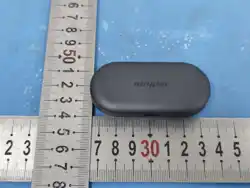
Dimensions: 65*28*9.5mm
Charging Time: 1.8h
Standby Time: 140h
Battery: 380mAh
Storage: 64GB
MIC Array: 4mic
Bluetooth: BLE5.0
Protection Grade : IP64
Product Operating Temperature:-20°C~60°C
Press and hold for 0.5 seconds while the device is power-
ed off to turn it on.
1.Power on
When the device is powered on, simply tap to activate the
Bluetooth pairing process.
3.Bluetooth pairing
Press and hold for 0.5 seconds to shut down the device
when it is powered on.
2.Power off
Tap to activate, the indicator light turns on, and the
Bluetooth connection is successful.
2.Turn on the badge to enable Bluetooth pairing
1. Download and Register
Google Play
App Store
Please scan the QR code or search 'ANYPIN' in App Store/-
Google Play to download the ANYPIN APP and access the
full experience.
3.Complete the binding process in the app
Open the ANYPIN APP, click the "+" button on the top right
corner, and proceed to link and bind.
If the activation is unsuccessful, you can repeat the above steps.
After ANYPIN is bound, it can only be used for the correspond-
ing account. Other devices that have not logged in with the
account cannot be connected, nor can the data in the badge be
obtained.
Or tap the power button if ANYPIN already on.
Lighting position
This device complies with Part 15 of the FCC Rules. Opera-
tion is subject to the following two conditions:
(1) this device may not cause harmful interference, and
(2) this device must accept any interference received,
including interference that may cause undesired
operation.
Please take attention that changes or modification not
expressly approved by the party responsible for compli-
ance could void the user's authority to operate the
equipment.
The highest SAR value reported under this standard
during product certification when properly body
worn (5mm) is 0.76 W/kg