Quick Installation Guide
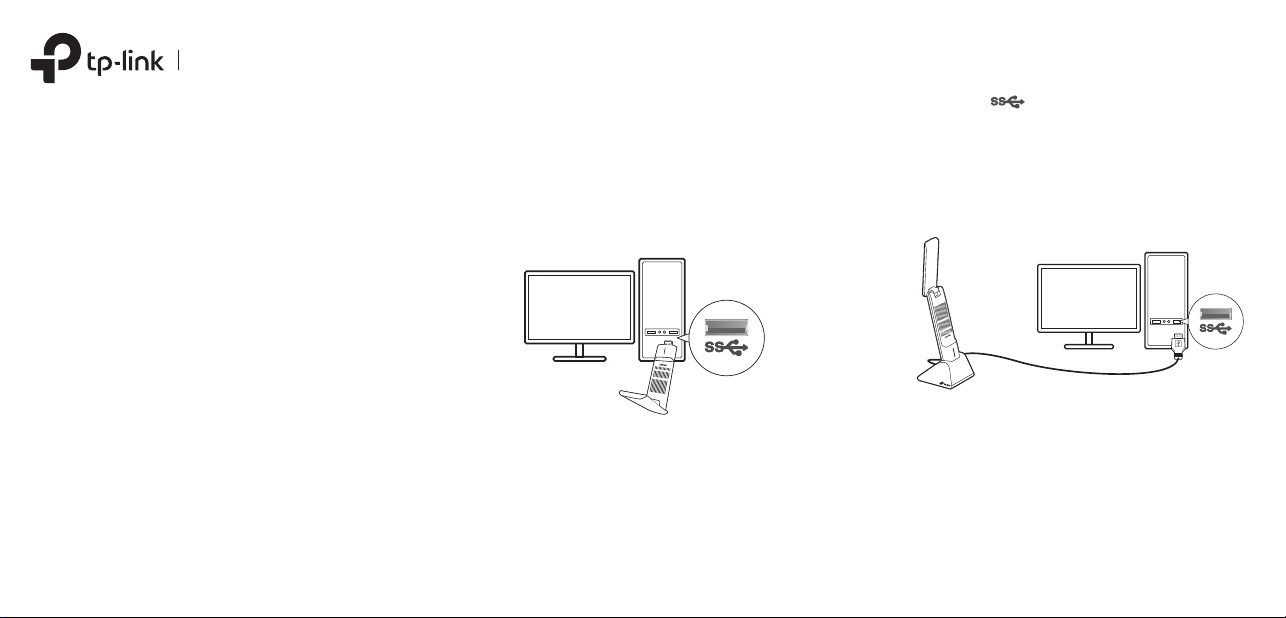
1 Connect to a Computer
Option 1: Directly Option 2: Via the USB Extension Cable
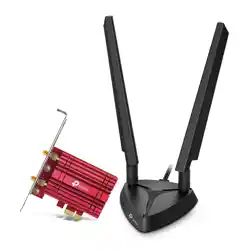
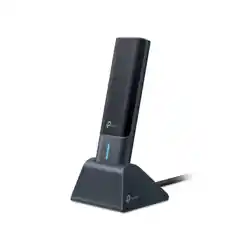
Wireless USB Adapter
Images are for demonstration only.
7106510899 REV1.3.0©2023 TP-Link
Note: It is recommended to connect the adapter to a USB 3.0 ( ) port.
2 Install Driver
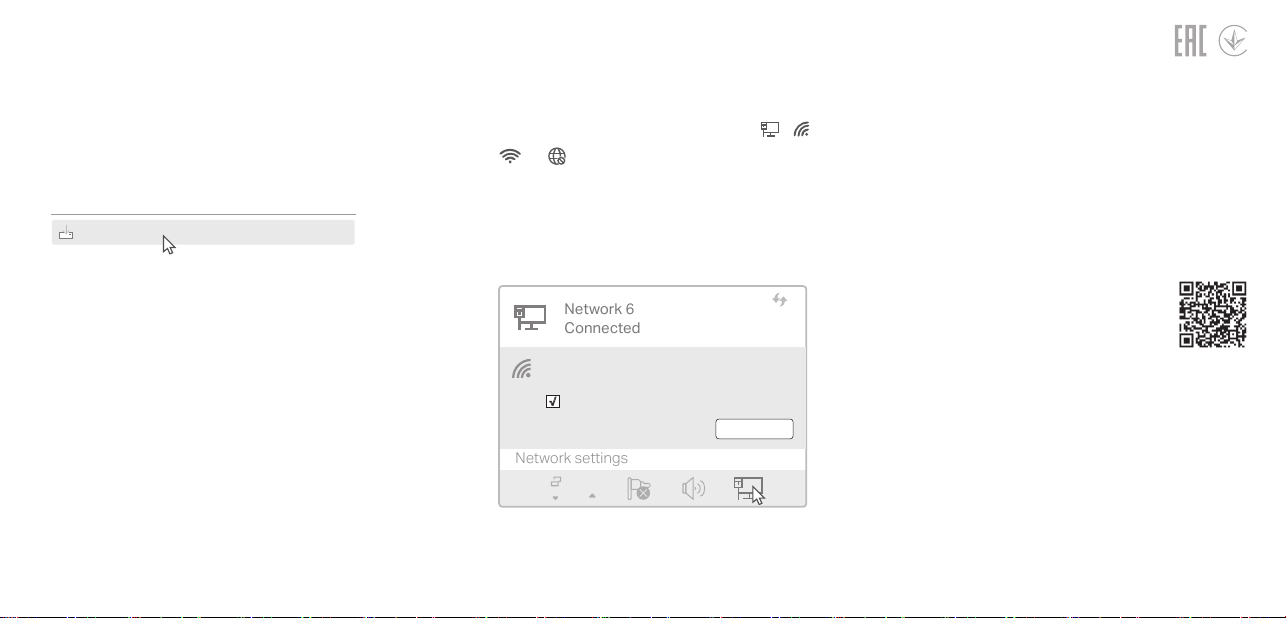
3 Join a Wireless Network
a. Go to My Computer or This PC.
b. Double click the TP-Link CD-ROM then run
SetupInstall.exe to install driver.
Troubleshooting
For technical support, replacement
services, user guides, and other
information, please visit
https://www.tp-link.com/support, or
simply scan the QR code.
Support
· Do not attempt to disassemble, repair, or modify the device. If you need
service, please contact us.
· Do not use the device where wireless devices are not allowed.
· Keep the device away from water, re, humidity or hot environments.
· This equipment can be powered only by equipments that comply with Power
Source Class 2 ( PS2) or Limited Power Source(LPS) dened in the standard
of IEC 62368-1.
If you have problems during the installation,
please refer to the following online FAQs.
T1. Can’t nd the hardware version of the adapter:
https://www.tp-link.com/faq-46.html
T2. Can’t nd or connect to the wireless networks:
https://www.tp-link.com/faq-2253.html
T3. Can’t install the driver:
https://www.tp-link.com/faq-2252.html
SetupInstall.exe
Notes:
• If you cannot nd the setup program, please
download the driver at www.tp-link.com/support.
• If an unknown publisher message pops up, select Ye s
to continue.
• If Windows User Account Control requires admin
credentials, type user name and password of your
Windows administrator account.
a. Click the network icon on the taskbar (the
icon might look like one of these: , ,
, or ).
b. Select your Wi-Fi network, click
Connect and enter the password when
prompted.
Network 6
Connected
Network settings
Connect automatically
Connect
√
TP-Link_XXXX
Operation of transmitters in the 5.925-7.125 GHz band is prohibited for control
of or communications with unmanned aircraft systems.
TP-Link hereby declares that the device is in compliance with the essential
requirements and other relevant provisions of directives 2014/53/EU, 2011
/65/EU and (EU) 2015/863.
The original EU Declaration of Conformity may be found at
https://www.tp-link.com/en/support/ce
TP-Link hereby declares that the device is in compliance with the essential
requirements and other relevant provisions of the Radio Equipment Regulations
2017.
The original UK Declaration of Conformity may be found at
https://www.tp-link.com/support/ukca