@Groovzaudio
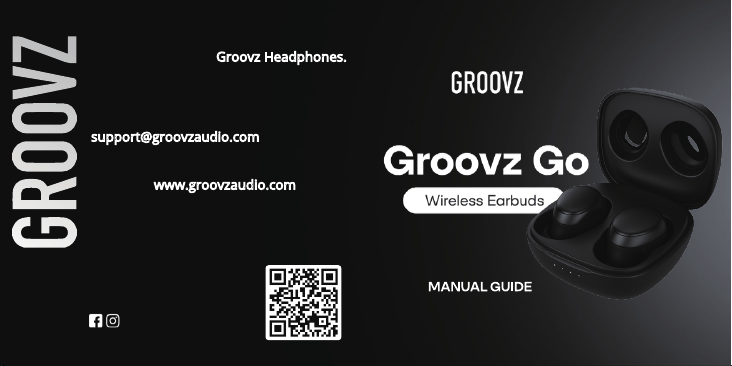
Thank you for your purchase! We hope
you enjoy your new Groovz Headphones.
If you have any questions or
concerns, please reach out:
Visit us at www.groovzaudio.com for
exciting product offers and to register
your warranty.
We are here to help!
1
2
3
4
5
6
2
1
1 2
3 4
5 6
3
5 6
7
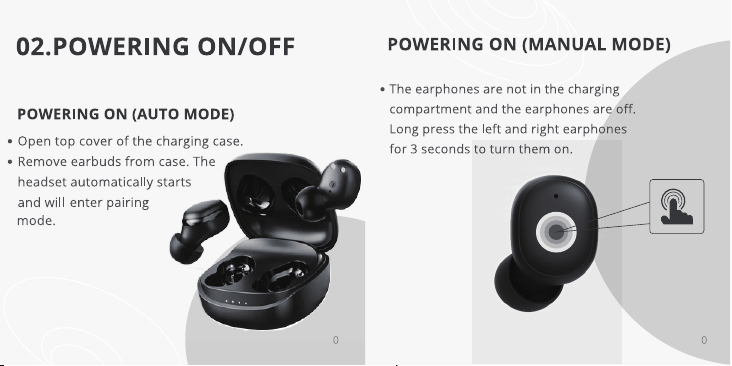
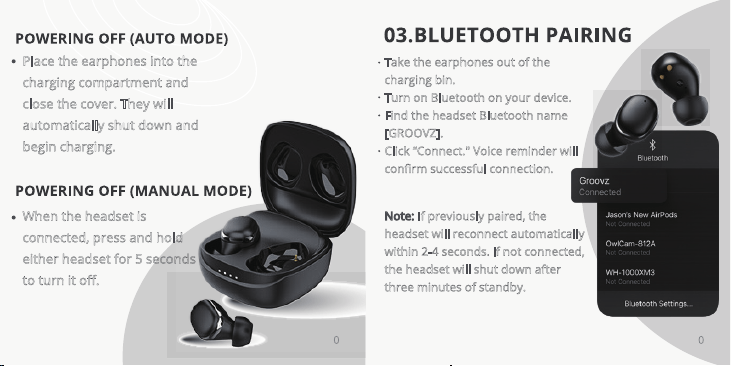
When the headset is
connected, press and hold
either headset for 5 seconds
to turn it off.
Place the earphones into the
charging compartment and
close the cover. They will
automatically shut down and
begin charging.
Note: If previously paired, the
headset will reconnect automatically
within 2-4 seconds. lf not connected,
the headset will shut down after
three minutes of standby.
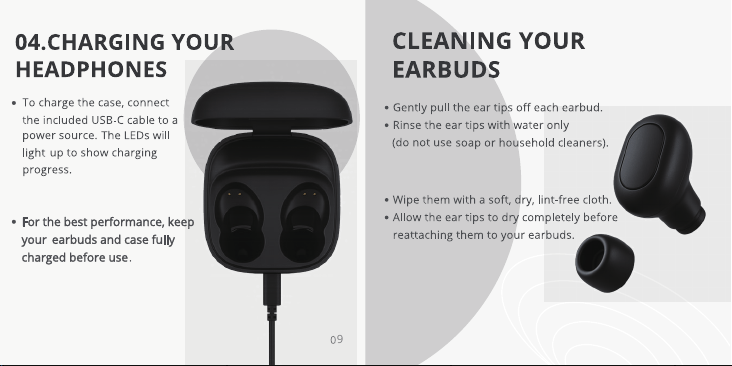
Take the earphones out of the
charging bin.
Turn on Bluetooth on your device.
Find the headset Bluetooth name
[GROOVZ].
Click “Connect." Voice reminder will
confirm successful connection.
8
9 01
11 21
31 41
51 61
71 81