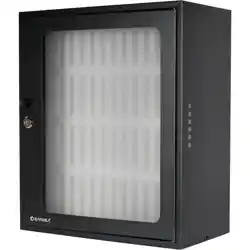
Cell Phone Storage Cabinet
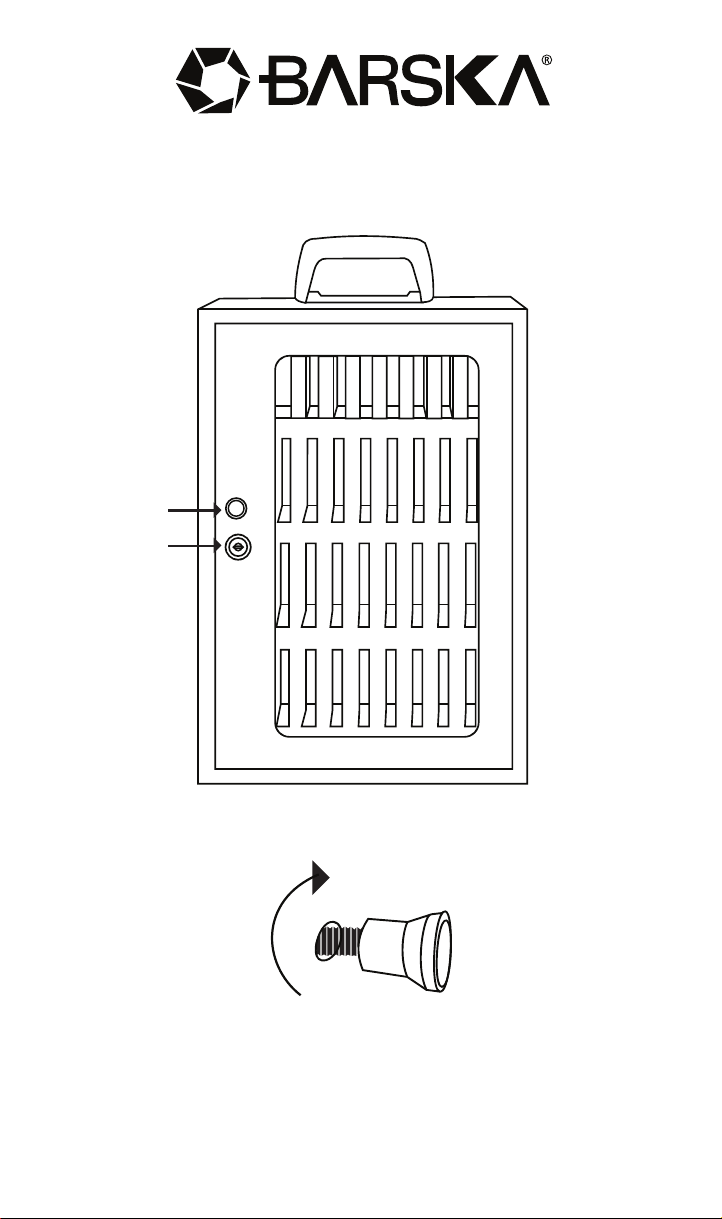
Handle Installation
8/25
BC821
©2025 BARSKA® Pomona, CA 91767, USA
www.barska.com
Screw in the door handle and use the screwdriver to tighten together.
Key Hole
Door Handle
See reverse side for more information
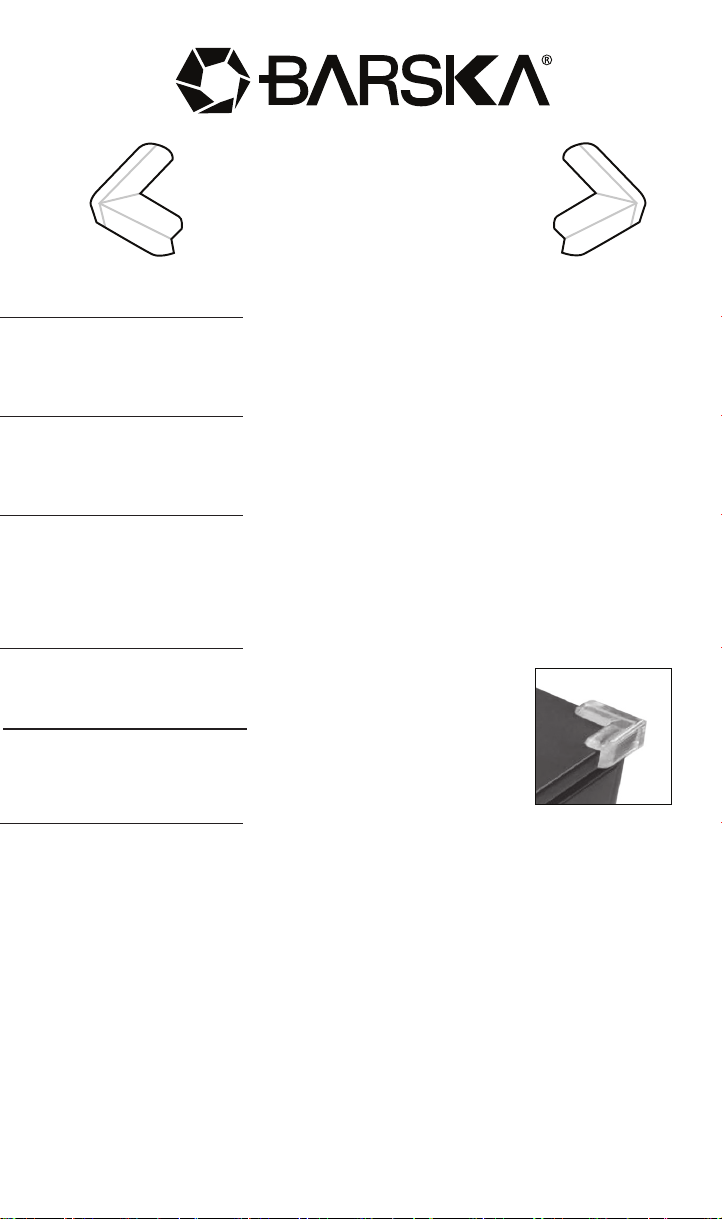
Installation Guide
for Corner Protectors
1. Clean the Surface
Wipe all corners of the key cabinet with a clean, dry cloth to remove
any dust or dirt.
2. Peel and Position
Peel the backing off a protector, avoiding the sticky side. Align it with a
corner of the cabinet.
3. Apply Firm Pressure
Press the protector firmly onto the corner for 10-15 seconds to ensure a
strong bond.
Do not reposition the protector once it has been applied.
4. Repeat
Apply the remaining protectors to the other corners.
5. Final Check
Press firmly on each protector one last time to ensure
they are all secure.
Note
The protectors reduce the risk of injury from sharp corners and help protect
the cabinet from minor damage.
Note: All information, feature, and specification displayed herein are based on
the data available at the time of publishing, thus they are subject to change
without notice. All product pictures displayed herein are for illustration purposes
only. The actual product may vary due to different circumstances.