WARNING
Avoid leaving door of the lock box open and unattended; it will allow
unauthorized individuals to reprogram the lock, gaining full access to
the lock box and contents
Setting Personal Combination
1. Turn the number dials downwards to the preset combination 0-0-0
2. The reset button is located inside the lock box, next to the
locking mechanism.
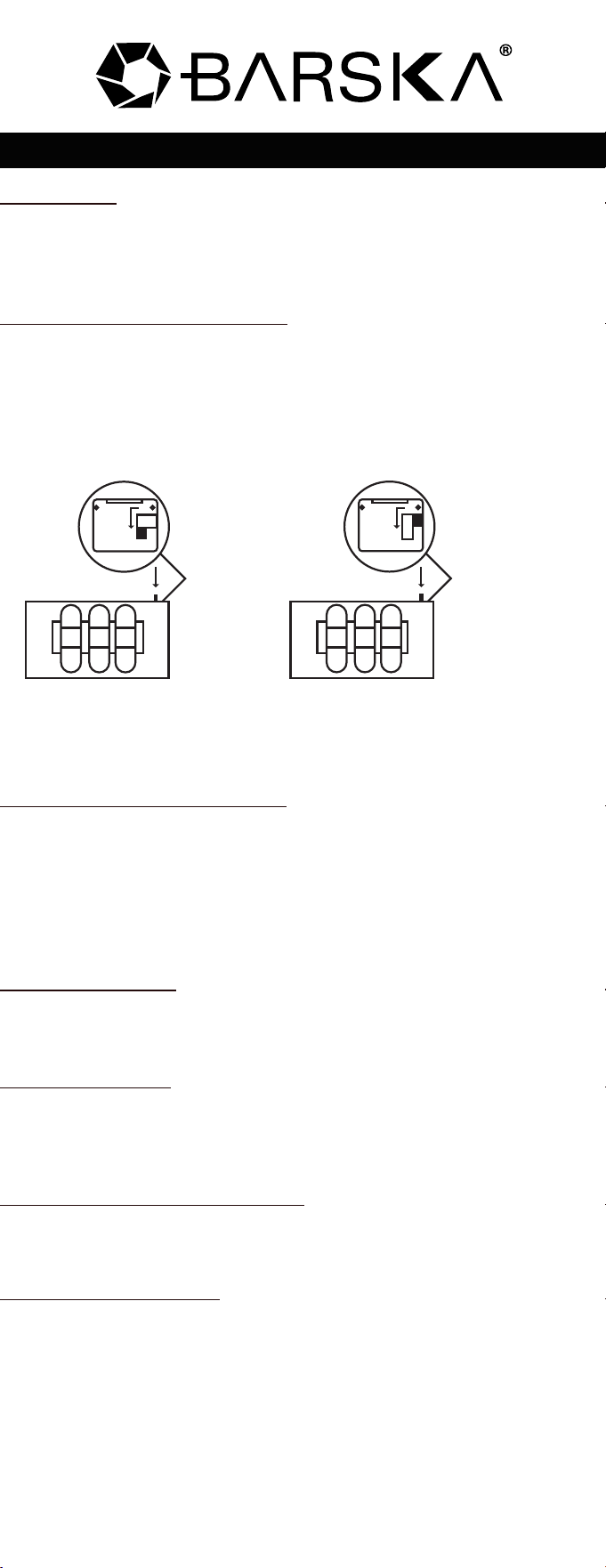
3. Move the reset button to position A as shown in Picture 1
4. Turn the number dials to desired personal combination code
5. Move the reset button to position B as shown in Picture 2
Note: Remember the personal combination code; this new code is the
only code that will open lock box
Testing Personal Combination
1. Your new personal combination code has to be set in order for the
door to close
2. With the door closed, turn number dials to random numbers
3. Pull door upwards it should NOT open
4. Turn number dials to the new personal combination code; pull the
door upwards the door should open
Opening the Safe
1. Turn number dials to personal combination code
2. Pull door upwards to open
Closing the Safe
1. Turn number dials to personal combination code
2. Close the door, for security purposes turn number dials to random
numbers
Changing Personal Combination
1. Open the lock box with your current personal combination code
2. Follow steps 2-5 in “Setting Personal Combination.”
Care and Maintenance
DO NOT use chemicals or cleaning agents to clean the lock box, if
necessary use a dry duster or micro fiber cloth to remove any dust
or smudges
Keep liquid and moisture away from the lock box
DO NOT force open the door of the lock box it may get damaged
DO NOT over stuff the contents of the lock box or you may damage
the lock or contents
6/13BC356
©2013 BARSKA
®
Pomona, CA 91767, USA
www.barska.com
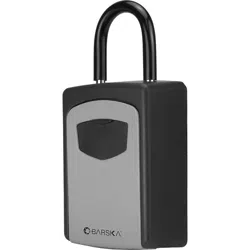
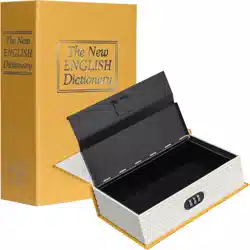
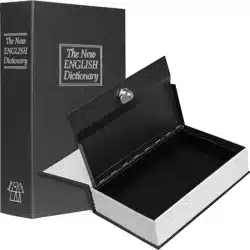
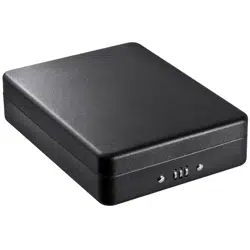
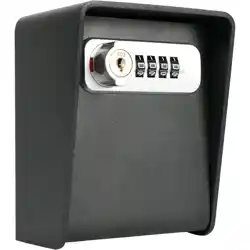
Lock Box with Combination Lock
4
3
2
4
3
2
4
3
2
A
B
Normal position
of RESET button
Picture 1
4
3
2
4
3
2
4
3
2
A
B
Picture 2
Position of RESET
button for setting
personal combination