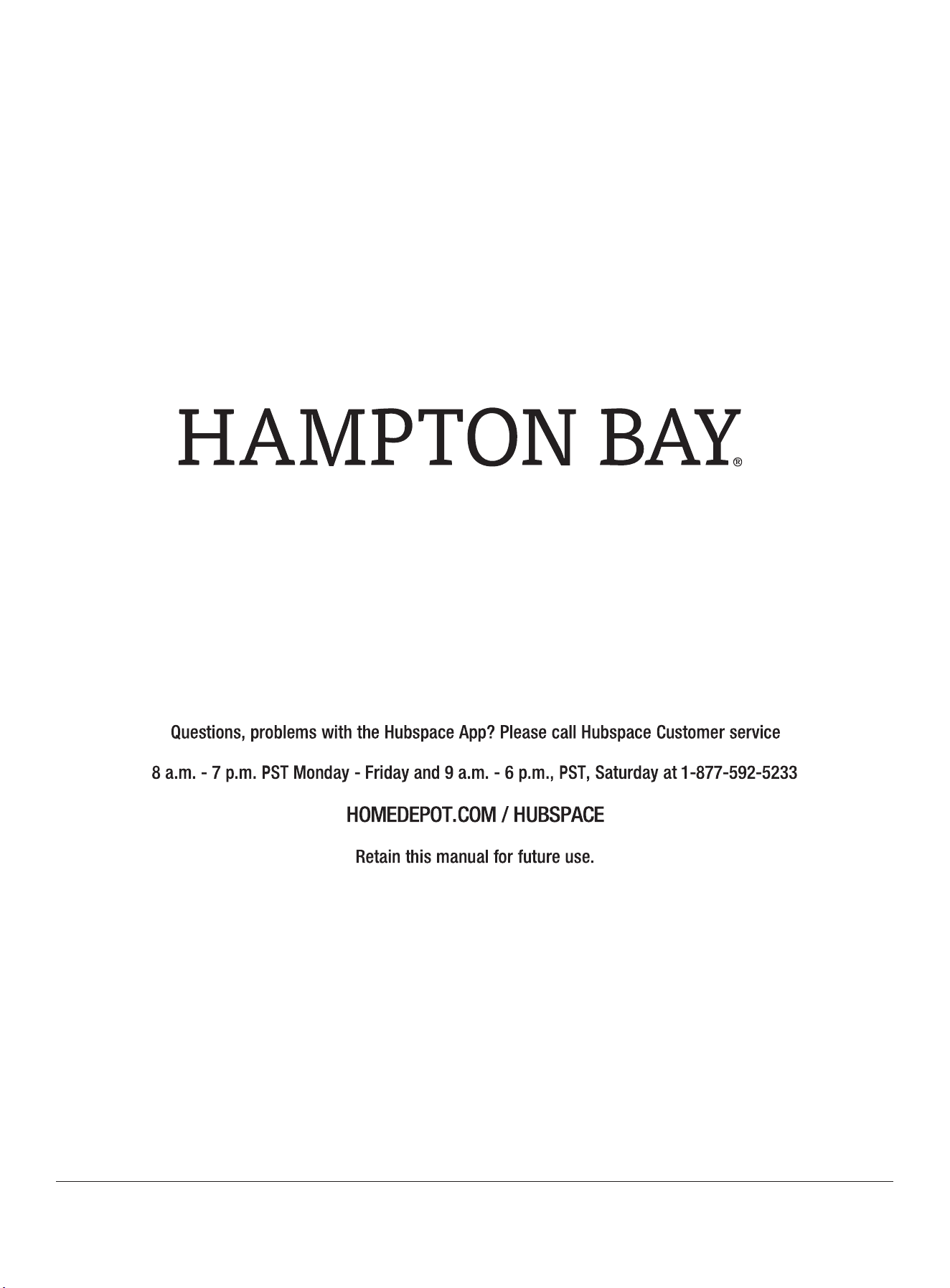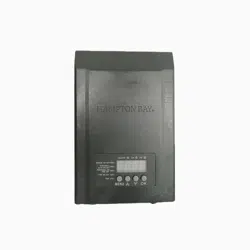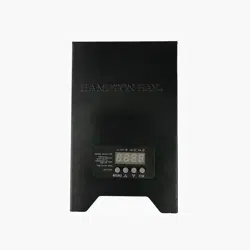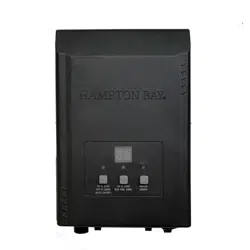
Item #1005 926 363
Model HB-200-1215WIFIB
Model
No : MS412W/
52625
HAMPTON
B
USE AND CARE GUIDE
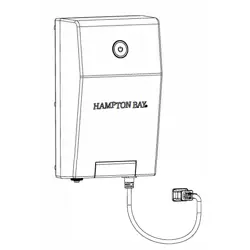
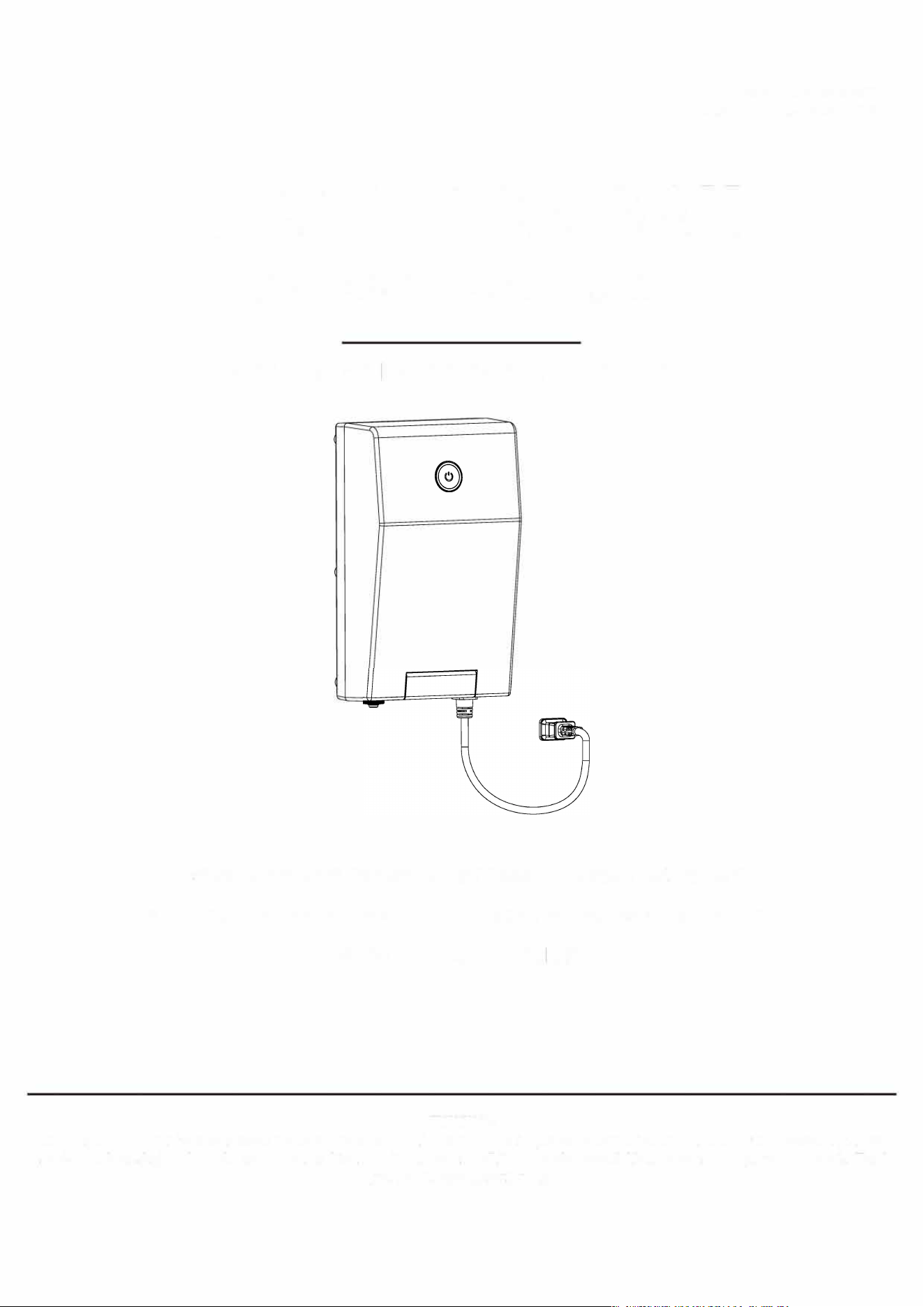
INTELLIGENT LANDSCAPE TRANSFORMER
。
胚N阻必
Questions, problems with the Hubspace App? Please call Hubspace Customer seice
8 a.m. - 7 p.m. PST Monday - Friday and 9 a.m. - 6 p.m., PST, Saturday at 1-877-592-5233
HOMEDEPOT.COM / HUBSPACE
TKY
We appre e ust and confidence u ha pced in mpton Bay rough the puhe of ser. We s connuay cate
quali pruc designed enn ur home. one see o e of pc ab r home impromt nee. ank
u r chsg Hampton Bay!

OFF
ON
Operation {continued)
5 12V or 15V Voltage Switch
Your transformer can output 12V or 15V and ships with 12V
activated.
To change the voltage:
口
口
口
Add the device in the Hubspace app.
Ensure the device is powered on and online in the app.
Tap the button on top left corner and select desired Output
Voltage.
7 Power Meter
口 The power meter provides the total power connected to the
transformer.
口 The power meter allows you to see how much capacity
remains for adding additional fixtures to your system.
口 Do not exceed the maximum rated wa廿age of the unit.
口 The power meter reading is a sum of the following:
1. Power consumed by all attached fixtures for each powered
zone.
2. Power losses from the low-voltage wire(s)
9 Schedules
口 Use the Hubspace app to set up schedules for your
transformer. See the app for details.
口 Schedules can be set up to run every day or select days.
口 Schedules can trigger based on time, sunrise, or sunset.
6 3-Zone Control
口 The transformer has 3 zones of control that can be turned on or o and
scheduled in the Hubspace app. See the app for details.
8 System Overload
口 If your transformer detects a system overload it will shut off.
The indicator light will flash.
口 Follow these steps to check for possible causes:
1.
If you have just added additional lights to your system,
remove them and check if this solves the issue by turning the
transformer back on via the app or power button on the
device.
2.
Ensure there is no damage to the transformer and that it is
not submerged in water.
仁1
Check all the low-voltage wiring and light fixtures to make sure they
are free of damage and possible short circuits.
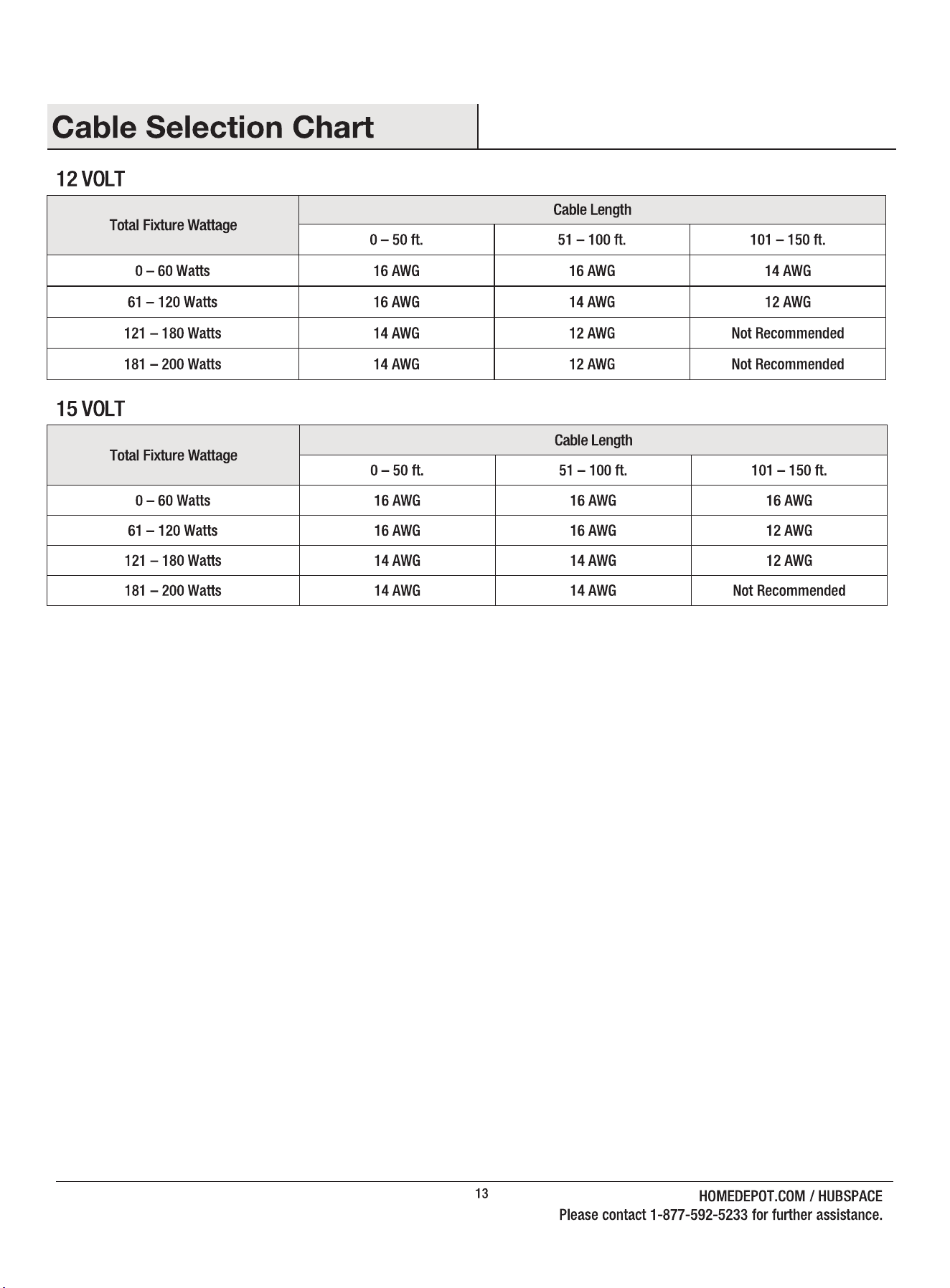
口 It is recommended not to attach more than a cumulative 160W (80%)
of fixtures to the transformer based on the rating from the packaging.
The low-voltage cable can consume up to 20% of the transformer
capacity depending on the wire gauge and the total length of wire.
11
HOMEDEPOT.COM / HUBSPACE
Please contact 1-877-592-5233 for fuher assistance.
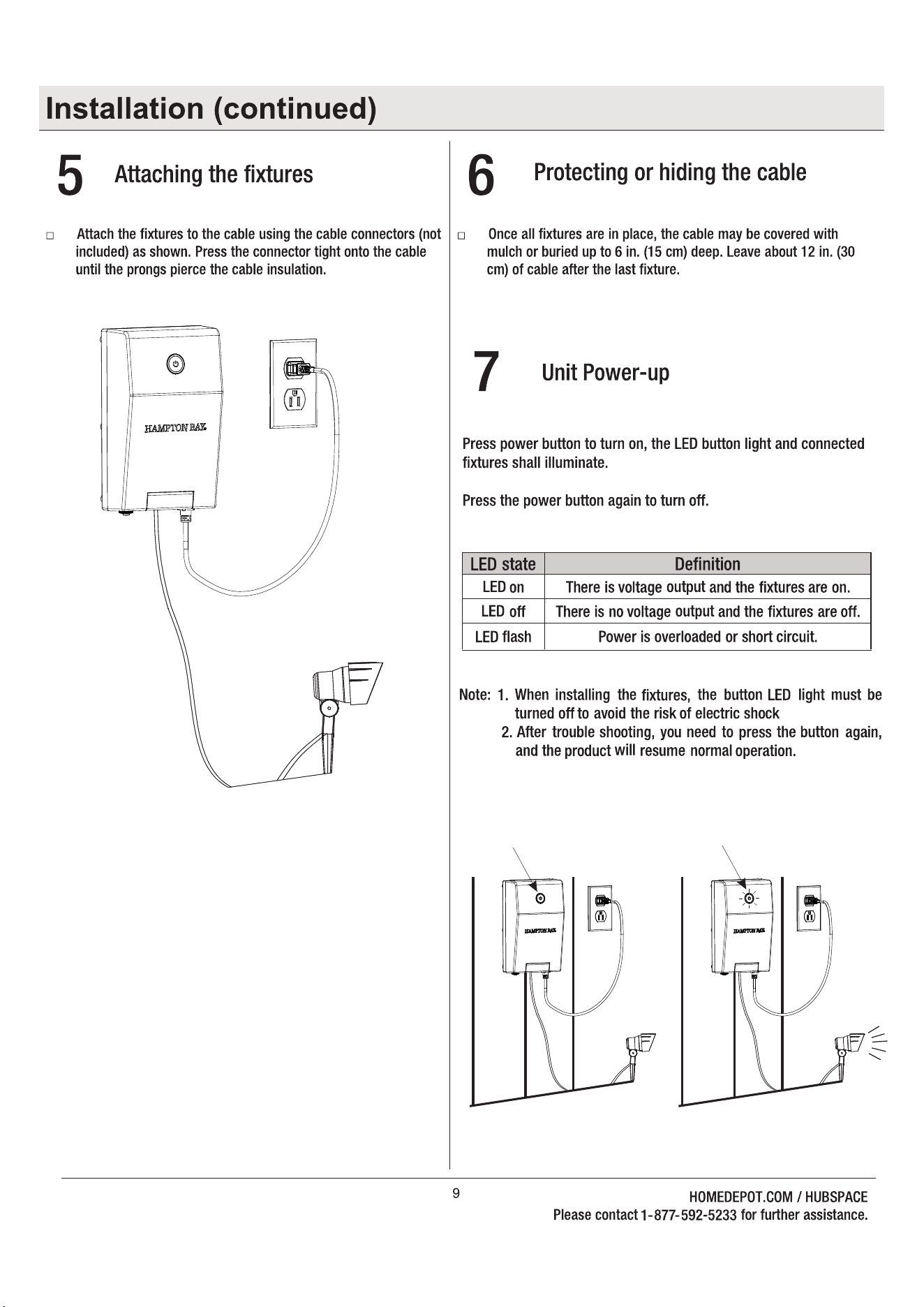
Press the button, the LED light is on, and also the fixtures are on. Press button again, the LED light is off, and fixtures also are off.
Status of the LED
light
LED on
LED off
LED flash
Note: When installing the fixture, the button LED light must be turned off to avoid the risk of electric shock.
There is voltage output and the
fixtures are on.
Definition
There is no voltage output and the
fixture are off.
The loading is over limitation power
or short circuit.
fter troubleshooting, you need to press the button again,
and the product will resume normal operation.
Possible Cause

FCCID:RGB‐MS412W
FCC STATEMENT:
This device complies with part 15 of the FCC Rules. Operation is subject to the following two conditions:
(1) This device may not cause harmful interference, and (2) this device must accept any interference
received, including interference that may cause undesired operation.
Any Changes or modifications not expressly approved by the party responsible for compliance could
void the user's authority to operate the equipment.
Note: This equipment has been tested and found to comply with the limits for a Class B digital device,
pursuant to part 15 of the FCC Rules. These limits are designed to provide reasonable protection
against harmful interference in a residential installation. This equipment generates uses and can radiate
radio frequency energy and, if not installed and used in accordance with the instructions, may cause
harmful interference to radio communications. However, there is no guarantee that interference will not
occur in a particular installation. If this equipment does cause harmful interference to radio or television
reception, which can be determined by turning the equipment off and on, the user is encouraged to try to
correct the interference by one or more of the following measures:
-Reorient or relocate the receiving antenna.
-Increase the separation between the equipment and receiver.
-Connect the equipment into an outlet on a circuit different from that to which the receiver is connected.
-Consult the dealer or an experienced radio/TV technician for help.
This equipment complies with FCC radiation exposure limits set forth for an uncontrolled environment.
This equipment should be installed and operated with minimum distance 20cm between the radiator &
your body