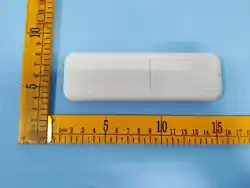
1 2
User Manual of the Remote Control (HP012)
Thank you for purchasing the remote control. The remote control can be programmed to
TOPENS/CASAR/ALEKO gate opener directly.
The remote control MUST be programmed to the opener BEFORE OPERATING. Please
follow the steps to program the remote control. More detailed instruction refers to the
gate/door opener user manual.
If you lose one of any remote control, please erase and reprogram all other remote
controls to have a new code for safety.
Max. 8 remotes can be programmed for the opener.
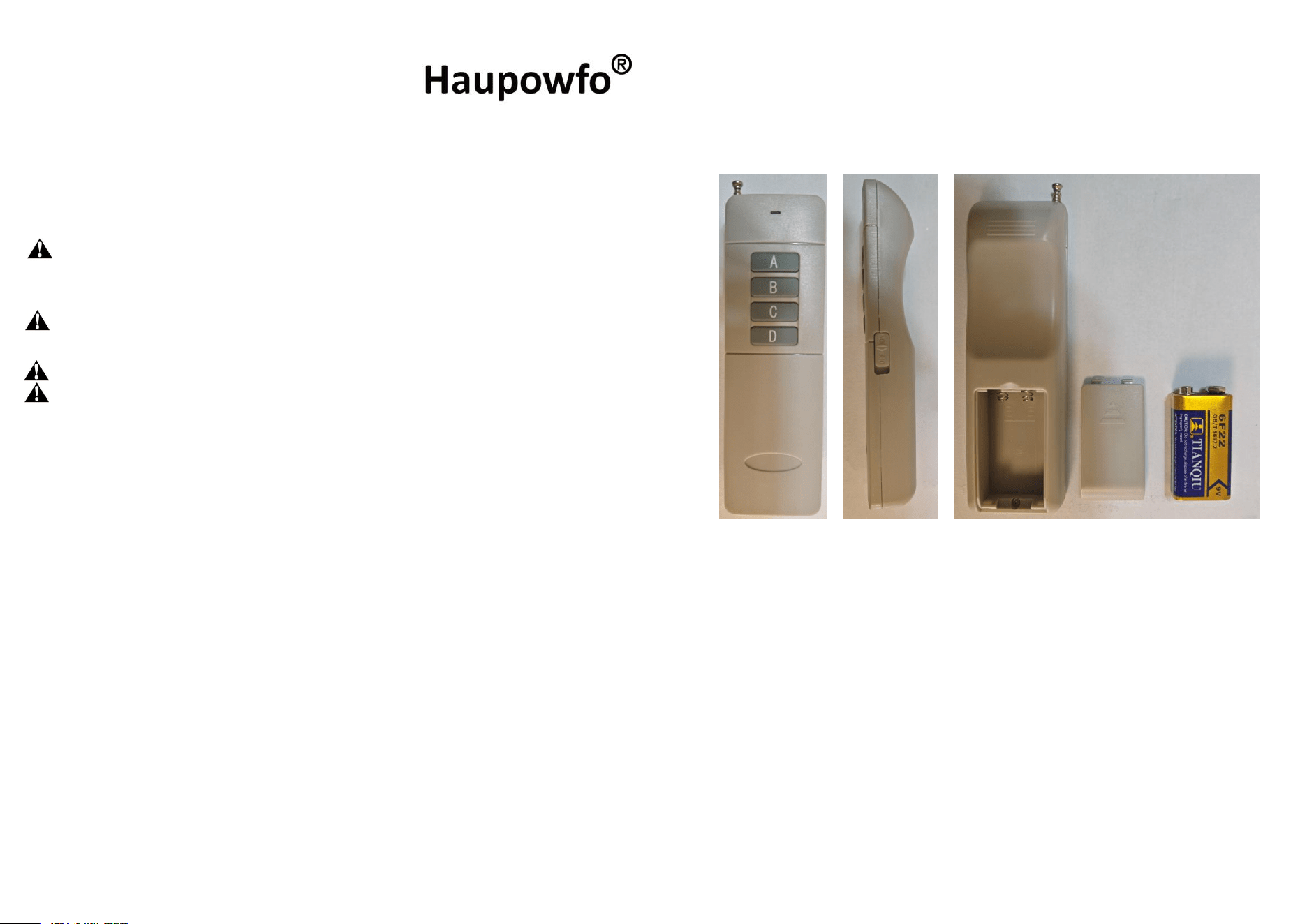
Please turn off the power of the remote control to extend the battery life. (The power
switch is on the right side of the case)
1. How to Program the Remote Control to the Opener
Press and release the remote control programming button (CODE SW button, LNSW button,
Learn button, etc.) on the control board, the CODELED (REMLED, LEARN LED, LCD, etc.)will be
ON or indicate the programming display, then press the key on the remote two timesin 2 seconds,
between the two times HOLD ON FOR A MOMENT, the CODELED (REMLED, LEARN LED,
LCD, etc.)will flash for 3 seconds and then to OFF or standby display. Now the remote control has
been programmed successfully.
2. How to Erase All the Remote Codes
Press and hold the remote control programming button (CODE SW button, LNSW button,
Learn button, etc.) on the control board until the (REMLED, LEARN LED, etc.)from ON to OFF or
LCD display “dL”, and then release the button.Now all remote codes have been erased.
3. How to Replace the Batteries
9V Carbon battery are used to power the remote control. You can replace the batteries as the
following steps.
Step 1: Remove the battery cover and replace the batteries with a new one.
Step 2: Re-install the battery cover .
4. How to Extend the Remote Control Range
You can pull the antenna out of the control box or the receiver to extend the remote control range.
Also you can try to replace the batteries with new ones when the range is reduced too much.
FCC Statement
This device complies with part 15 of the FCC rules. Operation is subject to the following two
conditions: (1) this device may not cause harmful interference, and (2) this device must acce
pt any interference received, including interference that may cause undesired operatio
n.
Caution: Changes or modifications not expressly approved by the party responsible for
compliance could void the user’s authority to operate the equipment.
NOTE: This equipment has been tested and found to comply with the limits for a Class B digi
tal device, pursuant to part 15 of the FCC Rules. These limits are designed to provide reasona
ble protection against harmful interference in a residential installation. This equipment genera
tes uses and can radiate radio frequency energy and, if not installed and used in accordance w
ith the instructions, may cause harmful interference to radio communications. However, there
is no guarantee that interference will not occur in a particular installation. If this equipment d

3 4
oes cause harmful interference to radio or television reception, which can be determined by tu
rning the equipment off and on, the user is encouraged to try to correct the interference by on
e or more of the following measures:
‐ Reorient or relocate the receiving antenna.
‐ Increase the separation between the equipment and receiver.
‐ Connect the equipment into an outlet on a circuit different from that to which the receiver
is connected.
‐
Consult the dealer or an experienced radio/TV technician for help important announcement
Radiation Exposure Statement
The device has been evaluated to meet general RF exposure requirement. The device can be
used in portable exposure condition without restriction.