Where Temperature and Terroir Meet
Venus Portable Wine Chiller User Guide
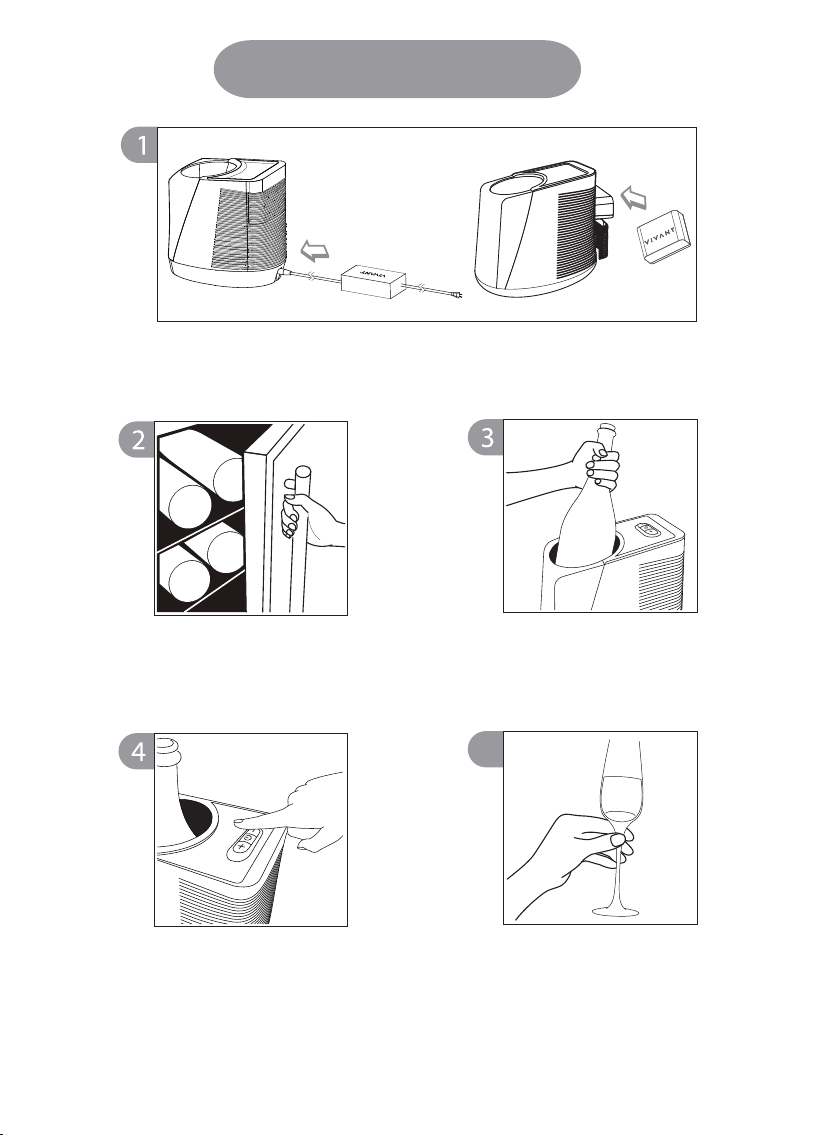
Get wine from your wine
cellar or refrigerator
Put the wine bottle into the
VIVANT Portable Wine Chiller
How to Use
5
Plug the charging cord into the charging port or use battery to activate VIVANT
Portable Wine Cooler.
Enjoy you wine,as the
temperature will be
maintained precisely by the
VIVANT Portable Wine Chiller
Long press the power button
for 3 seconds to activate the
VIVANT Portable Wine Chiller,
set your desired temperature.
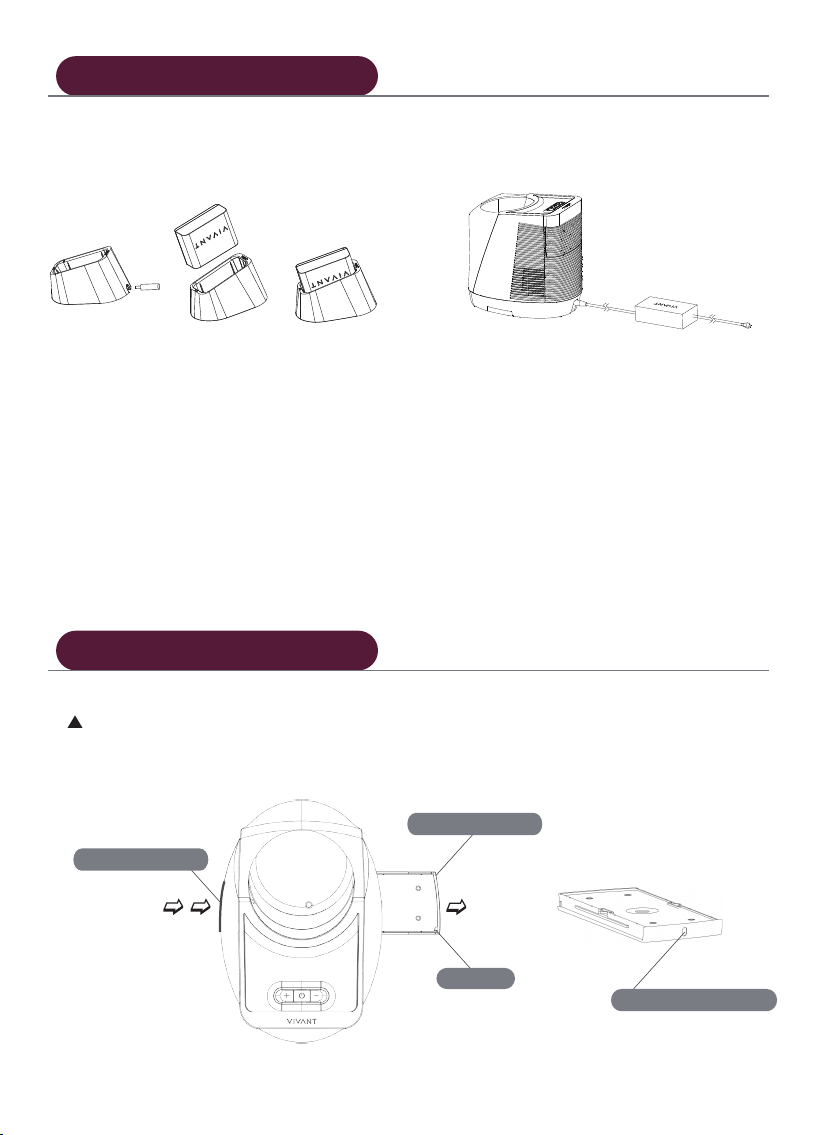
② Plug-in charging:
Empty the water tray after use. Steps 1~2 to unload the tray.
1.push the tray
2.pull the tray
drainage
water volume window
① Oine charging:
After installing the battery into the wine
chiller, turn off the machine and plug
the charging cord directly into the
charging port.
Insert the battery pack into the charging
dock, and wait until the indicator light
turns from red to green, indicating that
the battery is fully charged.
Charging Method
Clean the water tray
Please see more FAQ at https://www.vivantwine.com
DescriptionIcon
• Please charge the battery in the cooler before first use or after prolonged storage.
• To ensure the performance of heat dissipation, it's important to keep both sides of the chiller
clear and allow for at least 30cm of space around it.
• To extend the life of the battery, it's suggested to charge it after each use.
• It is recommended to place the wine bottle as close as possible to the cooling plate of the
machine.
• The battery is custom made for VIVANT products only, do not use non-product chargers to
charge, and disassembling the battery is strictly prohibited.
• VIVANT portable wine chiller with temperature control contains electronic components, please
do not place it in high-temperature environments such as dishwashers, microwaves, or ovens.
Temperature display (acceptable temperature range for setting): When it is constantly on, it shows
the current temperature; when it is flashing, it indicates that it has entered the setting mode and
the temperature can be adjusted. After the temperature is set, the display screen will return to
being constantly on (displaying the current temperature)."
E0:Battery abnormal, or low power. Replace fully charged battery or use the AC cord to activate
the machine.
E3:Fan not working. Please contact VIVANT.
E4:Temperature sensor abnormal. Please contact VIVANT .
Notices
Buttons on the Cooler/Indicators
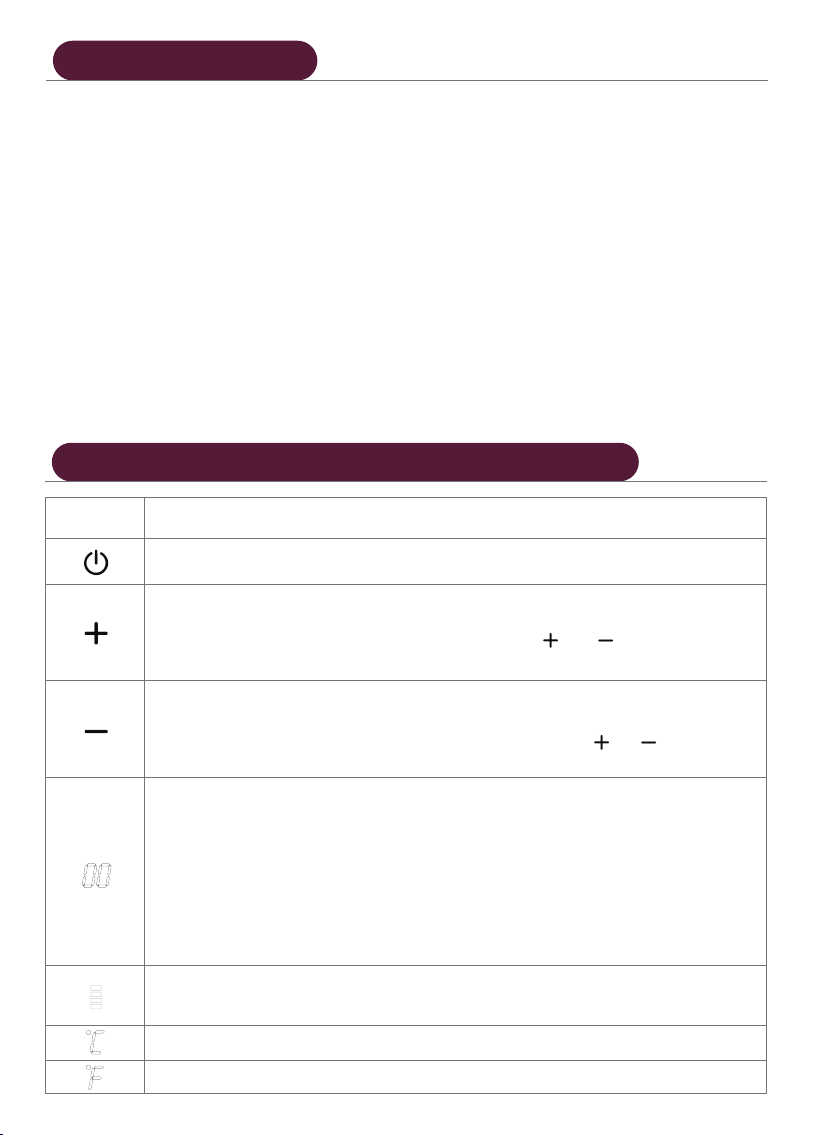
Degree(s) Celsius
Degree(s) Fahrenheit
Power button;long press to turn on/off the system.
Long press the button to increase the temperature. When the temperature reaches the
expected setting value, release the button and the screen will flash for three seconds
to indicate that the setting is completed. Pressing the and buttons at the same
time can switch between Celsius and Fahrenheit.
Long press the button to decrease the temperature. When the temperature reaches
the expected setting value, release the button and the screen will flash for three
seconds to indicate that the setting is completed. Pressing the and buttons at the
same time can switch between Celsius and Fahrenheit.
Battery power display (upward represents for power increasing; downward represents
for power decreasing)
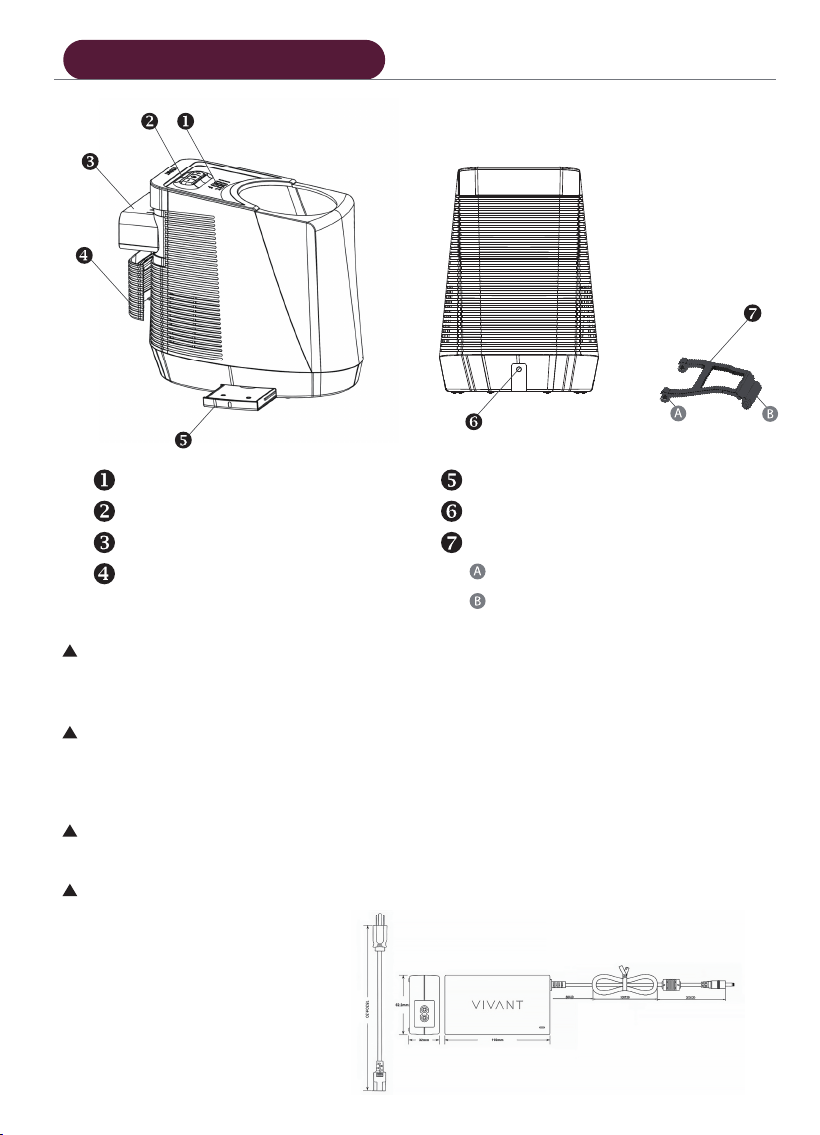
LED Display
Temperature-controlling buttons
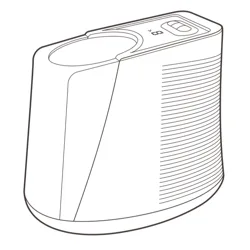
Rechargeable Li-ion Battery Pack
Water tray
Charging socket
Bracket :
connect to the chiller
connect to the battery cover
Battery cover
Temperature range: 8~20℃ / 46~68℉
Please use the power adapter and cord in the box. The power adapter can supply charging
method and the VIVANT Wine Chiller
Device Description
The battery life will gradually decrease over time, depending on usage. It is recommended to
replace the battery every 2 to 3 years.
To replace the battery, pull out the battery cover and us your finger to press the latch located
at the bottom of the battery compartment. The side marked with the VIVANT logo should
face upwards, then push the new battery pack all the way in.