
TABLE OF CONTENTS
● Package Contents
● Specifications
● Power and Pairing
● Reset and Sizing
● Charging
● Controls
● Warranty User Manual for ALT Clip
● Important Safety Instructions
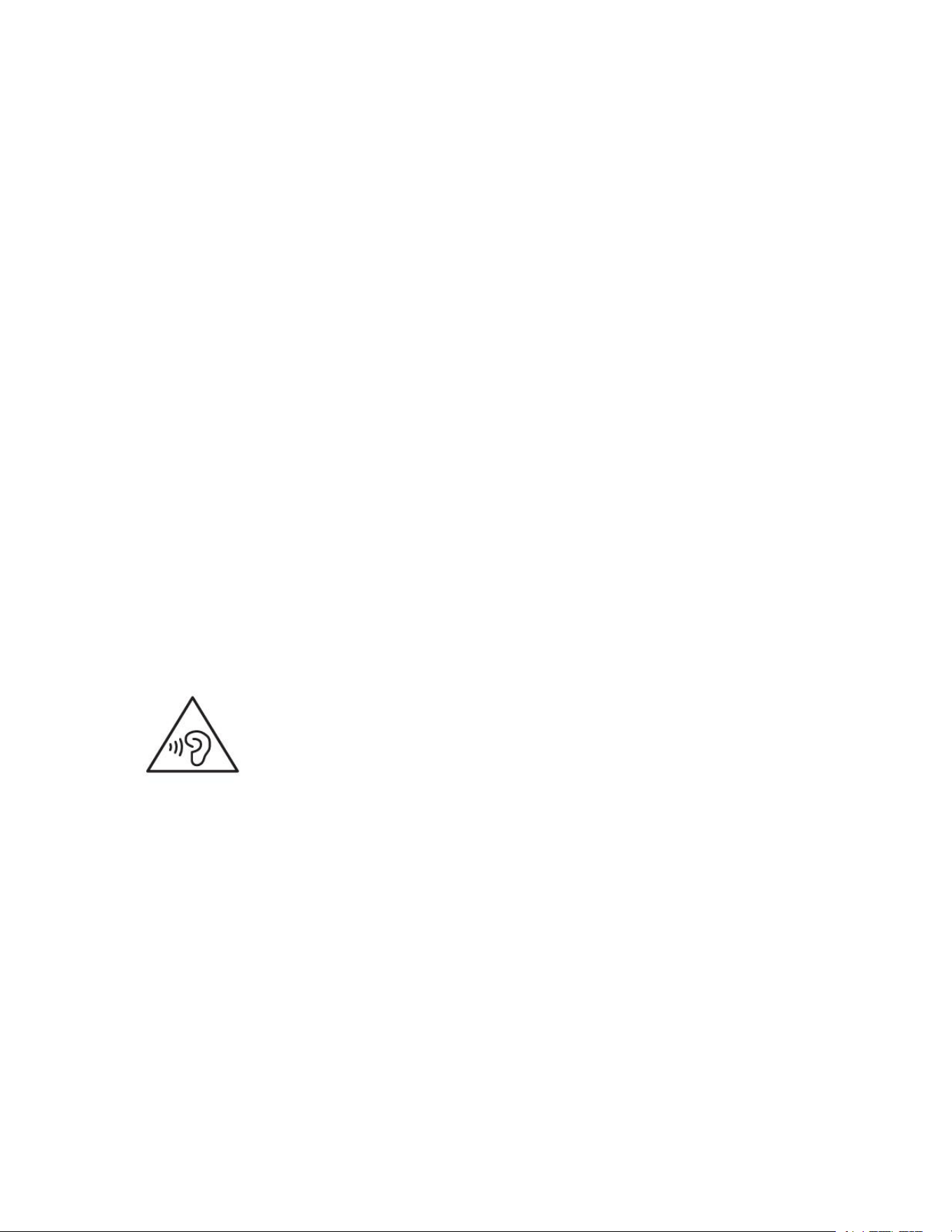
● Hearing Safety
● FCC Statement
● Safety
Noise ALT Clip User Manual
PACKAGE CONTAINS
Noise ALT Clip x 1
Charging case x 1
USB Type-C charging cable x 1
Leaflet x 1

Product Specifications
Model Name: Open Wireless Earbuds
Model No.: ALT Clip
Earbud weight: 5.5g each
Speaker driver size: mm
Supported profiles: A2DP/AVRCP/HFP/SPP/AVDTP
Bluetooth version: 6.0
Earbud charging time: 1 hour
Input Voltage: 5V
Bluetooth range: 10m
Waterproof rating: IPX5
Working temperature: 0-45°C
Charging Specifications
Charging case weight: 30g
Charging port: Type-C
The number of earbud charges from the case:
Case charging time: Up to 60 mins

POWER ON
A. The earbuds will automatically turn on, on opening the charging case.
POWER OFF
The earbuds will automatically turn off once placed inside the charging case with the lid closed.
Pairing
After Powering On for the first time, ALT Clip will automatically enter pairing mode and the white
LED on the clips will start blinking. Search and select ALT Clip from the list of available
Bluetooth devices. Once the connection is successful the light will turn off.
Your ALT Clip is now paired with your device and ready to use.
Pressing and holding the charging case button for 3s is another way to bring the device into
pairing mode.
Note: Your ALT Clip will automatically connect to the last paired device as soon as it is powered
on.
RESET // CLEAR THE EARBUDS DEVICE LIST
Make sure your earbuds are fully charged.
On your paired devices, delete/remove Noise ALT Clip from the list of paired devices in the
Bluetooth menu
Insert both earbuds into the charging case and long press the charging case button for 8
seconds
The Orange LED on the charging case will blink thrice, indicating earbuds have been reset.
CHARGING
Earbuds
Place both earbuds inside the case to charge them.
Indication (on case)
White LED Blink and then OFF = Charging
CHECK THE EARBUD BATTERY LIFE
While using the earbuds
When you remove the earbuds from the charging case and insert them into your ears, a voice
prompt announces the earbud battery level when the battery is low.
Use the Noise Audio APP. The earbud battery level is displayed on the main screen.
Charging (Case)
Charge the case via the supplied Type-C charging cable, preferably from any PC or laptop as
compared to a USB charger.
Indication (on case)
Solid orange LED = Charging
Solid White LED = Fully charged
CONTROLS
(Icon) Play/Pause
Tap either earbud twice

(Icon) Previous Song
Tap the left earbud thrice
(Icon) Next Song
Tap the right earbud thrice
(Icon) Volume Up
Tap and hold the right earbud once
(Icon) Volume Down
Tap and hold the left earbud once
(Icon) Answer Call
Tap either earbud twice
(Icon) End Call
Tap either earbud twice
(Icon) Reject Call
Tap either earbud thrice
(Icon) Noise AI Initiation
Long press right earbud for 3 seconds
Clean the earbuds and charging case
1. Eartips & Earhooks
Wash the ear hooks with mild detergent and water.
Brush off the dirt and dust using a thin bristle brush. Do not use water to clean the speaker area.

Note: Make sure you thoroughly rinse and dry the earhooks before keeping the earbuds in the
case or using them again.
2. Charging contacts (on earbuds)
To prevent corrosion, wipe with a dry, soft cotton swab or equivalent.
3. Charging case
Wipe only with a dry, soft cotton swab or equivalent.
AUDIO BOOST
Enhances the overall sound output for a louder and more immersive listening experience.
Enable Audio Boost to enjoy increased audio intensity across music, movies, and calls.
Use the Noise Audio App and navigate to the Audio Boost feature inside the “Sound” panel to
enable this feature
OR
Tap the right earbud four times to enable the same.

WARRANTY
The warranty covers your Noise product, including accessories, against manufacturing defects
(if any) for 12 months from the date of purchase.
Things that are not covered in the warranty are listed below:
● Unauthorized tampering, modifications or repairs of the product.
● Physical damage of the product on the account of abuse, handling, storage, installation or
testing including any use that is not by the product manual or documentation or any other
instruction provided along with the Noise product.
For further information on product replacement/refund-related queries, please refer to the terms
and conditions mentioned in our online return policy section on www.gonoise.com.
WARRANTY REGISTRATION
www.gonoise.com/pages/warranty-registration
CUSTOMER QUERY
For any assistance, please reach out to us at support.gonoise.in
IMPORTANT SAFETY INSTRUCTIONS
• Do not disassemble.
• Keep out of the reach of children. The product contains small parts which may be a choking
hazard.
• The battery shall not be exposed to excessive heat such as sunshine, fire or the like.
• Do not use the product in environments with too high or too low temperatures, and never
expose the product to strong sunshine or very wet environments.
• Ensure there is no liquid, sweat or water on the charging port when charging.
• Refer to your user manual for your earphones' waterproof level and follow the corresponding
instructions.
○ For IPX4: Do not expose earphones to dripping or splashing water. ○ For IPX4, IPX5, and
IPX6: Do not submerge earphones in water.
Hearing Safety
• To avoid hearing damage, do not listen for extended periods at high volume.
• Do not turn the volume so high that you’re unable to hear your surroundings.
• Do not use earphones while driving.
• You should use caution or temporarily discontinue use in potentially hazardous situations.
This product complies with the radio interference requirements of the Indian
Community.
The product generates stronger permanent magnetic fields that could cause
interference with cardiac pacemakers, implanted defibrillators (ICDs) and other implants. Always
maintain a distance of at least 3.94″/10 cm between the product component containing the
magnet (earbuds and charging case) and the cardiac pacemaker, implanted defibrillator, or
other implant.
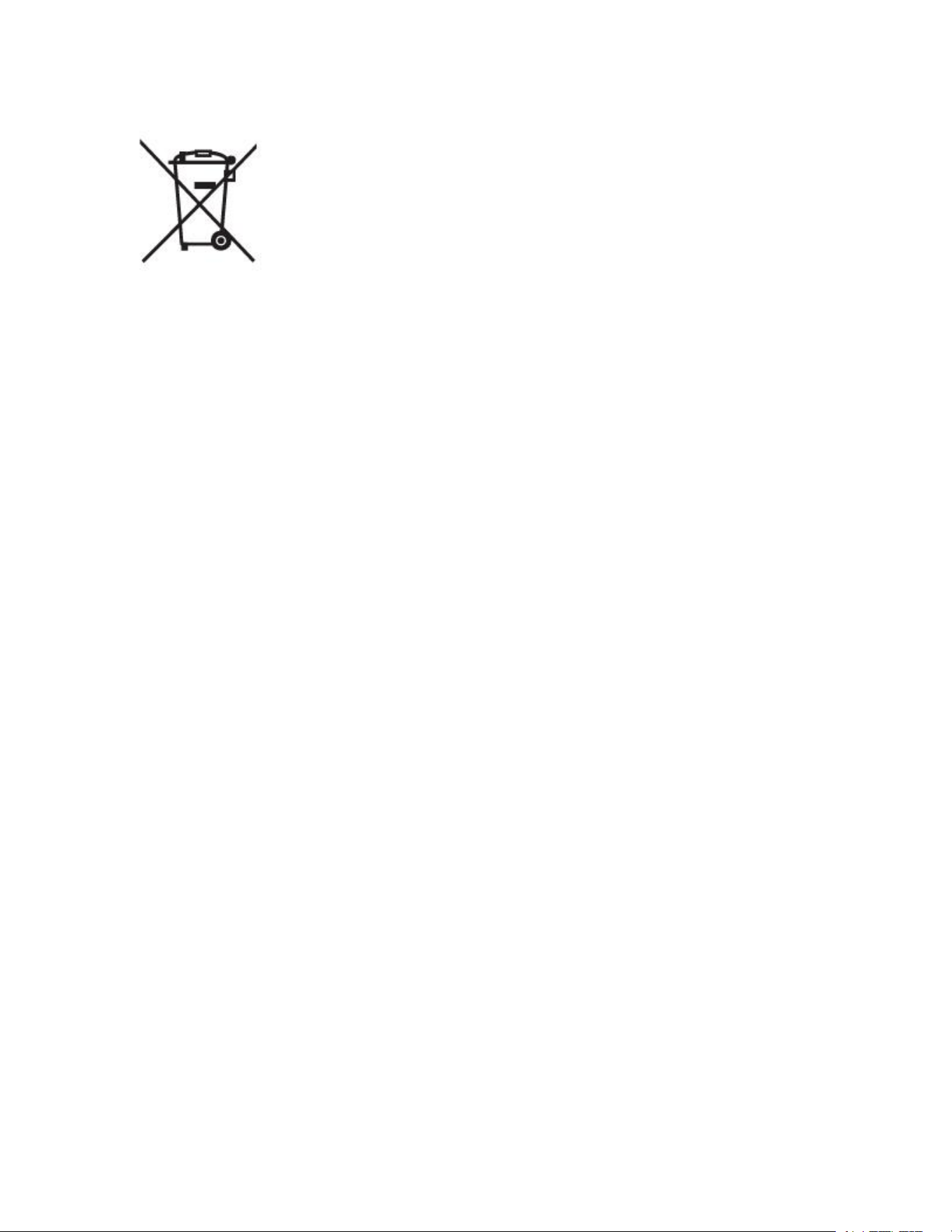
This symbol means the product must not be discarded as household
waste, and should be delivered to an appropriate collection facility for recycling. Follow local
rules and never dispose of the product and rechargeable batteries with normal household waste.
Correct disposal of old products and rechargeable batteries helps prevent negative
consequences for the environment and human health.
This symbol indicates "separate collection" for all batteries and
accumulators. Danger of explosion if battery is incorrectly replaced. To reduce risk of fire,
explosion or leakage of flammable liquid/gas, don't disassemble, crush, puncture, short external
contacts, expose to temperature above 60°C (140°F), sunshine or like, expose to extremely low
air pressure or dispose of in fire or water. Replace only with specified batteries.
High or low extreme temperatures that a battery can be subjected to during use, storage or
transportation:
• During use: maximum 40℃ (104°F)
• Storage: -20 - 45℃ (-4 - 113°F)
• Transportation: 5 - 35℃ (41 - 95°F)
FCC Statement
This device complies with Part 15 of the FCC Rules. Operation is subject to the following two conditions:
1) This device may not cause harmful interference, and
2) this device must accept any interference received, including interference that may cause undesired operation.
Warning: Any Changes or modifications not expressly approved by the party responsible for compliance could void
the user's authority to operate the equipment.
NOTE: This equipment has been tested and found to comply with the limits for a Class B digital device, pursuant to
part 15 of the FCC Rules.
These limits are designed to provide reasonable protection against harmful interference in a
residential installation. This equipment generates, uses and can radiate radio
frequency energy and, if not installed and used in accordance with the instructions, may cause harmful interference to
radio communications. However, there is no guarantee that interference will not occur in a particular installation.
If This equipment complies with FCC radiation exposure limits set forth for an uncontrolled environment. This
equipment can be used in portable exposure conditions.
✧ Reorient or relocate the receiving antenna.
✧ Increase the separation between the equipment and receiver.
✧ Connect the equipment into an outlet on a circuit different from that to which the receiver is connected.

✧ Consult the dealer or an experienced radio/TV technician for help.
If This equipment complies with FCC radiation exposure limits set forth for an uncontrolled environment. This
equipment can be used in portable exposure conditions.
SAFETY FOR YOU AND YOUR NOISE ALT Clip
Follow these tips to get the best out of your new Noise Buds:
● Do not expose the earbuds to liquids, moisture, or humidity as they have electronics
and batteries inside.
● Do not use abrasive cleaning solvents to clean your new earbuds. Wipe them down
with a slightly damp cloth if and when necessary.
● Remove and clean the earbud tips regularly to ensure that you always enjoy the
best sound possible.
● Do not expose the earbuds to extremely high or low temperatures as this may
damage the battery or even deform the plastic parts.
● Do not throw the earbuds in a fire to dispose of them. The internal battery may
explode.
● Do not try to disassemble your earbuds. There are no user-serviceable parts inside
it.
● Try not to drop the earbuds and keep them away from sharp objects such as keys in
your pockets.
● Only charge your earbuds from 5V USB ports such as phone chargers and laptop or
PC chargers.
● Never listen to music at high volume or you may permanently damage your hearing.
● Pay attention to your surroundings and never wear any earphones while riding,
driving, or walking in traffic.