50dB
40dB
60dB
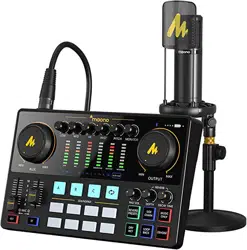
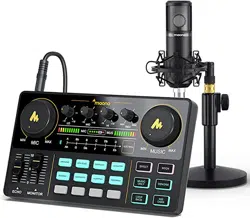
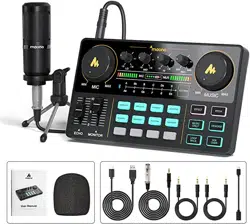
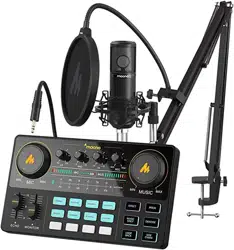
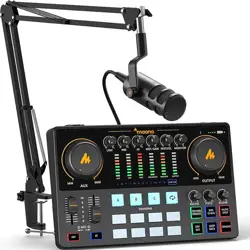
MAONOCASTER E2 INTERFACE
We highly recommend you to read below instructions before you use Maonocaster E2.
Please contact us for help if you meet any problems while using the product. You can find us via email: [email protected] or visit Maono
official site: www.maono.com.
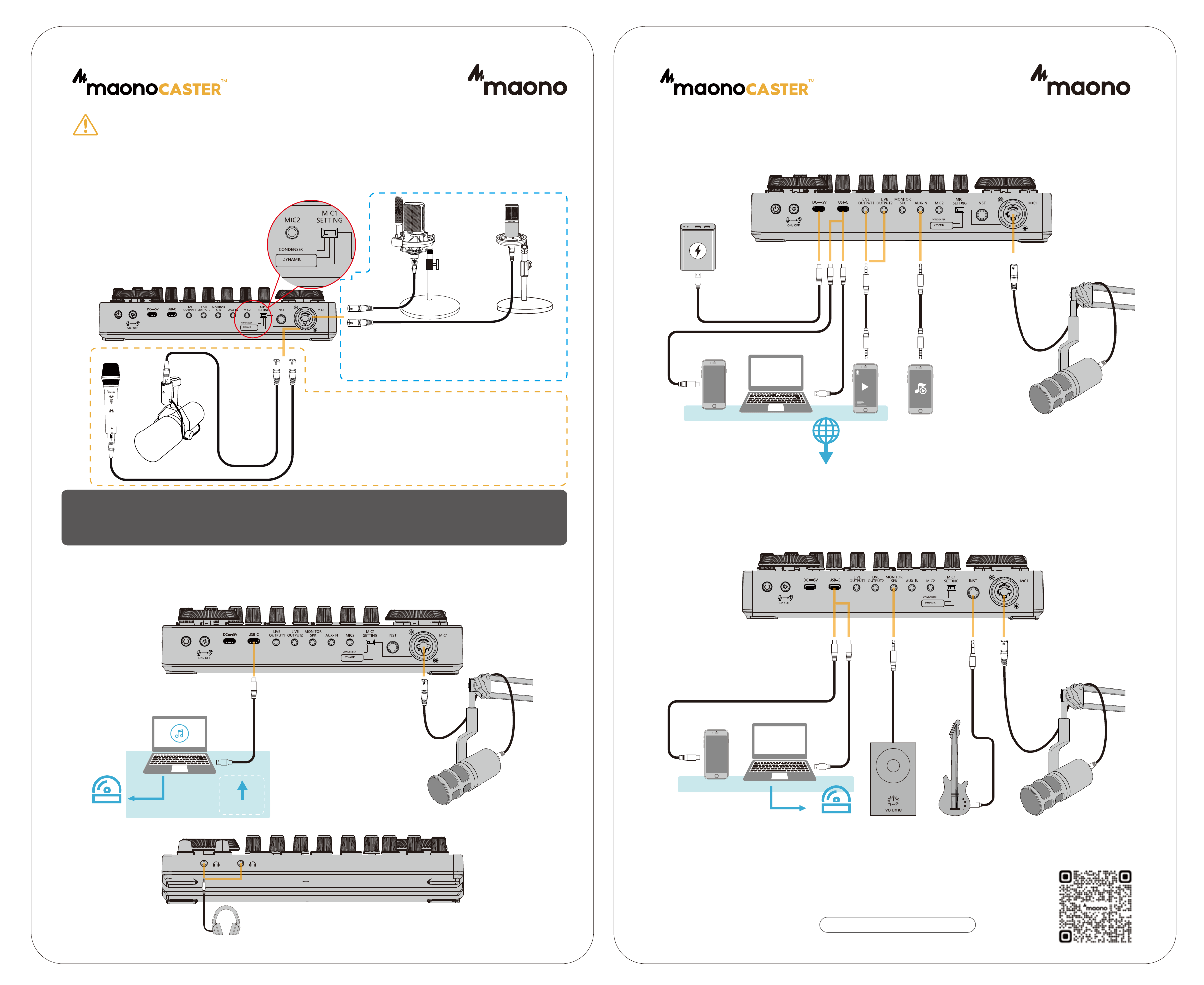
Maonocaster E2 offers three-step microphone gain options to fit different types of microphones and show the best performance of
microphones. You can find the control toggle printed “Microphone 1”on rear panel of Maonocaster E2.
Before connecting condenser microphones to Maonocaster
E2, please turn off E2 and adjust microphone volume to the
lowest level. After connection, turn “Microphone 1”control to
40dB, turn on E2 and 48V phantom power in sequence. Wait
for 5 seconds and adjust Microphone volume to proper level.
PERSONAL AUDIO CONTENT CREATION
READ INSTRUCTIONS BEFORE USING
OR
Note1:Before connecting a XLR microphone to
Maonocaster E2, please confirm the microphone type.
Normally the output level of condenser and dynamic
microphones are -30~-40dB, -50~-60dB separately.
Condenser
Microphones
Dynamic
Microphones
OR
Before connecting dynamic microphones to Maonocaster E2, please
turn off E2 and adjust microphone volume to the lowest level. After
connection, turn “Microphone 1”control to proper level. For example, if
the Microphone output level is 54dB, you can turn to Microphone 1
control to 50dB. Wait for 5 seconds and adjust Microphone volume to
proper level.
If you are using Shure SM7b, Electro-Voice RE20, Rode Podmic, you
can try 60dB.
Note2
:Please confirm if your microphone requires
phantom power. Usually XLR condenser Microphone
requires 48V phantom power, while dynamic
microphones don't.
* This Maonocaster E2 offers three-step mic gain options to fit different microphones. If there is voice crack caused, please adjust the
“microphone 1”control to lower level. Or you can change a more proper microphone and use it with Maonocaster E2.
* To protect you from hearing harm, we advise you to gradually switch from 40dB, 50dB and 60dB and find a proper level.
Monitoring
Headphone
OR
MUSIC RECORDING
COMPUTER & MOBILE STREAMING
Smartphone
(Background Music)
Smartphone
(Streaming App)
Computer
(streaming)
Streaming Software
Audience
TRRS audio cable
USB-C Cable
TRRS audio cable
50dB
40dB
60dB
OR
Microphones, Microphone Cables and Instrument Audio Cables are only included in select bundles. Microphones, Microphone Cables and Instrument Audio Cables are only included in select bundles.
50dB
40dB
60dB
Microphone
Microphone
Microphone
50dB
40dB
60dB
Computer
Recording /
Music Production Software
USB-C Cable
To get technical support, please scan the QR code of
official site on the right, or click the link
V1.0
Audio playback
Recording
software
USB-C cable
Computer
Recording /
Audio production software
Mobile phone
Power Bank
USB-C Cable for Charging
50dB
40dB
60dB
Mobile phone
OR
OR