We love that you are rocking JLab!
We take pride in our products and fully stand behind them.
MIDNIGHT
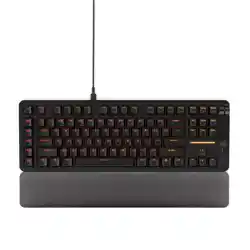
KEYBOARD
YOUR WARRANTY
All warranty claims are subject to JLab authorization
and at our sole discretion. Retain your proof of
purchase to ensure warranty coverage.
CONTACT US
Reach out to us at [email protected]
or visit jlab.com/contact
1
REGISTER TODAY
jlab.com/register
Product updates | How-to tips
FAQs & more
L
I
M
I
T
E
D
T
W
O
Y
E
A
R
W
A
R
R
A
N
T
Y
S
U
P
P
O
R
T
T
E
A
M
#
T
E
A
M
J
L
A
B
2
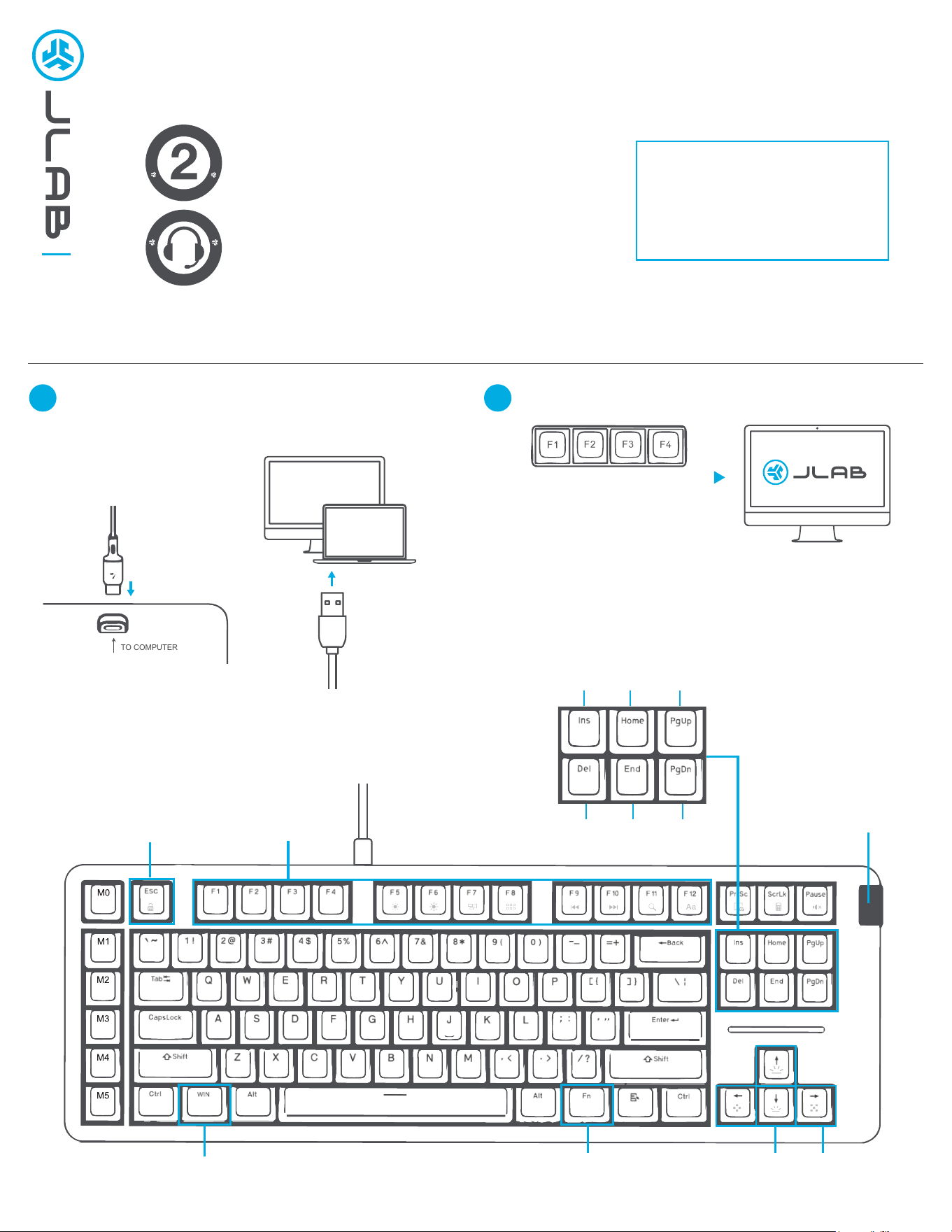
CUSTOMIZECONNECT CABLE
Plug keyboard cable into computer USB-A port.
Midnight Keyboard will turn on
KEYS
MEDIA DIAL
Volume -/+ : Rotate
Play/Pause: 1x press
Track Forward: 2x press
Track Back: Press hold
Turn off
LED bar
Cycle LED
bar pattern
Slow
Animation
Speed Up
Animation
Last LED
Color
Next LED
Color
Fn + F1-F12:
Fn +
Shortcut keys
Fn + WIN:
Toggle WIN lock On/Off
Fn + Esc:
Toggle Fn lock On/Off
TO COMPUTER
Fn + Up/Down:
Brightness
Fn + Left/Right:
Cycle LED Pattern
Customize keys on your
Midnight Keyboard with
The Lab App (for PC)
jlab.com/software
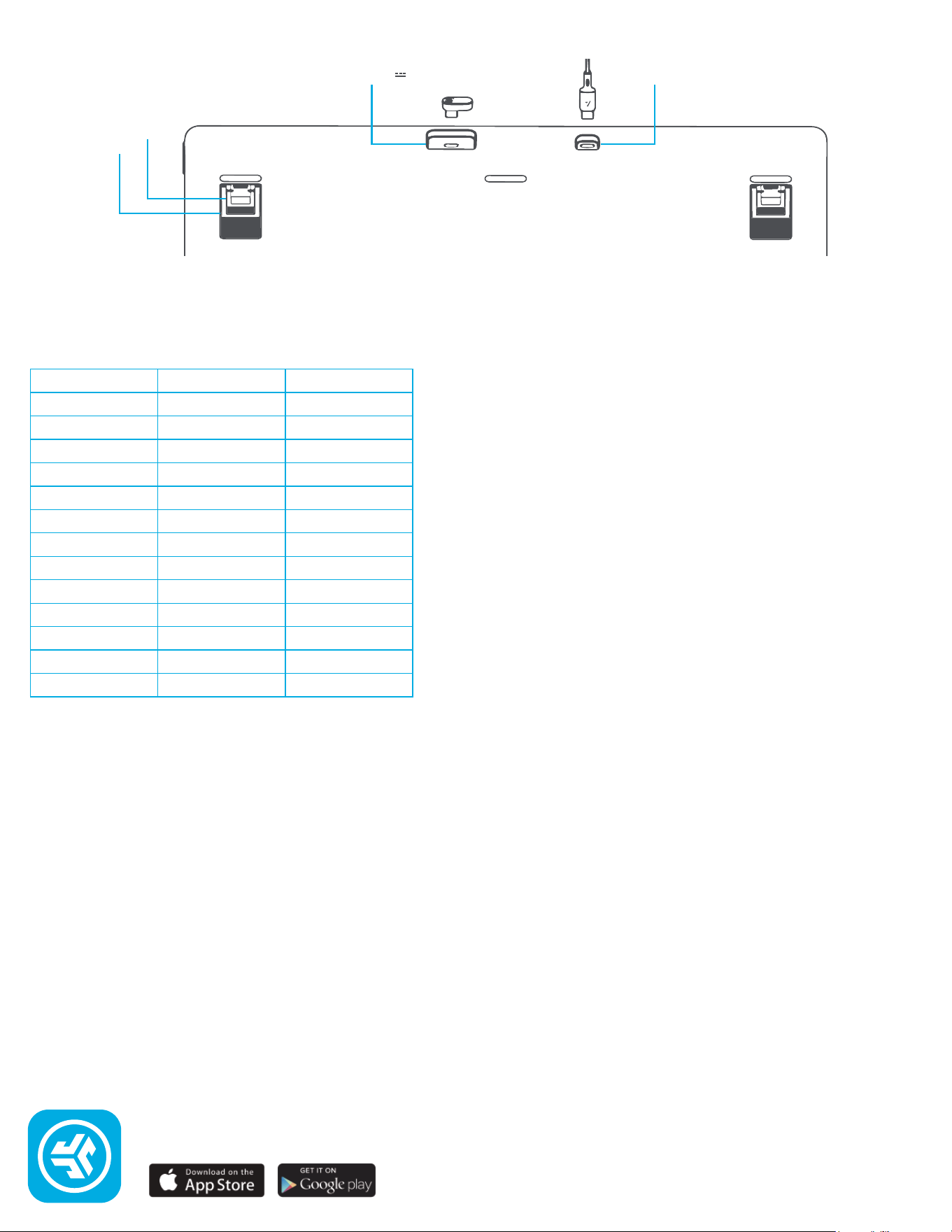
USB-C Passthrough (5v 100mA handling)
4º
8º
USB-C Input (To Computer)
DEFAULT SHORTCUT KEYS
Fn +
Esc
F1
F2
F3
F4
F5
F6
F7
F8
F9
F10
F11
F12
MAC
FN Lock
--
--
--
--
Backlit -
Backlit +
Show Applications
Select All
Track Back
Track Forward
Search
Spotlight
PC
FN Lock
--
--
--
--
Backlit -
Backlit +
Show Applications
Settings
Track Back
Track Forward
Search
JLAB.COM
Shop products | Product alerts | Burn-in your headphones
JLab Store + Burn-in Tool