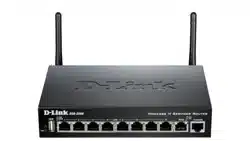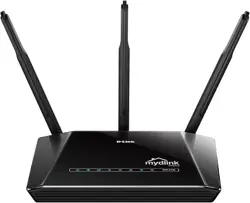
Step 1 Connect Your PC (Laptop) to the Router (Port 1) using Network cable.
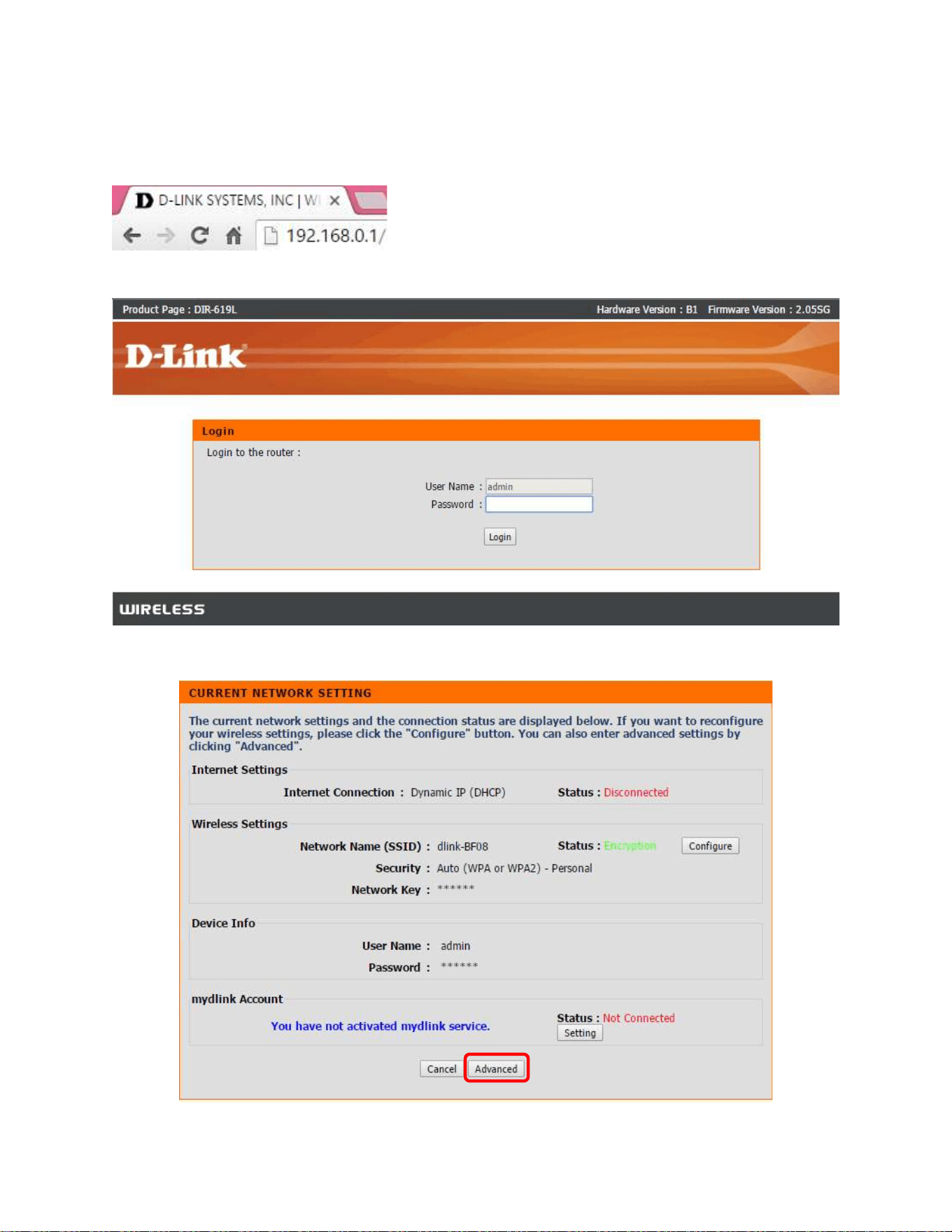
Step 2 Launch your browser (Google Chrome) and key in 192.168.0.1 in the address column and press Enter
Step 3 Enter your Username: admin and Password: <blank>. Click on Log In
Step 4 You will see the current network setting’s page, click on Advanced to continue.
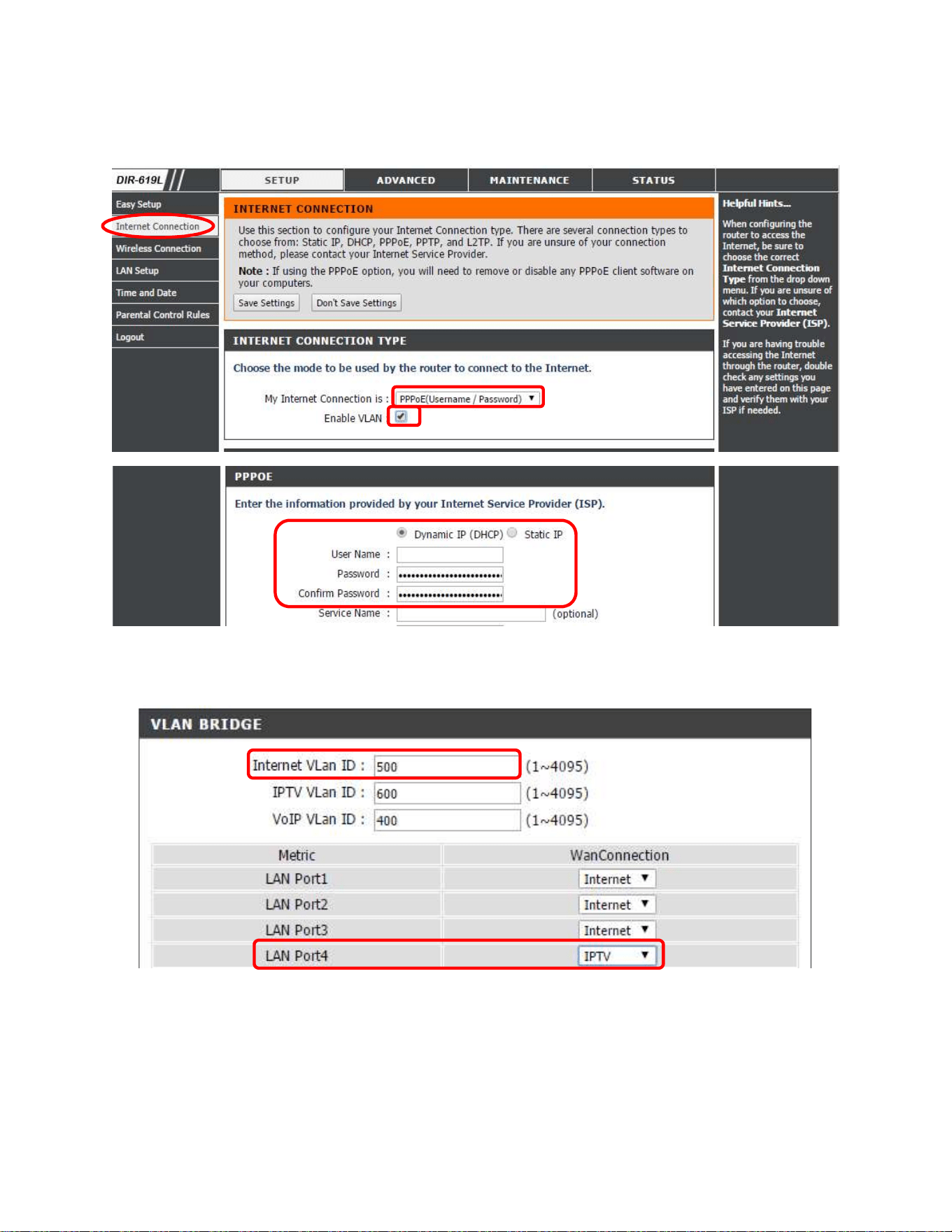
Step 5 Choose the PPPoE, Enable the VLAN, key in PPP Username and Password and click Save Settings. Change
to VLAN ID: 621 for Maxis User.
Step 6 Choose the IPTV from Wan Connection, and plug in the cable to LAN Port 4 for IPTV.
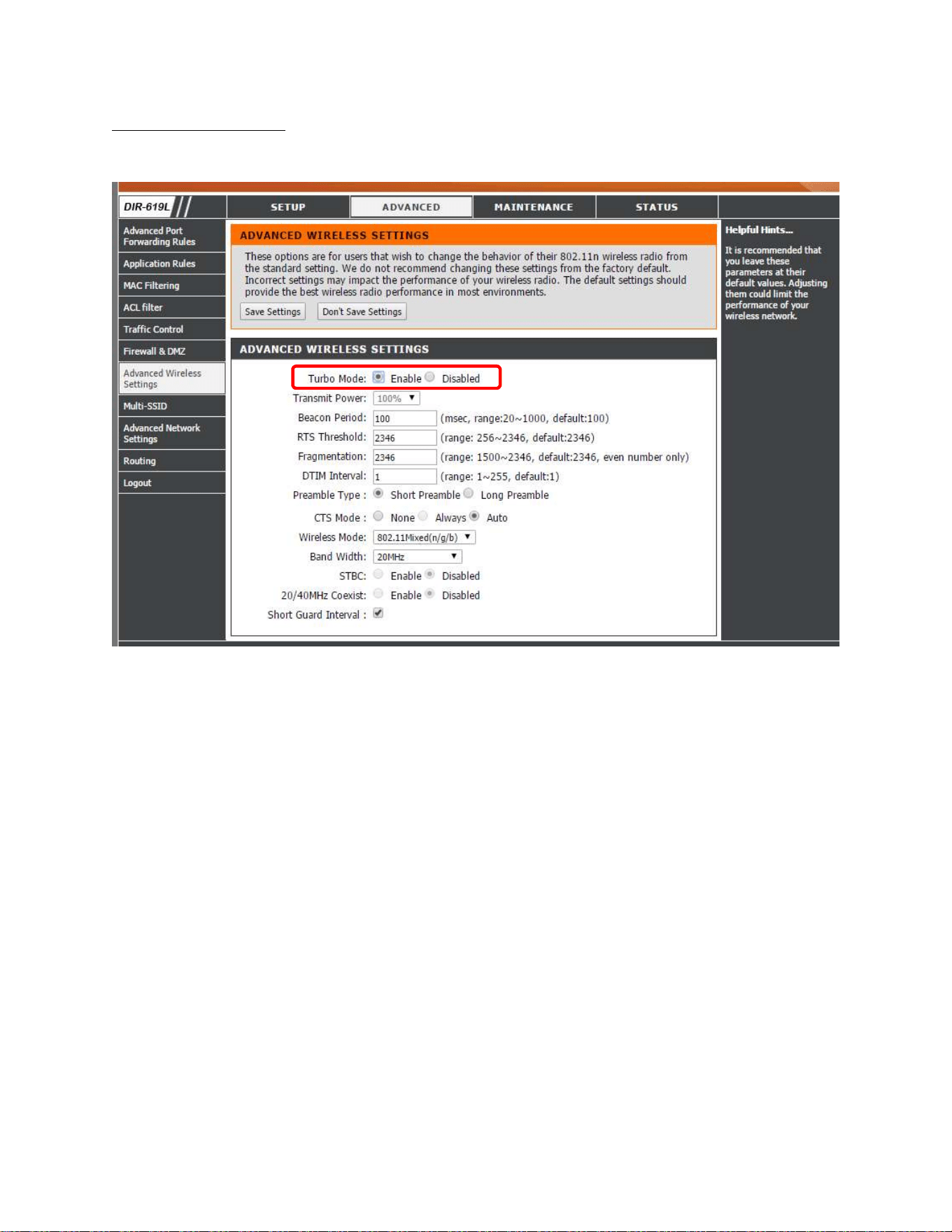
Turbo Mode for Wireless
Go to Advanced, under Advanced Wireless Setting, Enable the turbo mode and Save Settings.