Contutor
AI speaking practice companion
AI Real-time Translator · User Guide
Noise reduction Echo cancellation Clear sound Long battery life Low latency
Power on & o
ff
Long press
Power button for 2 seconds
—
Power on
Long press
Power button for 5 seconds
—
Power o
ff
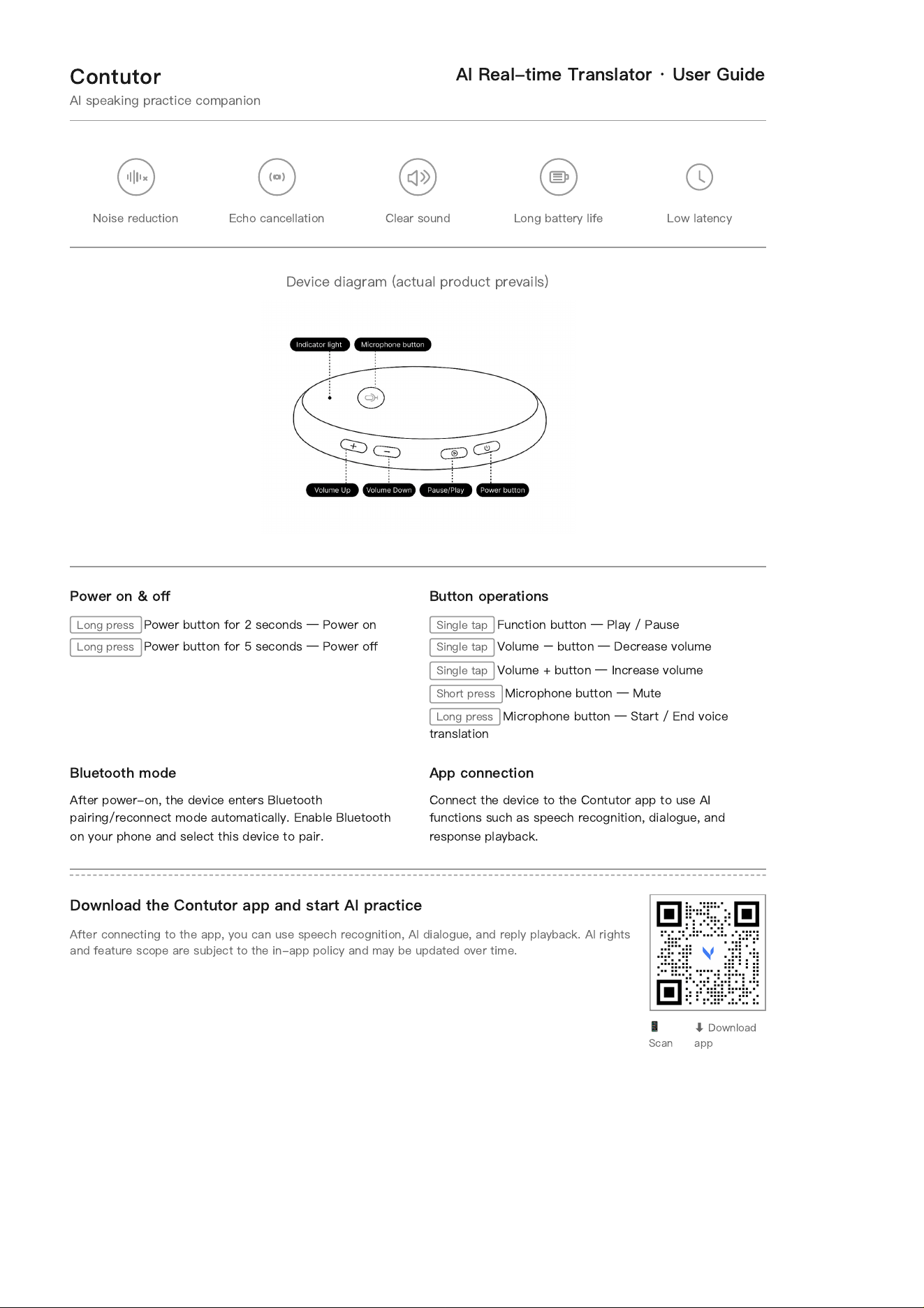
Button operations
Single tap
Function button
—
Play / Pause
Single tap
Volume
−
button
—
Decrease volume
Single tap
Volume + button
—
Increase volume
Short press
Microphone button
—
Mute
Long press
Microphone button
—
Start / End voice
translation
Bluetooth mode
After power-on, the device enters Bluetooth
pairing/reconnect mode automatically. Enable Bluetooth
on your phone and select this device to pair.
App connection
Connect the device to the Contutor app to use AI
functions such as speech recognition, dialogue, and
response playback.
Download the Contutor app and start AI practice
After connecting to the app, you can use speech recognition, AI dialogue, and reply playback. AI rights
and feature scope are subject to the in-app policy and may be updated over time.
📱
Scan
⬇
Download
app
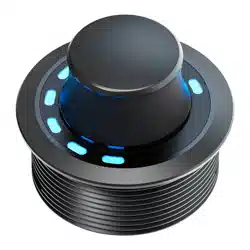
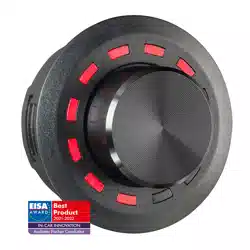
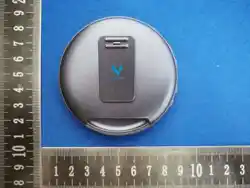
Device diagram (actual product prevails)
Contutor
Product Manual · Inner Page
Manual
Please read this manual carefully before use
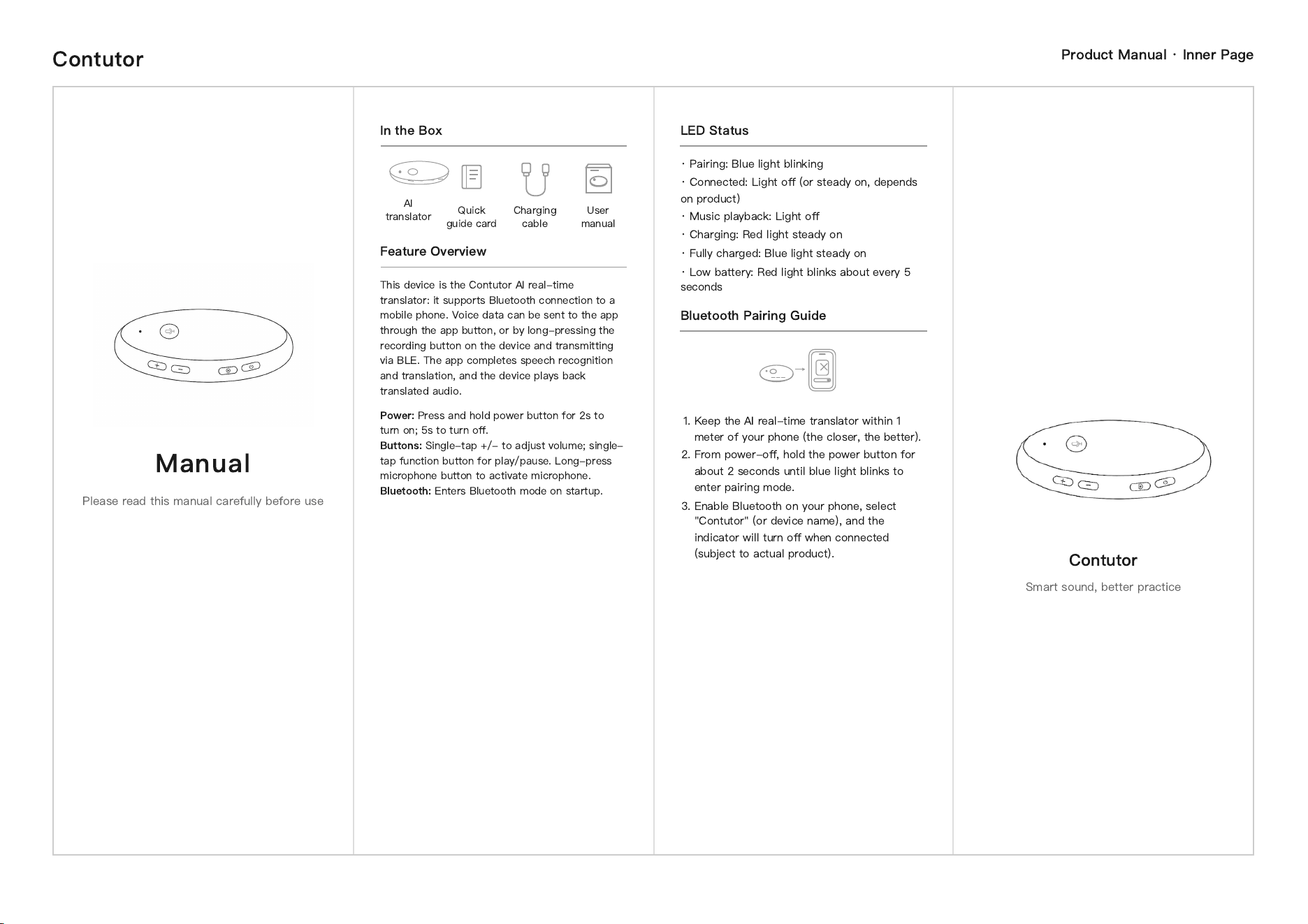
In the Box
AI
translator
Quick
guide card
Charging
cable
User
manual
Feature Overview
This device is the Contutor AI real-time
translator: it supports Bluetooth connection to a
mobile phone. Voice data can be sent to the app
through the app button, or by long-pressing the
recording button on the device and transmitting
via BLE. The app completes speech recognition
and translation, and the device plays back
translated audio.
Power:
Press and hold power button for 2s to
turn on; 5s to turn o
ff
.
Buttons:
Single-tap +/- to adjust volume; single-
tap function button for play/pause. Long-press
microphone button to activate microphone.
Bluetooth:
Enters Bluetooth mode on startup.
LED Status
· Pairing: Blue light blinking
· Connected: Light o
ff
(or steady on, depends
on product)
· Music playback: Light o
ff
· Charging: Red light steady on
· Fully charged: Blue light steady on
· Low battery: Red light blinks about every 5
seconds
Bluetooth Pairing Guide
1. Keep the AI real-time translator within 1
meter of your phone (the closer, the better).
2. From power-o
ff
, hold the power button for
about 2 seconds until blue light blinks to
enter pairing mode.
3. Enable Bluetooth on your phone, select
"Contutor" (or device name), and the
indicator will turn o
ff
when connected
(subject to actual product).
Contutor
Smart sound, better practice
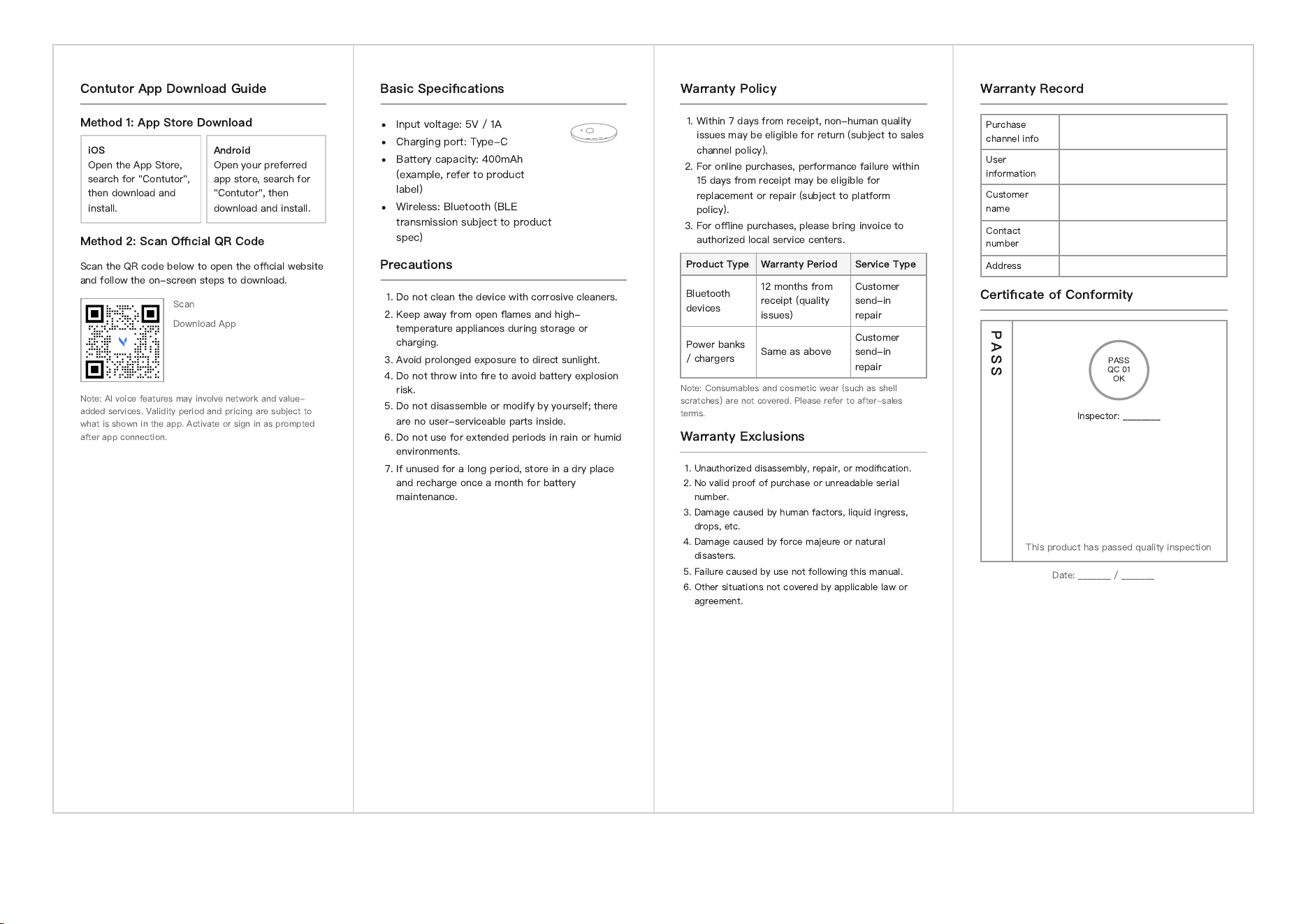
Contutor App Download Guide
Method 1: App Store Download
iOS
Open the App Store,
search for "Contutor",
then download and
install.
Android
Open your preferred
app store, search for
"Contutor", then
download and install.
Method 2: Scan O
ffi
cial QR Code
Scan the QR code below to open the o
ffi
cial website
and follow the on-screen steps to download.
Scan
Download App
Note: AI voice features may involve network and value-
added services. Validity period and pricing are subject to
what is shown in the app. Activate or sign in as prompted
after app connection.
Basic Speci
fi
cations
Input voltage: 5V / 1A
Charging port: Type-C
Battery capacity: 400mAh
(example, refer to product
label)
Wireless: Bluetooth (BLE
transmission subject to product
spec)
Precautions
1. Do not clean the device with corrosive cleaners.
2. Keep away from open
fl
ames and high-
temperature appliances during storage or
charging.
3. Avoid prolonged exposure to direct sunlight.
4. Do not throw into
fi
re to avoid battery explosion
risk.
5. Do not disassemble or modify by yourself; there
are no user-serviceable parts inside.
6. Do not use for extended periods in rain or humid
environments.
7. If unused for a long period, store in a dry place
and recharge once a month for battery
maintenance.
Warranty Policy
1. Within 7 days from receipt, non-human quality
issues may be eligible for return (subject to sales
channel policy).
2. For online purchases, performance failure within
15 days from receipt may be eligible for
replacement or repair (subject to platform
policy).
3. For o
ffl
ine purchases, please bring invoice to
authorized local service centers.
Product Type Warranty Period Service Type
Bluetooth
devices
12 months from
receipt (quality
issues)
Customer
send-in
repair
Power banks
/ chargers
Same as above
Customer
send-in
repair
Note: Consumables and cosmetic wear (such as shell
scratches) are not covered. Please refer to after-sales
terms.
Warranty Exclusions
1. Unauthorized disassembly, repair, or modi
fi
cation.
2. No valid proof of purchase or unreadable serial
number.
3. Damage caused by human factors, liquid ingress,
drops, etc.
4. Damage caused by force majeure or natural
disasters.
5. Failure caused by use not following this manual.
6. Other situations not covered by applicable law or
agreement.
Warranty Record
Purchase
channel info
User
information
Customer
name
Contact
number
Address
Certi
fi
cate of Conformity
P A S S
Date: _______ / _______
PASS
QC 01
OK
Inspector: ________
This product has passed quality inspection
Contutor
Technical Summary
Contutor AI Real-time Translator · Voice Pipeline
How It Works (Overview)
When the device screen is on, it supports o
ffl
ine wake-word activation. After wake-up, voice is captured, processed with
echo cancellation, encoded with Opus, and transmitted to the Contutor app via BLE. The app or cloud service then
performs recognition and translation generation, and sends the response back (such as audio) for playback on the
device.
App-side Capabilities Required
Establish BLE connection with the device, and receive status updates plus Opus audio streams.
Decode or forward audio data, then complete speech recognition and large-model requests.
Return AI translation output to the device for playback.
Current Version Scope (Summary)
The
fi
rst release focuses on the main work
fl
ow of AI real-time translation. Actual behavior is subject to the
fi
rmware and
app version in use.
This device complies with Part 15 of the FCC Rules. Operation is subject to the following two conditions:
(1) This device may not cause harmful interference, and (2) this device must accept any interference received, including interference that may cause
undesired operation.
NOTE 1: This equipment has been tested and found to comply with the limits for a Class B digital device, pursuant to part 15 of the FCC Rules. These limits
are designed to provide reasonable protection against harmful interference in a residential installation. This equipment generates, uses and can radiate
radio frequency energy and, if not installed and used in accordance with the instructions, may cause harmful interference to radio communications.
However, there is no guarantee that interference will not occur in a particular installation. If this equipment does cause harmful interference to radio or
television reception, which can be determined by turning the equipment off and on, the user is encouraged to try to correct the interference by one or
more of the following measures:
- Reorient or relocate the receiving antenna.
- Increase the separation between the equipment and receiver.
-Connect the equipment into an outlet on a circuit different from that to which the receiver is connected.
-Consult the dealer or an experienced radio/TV technician for help.
NOTE 2: Any changes or modifications to this unit not expressly approved by the party responsible for compliance could void the user's authority to
operate the equipment.
The device has been evaluated to meet general RF exposure requirement. The device can be used in portable exposure condition without restriction.