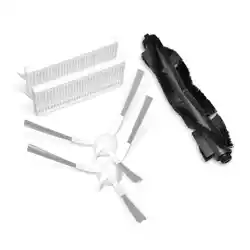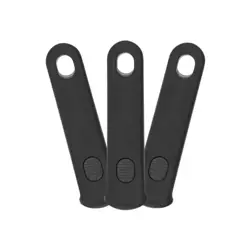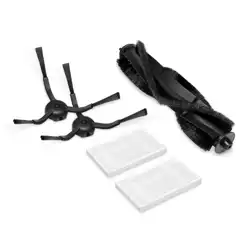
Replacement Frequency
To maintain optimal performance, maintain the robot
vacuum according to the following guidelines.
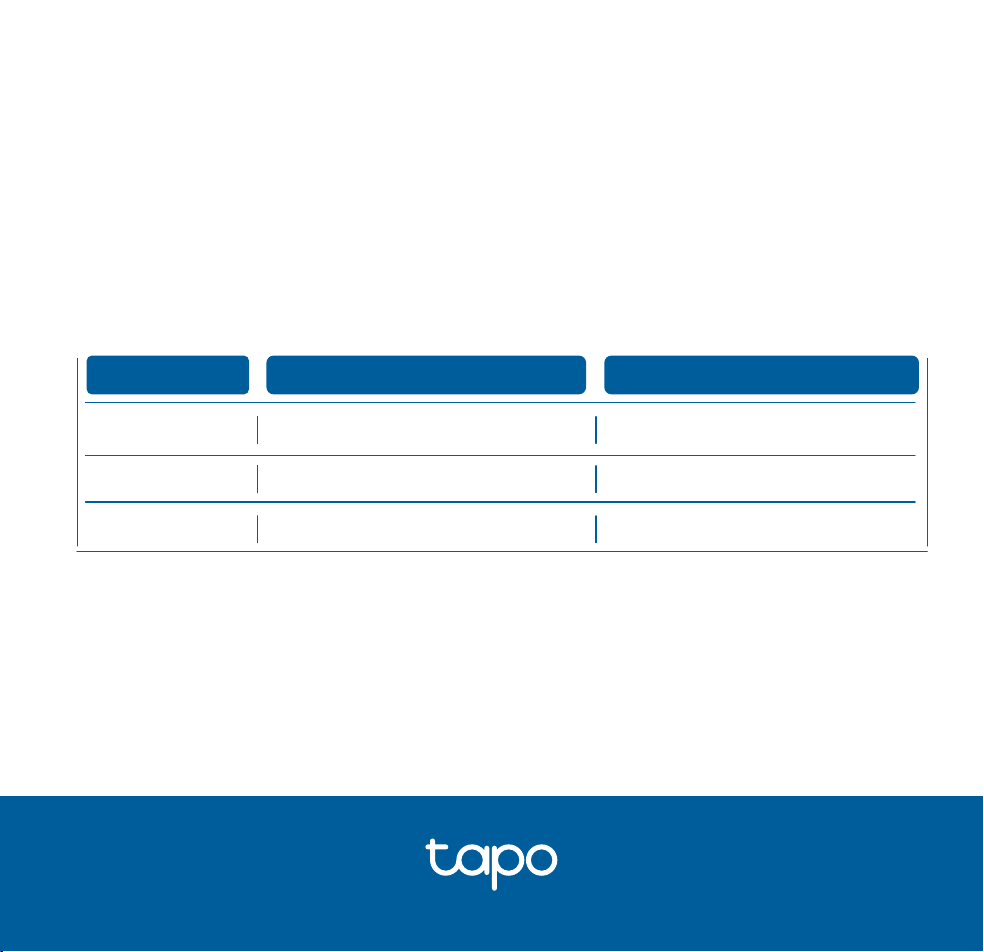
Part
Maintenance Frequency
Replacement Frequency
†
Main Brush
Side Brush
Filter
Every 2 weeks
Once a month
Once a week
6-12 months
3-6 months
3-6 months
†
Replacement frequency may vary depending on the actual situation. Parts should be
replaced if visible wear appears.
Tapo Robot Vacuum Replacement Kit
©2024 TP-Link 7106511890 REV1.0.0
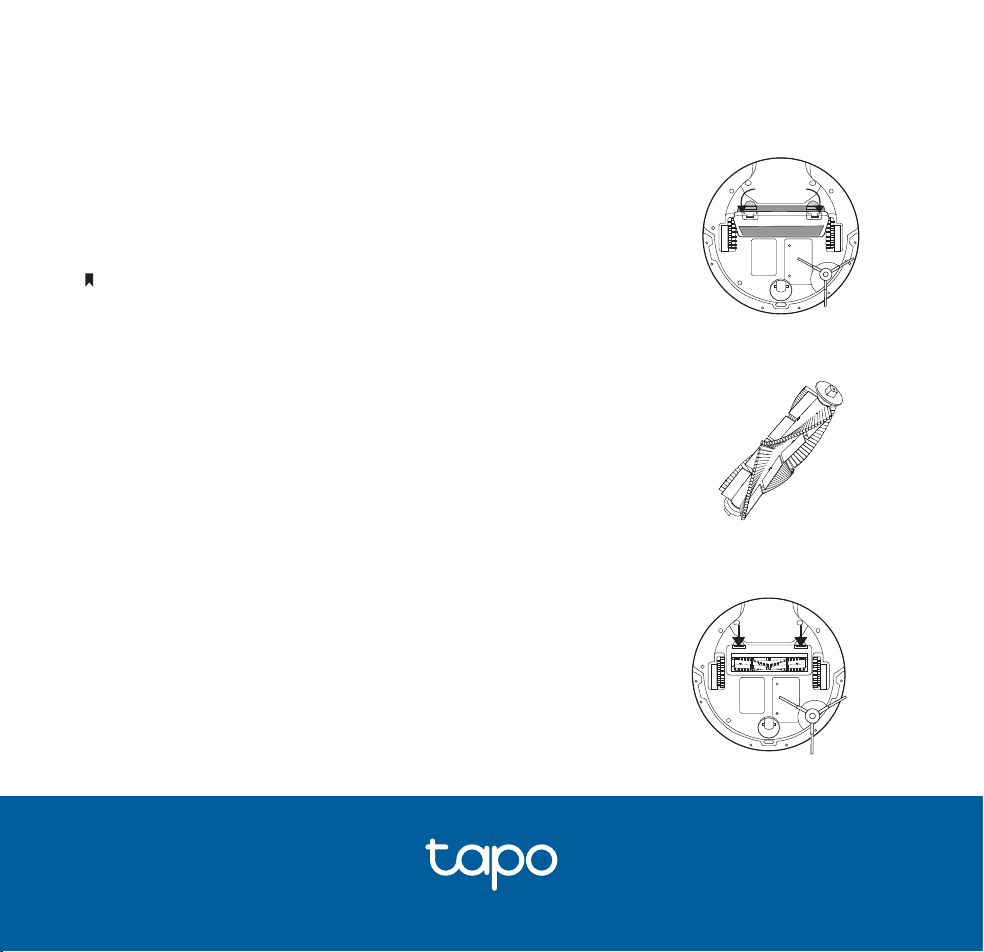
2. Replace with a new one.
3. Press on the main brush cover to lock it in place.
1. Turn the robot vacuum over, then unlatch and remove the
main brush cover.
If you have installed the mopping attachment, uninstall it from the robot vacuum rst.
Main Brush
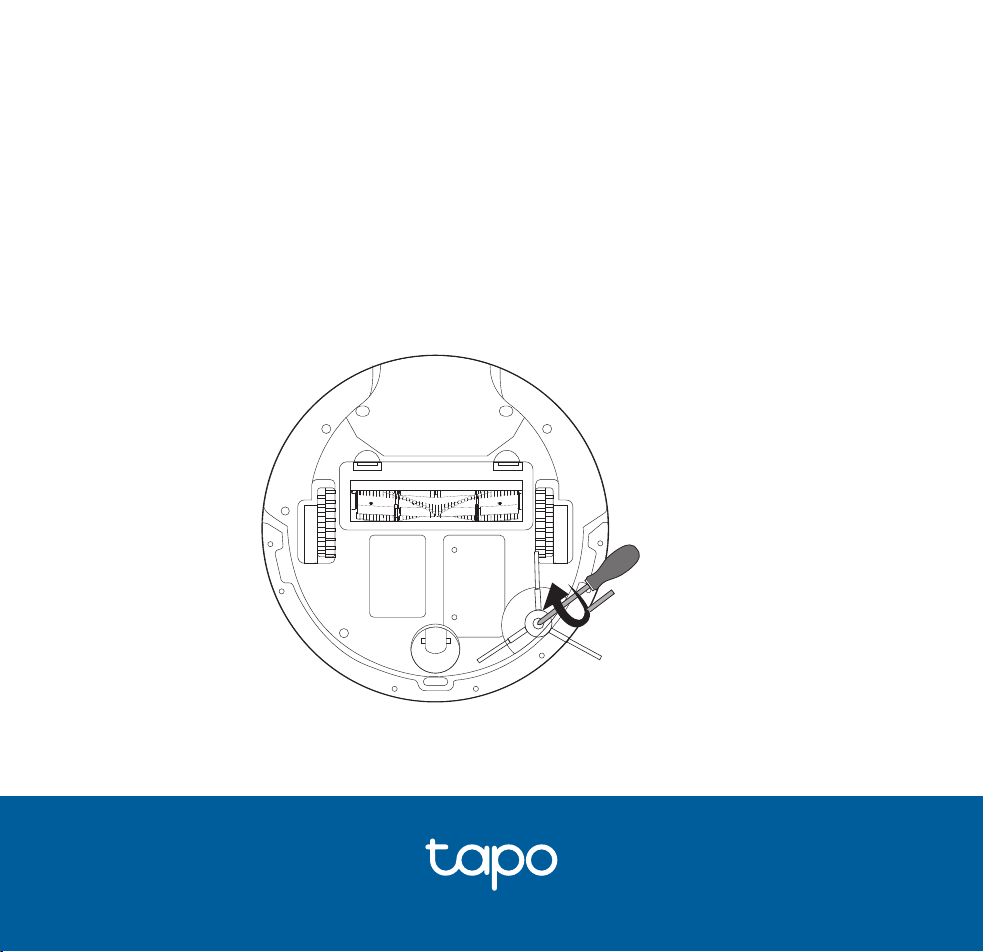
Side Brush
1. Use a screwdriver to unscrew the side brush clockwise.
2. Replace with a new one. Turn the new side brush anticlockwise to secure it
tightly and ensure it's properly installed.
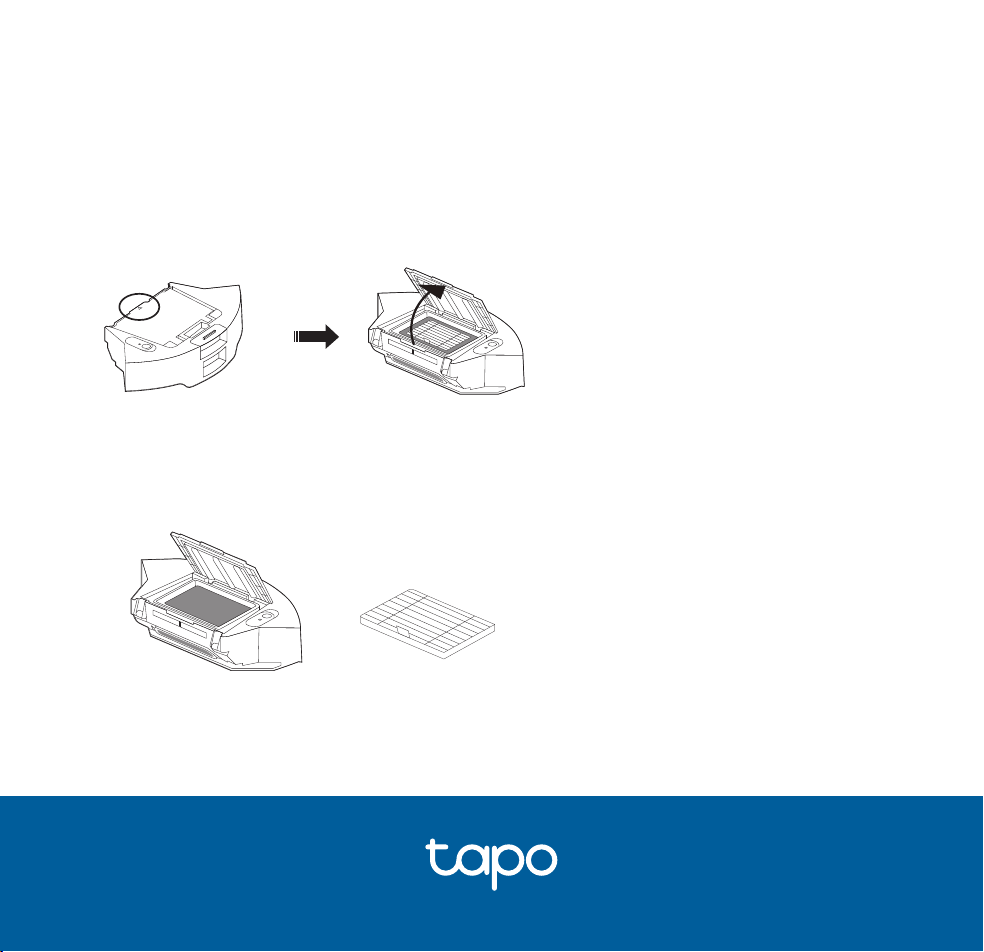
Filter
1. Remove the dustbin and open the lid.
2. Replace with a new one.