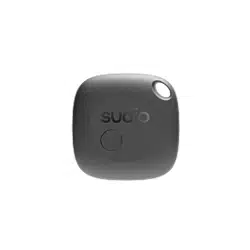
SAIL006 | User Manual
Model: SAIL006-PP / Version: 260828-A
Thank you for purchasing the SAIL006. Before installation and operation, please read this manual carefully to ensure safe and proper
use of the product.
This product assemble in manufacturing line is under ISO9001 quality system management
This device complies with Part 15 of the FCC Rules. Operation is subject to the following two conditions: (1)this device may not cause
harmful interference, and (2) this device must accept any interference received, including interference that
may cause undesired operation.
1. Package Contents
Before installation, please check the package to ensure it contains all the following items:
● SAIL006 × 1
● CR2450 Battery × 1 or CR2016 Battery × 1
● Quick Start Guide × 1
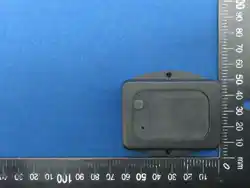
2. Product Structure & Components
No.
Name
Description
1
Button
Used to reset the state.
2
Battery cover
Use a coin to turn the cover counter-clockwise and replace the battery.
3. Getting Started (Installation & Connection)
Step 1: Power On
1. Use a coin to turn the battery cover counterclockwise and remove it.
2. Insert the CR2450/CR2016 battery with the positive (+) side facing up
3. Replace the cover and turn it clockwise to tighten securely.
4. The device will automatically power on and activate immediately once the battery is installed.
※Danger of explosion if battery is incorrectly replaced. Replace only with the same or equivalent type recommended by the manufacturer.
Dispose of used batteries according to the manufacturer's instructions.
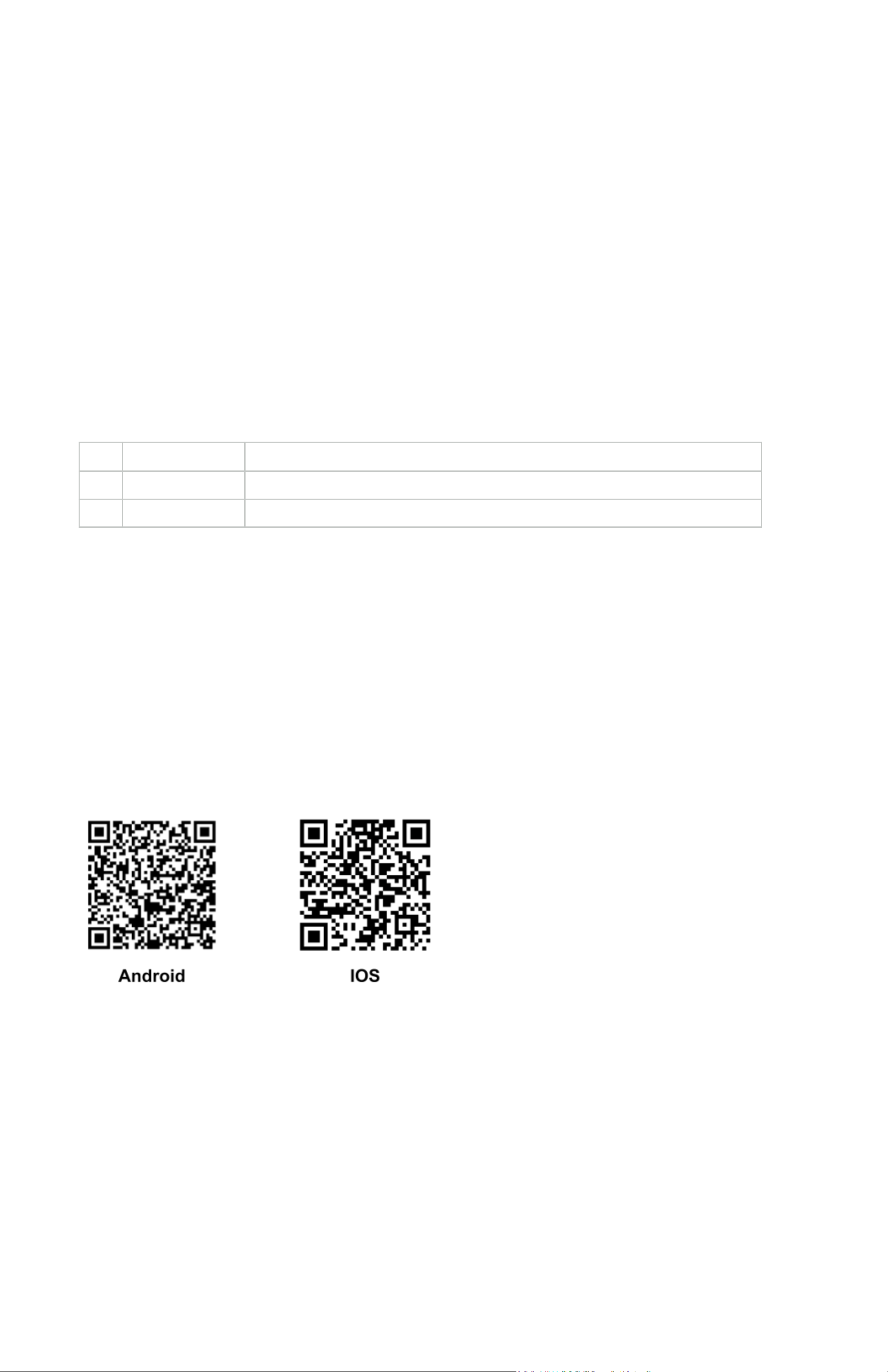
Step 2: Download the App
Please scan the QR Code below with your smartphone, or search for and download the "SAIL006" App from the App Store / Google
Play.
Step 3: Sacn the Device
1. Turn on Bluetooth and Wi-Fi on your smartphone.
2. Open the SAIL006 App.
3. After scanning the device, information including temperature, air pressure, and battery status will be displayed.
4. FAQ & Troubleshooting
Q: Why is the device not detected during scanning?
● A1: Verify that the battery has sufficient power.
● A2: Ensure the battery is installed with the correct positive (+) and negative (-) polarity.
5. Safety Precautions
● Do not use this product in wet or highly humid environments (such as bathrooms or steam rooms) to avoid electronic
component damage or electric shock.
● Do not attempt to disassemble, modify, or repair the SAIL006 yourself. Any unauthorized disassembly will void the product
warranty.
6. Product Specifications
● Wireless Connectivity: Bluetooth 5.0
● Battery Life: Broadcasts every 15 seconds with a battery life of up to 2 years.
7. Customer Service & Warranty
This product comes with a 1-year limited warranty starting from the date of purchase. If you have any operational questions or require
repair services, please feel free to contact us:
● Customer Service Hotline: 02-23770669 (Monday to Friday, 09:00 - 18:00)
FEDERAL COMMUNICATIONS COMMISSION INTERFERENCE STATEMENT
This equipment has been tested and found to comply with the limits for a Class B digital device, pursuant to part 15 of the FCC Rules. These limits
are designed to provide reasonable protection against harmful interference in a residential installation. This equipment generates, uses and can
radiate radio frequency energy and, if not installed and used in accordance with the instructions, may cause harmful interference to radio
communications. However, there is no guarantee that interference will not occur in a particular installation. If this equipment does cause harmful
interference to radio or television reception, which can be determined by turning the equipment off and on, the user is encouraged to try to
correct the interference by one or more of the following measures:
-Reorient or relocate the receiving antenna.
-Increase the separation between the equipment and receiver.
-Connect the equipment into an outlet on a circuit different from that to which the receiver is connected.
-Consult the dealer or an experienced radio/ TV technician for help.
CAUTION:
Any changes or modifications not expressly approved by the grantee of this device could void the user's authority to operate the equipment.
This device complies with Part 15 of the FCC Rules. Operation is subject to the following two conditions: (1) this device may not cause harmful
interference, and (2) this device must accept any interference received, including interference that may cause undesired operation.
RF Exposure warning
The equipment complies with FCC RF exposure limits set forth for an uncontrolled environment.
The equipment must not be co-located or operating in conjunction with any other antenna or transmitter.