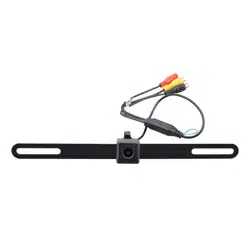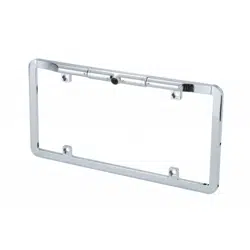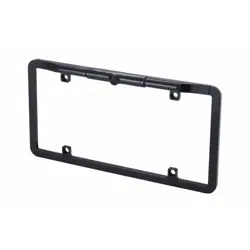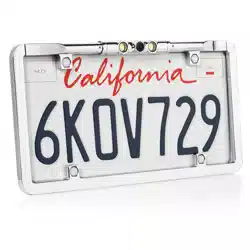
Mounting the camera
Posion on the license plate top screws for the best viewing angle. This should not be
directly next to or under a reverse/backup/license lamp as it may blind the camera at night.
Before drilling, determine the best way to run the power wires to the reverse lights
and the extension cable through the car. Insure that the route will not interfere with
any safety equipment, trunk release or other items in the vehicle. Look for wires,
sensors, double metal, anything that could cause a problem or damage.
The camera should lay flat against the mounng surface for proper installaon.
1.Fix the camera to the appropriate posion on the license plate and adjust the angle .
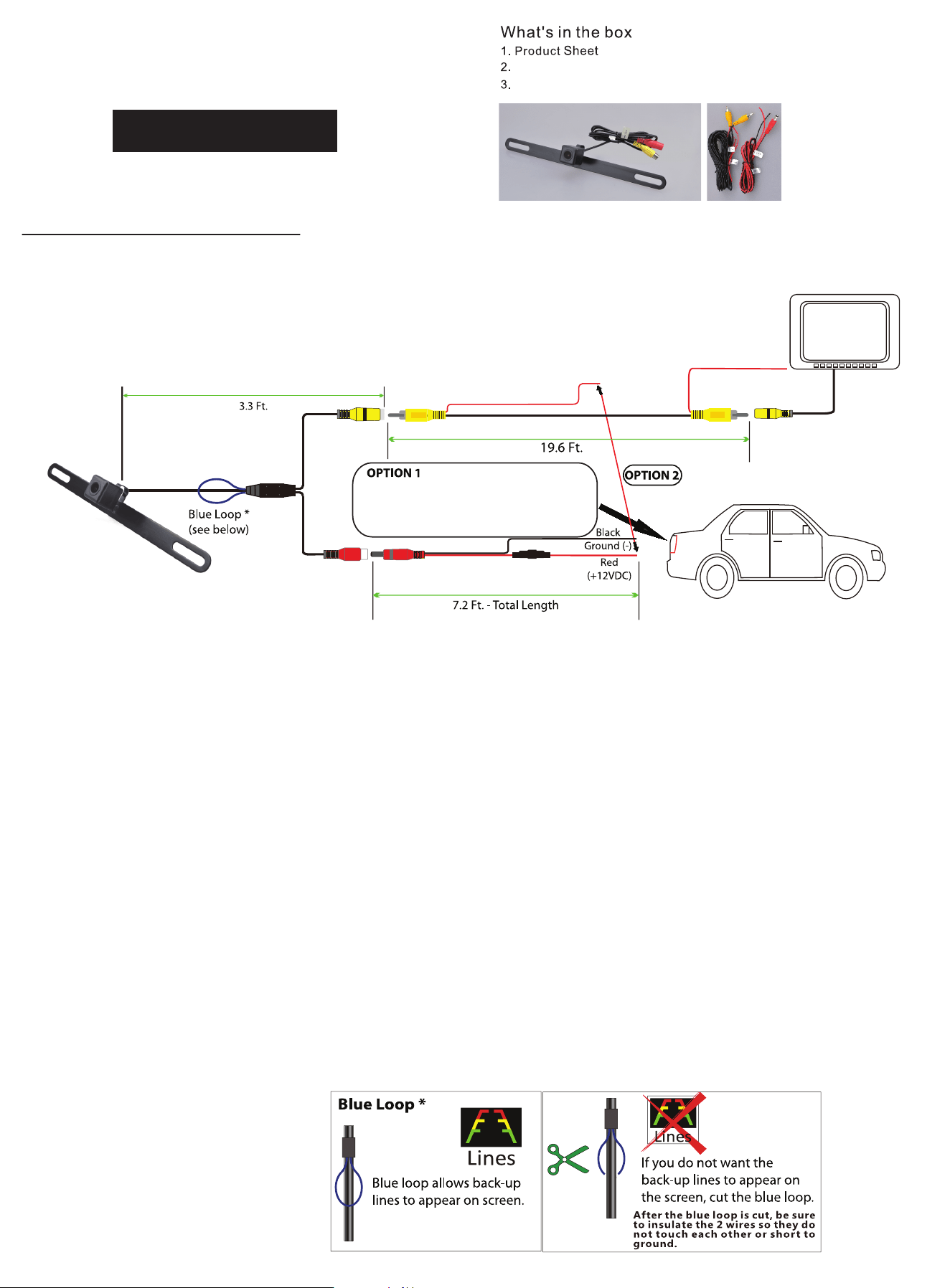
2.Follow ONE of the following wiring opons.
OPTION 1: Connect camera power wire to the vehicle's reverse lamp:
a)Locate the reverse lamp in the tail light assembly.
b)Aach the red wire to the posive 12 volt wire from the reverse lamp.Use a crimp connector or soldering tool to ensure connecon
is secure. Once this connecon is complete,note that the red power wire that is located on either end of the video RCA cable will not
be needed. The bare wire at the end of each wire lead should be capped or taped off to prevent potenal power interrupon.
c)Aach the black wire to ground(-).
d)Run video cable to the locaon of the receiver or monor(not included).Connect one yellow RCA end of the video cable to the
camera and connect the other end of the yellow RCA cable to the video source(receiver/monitor).
OPTION 2: Connect camera power wire to receiver/monitor power:
a)From camera locaon,connect red power wire from power cable to red power wire from one end of the video cable.Use a crimp
connector or soldering tool to ensure connecon is secure.
b)Aach the black wire to ground.
c)Run video cable to the locaon of the receiver or monitor(not included).Connect not yellow RCA end of the video cable to the
camera and connect the other end of the yellow RCA cable to the video source(receiver/monitor).
d)From video source(receiver/monitor) locaon,connect red power wire from end of the video cable to the reverse wire lead located
on the video source(receiver/monitor).
Camera Specifications
Image Sensor: CMOS,OV 7955
Power: 12V DC,Negave Ground
Power Consumpon: <1 Wa
Effecve Pixels: 672H × 492V
Video Format: NTSC
Lux: <0.5
White Balance: Auto
Vie
wing Angle: 170 Degrees
IP Rang: IP67
Operating Temperature: -30℃ ~ +70℃
Plate material: Stainless Steel SUS304
Camera Body: Plastic
Camera input
of receiver
BUCAM350
BUCAM350 License plate style camera
Power Cable w/ Fuse, Video Cable
Universal License Plate
Style Camera
Power/Ground Cables
Red (12V+) and Black (GND-)
(Recommended connection for 12V+ to
reverse light power wire.)

Limited One Year Warranty
This warranty gives you specific legal rights.
You may also have other rights which vary
from state to state.
Dual Electronics Corp. warrants this product
to the original purchaser to be free from
defects in material and workmanship for
a period of l(one) year from the date of
the original purchase.
Dual Electronics Corp. agrees, at our option,
during the warranty period, to repair any
defect in material or workmanship or to
furnish an equal new, renewed or comparable
product (whichever is deemed necessary) in
exchange without charges, subject to
verification of the defect or malfunction and
proof of the date of purchase.
Subsequent replacement products are
warranted for the balance of the original
warranty period.
Who is covered? This warranty is extended
to the original retail purchaser for products
purchased from an authorized Dual dealer
and used in the U.S.A.
What is covered? This warranty covers
all defects in material and workmanship
in this product. The following are
not covered: software, installation/
removal costs, damage resulting from
accident, misuse, abuse, neglect,
product modification, improper
installation, incorrect line voltage,
unauthorized repair or failure to follow
instructions supplied with the product,
or damage occurring during return
shipment of the product. Specific
license conditions and copyright
notices for the software can be found
via www. dualav.com.
What to do?
L Before you call for service, check the
troubleshooting guide in your owner's
manual. A slight adjustment of any
custom controls may save you a service
cal L
2. If you require service during the warranty
period, you must carefullypack the product
(preferably in the original package) and ship
it by prepaid transportation with a copy of
the original receipt from the retailer to an
authorized service center.
3. Please describe your problem in writing
and include your name, a return UPS
shipping address (P.O.Box not acceptable),
and a daytime phone number with your
shipment.
4. For more information and for the location
of the nearest authorized service center
please contact us by one of the following
methods:
• Call us toll free at 1 866 382 5476
• E-mail us at [email protected]
Exclusion of Certain Damages: This
warranty is exclusive and in lieu of any
and all other warranties, expressed or
implied, including without limitation the
implied warranties of merchantability
and fitness for a particular purpose and
any obligation, liability, right, claim or
remedy in contract or tort, whether or
not arising from the company's
negligence, actual or imputed.
No person or representative is
authorized to assume,for the company,
any other liability in connection with the
sale of this product. In no event shall the
company be liable for indirect, incidental
or consequential damages.
Dual Electronics Corporation
Heathrow, FL 32746
© 2021
Printed in China