a. Download the driver and utility from this
product’s Support page at
www.tp-link.com.
Note:
If your computer has a CD drive, you can also run the
included CD to install the driver and utility.
b. Unzip the downloaded folder and run the
Installer.pkg.
c. Follow the instructions to complete the
installation.
For Mac OS X
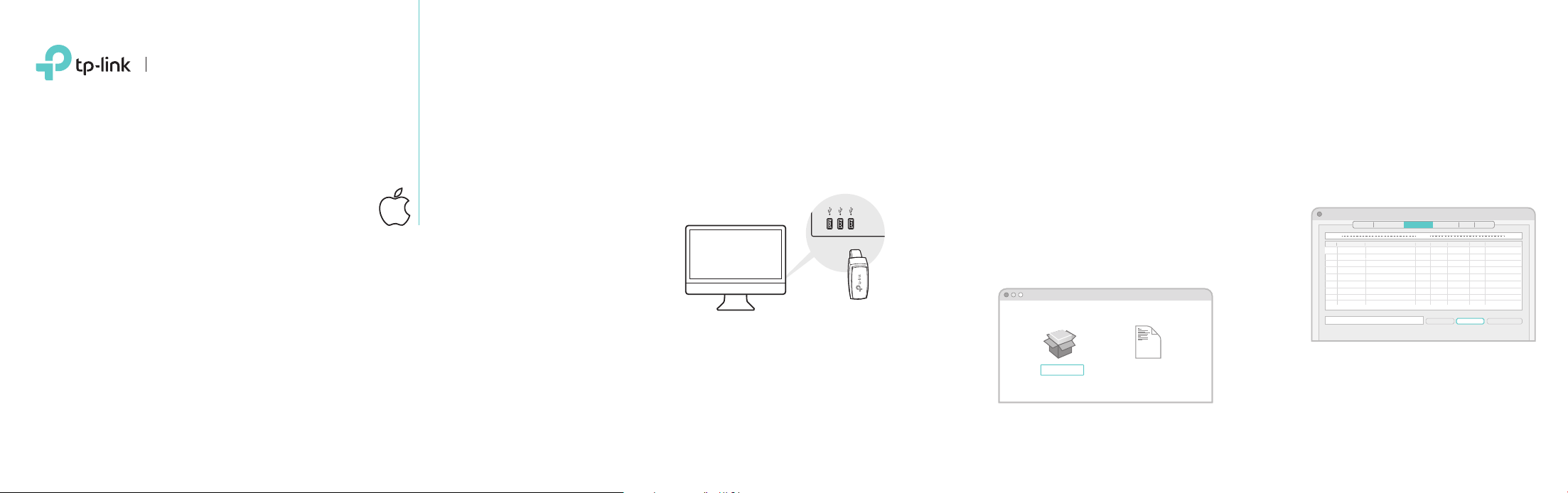
Insert the adapter into a USB port on your
computer directly.
uninstall.commandInstaller.pkg
SHELL
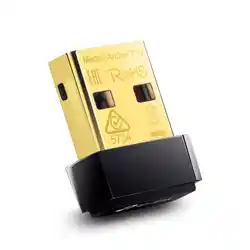
AC450 Wireless Nano
USB Adapter
MODEL NO. Archer T1U
Quick Installation Guide
1 Connect to a Computer 2 Install Driver and Utility 3 Join a Wireless Network
a. Select the Site Survey tab of the pop-up
utility window.
b. Select your Wi-Fi network and click
CONNECT. The connection status can
be viewed on the Link Status screen.
Wireless Utility
Profile Link Status Site Survey Statistics
WPS
About
AP List
Disconnected!!
RESCAN CONNECT ADD PROFILE
SSID
BSSID
Encr…
Authe…
Channel Network Type
Signal
TP-Link_XXXX_ 72 - 10 -18 - 01 - 00 - 03
TP-Link_TEST_
TP-Link_0903_5
TP-Link_0001_5 00 - 10 -18 - A9 - 5D - 8D
00 - 51 - E1 - 02 - 20 - 44
02 - 10 -18 - 01 - 00 - 02
26 36 WPA2- PS AES Infrastructure
Infrastructure
Infrastructure
Infrastructure
AES
NONE
NONE
WPA2- PS
Open
Open
36
48
3642
100
50
a. Insert the CD and run the Autorun.exe.
Note:
You can also download the driver from this product’s
Support page at www.tp-link.com.
b. Select Archer T1U and follow the
instructions to complete the installation.
Note:
If you can’t install the driver successfully, disable the
antivirus software and firewall, then try again.
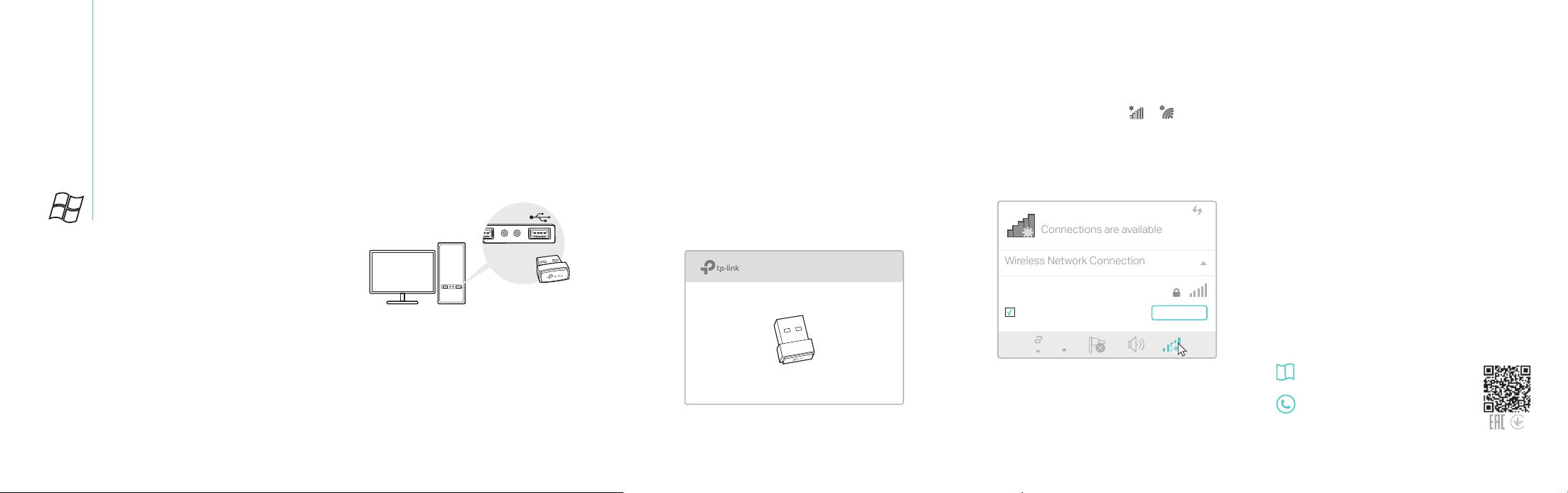
For Windows
Insert the adapter into a USB port on your
computer directly.
Archer T1U
1 Connect to a Computer
3 Join a Wireless Network2 Install Driver
Connections are available
Wireless Network Connection
Connect automatically
Connect
√
TP-Link_XXXX_5G
a. Click the network icon ( or ) on the
taskbar.
b. Select your Wi-Fi network, click Connect
and enter the password when prompted.
This USB Adapter can only be powered by computers that comply
with Limited Power Source (LPS).
For detailed instructions, please refer to the
User Manual from this product’s Support
page at www.tp-link.com.
For technical support and other information,
please visit http://www.tp-link.com/support,
or simply scan the QR code.
7106507604 REV2.0.0
©2017 TP-Link
Note:
In Windows XP, a Found New Hardware Wizard window
will appear when the adapter is detected. Please click
Cancel.