User Manual
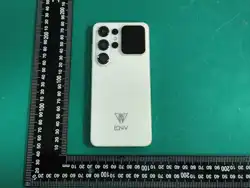
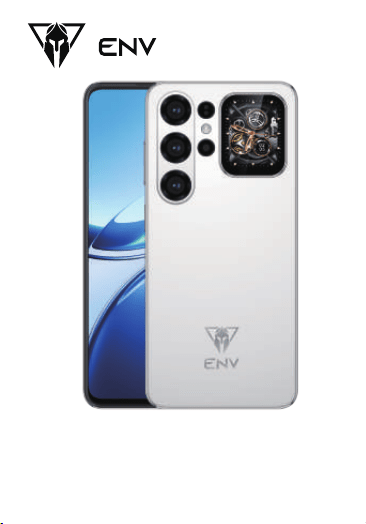
ENV 18 UItra
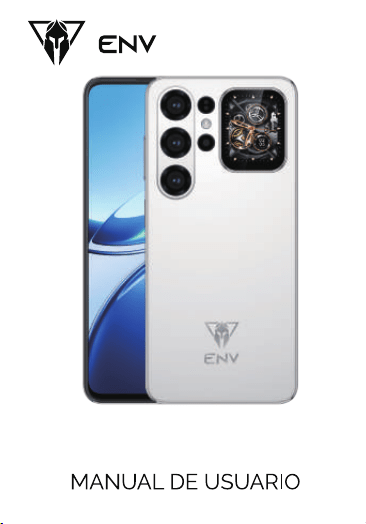
ENV 18 UItra
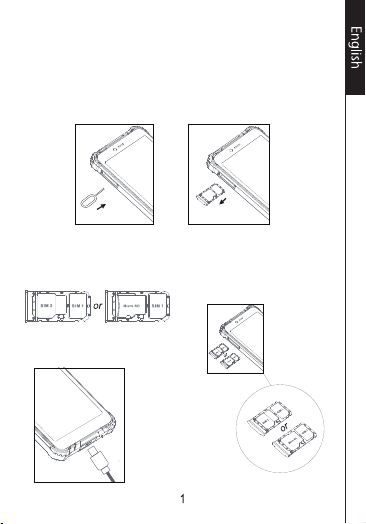
Installing the SlM cards and anoptional
memory card
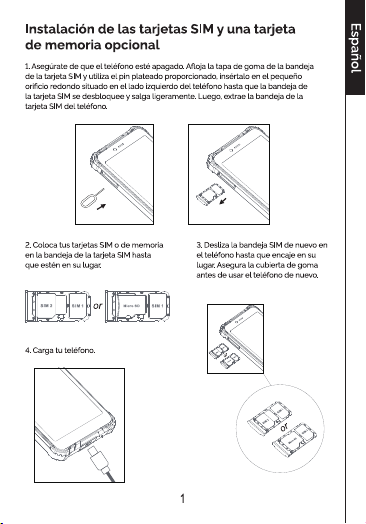
1. Make sure the phone is turned off.Loosen the rubber cover of the SlM
cardtray, and use the silver pin provided, insert it into the small round
hole located on theleft-hand side of the phone until the SlMcard tray
unlocks and comes out slightly.Then pull the SlM card tray out of the
phone.
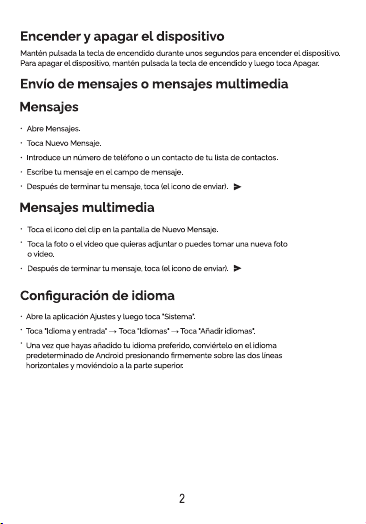
2. Place your SlM or memory cards
into theSlM card tray until they are
in place.
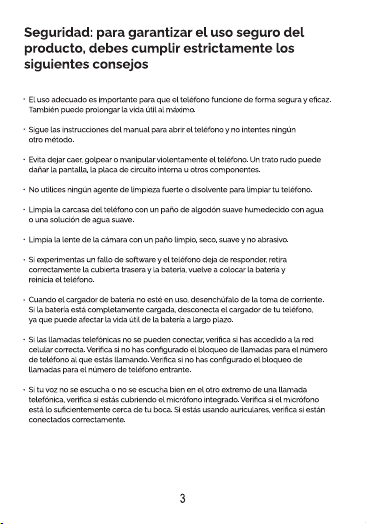
3. Slide the SlM tray back into
the phone untilit locks back
into place. Secure the rubber
cover before using the phone
again.
4. Charge your phone.

FCC Caution:
Any Changes or modifications not expressly approved by the party
responsible for compliance could void the user's authority to operate the
equipment.
This device complies with part 15 of the FCC Rules. Operation is subject to
the following two conditions: (1) This device may not cause harmful
interference, and (2) this device must accept any interference received,
including interference that may cause undesired operation.
Note: This equipment has been tested and found to comply with the
limits for a Class B digital device, pursuant to part 15 of the FCC Rules.
These limits are designed to provide reasonable protection against
harmful interference in a residential installation. This equipment
generates, uses and can radiate radio frequency energy and, if not
installed and used in accordance with the instructions, may cause
harmful interference to radio communications. However, there is no
guarantee that interference will not occur in a particular installation.
If this equipment does cause harmful interference to radio or television
reception, which can be determined by turning the equipment off and
on, the user is encouraged to try to correct the interference by one or
more of the following measures:
—Reorient or relocate the receiving antenna.
—Increase the separation between the equipment and receiver.
—Connect the equipment into an outlet on a circuit different from
that to which the receiver is connected.
—Consult the dealer or an experienced radio/TV technician for help.
Specific Absorption Rate (SAR) information
SAR tests are conducted using standard operating positions accepted
by the FCC with the phone transmitting at its highest certified power
level in all tested frequency bands, although the SAR is determined at
the highest certified power level, the actual SAR level of the phone
while operating can be well below the maximum value. Before a new
model phone is a available for sale to the public, it must be tested and
certified to the FCC that it does not exceed the exposure limit established
by the FCC, tests for each phone are performed in positions and locations
as required by the FCC.
For body worn operation, this model phone has been tested and meets
the FCC RF exposure guidelines when used with an accessory designated
for this product or when used with an accessory that contains no metal
and that positions the handset a minimum of 10 mm from the body.
Non-compliance with the above restrictions may result in violation
of RF exposure guidelines