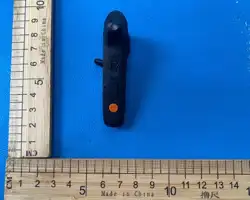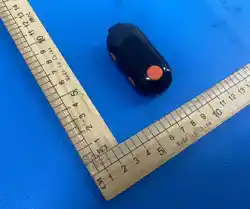
SR-633 Ear-hung Walkie-Talkie
USER MANUAL
CAUTION:
This Walkie-Talkie is the product with excellent design and advanced technology. The following suggestions
will help you fulfill your obligations under warranty terms and understand the safety knowledge of using
walkie-talkie.
1. Don’t try to disassemble the walkie-talkie. Unauthorized disassemble may cause damage to the
walkie-talkie.
2. This machine can use universal qualified mobile phone charger(5V).
3. Don’t expose the machine t o sun for a long time or put it on a overheated place.
4. Don’t place it in a dusty or damp place.
5. Don’t use strong chemicals, cleaning agents or strong lotions to clean walkie-talkie.
6. If it is found to emit peculiar smell or smoke, place it on the open ground to avoid injury, and c ontact the
distributer in time.
7. Don’t use the machine inflammable, explosive or other place where walkie-talkie is prohibited.
8. In order to obtain the best communication performance, it is rec ommended that least distance between
walkie-talkies is 2 meters.
9. Please abide the local wireless management regulations, Contact with the distributor if you have any
questions.
Checklist:
Open the package carefully, check the product and accessories according to the following list:
Please conduct your distributor immediately if any damaged or missing happened!
NO. Item QTY
1 Walkie-talkie 1
2 Charger 1
3 Charging line 1
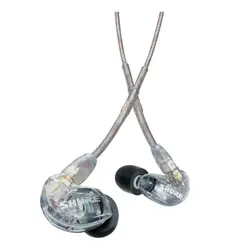
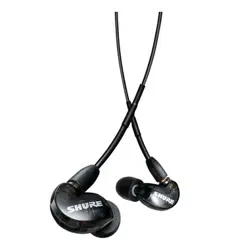
4 Earphoe(Antenna) 1
5 User manual 1
Function & De scription:
Function Description Remark
Channel 22 channels
CTCSS/DCS 38 CTCSS+61 CDCSS
Volume
Receiving vlume
1-8
Battery saving Extending standby time
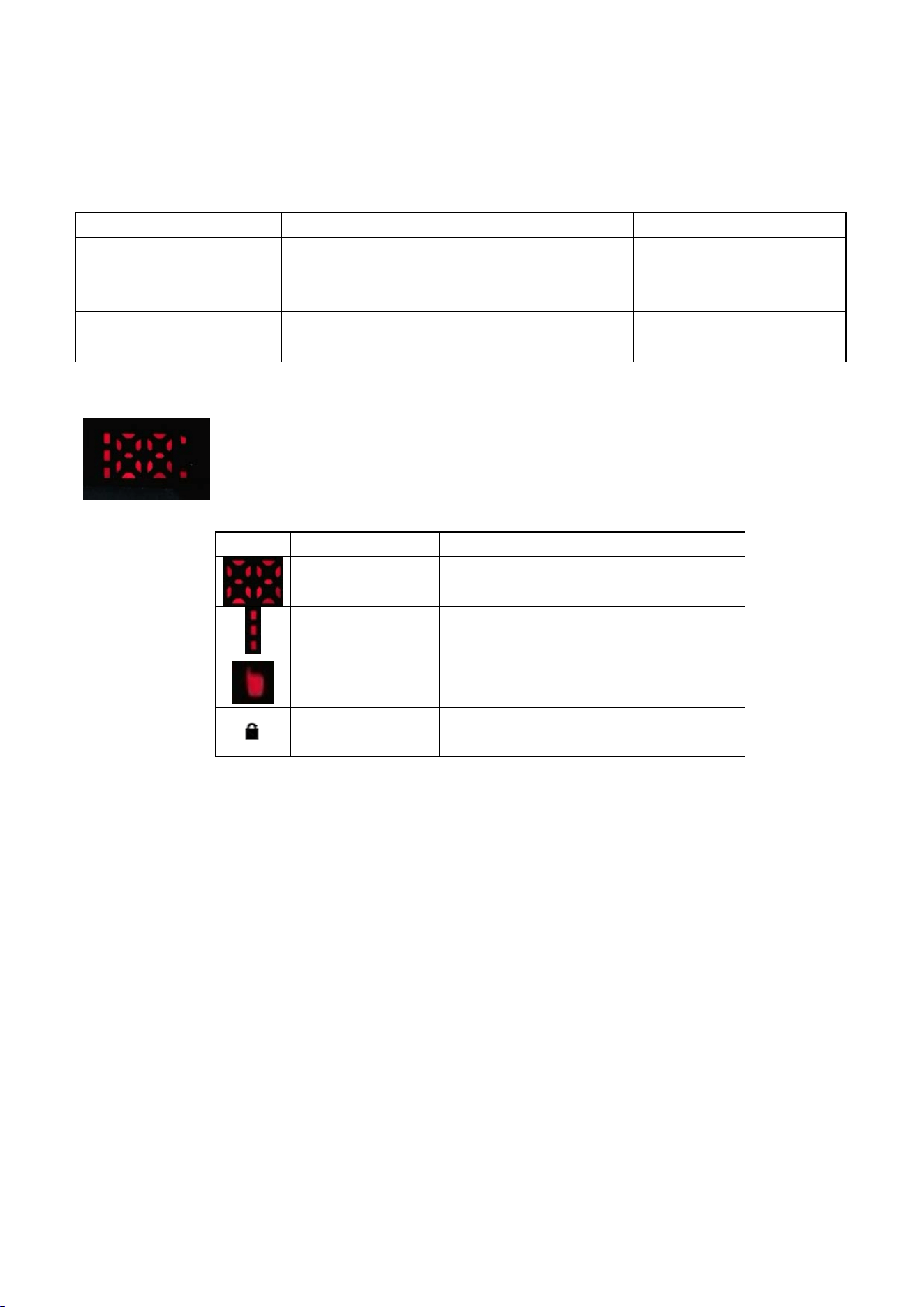
LED icon
Icon Name Description
Channel//Volume level Displaying channel while Transmitting/Receiving
Battery meter The more lattice there are, the more electricity
there is.
Transmitting/Receiving
led
The Green led is lighted on while receiving signal.
The Red led is lighted on while transmitting signal.
Lock indicator The light is on while key is locked up.
Part Description:
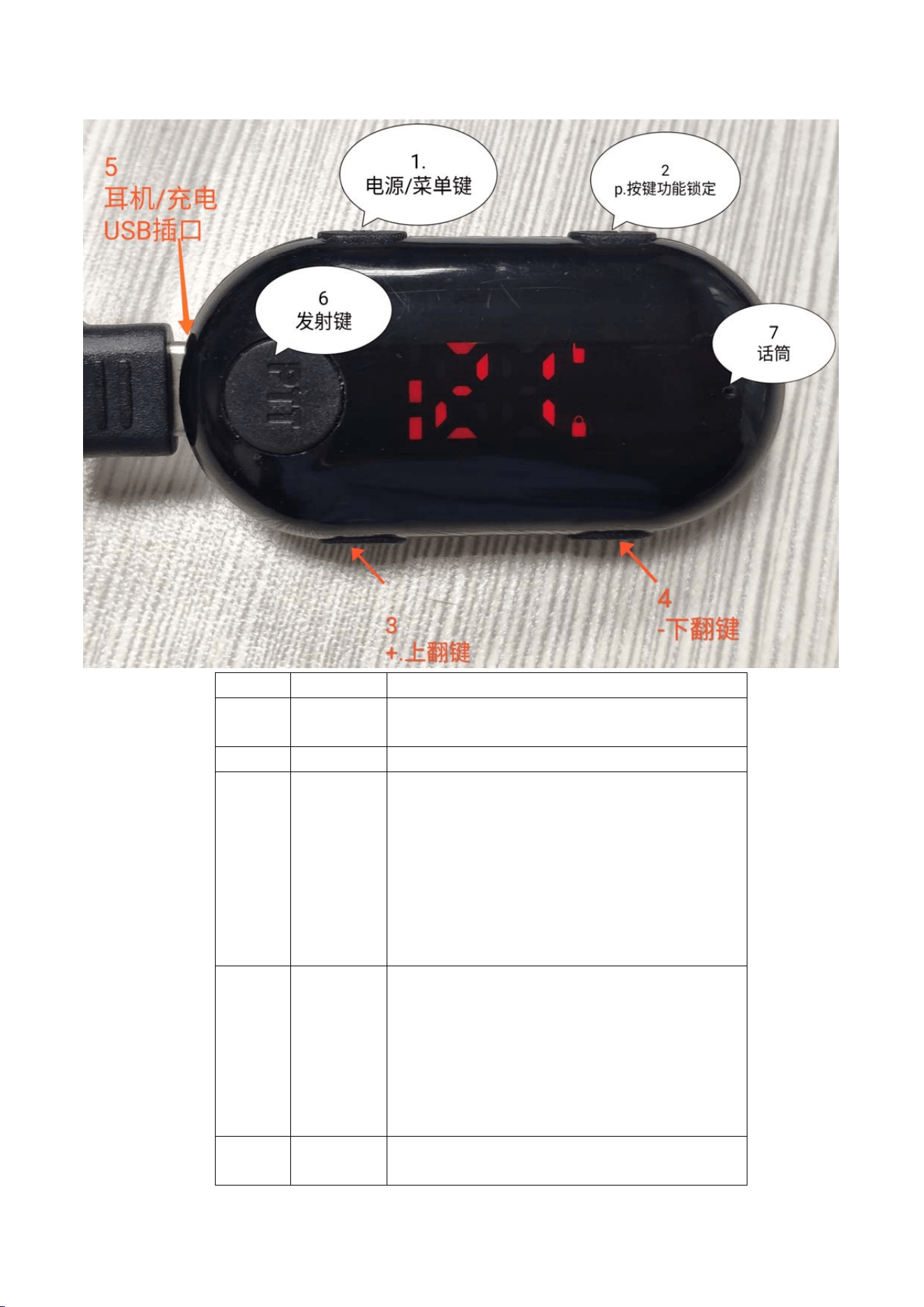
No. Name Description
1
Power Turn On
:
Press the key for 3 seconds in power off mode.
Turn Off
:
Press the key for 3 seconds in power on mode.
2 Pkey
Press P key for 3 seconds to release the key lock.
3
+
(UP key)
1. Please lock off the key first, then press the key shortly
to enter the setting mode to change the channel, Press
the key longly to enter the setting mode to change the
volume.
2.In the setting mode, press the key to increase
channel/volume.
4
-
(DOWN
key)
1 Please lock off the key first, then press the key shortly to
enter the setting mode to change the channel, Press the key
longly to enter the setting mode to change the volume.
2.In the setting mode, press the key to decrease
channel/volume.
5 TYPE-C
Socket
Multi-function interface, charge, Earphone and program.
6 PTT
Push to Talk key
7 Microphone
Built in Microphone
Operation Guide
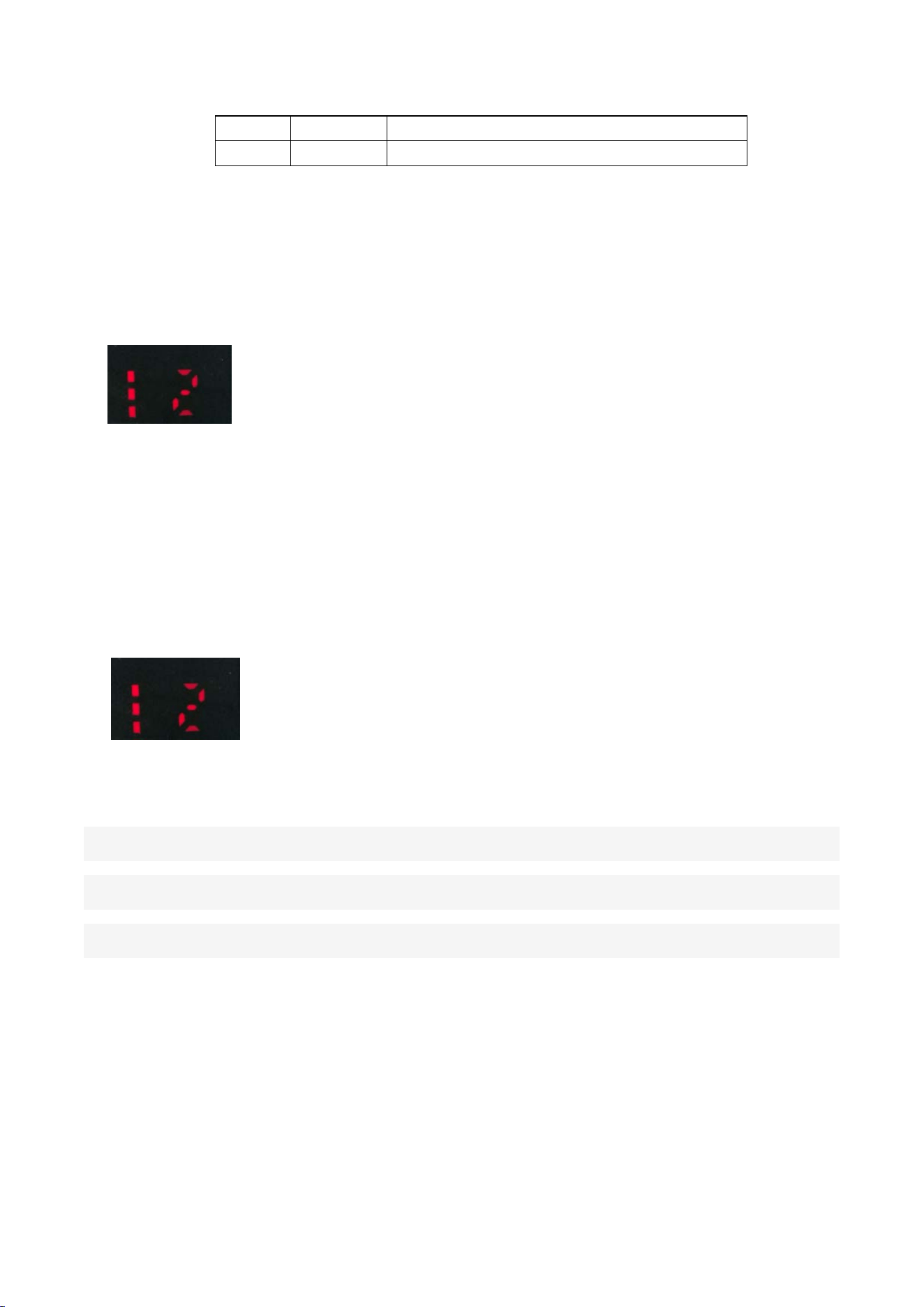
1、 Power On/Off
Keep pressing Power key about 2 seconds, “Di-“will be sounded and LED will be lighted on, the machine
entered in standby mode. Such as the foll owing illustration:
Keep pressing Power key a b out 2 seconds, “Di-“will be sounded and LED will be lighted off, and the machine
enters power off mode.
2、 Channel Setting
In Standby mode, Press “+”/”-“ key shortly, . The led will display “CH” about 1 second, then the digit (“2”)
will Blink, Press “+” /”-“key repeatedly to adjust t o desired ch annel, Press “PTT” ke y to sa v e the information
and exit..
3、 CTCSS/DCS setting
In order to prevent misoperation, the CTCSS/DCS of each channel is set to 67
Hz when the walkie talkie is manufactured. The CTCSS/DCS menu operation is
no longer displayed on the equipment. If the CTCSS/DCS needs to be changed,
4、 Volume Setting
In Standby mode, Press “+”/”-“ key longly, . The led will display “VL” about 1 second, then the digit (“5”)
will Blink, Press “+” /”-“key repeatedly to adjust to desired volume, Press “PTT” key to save the
information and ex it..
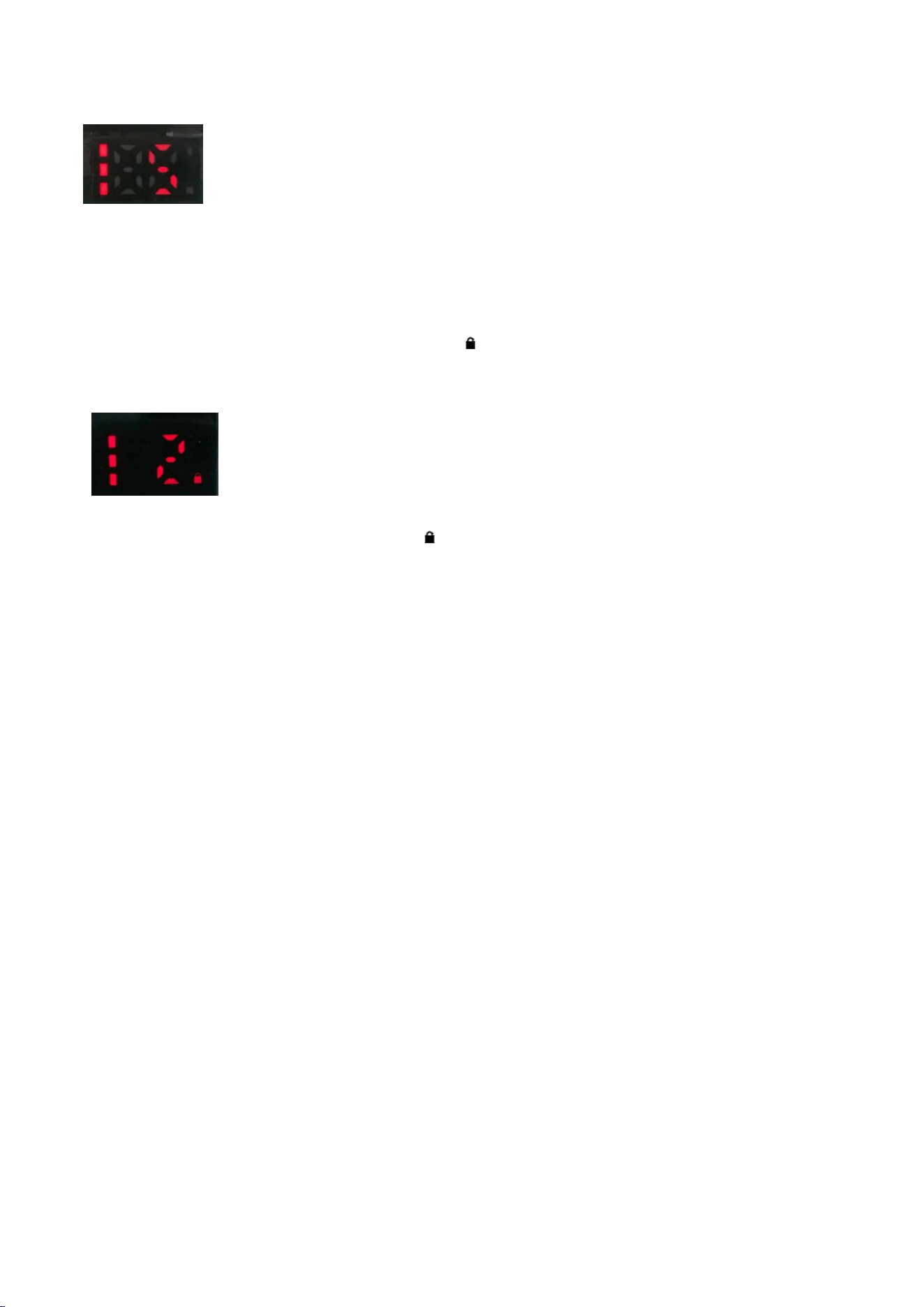
5、 Key lock setting
Auto Lock: The key will be locked automatically when no key is pressed for about 38 seconds.
Lock key: Press “P” key about 3 seconds and icon will be turned on, the other keys are ignored
except power key and PTT.
Lock off: Press “P” key about 3 seconds and icon will be turned off, the keys are back to active.
6、PTT prohibitted while Signal recieved
This function was set to on/off by PC programming.
If this function is active,we cannot transmitting voice while receiving the signals.
If the channel is free,we can send the voice normally and “Di-” tone will heared.
If the channel is busy,we cannot se nd the voice normally an d “Di-Di-“ tone will be heared, then wait a
moment and try again.
Battery Information:
■ Charge note
Please charge th e walkie talkie when b attery l ow.
Battery meter will roll while charging. The rolling meter will be stopped when the battery is full.

FCC WARING:
This device complies with part 15 of the FCC Rules. Operation is subject to the following
two
conditions:
(1)This device may not cause harmful interference, and
(2)this device must accept any interference received, including interference that may
cause undesired operation. Changes or modifications not expressly approved by the party
responsible for compliance could void the user's authority to operate the equipment.
–For a Class B digital device or peripheral, the instructions furnished to the user shall
include the following or similar statement, placed in a prominent location in the text of the
manual:
NOTE: This equipment has been tested and found to comply with the limits for a Class B
digital device, pursuant to part 15 of the FCC Rules. These limits are designed to provide
reasonable protection against harmful interference in a residential installation. This
equipment generates, uses and can radiate radio frequency energy and, if not installed
and used in accordance with the instructions, may cause harmful interference to radio
communications. However, there is no guarantee that interference will not occur in a
particular installation. If this equipment does cause harmful interference to radio or
television reception, which can be determined by turning the equipment off and on, the
user is encouraged to try to correct the interference by one or more of the following
measures:
—Reorient or relocate the receiving antenna.
—Increase the separation between the equipment and receiver.
—Connect the equipment into an outlet on a circuit different from that to which the
receiver is connected.
—Consult the dealer or an experienced radio/TV technician for help.
This radio is designed for and classified as “General population/uncontrolled Use” and
Personal Radio Service.The separation distance between user and the device or its antenna
shall be at least 0cm(Body-worn).
The highest reported SAR values front of face is 1.264W/Kg,Body-worn is 1.445W/Kg.