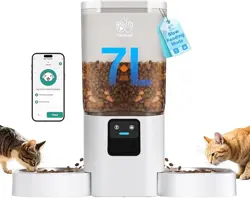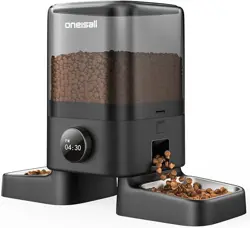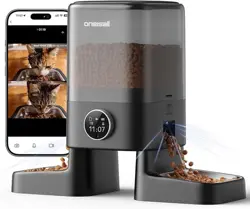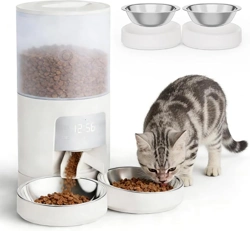
Manual de instrucciones
Instruction manual
Manuel d’instructions
Bedienungsanleitung
Manuale di istruzioni
Manual de instruções
Instructiehandleiding
Instrukcja obsługi
Návod k použití
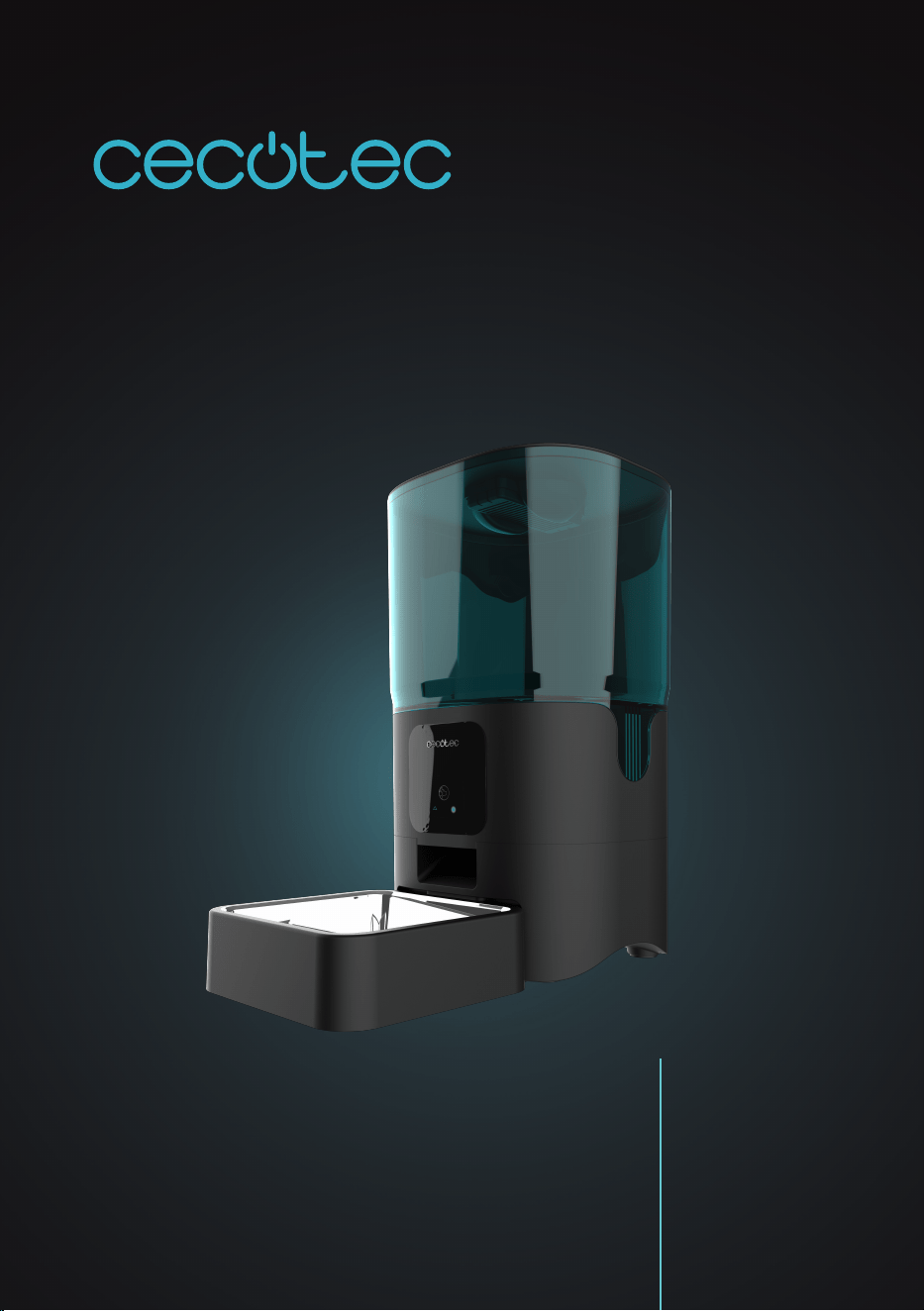
PUMBA 6000 PURRFECT MEAL SMART
Comedero automático para mascotas con control wi/
Automatic pet feeder with Wi-Fi control.
PUMBA 6000 PURRFECT MEAL SMARTPUMBA 6000 PURRFECT MEAL SMART
4342
ENGLISH ENGLISH
2. LED indicator
Please note
The appliance is only suitable for 2.4G network connections (it cannot be connected to 5G
networks). Make sure to install 4 AA batteries and to plug the device to a power outlet. Place
the feeder close to the router. It is recommended to place it at a maximum distance of 6 metres
without walls in between.
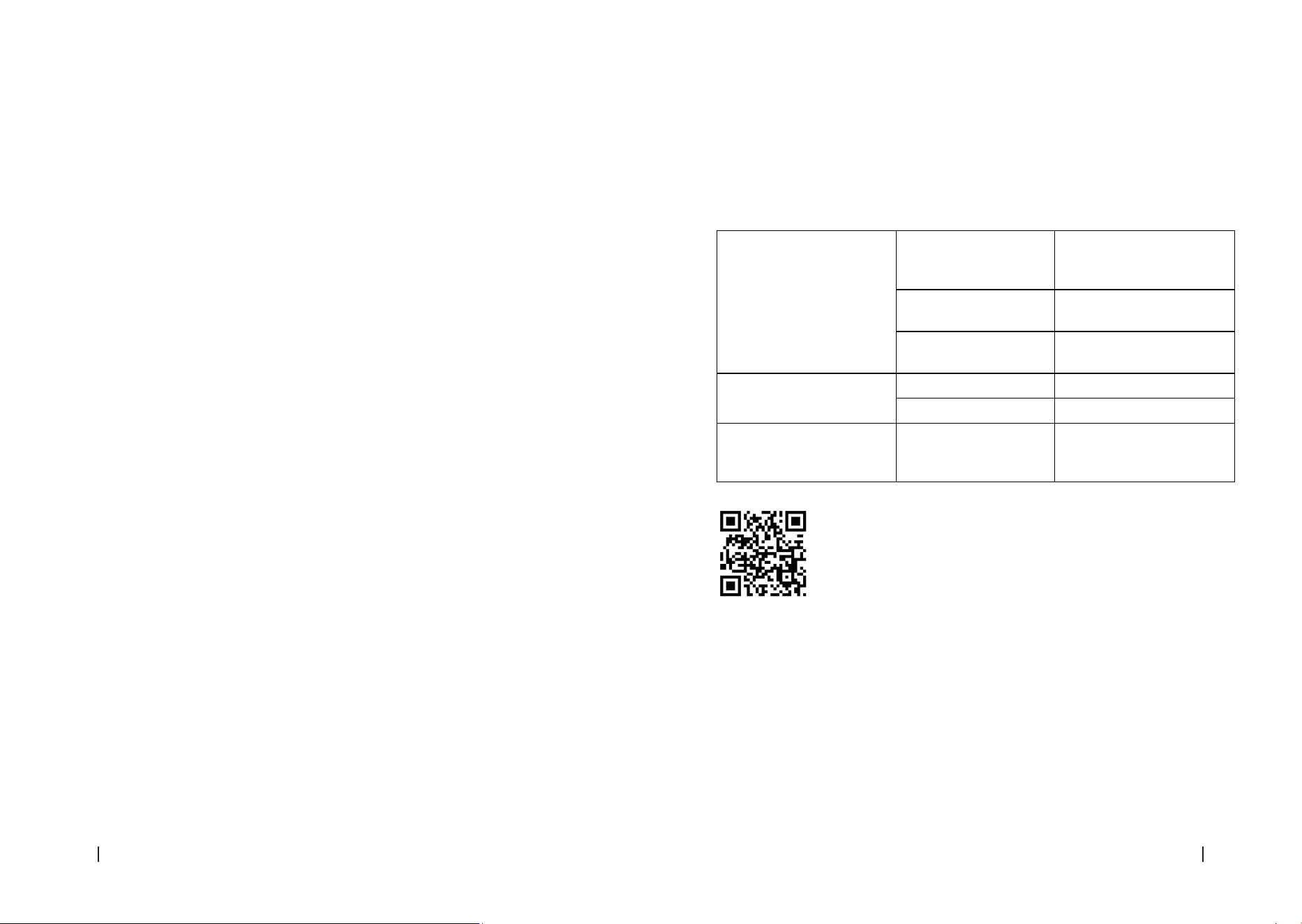
Blue indicator light If ashing rapidly The feeder is in Bluetooth
mode ready to connect to the
application.
If ashing slowly The feeder is connecting to
the application.
If it remains steady It has successfully connected
to Wi-Fi and is ready for use.
Green indicator light If ashing rapidly Wi-Fi has been disconnected.
If it remains steady Wi-Fi has been disconnected.
Red indicator light If ashing rapidly Low battery, connect the
adapter to the power socket
or replace batteries.
Downloading the application and logging in
1. Scan the QR code or search for the “Cecotec” app in the Apple
Store or Google Store to download it.
2. Open the “Cecotec” app on your mobile phone and click on
“Register” to create an account. If you already have an account, simply log
in.
Please note
Please note that you can only log in to the app from one associated account, but you can use it
to connect to multiple devices and use it on multiple phones.
Connecting the feeder to the APP automatically
Follow the instructions in the app to complete the connection process:
1. Activate the Wi-Fi connection and the Bluetooth.
2. Open the “Cecotec” app and log in to your account.
3. Reset Wi-Fi on the device by pressing and holding the reset icon for 3-5 seconds.
3. PRODUCT ASSEMBLY
1. Plug the appliance into a power supply.
- Open the battery compartment and put 4 AA batteries (not included).
- Plug the appliance into a power supply.
- When the light indicator lights up, the feeder has been switched on.
Fig. 2
1. Battery compartment (4 AA batteries)
2. Power plug
- This device has a dual power supply (AA batteries and mains connection). Choose the one
that suits you best. It is recommended to use batteries as an alternative power source and
to connect the device to a power outlet at the same time.
- If there is a power failure or power outage, the batteries can be used as a backup power
source to ensure that your pet receives a continuous supply of food and that meals are
dispensed on time.
2. Assembly the product by following the steps below.
Please note
Remove the parts from the feeder and assemble them in order.
- Fig. 3. Adjust the direction of the food dispensing elements as shown in the gures. The
food outlet should face backwards. Fig 4.
- Put the plastic bowl inside the stainless-steel bowl.
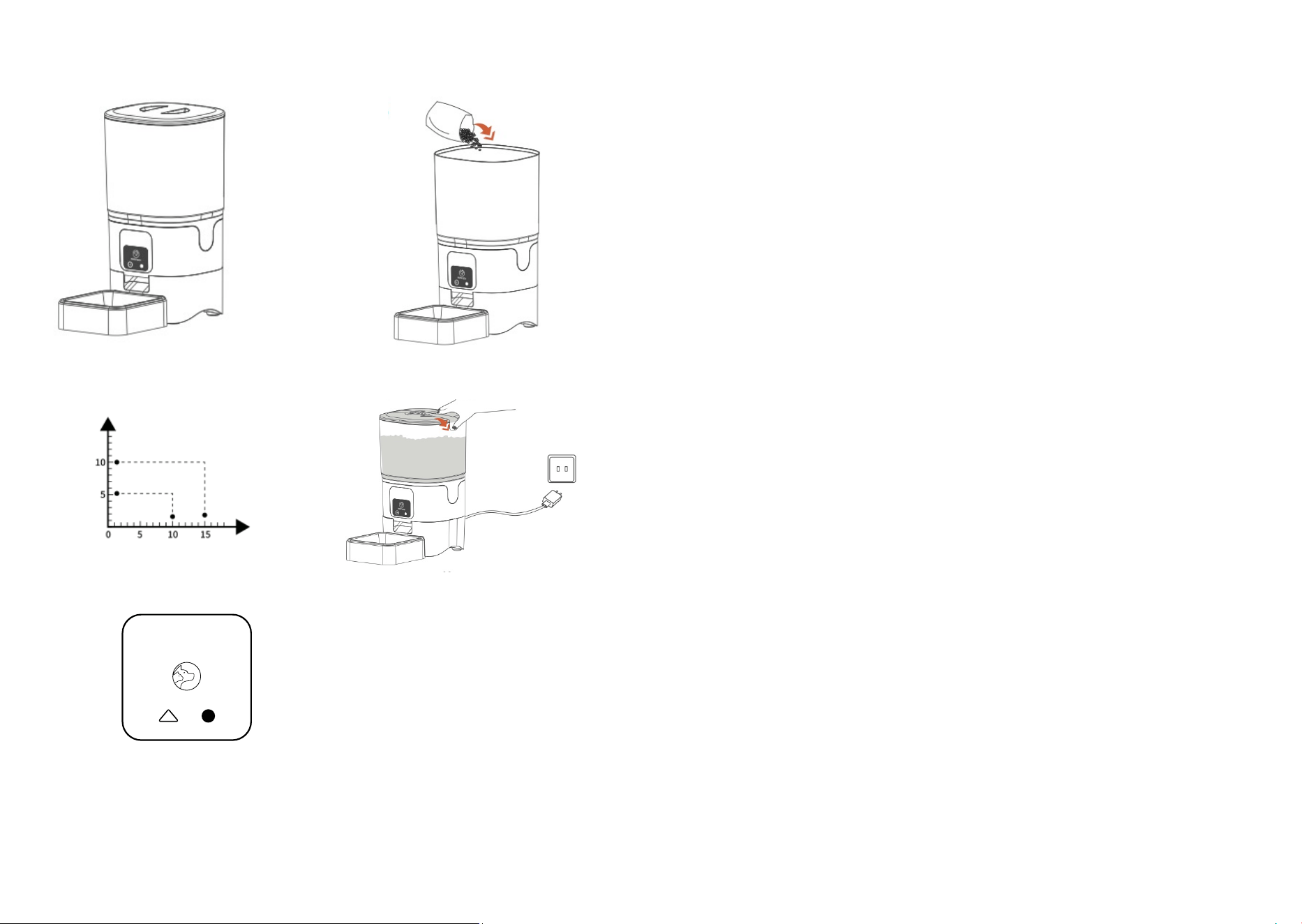
- Place the lid on the food tank. Fig. 5
3. Add pet food into the tank. Fig. 6
Please note
Do not use canned or wet food. Recommended food size: 5-10 mm. Fig. 7
4. Install the safety lock. Fig. 8
4. OPERATION
Fig. 9
1. Button
- Press the icon once to dispense a food serving manually.
- Press and hold the button (1) for 10 seconds to start Wi-Fi connection.
PUMBA 6000 PURRFECT MEAL SMARTPUMBA 6000 PURRFECT MEAL SMART
4544
ENGLISH ENGLISH
5. CLEANING AND MAINTENANCE
Both the feeder and the desiccant bracket can be removed for cleaning.
Use a damp cloth to wipe dirt from inside the feeder and from the dispensing outlet.
Rinse the parts and air dry them thoroughly before putting them back into the appliance.
NOTE: for the sake of your pet’s health, it is recommended to clean the feeder regularly.
The washable parts of the feeder are: food tank, stainless steel bowl, plastic bracket, lid
(without desiccant bag).
These parts can also be put in the dishwasher or immersed in water.
6. TROUBLESHOOTING
Why can’t I connect to Wi-Fi?
Check that you have connected the device correctly and make sure you select the 2.4G Wi-Fi
option instead of 5G.
Why doesn’t the device dispense food?
- Be sure to ll the tank only with dry food or feed.
- Check if the battery level is low and if the power adapter is connected.
Why are the servings not uniform?
The rst servings may vary, but this does not mean that the appliance is defective. After about
6 meals, servings should even out.
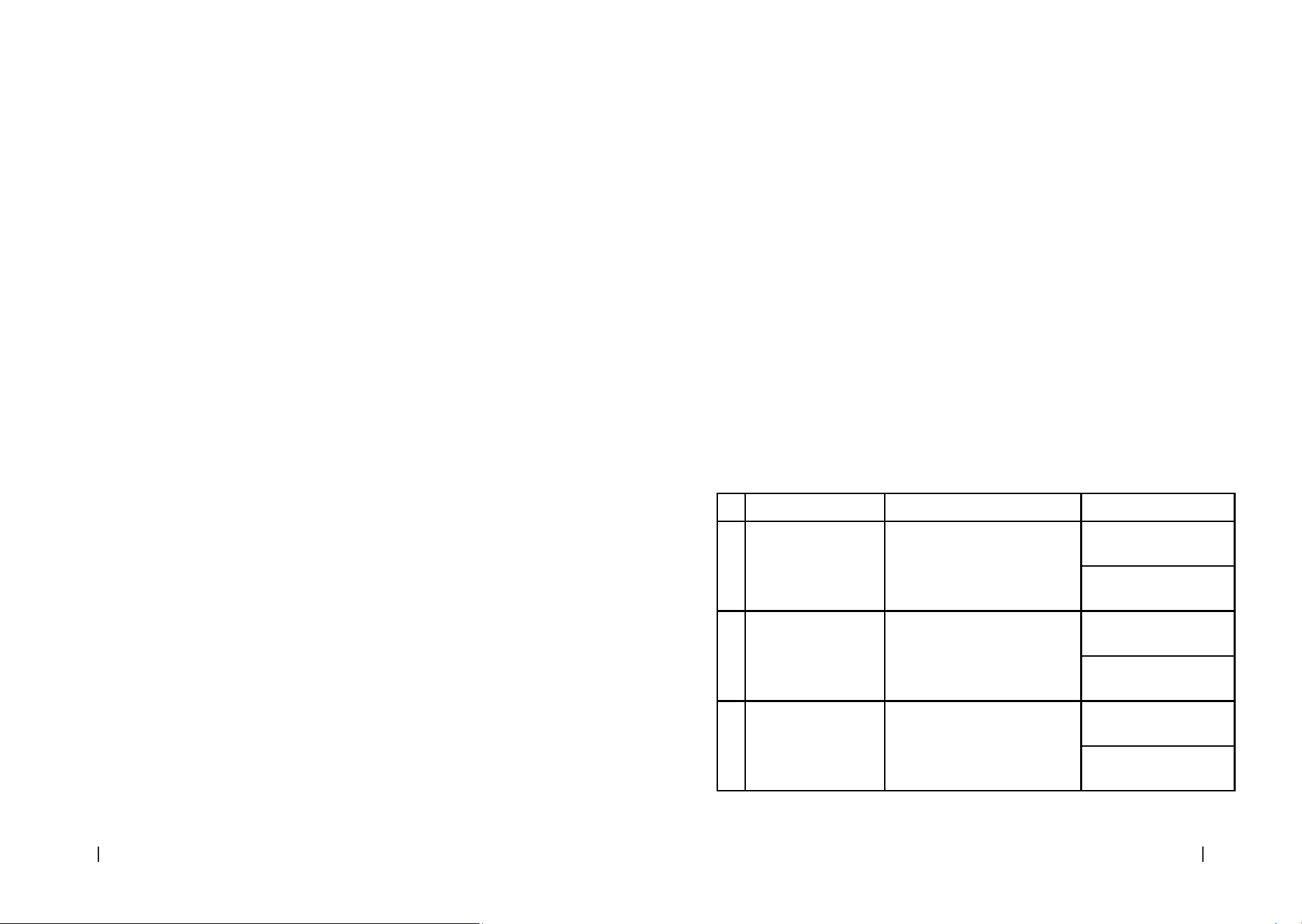
Problem Possible cause Solution
1
Feeder does not
dispense food
Clogged food in the mechanism
Check for obstructions
and clear them.
Make sure the food is
dry and loose.
2
Food spills out of the
feeder
Unbalanced or unstable feeder
Place the feeder on a
level surface.
Check if the parts are
correctly assembled.
3
Low battery indicator
light on No battery
Replace the batteries
with new ones.
Use quality alkaline
batteries.
4. The “Add device” message will appear.
5. Press the “Add” option to add the device.
6. Enter the Wi-Fi network name and password (remember that only the 2.4Gz network can
be selected).
7. Wait for the device to connect and tap the “Done” option to enter the control interface.
Connecting the feeder to the APP manually
1. Add the feeder to the application: after logging into the application, click on the [+] option
in the top right corner to add the feeder, we will go to the “Pet Care” part, look for our
product “Pumba 6000 Purrfect Meal Smart”. Finally, follow the linking steps.
Please note
Make sure your phone is connected to a Wi-Fi network with optimal network speeds.
Establishing a schedule or meal plan
You can set a daily feeding schedule for your pet.
Please note
The device consumes power very quickly, so it is recommended not to use batteries as the only
power source, as the battery will only last about 10 hours.
Tips
1. The battery pack is used as a back-up in case of power failure or power failure. Make sure
to install 4 AA batteries and to plug the device to a power outlet at the same time.
2. It only works with the 2.4Gz network, do not try to connect to the 5Gz network.
3. Try placing the device close to the router during connection to ensure a fast connection.
On food portions depending on your pet, breed, size, and type of food, it is advisable to follow
the table on the food itself or follow the instructions of a professional.
Warning
Do not use canned or wet food.
Please note
If your pet has not eaten the previously scheduled meal, reduce the dose of the next meal.
PUMBA 6000 PURRFECT MEAL SMARTPUMBA 6000 PURRFECT MEAL SMART
4746
ENGLISH ENGLISH
collection point designated by the local authorities.
Consumers must contact their local authorities or retailer for information concerning the
correct disposal of old appliances and/or their batteries.
Compliance with the above guidelines will help protecting the environment.
9. TECHNICAL SUPPORT AND WARRANTY
Cecotec shall be liable to the end user or consumer for any lack of conformity that exists at the
time of delivery of the product under the terms, conditions, and deadlines established by the
applicable regulations.
It is recommended that repairs be carried out by qualied personnel.
If at any moment you detect any problem with your product or have any doubt, do not hesitate
to contact the ocial Cecotec Technical Support Service at +34 963 210 728.
10. COPYRIGHT
The intellectual property rights over the texts in this manual belong to CECOTEC INNOVACIONES,
S.L. All rights reserved. The contents of this publication may not, in whole or in part, be
reproduced, stored in a retrieval system, transmitted, or distributed by any means (electronic,
mechanical, photocopying, recording or similar) without the prior authorization of CECOTEC
INNOVACIONES, S.L.
11. DECLARATION OF CONFORMITY
Cecotec Innovaciones hereby declares this pet feeder, model 09565_Pumba 6000 Purrfect
Meal Smart, complies with the Directive 2014/53/EU on radio equipment.
The complete text of the EU declaration of conformity is available in the following
Internet address: www.cecotec.es.
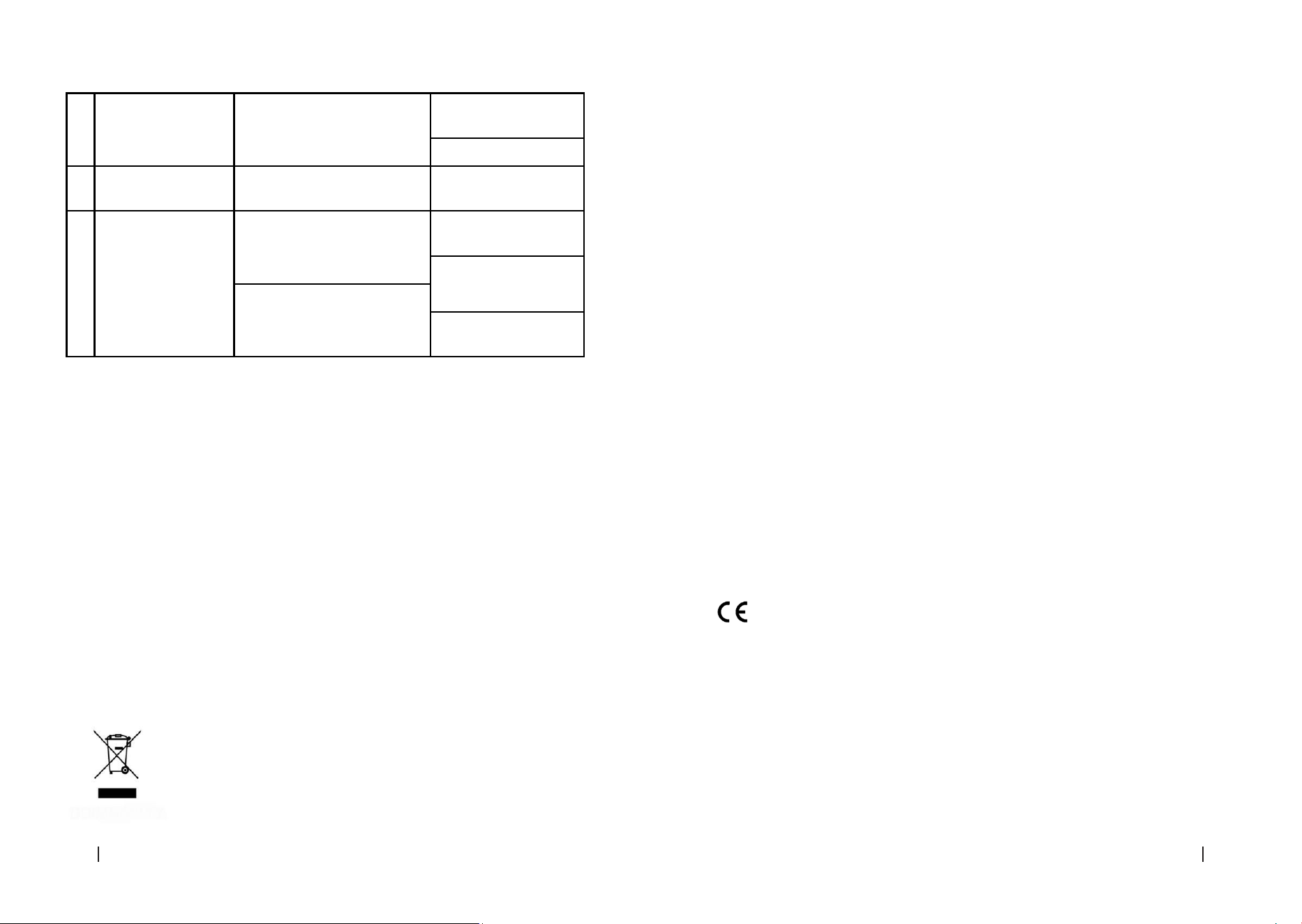
4 Feeder makes strange
noises
Loose or worn parts
Inspect and tighten
loose parts.
Replace worn parts.
5 The feeder does not
work
Electrical or electronic problem Contact Technical
Support Service
6
Moist or sticky food Moisture in the storage area
Place the feeder in a dry
place.
Store the feeder indoors.
Lid not closed properly
Check that the lid is
properly tted.
7. TECHNICAL SPECIFICATIONS
Product reference: 09565
Product: Pumba 6000 Purrfect Meal Smart
Suitable for: All types of small-medium sized pets
Rated voltage: 5 V 1 A
Product power: 5 W
Power supply: DC adaptor and (X4) “AA” alkaline batteries
Wi-Fi connection: Wi-Fi IEEE 802.11 b/g/n 2.4 GHz
Maximum power transmission: 20 dBm
Appliance capacity: 6 L
Type of food: dry food/feed
Portion sizes: consult feed instructions or a professional
Technical specications may change without prior notication to improve product quality.
Made in China | Designed in Spain
8. DISPOSAL OF OLD ELECTRICAL AND ELECTRONIC APPLIANCES
This symbol indicates that, according to the applicable regulations,
the product and/or batteries must be disposed of separately from
household waste. When this product reaches the end of its shelf life, you
should dispose of the cells/batteries/accumulators and take them to a
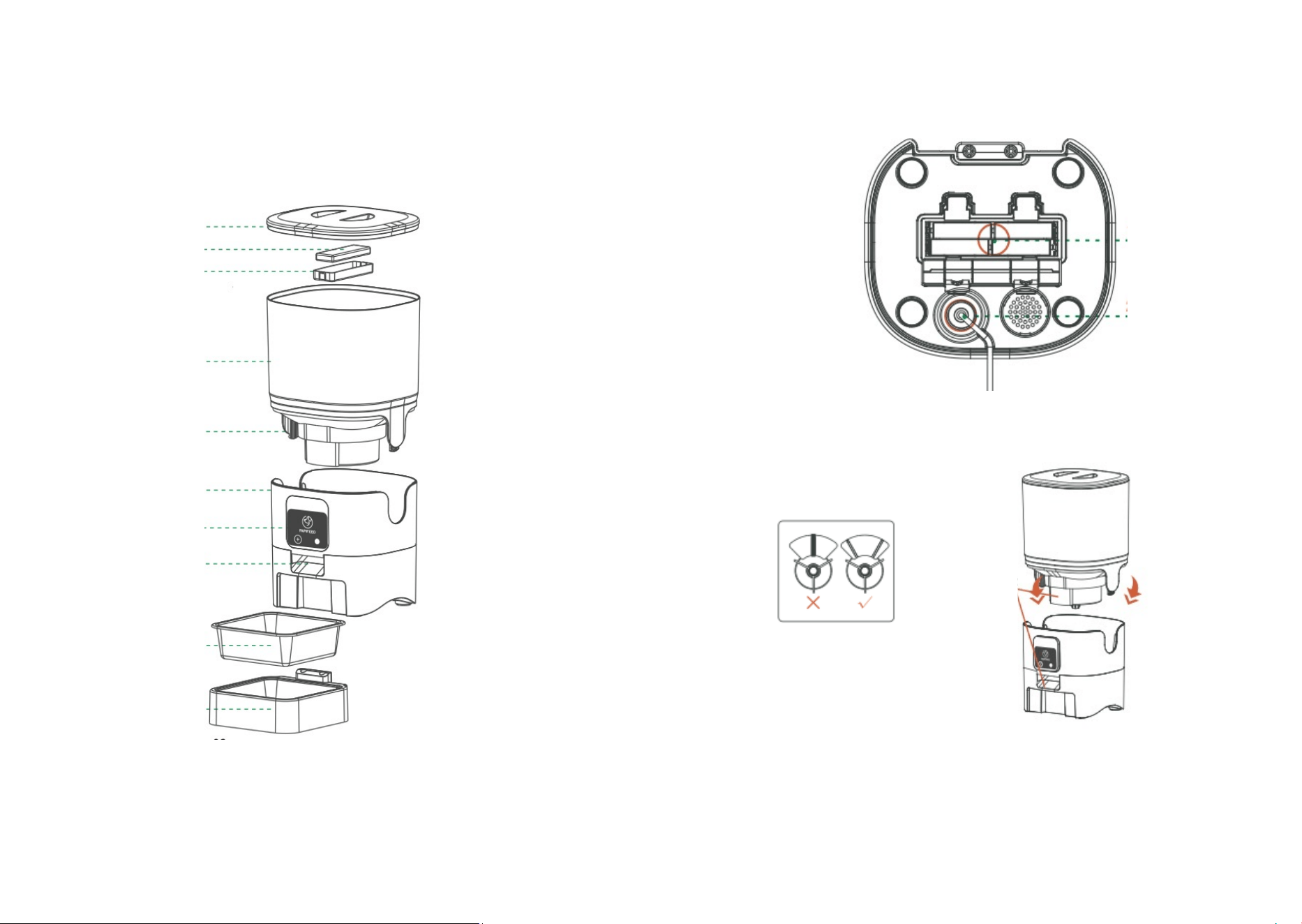
Fig./Img./Abb./Afb./ Rys. 1
1
2
3
4
5
6
7
8
9
10
Fig./Img./Abb./Afb./ Rys. 2
1
2
Fig./Img./Abb./Afb./ Rys. 3
Fig./Img./Abb./Afb./ Rys. 4
3
5 6
Fig./Img./Abb./Afb./ Rys. 5 Fig./Img./Abb./Afb./ Rys.6
Fig./Img./Abb./Afb./ Rys.7 Fig./Img./Abb./Afb./ Rys.8
7
Fig./Img./Abb./Afb./ Rys.9

www.cecotec.es
Cecotec Innovaciones S.L.
Av. Reyes Católicos, 60
46910, Alfafar (Valencia), Spain