Copyright ©2023, Snap One, LLC. All rights reserved.
Rev A 230110
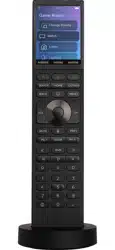
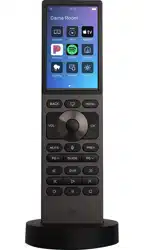
Halo Remote
Button Guide
Using your Halo Remote
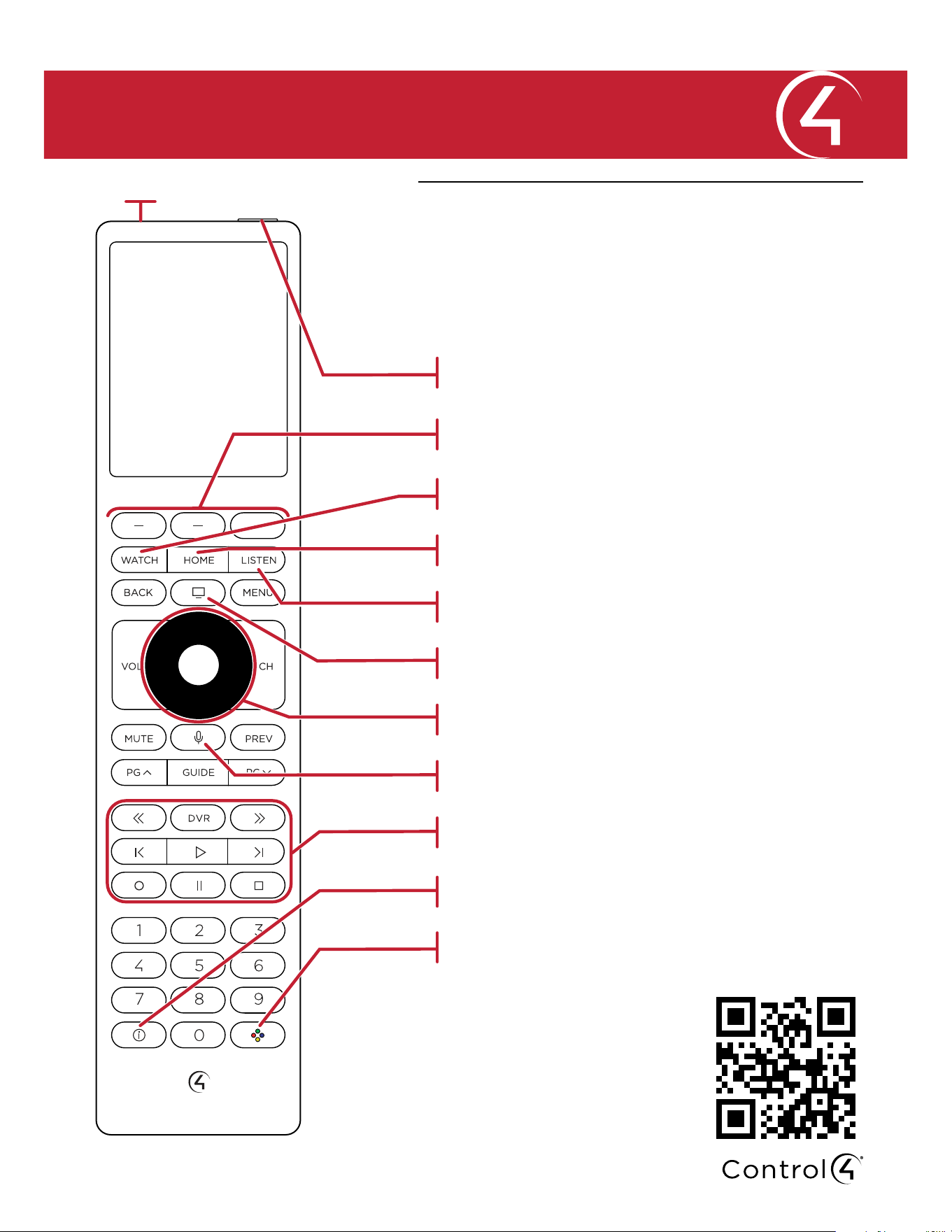
This guide outlines buttons specific to the Halo remote.
Next to the power button is an ambient light sensor, to
automatically adjust the screen and button brightness.
For more information on using your
remote, visit ctrl4.co/halo-ig or
scan this QR code.
View information about what is being watched
Playback controls
Push-to-talk voice control
Navigates and selects menu items
View the Control4 on-screen TV interface (if enabled)
Select a music source to listen to
Select a room, watch session, listen session, lighting, or
access the remote settings
Select a video source to watch
Quick press to turn a room o or press and hold to
power the remote on or o
Ambient light sensor
Customizable buttons whose function is described at the
bottom of the remote’s display
Press to make the 2, 4, 6, and 8 buttons glow their
designated colors for RGBY custom color programming