C
LI NENERGY
TM
LION PROWLER
IT CAN POWER...
EASY TO USE
Plug in any USB device that needs power, like cell phones,
tablets and other devices.
CONVENIENT
Easy to transport, light weight and ts into your pocket,
backpack, carry bag or clipped on.
DURABLE
Rugged design and comfortable in hand.
CONVENIENT
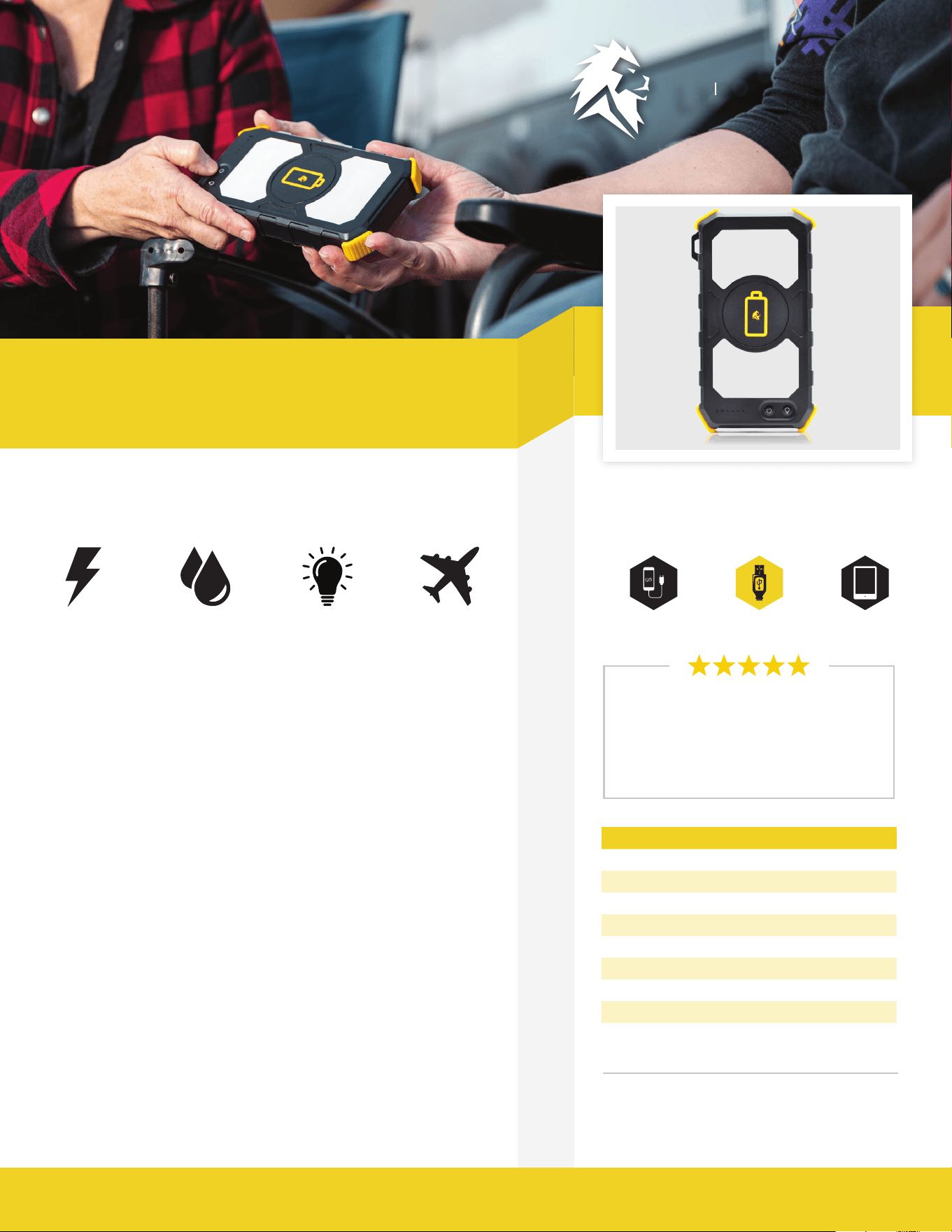
Wireless phone charging, power USB devices, 2 flashlights.
We provide portable power that is safe, silent and
renewable. It gives you the freedom to go and live
your life, be prepared for emergency situations, or to
power your work anytime, anywhere.
Wireless Charging for Cell Phones, Portable Power
for USB Devices, Flashlight
LION ENERGY PROWLER SPECS
Battery Lithium-ion
Life Cycles 300+
Charge Time (Wall) 8+ Hours
Wireless Charging 1 @ 10W
Rated Capacity 74Wh - 20,000mAh
Input/Output USB-C 5V @ 3A (15W)
Output (2) USB-A 5V @ 3.1A (15W)
Weight 1.5 lbs
LION ENERGY PROWLER
™
™™
Phones USB Devices Tablets
MSRP: $70
UPC: 858311007368
Dimensions: 6.8 x 3.7 x 1
Weight: 1.5 lbs
POWER YOUR LIFE. www.lionenergy.com info@lionenergy.com / 385.375.8191
Rechargeable
Power Source
Water
Resistant
2 Flashlight
Settings
Approved to take
on a plane
“A bank that nally impresses me. I
nd myself using it daily. Simple to
use and lasts a long time. Props to
the support team also.”
- Eugene Q
POWER YOUR LIFE. www.lionenergy.com info@lionenergy.com / 385.375.8191
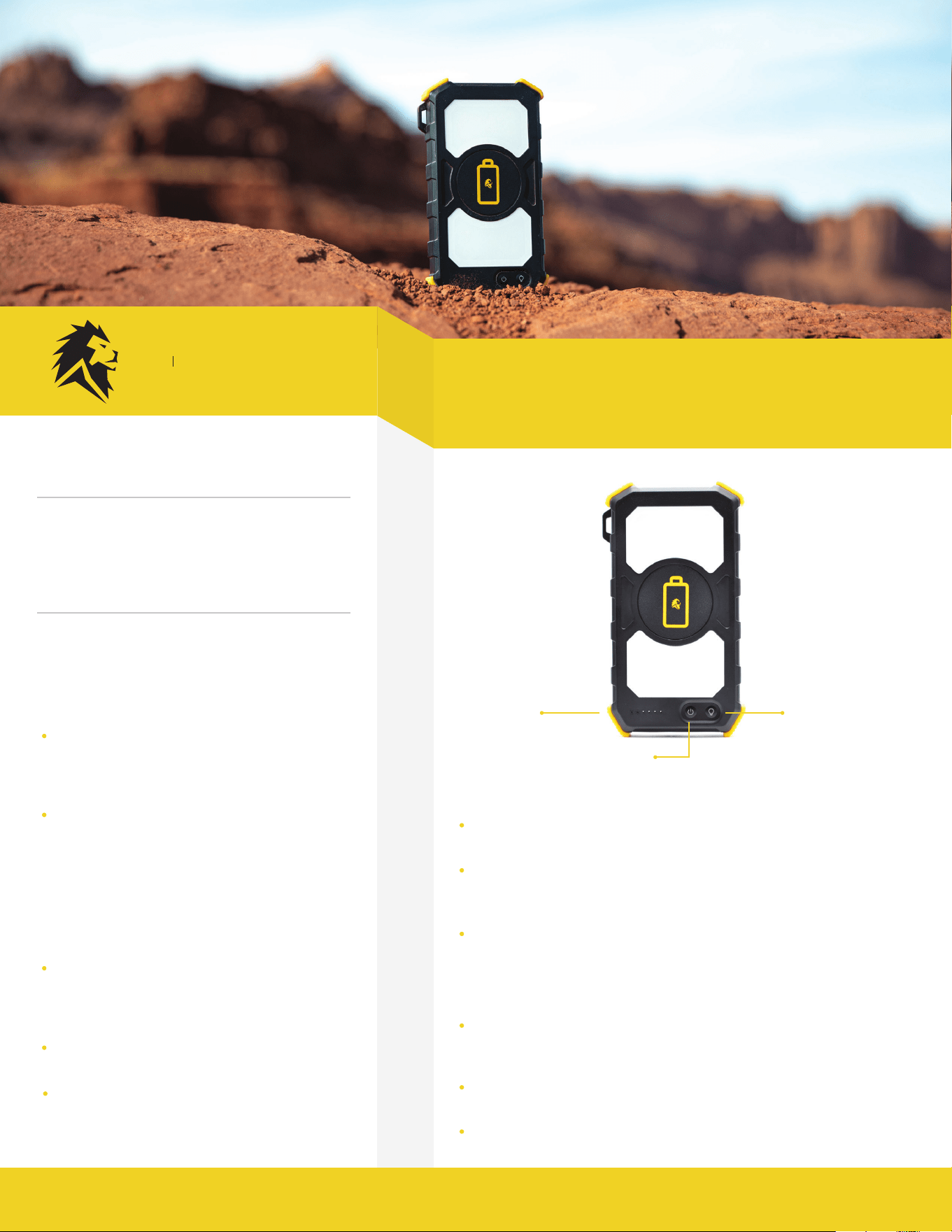
USING THE PROWLER
WIRELESS PHONE CHARGING
FLASHLIGHT SETTINGS
USB CHARGING
To check the charge of the prowler, press the
power button for one second. Lights will display
on the left of the power button. Four lights mean
the unit is fully charged.
To charge the Prowler, use the USB cord provided.
Plug the USB end of the cord into a power source
and the other end of the cord into the Prowler,
near the power button (lift the rubber flap).
Press the power button on the Prowler twice. A red light indicator on
the far-left side of the button will turn on
Place the smart phone directly on the top of the Prowler; a green light
will come on and it will start charging. Note: Your phone case may
prevent wireless charging.
To turn off wireless charging, press the power button twice.
To turn the flashlight on, press and hold the flashlight icon (next to
the power button) for one second. This will turn the flashlight on to
Solid Mode.
To turn the flashlight to SOS mode, press & hold the flashlight icon
for 3 seconds.
To turn the Lamp on, press the flashlight icon twice.
Using the cable provided, connect the device (ie.
phone, tablet, etc.) into the output on the end of
the Prowler, near the power button (lift the rubber
flap).
Press the power button for 1 second to turn on
power & begin charging device.
When nished charging, turn the Lion Prowler off
by holding the power button until all lights turn
off (about 3 seconds)
LIFE ON YOUR TERMS
• Freedom to go and power your life
• Be prepared for any emergency
• Power work and play anytime, anywhere
• Portable, renewable energy
C
LI NENERGY
TM
QUICK START GUIDE
Power Button
Indicator
Lights
To power on: press and
hold for 1-2 seconds.
To poweroff: press and
hold for 4-5 seconds
until light goes off.
Flashlight

