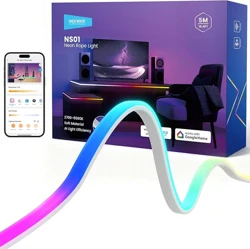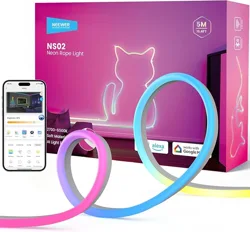
Smart Neon Rope Light
Operation Manual
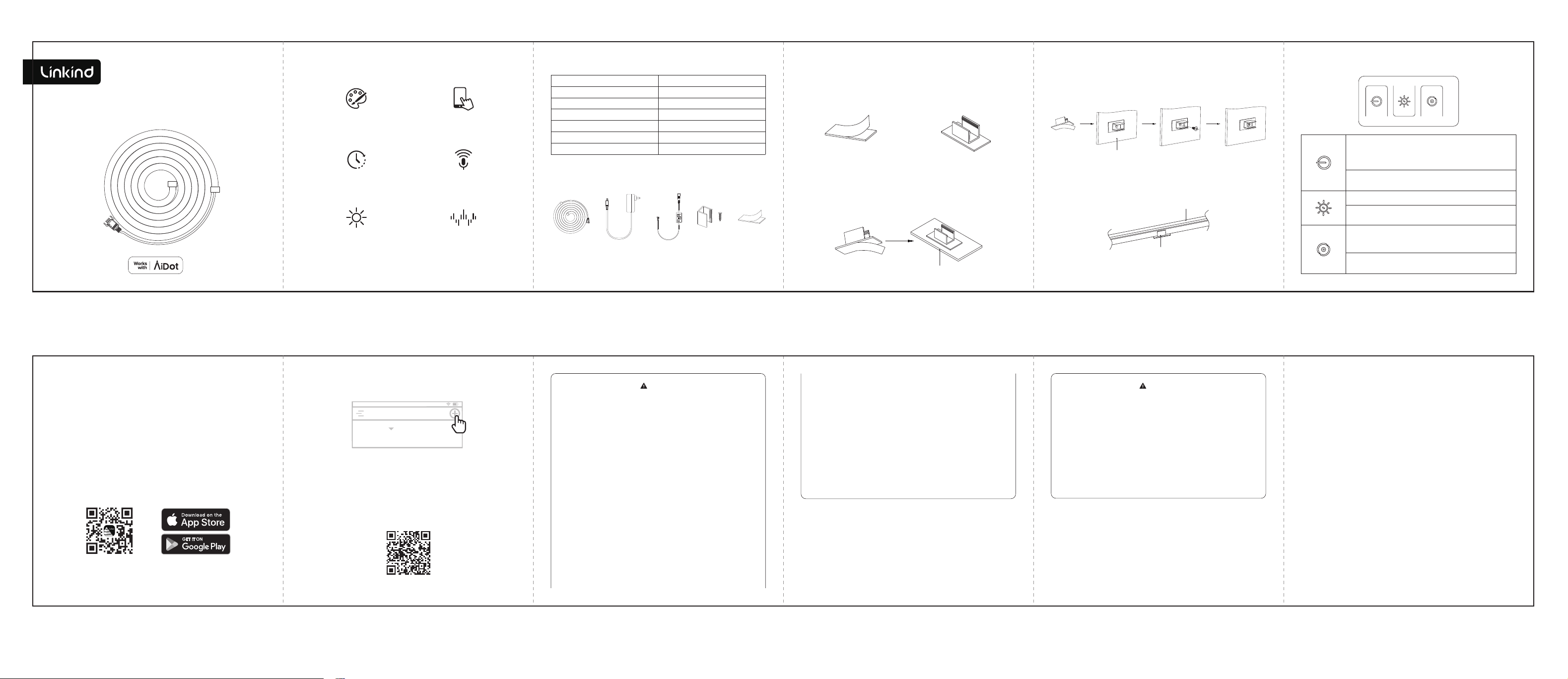
Function Introduction Introduction of the Controller
Voice
control
APP
control
16 million
color
music
rhythm
Timing &
countdown
Dimming
Package Item Installation
Installation Instructions
Led Neon Rope Light Kits
Neon Rope light
Fixed
accessories
(x9)
Item List Quantity
Controller Box 1 PC
Power Adapter
RGB Neon Rope Light 1 Roll
Manual Instruction 1 PC
Fixed accessories
3M sticker
9 PC
9 PC
1 PC
Power
Adapter Controller
1. After installing the smart neon rope light, power on.
2. The rope light will gradually blink R-G-B, and the light will enter
the state of distribution network.
3. To connect neon rope light to the Internet, download the Aidot
APP and follow the APP guidelines.
Quick Start Guide
3. Follow the instructions on the App.
( Note:Please turn on Bluetooth and location. )
For more information about the usage guidelines and FAQs, Please
scan the QR code below or visit the website:
https://www.aidot.com/s/000038.
2. Create an account and sign in.Tap '+' to add the smart neon rope
light.
1. Scan the QR code below, or search for “AiDot” in App Store or
Google Play.
STEP 1:
Tear one side of 3M sticker
release paper
STEP 2:
Apply 3M sticker to U-shaped
accessory
STEP 3:
Fix 3M sticker horizontally, tear the release paper on the other
side of 3M sticker and stick to the required installation position.
Refer to the diagram below:
STEP 4:
Install the neon rope light into the U-shaped accessory
My Home
Google, Google Home and Google Play are trademarks of Google LLC.
1. This device complies with Part 15 of the FCC Rules.
Operation is subject to the following two conditions:
(1) This device may not cause harmful interference.
(2) This device must accept any interference received, including
interference that may cause undesired operation.
NOTE: The grantee is not responsible for any changes or
modifications not expressly approved by the party responsible for
compliance. Such modifications or changes could void the user’ s
authority to operate the equipment.
NOTE: This equipment has been tested and found to comply with
the limits for a Class B digital device, pursuant to part 15 of the
FCC Rules. These limits are designed to provide reasonable
protection against harmful interference in a residential
installation. This equipment generates uses and can radiate radio
frequency energy and, if not installed and used in accordance
with the instructions, may cause harmful interference to radio
communications. However, there is no guarantee that
Warning
Cautions
To avoid personal injury and/or possible product damage, the
following cautions must be followed:
1. To prevent early lamp failure, lamp should only be installed in
operating environments ranging between:-10℃ and +40℃(14° F
and +104°F).
2. Suitable for damp locations.
3. Not for use with dimmers.
4. Lamp dims via wireless control and will not operate with a
dimmer switch.
Contact Us
Manufacturer: Leedarson loT Technology Inc.
Adress: No.1511, 2nd Fanghu North Rd, Huli
District, Xiamen, China
SPRING SUNSHINE TECHNOLOGY CO., LIMITED
FLAT/RM 01-04, 24/F, FU FAI COMMERCIAL
CENTRE, 27 HILLIER STREET,SHEUNG WAN, HK
Phone: 1-877-770-5727(Mon.- Fri. 9 to 5 PST)
www.linkind.com
Made in China
interference will not occur in a particular installation. If this
equipment does cause harmful interference to radio or television
reception, which can be determined by turning the equipment o
and on, the user is encouraged to try to correct the interference by
one or more of the following measures:
- Reorient or relocate the receiving antenna.
- Increase the separation between the equipment and
receiver.
- Connect the equipment into an outlet on a circuit
dierent from that to which the receiver is connected.
-Consult the dealer or an experienced radio/TV
01 02 03 04 05
1. Short press (<1s) on/off key, switch the switch mode,
short press once to turn on the light strip, press again to
turn off. In the non-reset state, it will memorize the state of
the light strip before it was turned off last time.
2. Press and hold the Power button for (>5s )to enter the
factory state mode: R-G-B gradient once.
1. Long press (>1s) to adjust brightness. 100%-1%-100%.
2. Short press (<1s) to switch in sequence according to the
set scene mode.
1. Local music rhythm on and rhythm mode switch button,
short press (<1s) to turn on the local music rhythm, the
default Pop mode.
2. Short press again to cycle the music rhythm mode. Long
press (>3s) the switch button to the set scene mode.
06 07 08 09 10 11
Horizontal desktop
Vertical wall
U-shaped accessory
Neon rope light
3M
sticker
(x9)