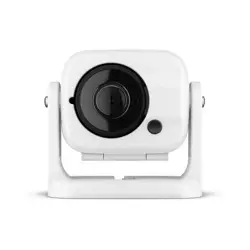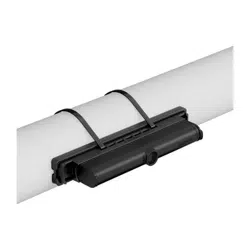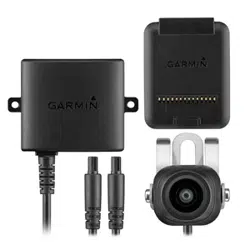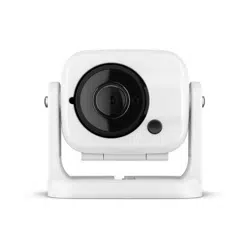
GC
™
100
INSTALLATION INSTRUCTIONS
Getting Started
WARNING
See the Important Safety and Product Information guide in the product box for product warnings and other
important information.
Mounting Considerations
• You must mount the camera in a location where it is not submerged.
• You should mount the camera within76m (250ft.) of a chartplotter. The range depends on your installation
location and obstacles between the camera and the chartplotter. If the camera is out of range of the
chartplotter due to obstacles or distance, you must reposition the camera.
• You should test the camera in your desired location before you permanently mount the camera.
• You should mount the camera so that the cable can be connected easily.
• You should mount the camera in a location where it cannot be damaged by docks, pilings, or other pieces of
equipment.
• You should mount the camera so it does not present a hazard in doorways or walkways.
• You should mount the camera in a location where you can remove the camera.
GUID-954A35F6-710F-4D78-93CD-48DD69D26558
v6
May 2024
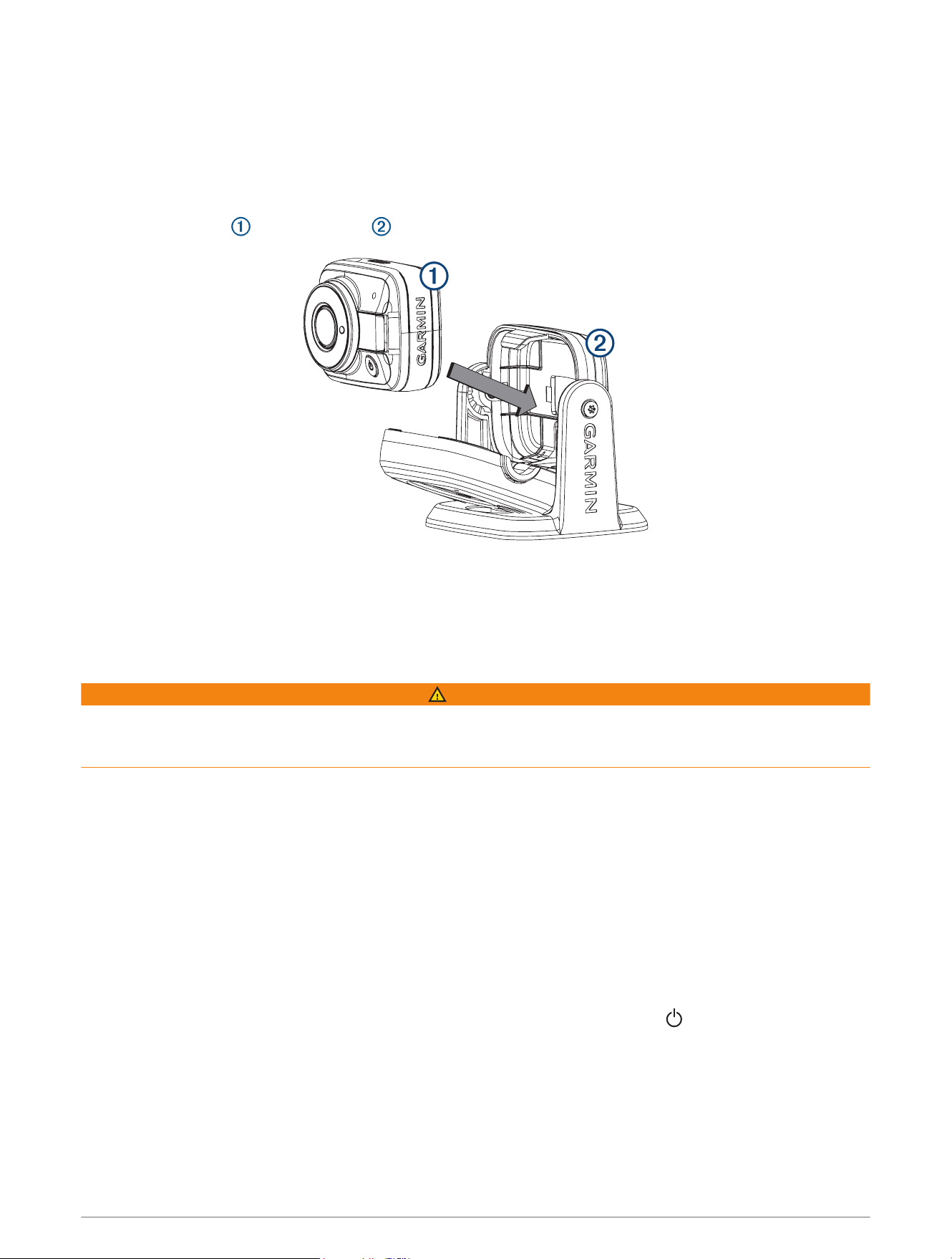
Mounting the Camera
1 Using a 3.2mm (
1
/
8
in.) drill bit, drill a pilot hole.
NOTE: If you are mounting the camera onto fiberglass, it is recommended to use a countersink bit to drill a
clearance counterbore through the top gelcoat layer only, but no deeper. This will help to avoid cracking the
gelcoat layer when the screws are tightened.
2 Using the included screw, fasten the camera mount to the mounting surface.
3 Insert the camera into the housing .
4 Close the front of the housing.
5 Tighten the tamper-proof side screws using the included tool.
6 Connect the power cable.
Connecting to Power
WARNING
When connecting the power cable, do not remove the in-line fuse holder. To prevent the possibility of injury or
product damage caused by fire or overheating, the appropriate fuse must be in place as indicated in the product
specifications. Connecting the power cable without the appropriate fuse in place voids the product warranty.
1 Route the power cable to the power source and to the device.
2 Connect the red wire to the positive (+) battery terminal, and connect the black wire to the negative (-) battery
terminal.
Pairing the GC 100 Camera with a Garmin
®
Chartplotter
Before you can connect a wireless device to the chartplotter wireless network, you must configure the
chartplotter Wi‑Fi
®
network. See your chartplotter manual for information on configuring the wireless network.
NOTE: You may need to charge the camera's internal battery before you can pair it with a chartplotter. You can
charge the internal battery through the camera's powered mount or, alternatively, you can connect the camera
to a power source using a Micro-USB cable (not included). The Micro-USB port is located on the front of the
camera, behind a protective cap.
1 With the camera within an unobstructed 76m (250ft.) of the chartplotter, press three times.
The LED light will start flashing blue.
2 On the chartplotter, select Settings > Communications > Wireless Devices > Garmin Camera > Start.
The chartplotter will show a notification when it has paired with the camera.
2
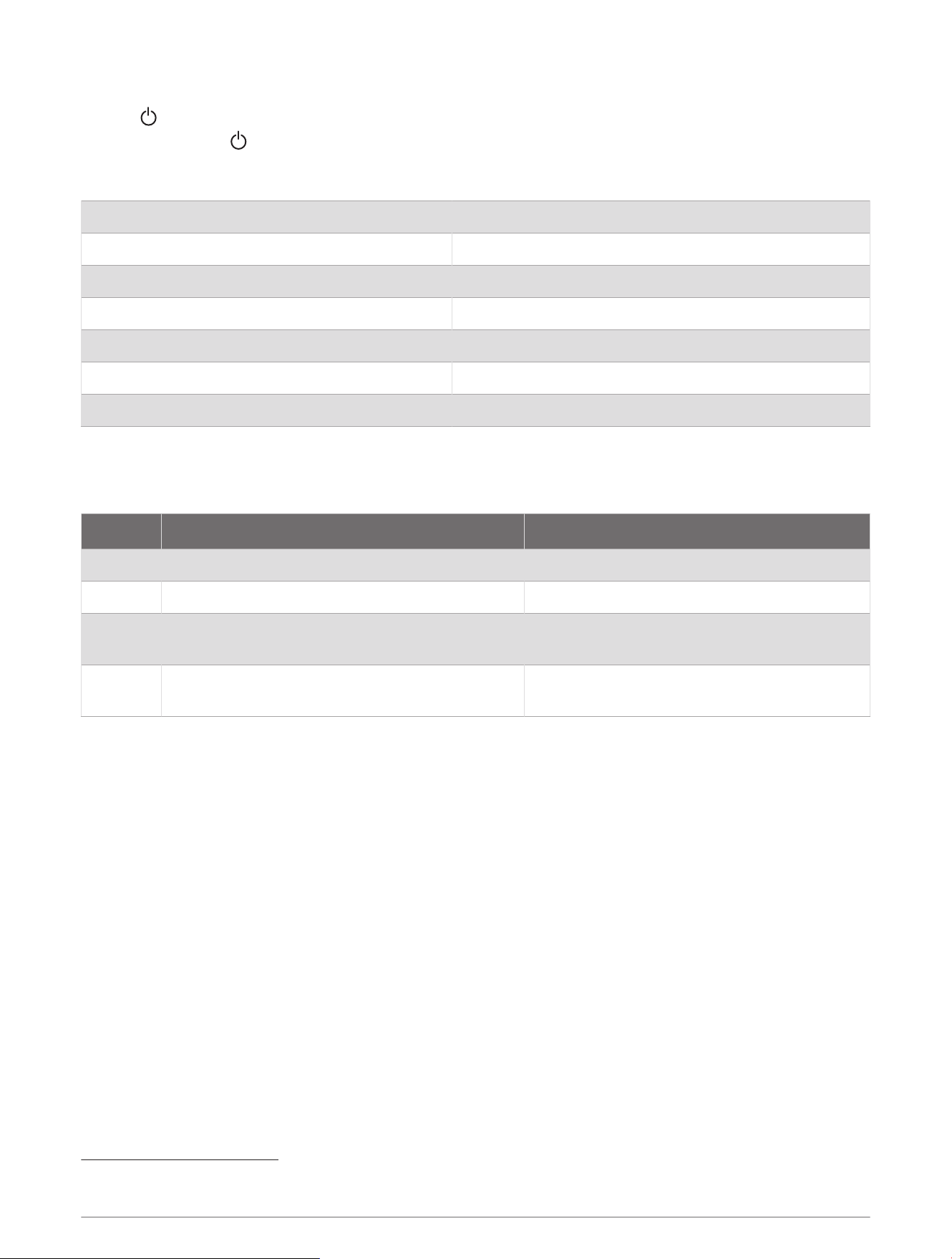
Turning the Camera Off
Hold for 3 seconds.
NOTE: If you hold for more than 10 seconds, the camera resets.
Specifications
Water rating IEC 60529 IPX6/IPX7
1
Operating temperature range From -20 to 60°C (from -4 to 140°F)
Charging temperature range From 0 to 45°C (from 32 to 113°F)
Storage temperature range From -40 to 85°C (from -40 to 185°F)
Input voltage From 10 to 30Vdc, 1.5A max.
Compass-safe distance 10cm (4in.)
Wireless frequency and protocol 2.4 GHz @ 17dBm nominal
GC 100 Blink Codes
After the camera is installed and paired with the chartplotter, the camera turns on when the chartplotter is
turned on. The color and blink sequence of the status LED on the camera indicates its operational status.
LED Color LED State Status
Green Three blinks The camera is turning on.
Red Three blinks The camera is turning off.
Blue
One blink per second for up to two minutes, or
until the camera connects to a chartplotter
The camera is attempting to connect to a chart
plotter using Wi‑Fi.
Amber
One blink per second until the camera powers
down or the battery is charged
The camera battery is not charged sufficiently
to stream video.
© 2018 Garmin Ltd. or its subsidiaries
Garmin
®
and the Garmin logo are trademarks of Garmin Ltd. or its subsidiaries, registered in the USA and other countries. GC
™
is a trademark of Garmin Ltd. or its
subsidiaries. These trademarks may not be used without the express permission of Garmin.
Wi‑Fi
®
is a registered mark of Wi-Fi Alliance Corporation.
1
The device withstands incidental exposure to water of up to 1m for up to 30min. For more information, go to www.garmin.com/waterrating.
3

© 2018 Garmin Ltd. or its subsidiaries
support.garmin.com