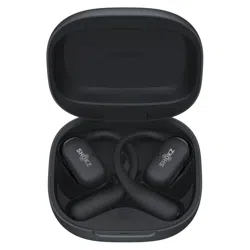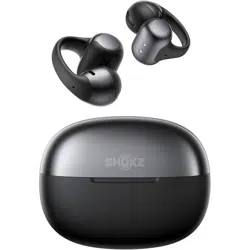

SHOKZ E310
OPENDOTS ONE
User Guide

Shokz App
Download the Shokz App
The Shokz App offers a variety of features, including Dolby Audio
toggle, customizable sound modes, dual-device connection, bat-
tery status display, Find My Earbuds, touch control customization,
wear detection toggle, left-right earbud swap, prompt volume
adjustment, firmware updates, and more. Define your own listen-
ing experience by downloading the app now for a more conve-
nient and enhanced user experience.
*Note:
The Shokz App is not yet available in some regions. For more information, please visit
userguide.shokz.net/opendotsone.
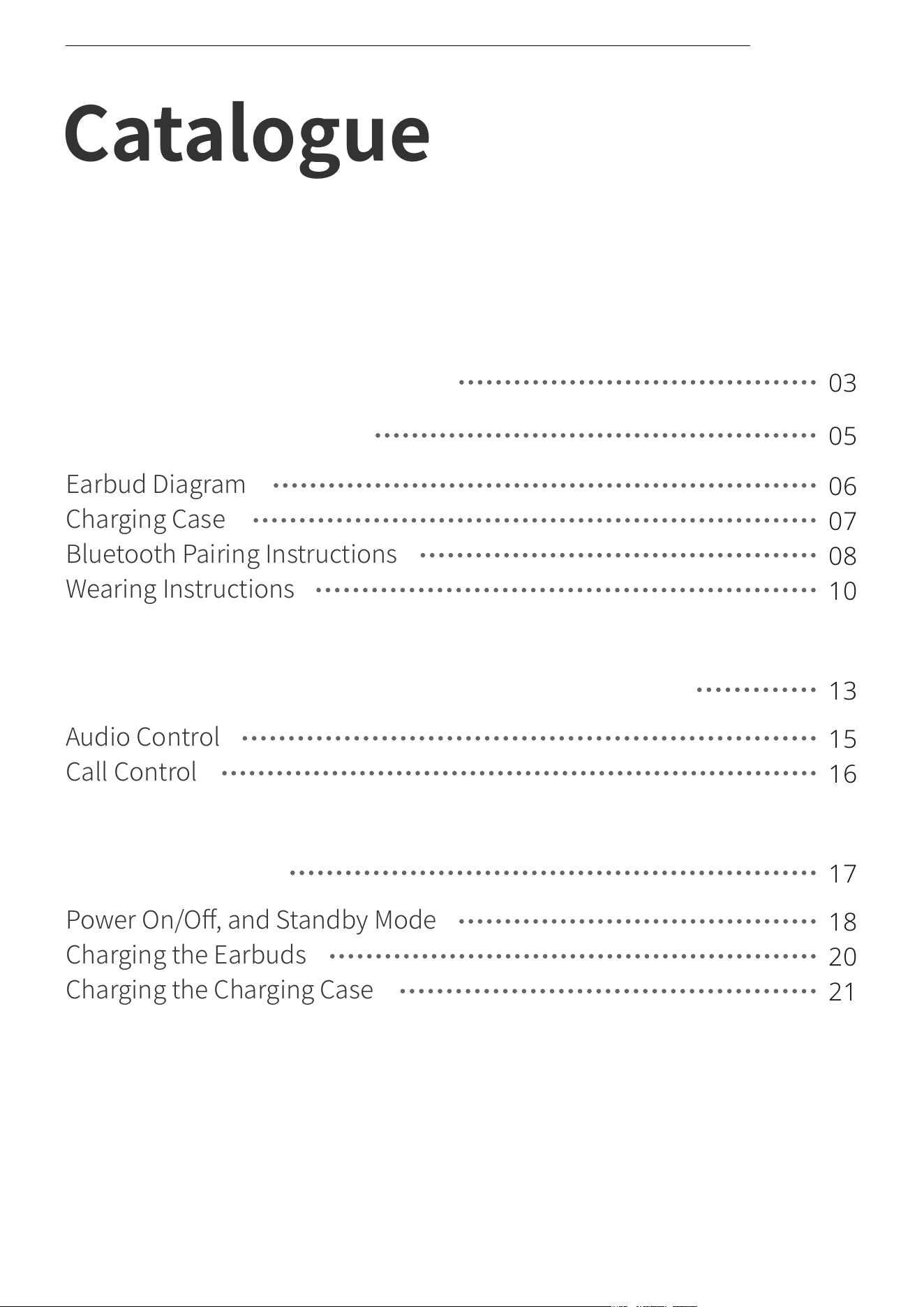
Catalogue
WHAT'S IN THE BOX
03
WEAR AND USE
05
Earbud Diagram
06
Charging Case
07
Bluetooth Pairing Instructions
08
Wearing Instructions
10
Audio Control
15
Call Control
16
13
TOUCH CONTROL INSTRUCTIONS
Power On/Off, and Standby Mode
18
17
CHARGING
Charging the Earbuds
20
Charging the Charging Case
21
Catalogue
��
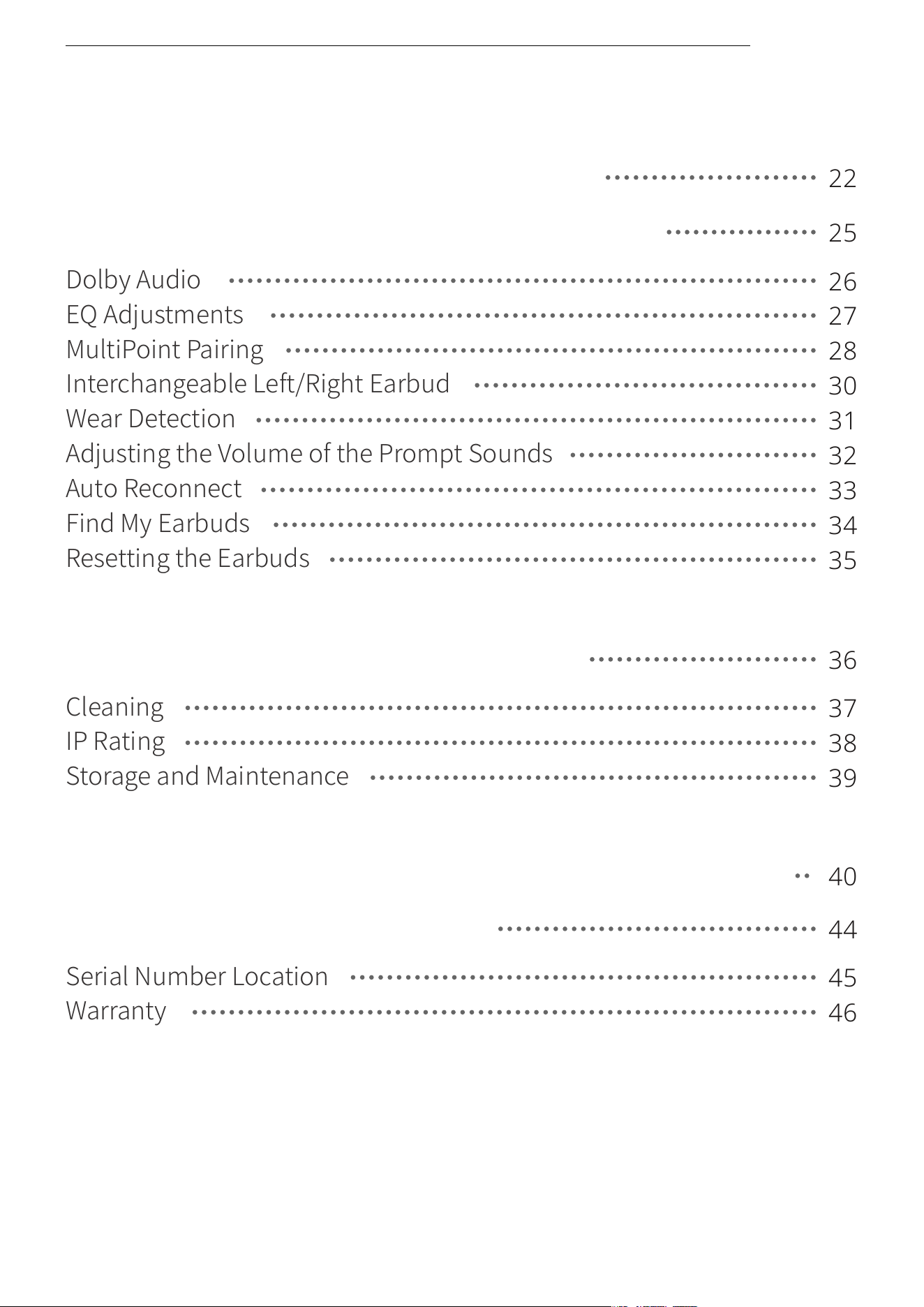
Cleaning
37
IP Rating
38
36
CLEANING & MAINTENANCE
Storage and Maintenance
39
Serial Number Location
45
Warranty
46
LEGAL AND REGULATORY INFORMATION
40
44
AFTER-SALES SERVICE
Dolby Audio
26
EQ Adjustments
27
25
OTHER SHOKZ APP FUNCTIONS
MultiPoint Pairing
28
Interchangeable Left/Right Earbud
30
Wear Detection
31
Adjusting the Volume of the Prompt Sounds
32
Auto Reconnect
33
Find My Earbuds
34
Resetting the Earbuds
35
CHARGING CASE INDICATOR
22
Catalogue
��

What's in the Box
��
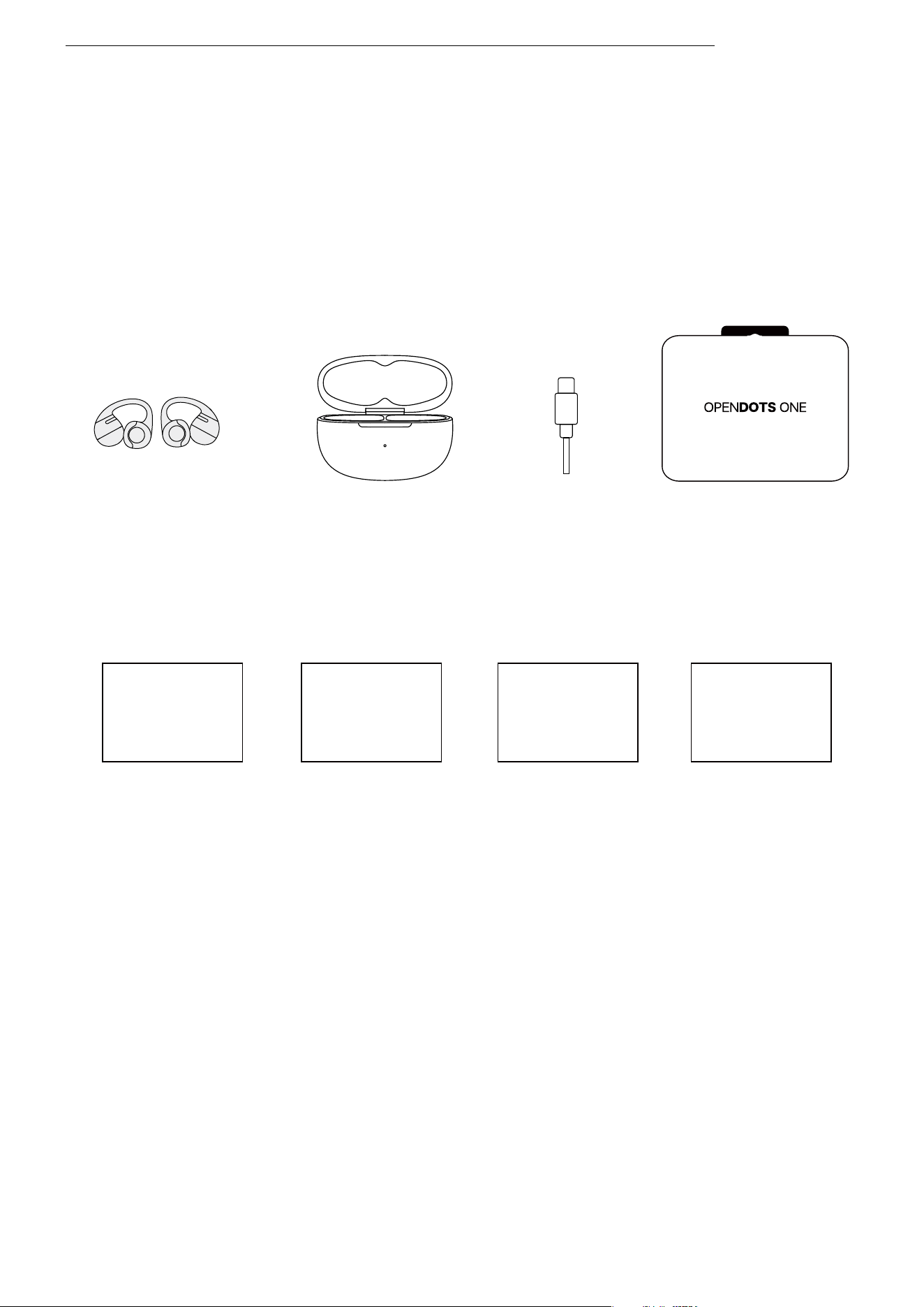
What's in the Box
What's in the Box
If any of the above-listed items are missing or the product is
damaged, do not use it. Please contact the dealer where the
product was purchased or reach out to us.
(Refer to page ��: After-Sales Service ‒ Warranty)
User Guide *�
Legal Statement *�
OpenDots ONE
Charging Case *�
OpenDots ONE True
Wireless Earbuds *�
OpenDots ONE
Packing Box *�
USB-C Charging
Cable *�
App Card *� Warranty Card *�
Shokz App Warranty
User Guide
Legal Statement
��
Wear and Use
��
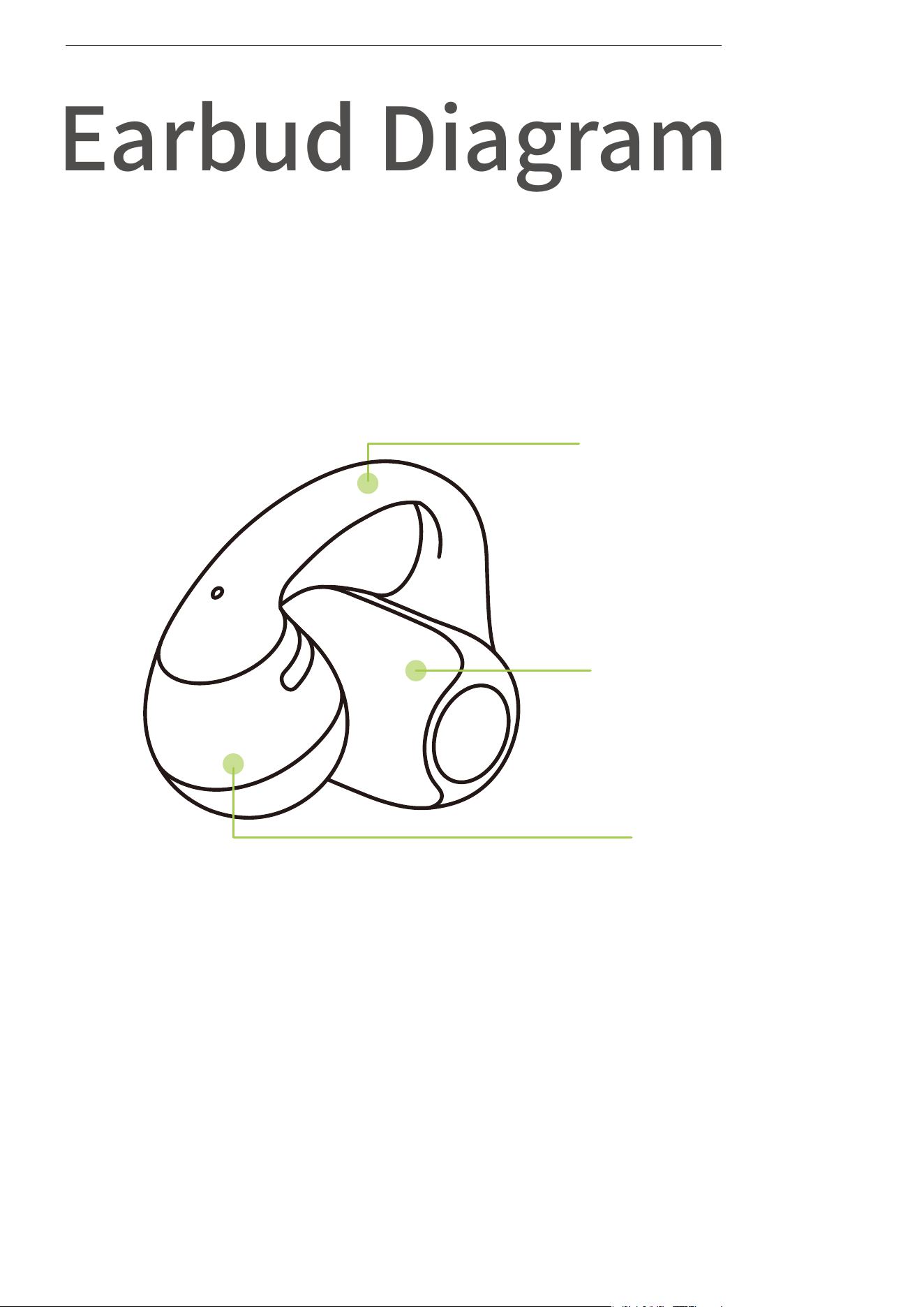
Earbud Diagram
These earbuds feature an open-ear design and do not need to
be inserted into the ear canal. They are not left/right specific
and can automatically adjust based on how they are worn.
Speaker
Battery
compartment
JointArc
Earbud Diagram
��
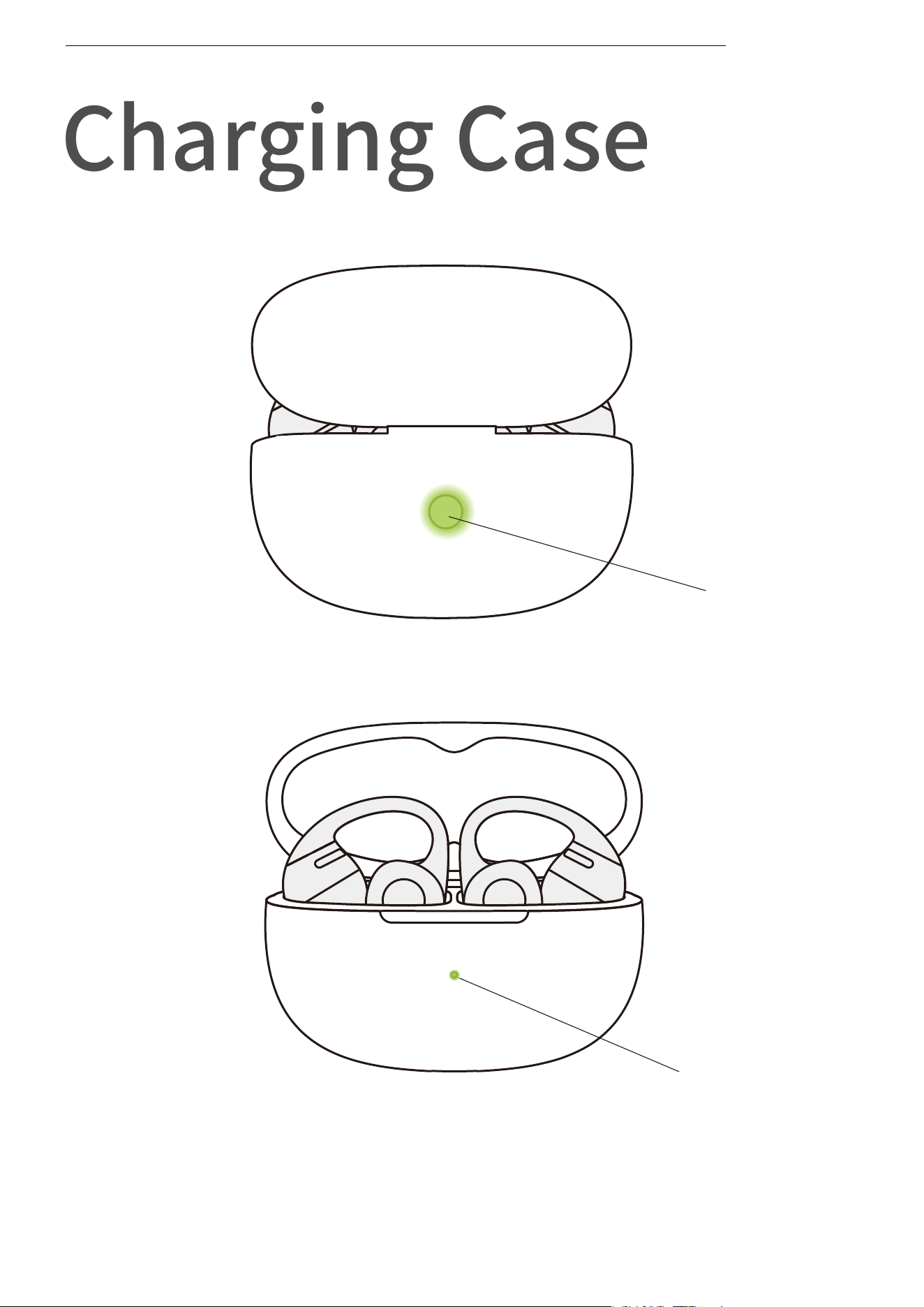
Charging Case Indicator LED
Charging Case Button
Charging Case
Charging Case
��
Bluetooth Pairing
Instructions
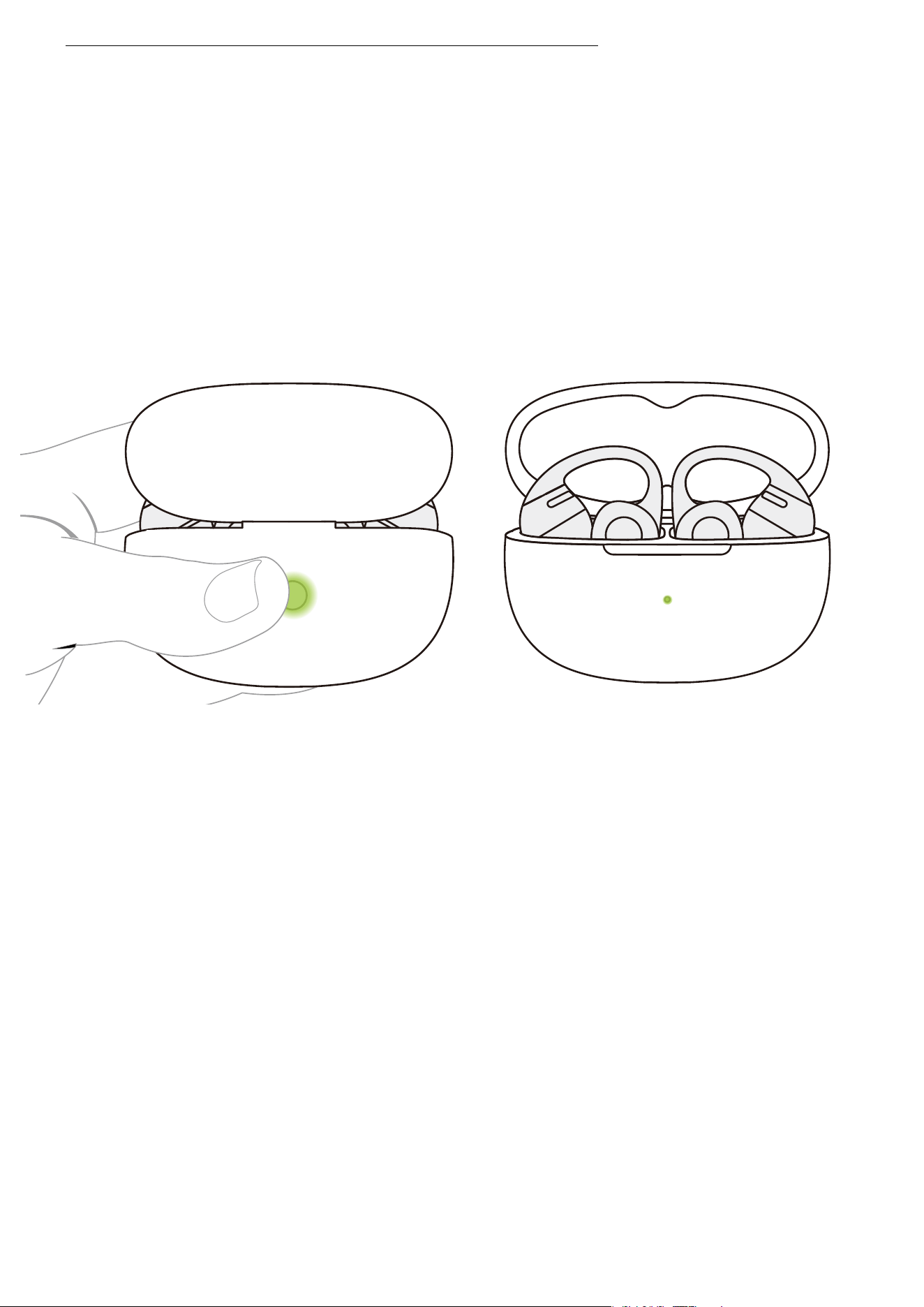
For first-time use, open the charging case to automatically
enter Bluetooth pairing mode. The indicator light inside the
case will flash orange and green. To re-pair the earbuds, follow
these steps:
�. Place both earbuds back into the charging case.
�. With the case lid open, press and hold the function button
for more than � seconds until the indicator light flashes orange
and green. The earbuds will enter pairing mode.
Bluetooth Pairing Instructions
��
OpenDots ONE by Shokz
Connected
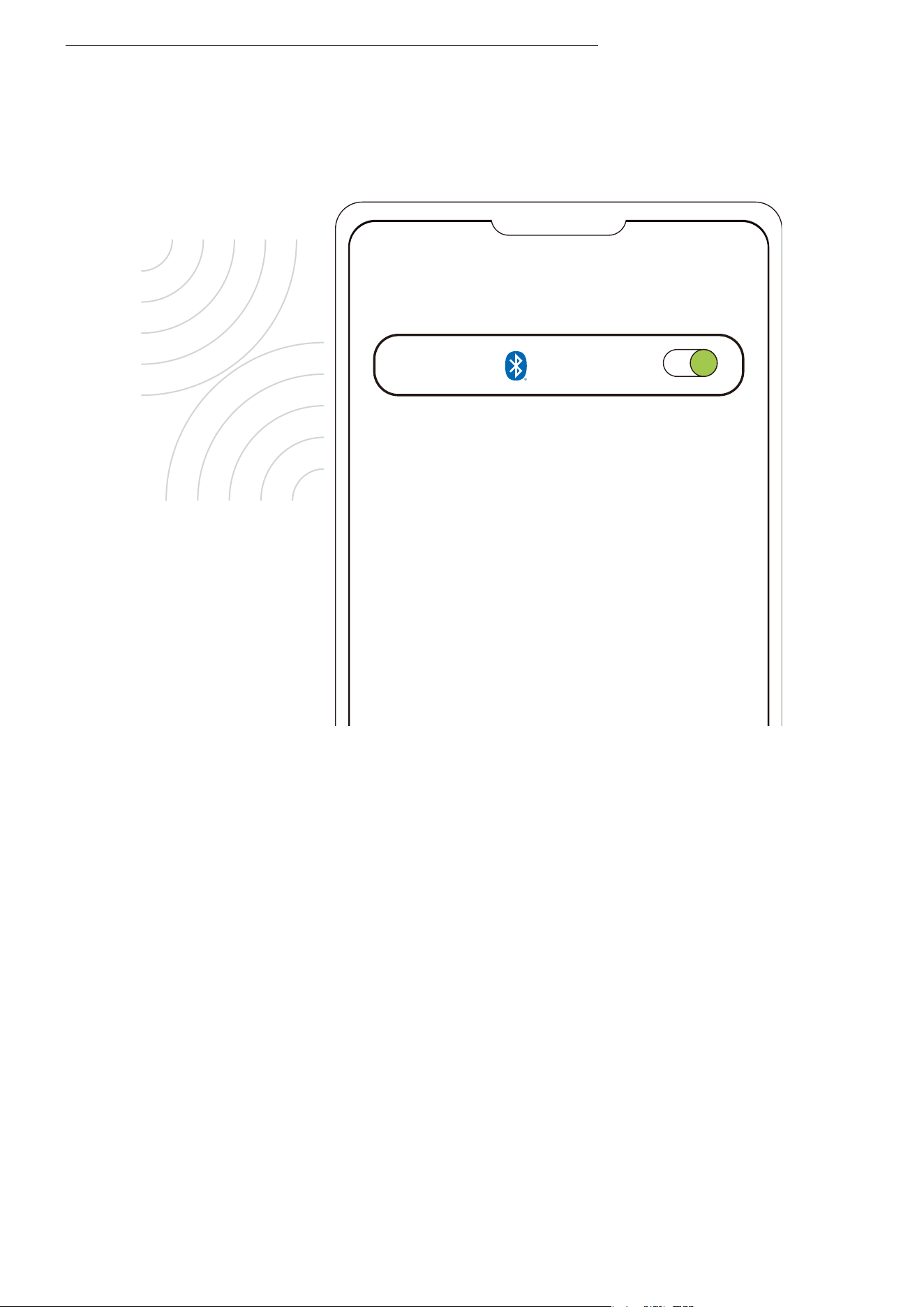
�. Turn on the Bluetooth function on your device and select "OpenDots
ONE by Shokz". Once your device displays a successful pairing message,
the connection is complete.
*After the earbuds are connected to your device, they will automatically
power on and reconnect whenever you open the charging case. Closing
the case will automatically power off the earbuds and disconnect them
from the device.
*Note: If your earbuds disconnect due to distance from your device,
return within �� m (�� ft) within � minutes, and they’ll reconnect auto-
matically with a confirmation tone. After � minutes, perform any touch
control to trigger reconnection.
Bluetooth Pairing Instructions
Settings
Bluetooth
��
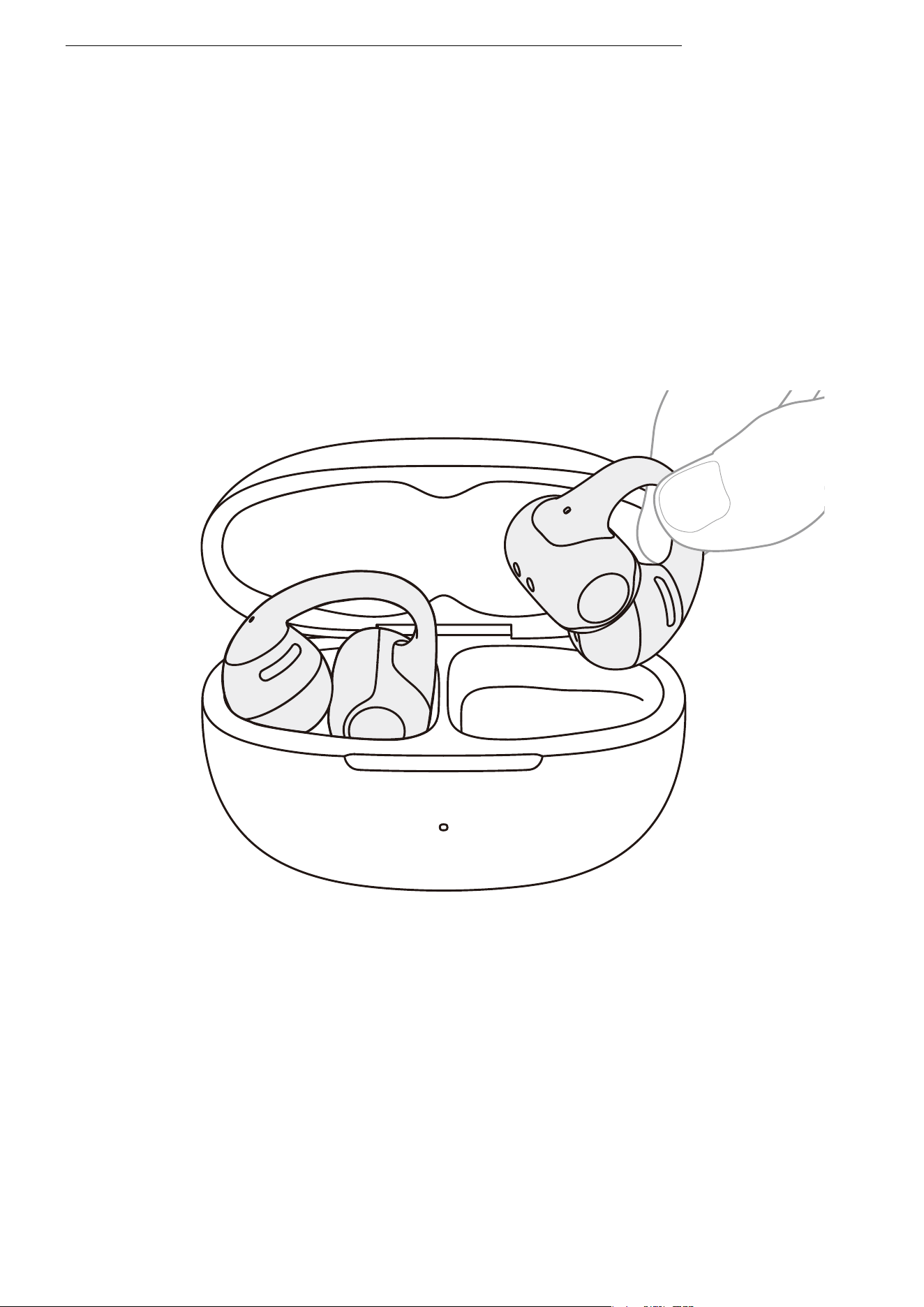
�. Pinch the JointArc with your thumb and forefinger and
raise it toward your ear.
Wearing Instructions
Wearing Instructions
Catalogue
��
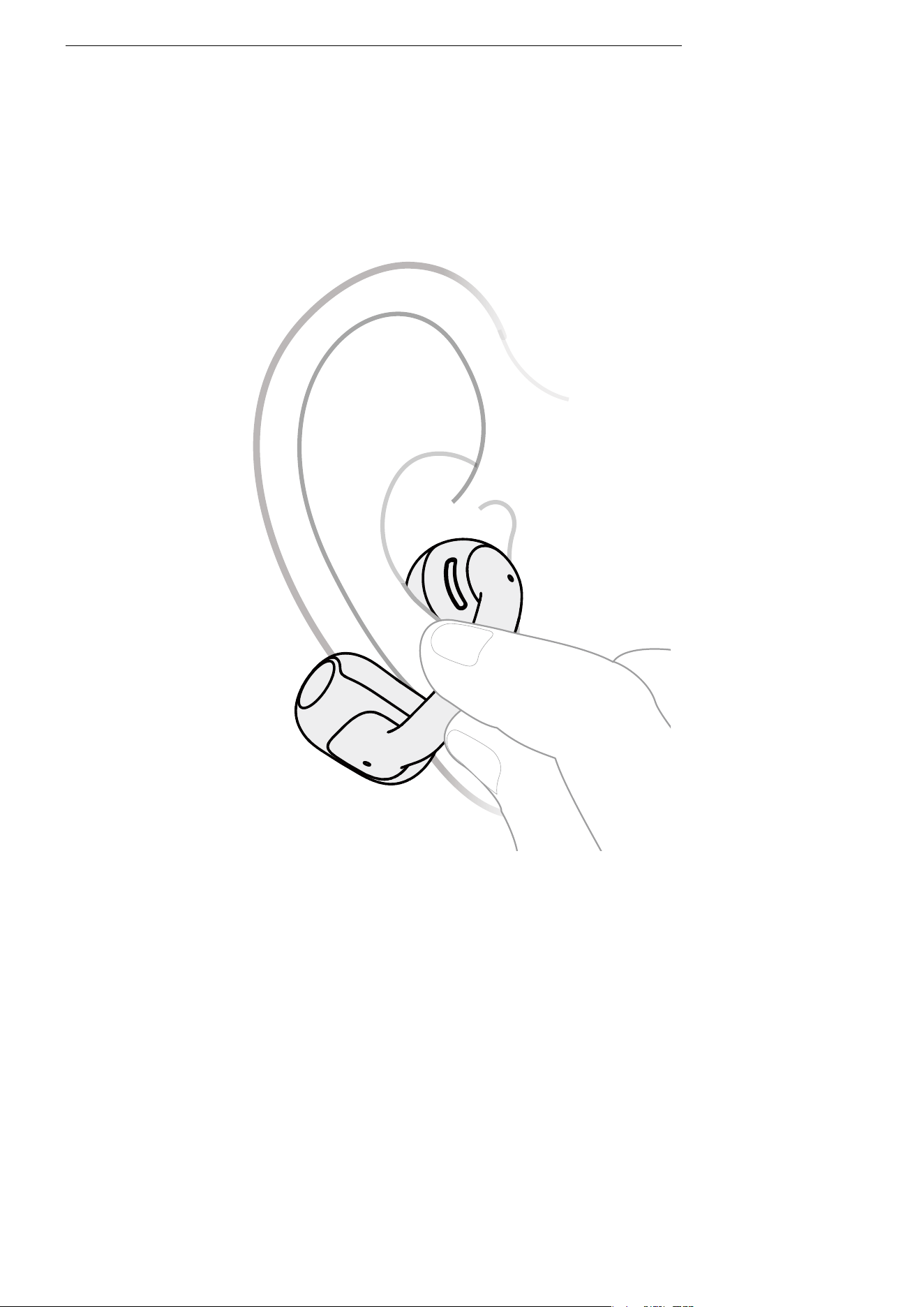
�. Place the round speaker against the inner ridge of your ear
and the cylindrical battery compartment behind your ear.
Catalogue
Wearing Instructions
��
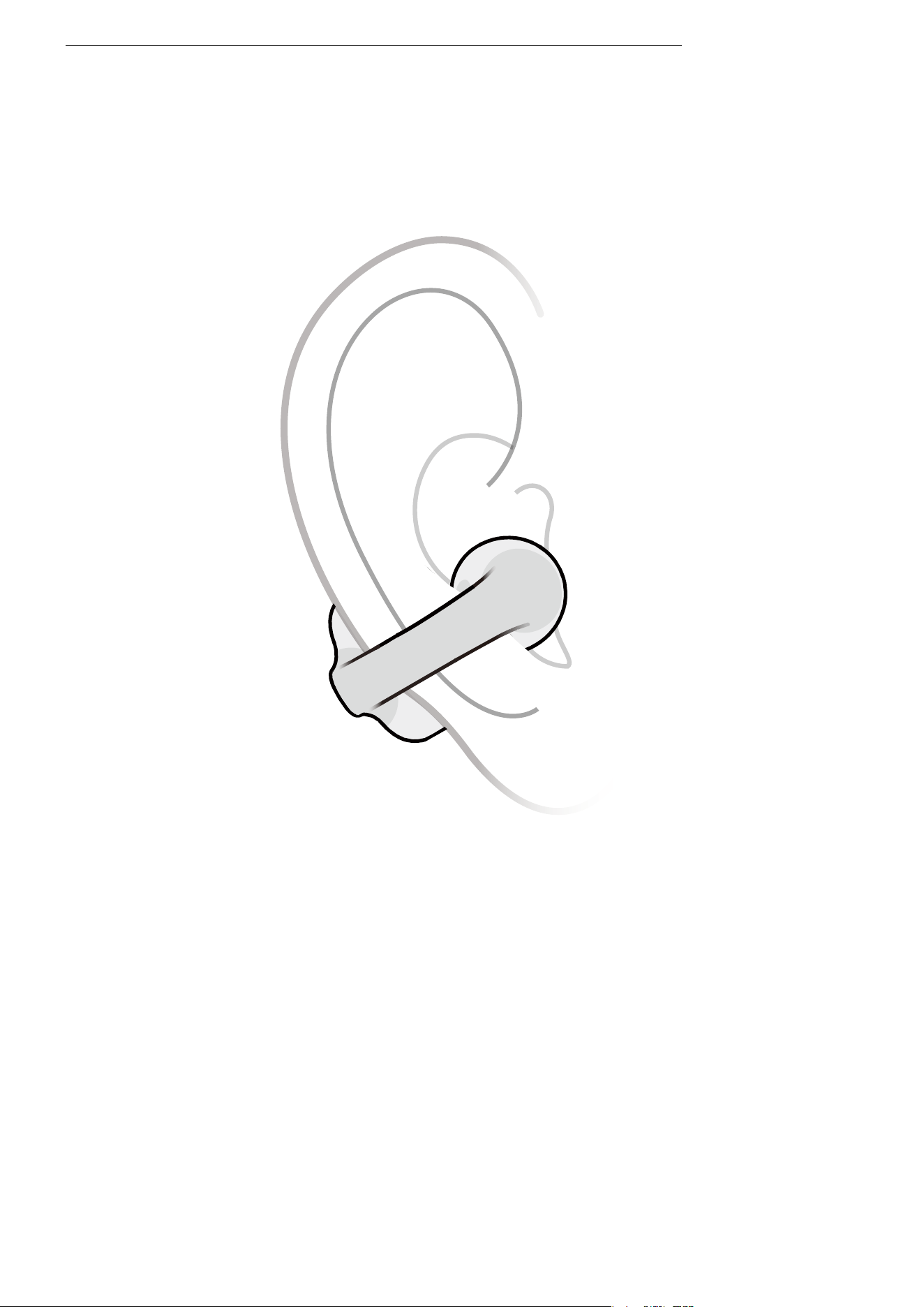
�. Adjust the earbuds for a secure and comfortable fit.
*Note:
�. For optimal comfort, it is recommended to wear the JointArc at an angle of �° to ��°
relative to the ground. You can adjust this angle based on your personal preference.
�. When putting on the earbuds, open them gently and avoid pulling them apart too
much. Use one hand to follow the steps above. Also, refrain from bending the JointArc
excessively when the earbuds are not in use.
Wearing Instructions
��
Touch Control
Instructions
��
Touch Control Instructions
Touch Control Instructions
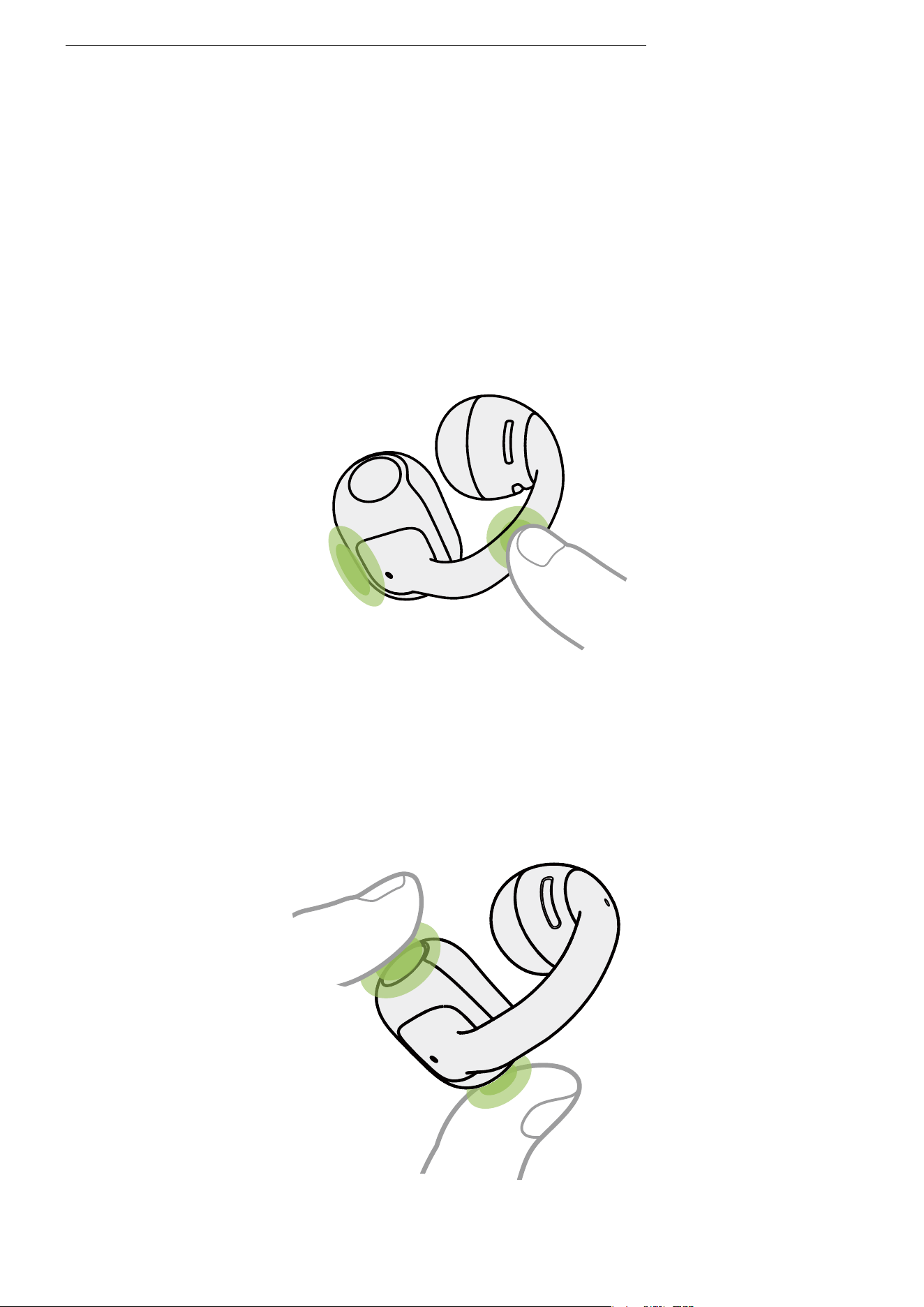
Tap any area of the JointArc or battery compartment with
one finger.
Single-finger tap
Gently pinch both ends of the battery compartment with two
fingers simultaneously.
Two-finger pinch
��
Functions
R
L
Actions
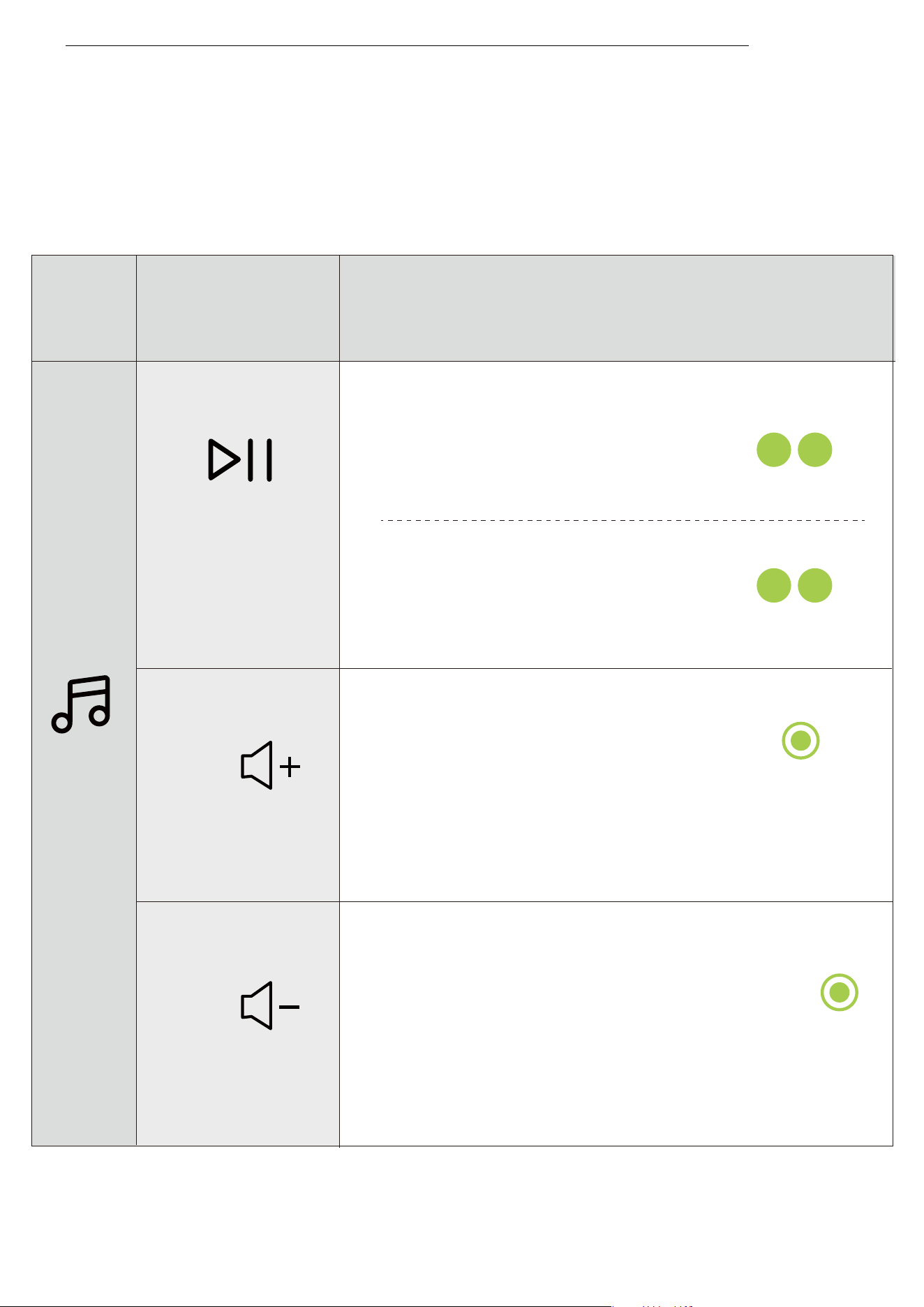
·Single-finger tap 2 times.
·Two-finger pinch 2 times.
·Two-finger pinch and hold
right earbud for 2 seconds.
Play/Pause
·Two-finger pinch and hold left
earbud for 2 seconds.
Volume+
Volume -
Continuous volume + : Two-finger pinch and hold right
earbud for longer than 2 seconds while audio is playing.
Continuous volume — : Two-finger pinch and hold left
earbud for longer than 2 seconds while audio is playing.
Audio Control
Audio Control
��
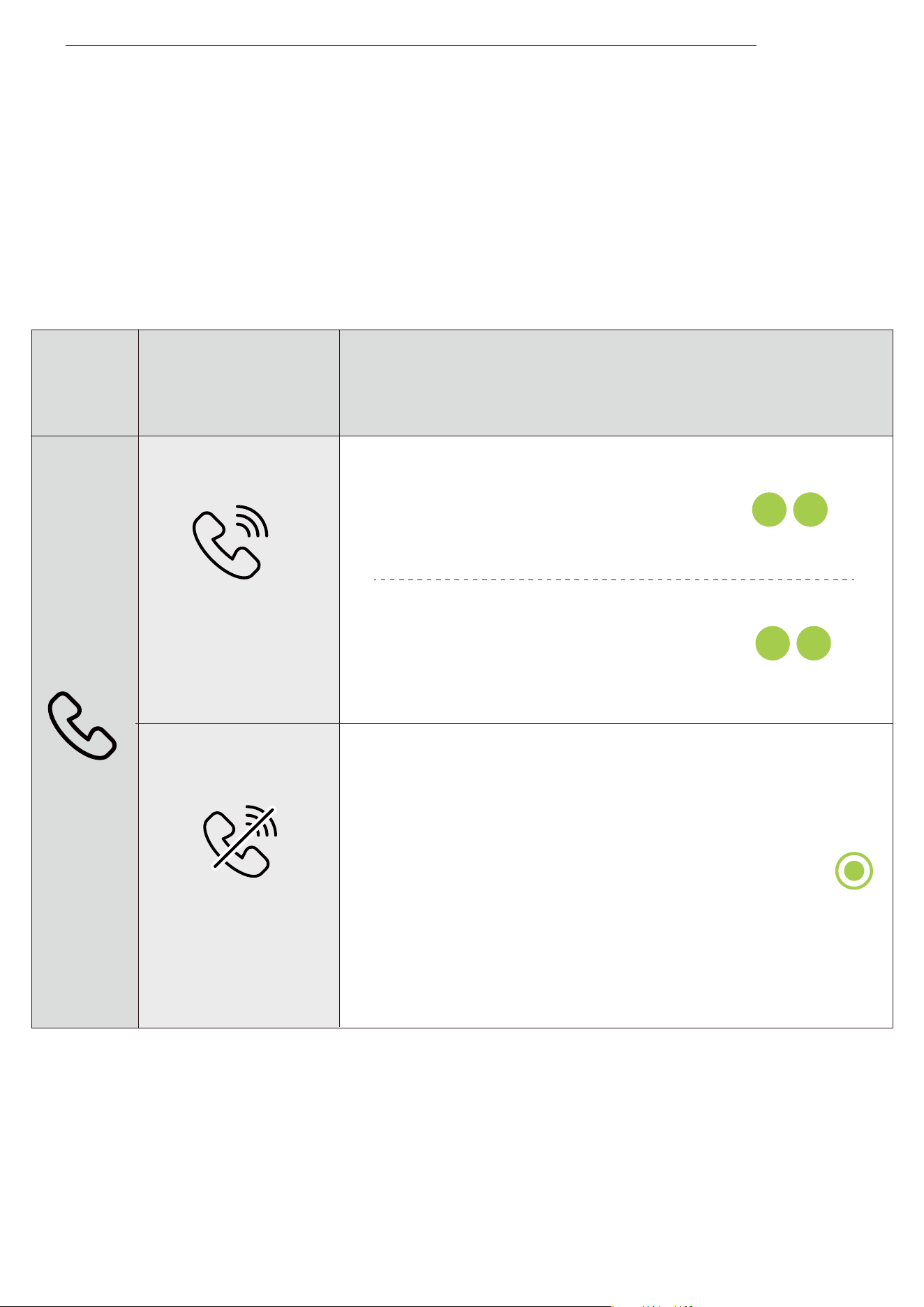
Call Control
·Two-finger pinch for 2 seconds.
·Single-finger tap 2 times.
·Two-finger pinch 2 times.
Answer/
Hang up
Reject a call
Functions
Actions
Call Control
��
Charging
��
Power On/Off, and
Standby Mode
Power On/Off, and Standby Mode
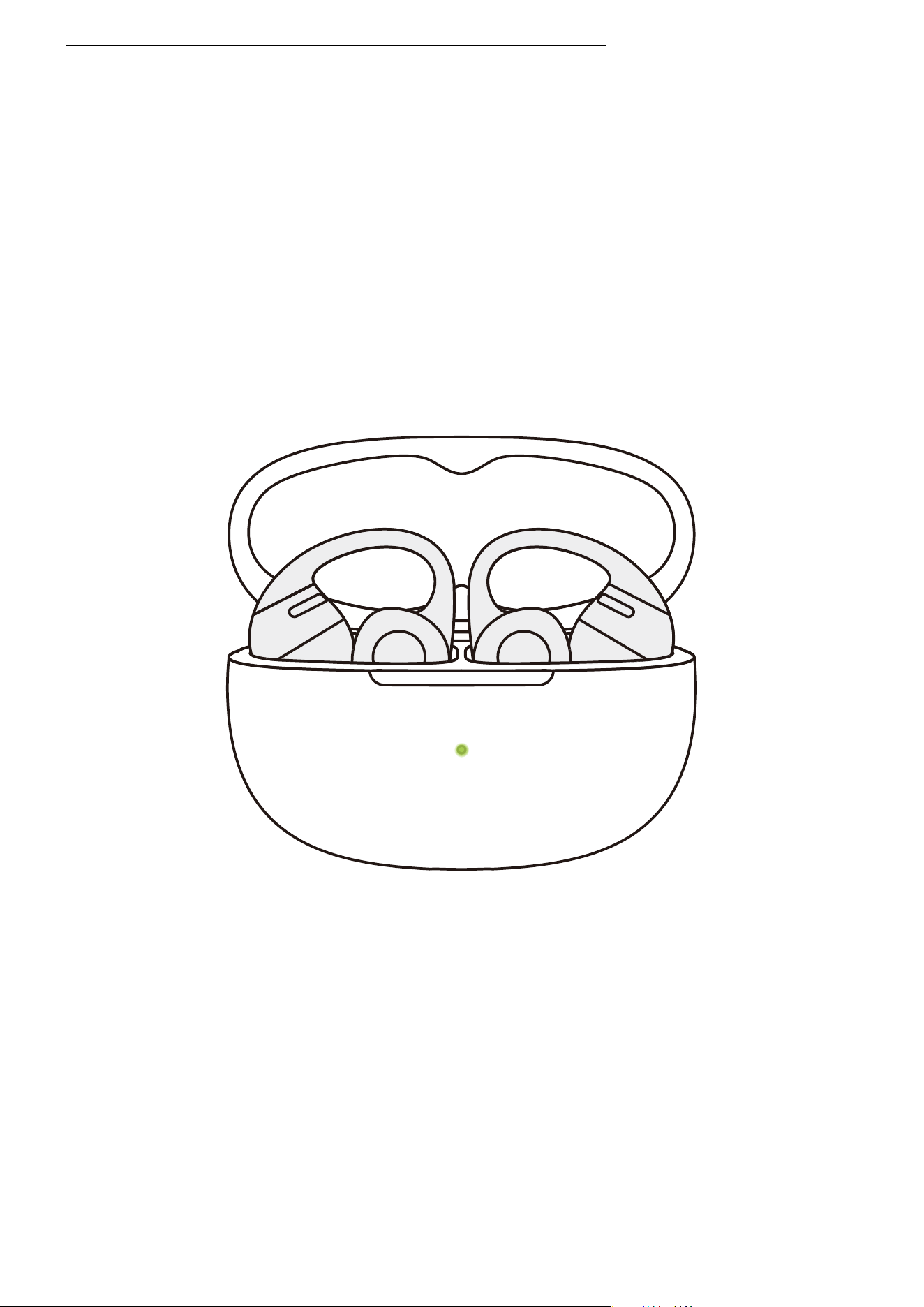
�. Power On
When the earbuds are inside the charging case, opening the
case will automatically power them on, and the case indica-
tor light will turn on.
*Note: After removing the earbuds from the case, closing the
charging case helps preserve battery life and prevents debris
from entering the case.
��
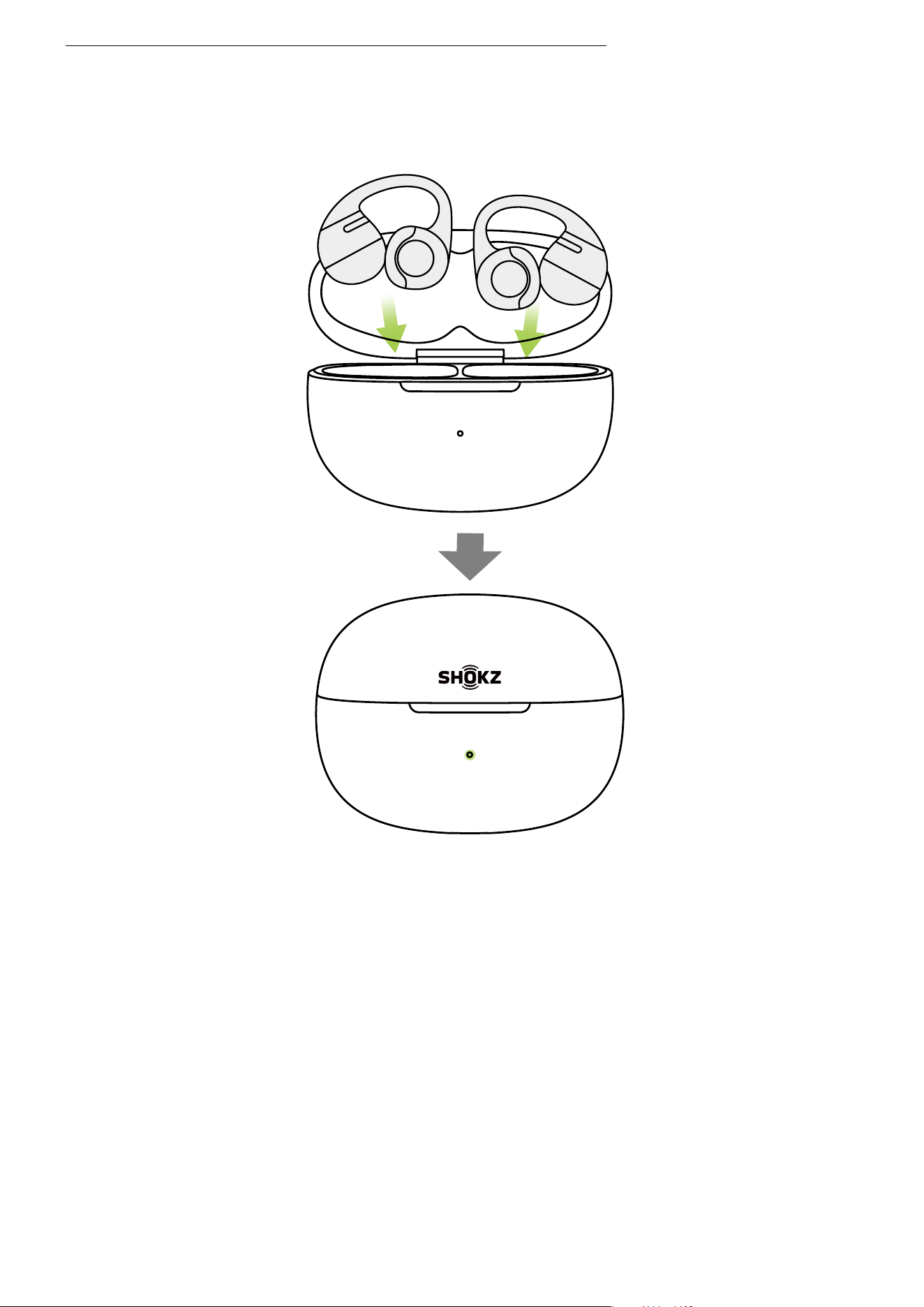
�. Power Off
Place both earbuds back into the charging case and close the
lid. The earbuds will automatically power off.
�. Standby Mode
If the earbuds are outside the charging case and remain un-
connected to a device for � minutes, they will switch to
standby mode to conserve battery power.
Power On/Off, and Standby Mode
��
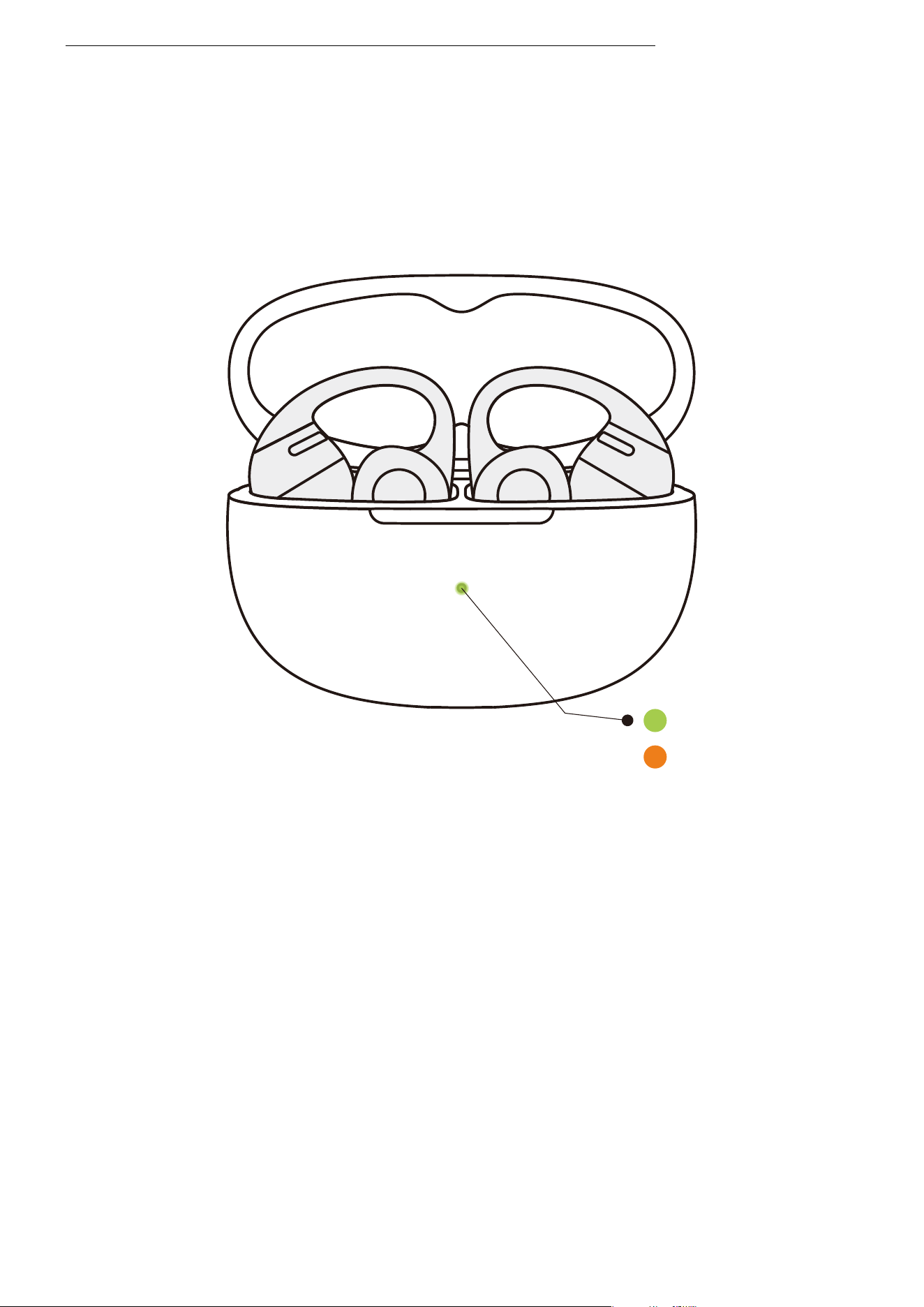
Place the earbuds into the charging case until they are
magnetically secured in place. The charging case indicator
light will turn on, and you can then close the case.
*Note:
�. The indicator light on the charging case shows the battery status
of the earbuds inside. A green light indicates a battery level higher
than ��%, while an orange light indicates a level lower than ��%. If
both earbuds are in the case, the light will display the battery level
of the earbud with the lower charge.
�. The earbuds will be fully charged after approximately �� minutes
in the case. Ensure the charging case has enough battery to charge
the earbuds.
Charging the Earbuds
Low battery level
High battery level
Charging the Earbuds
��
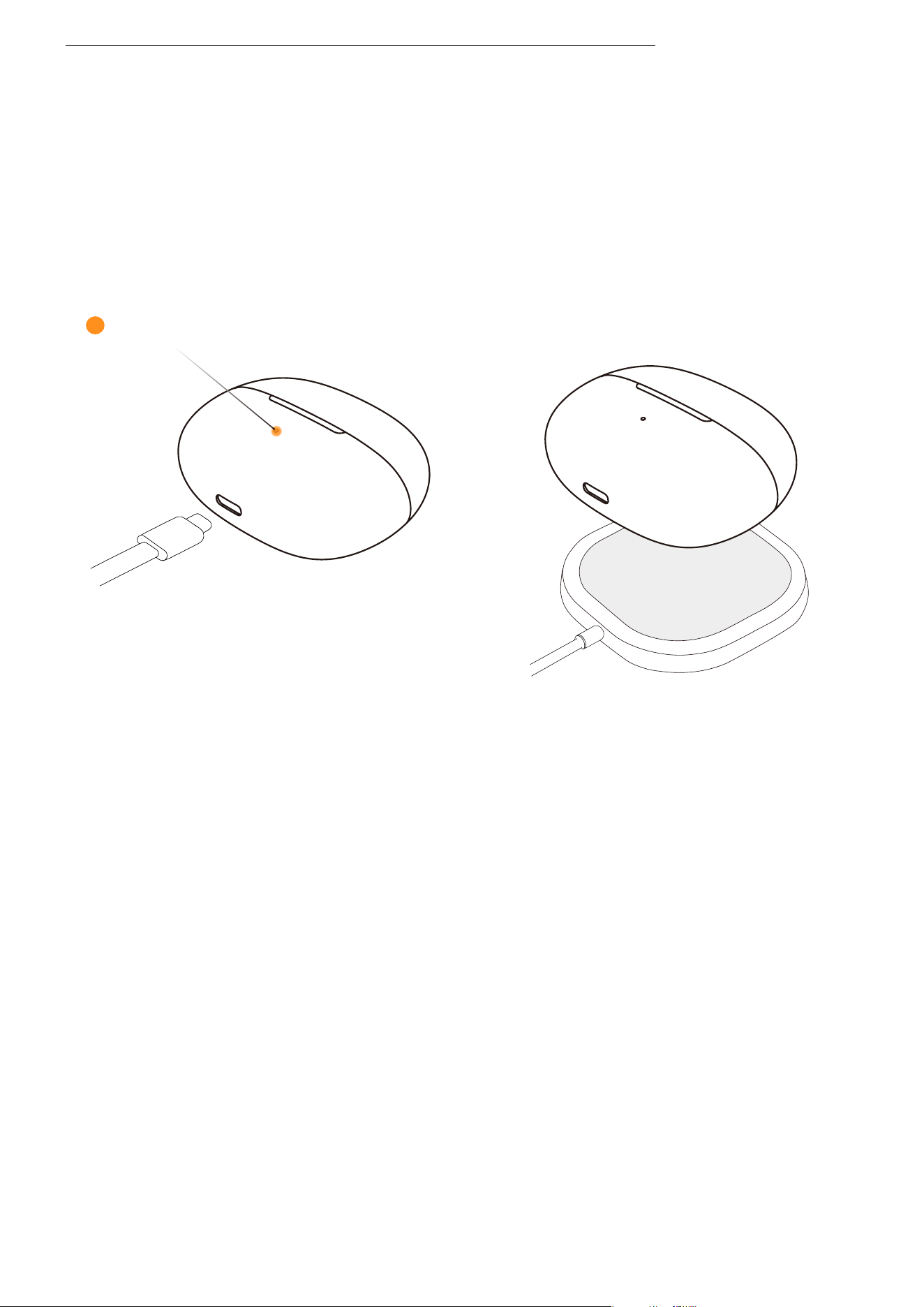
Charging the Charging
Case
Charging the Charging Case
Insert the provided USB-C to USB-C charging cable into the charging
case and connect it to a USB-C power source or certified wall char-
ger. Alternatively, place the charging case on a certified wireless
charger to charge it.
During charging, the orange light on the outside of the case will
remain on, indicating that the case is charging. When the light turns
green and remains on, the charging case is fully charged.
*Note:
�. When charging via cable, it takes approximately � hours to fully charge the case. The
charging case uses a standard �V±�% USB voltage. It is not recommended to use a
power source with a higher voltage for charging the case. Using third-party charging
cables may extend the charging time. Before charging, ensure the charging port is dry
and free from sweat or other liquids. If there is liquid in the port, wipe it clean with a
soft, dry cloth.
�. When charging wirelessly, the case fully charges in approximately � hours. If the case
has a silicone protective cover, wireless charging may take longer. Before charging,
ensure the case is positioned in the center of the wireless charger. If the case is not
aligned properly, charging may fail.
Orange light on the charging case
��
Charging Case
Indicator
��
Charging Case Indicator
Charging Case Indicator
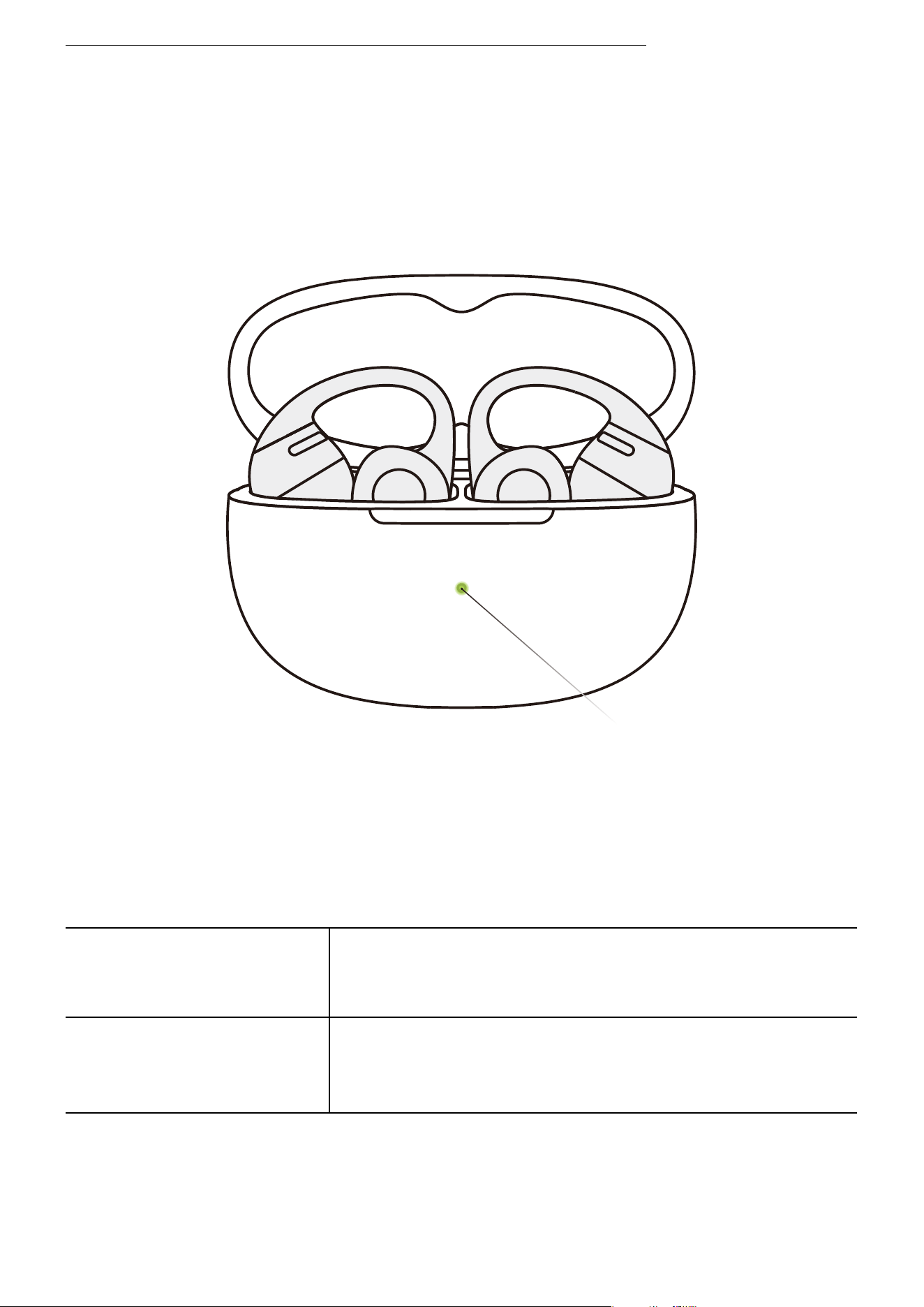
�. Battery Status of Earbuds in the Charging Case
When the earbuds are in the charging case, the indicator
light shows the battery status of the earbuds:
*Note: If both earbuds are in the case, the indicator light will display the battery
level of the earbud with the lower charge.
Battery below ��%
Battery above ��%
Open the charging case, and the orange light will
remain on for � seconds before turning off.
Open the charging case, and the green light will
remain on for � seconds before turning off.
Charging Case Indicator LED
��
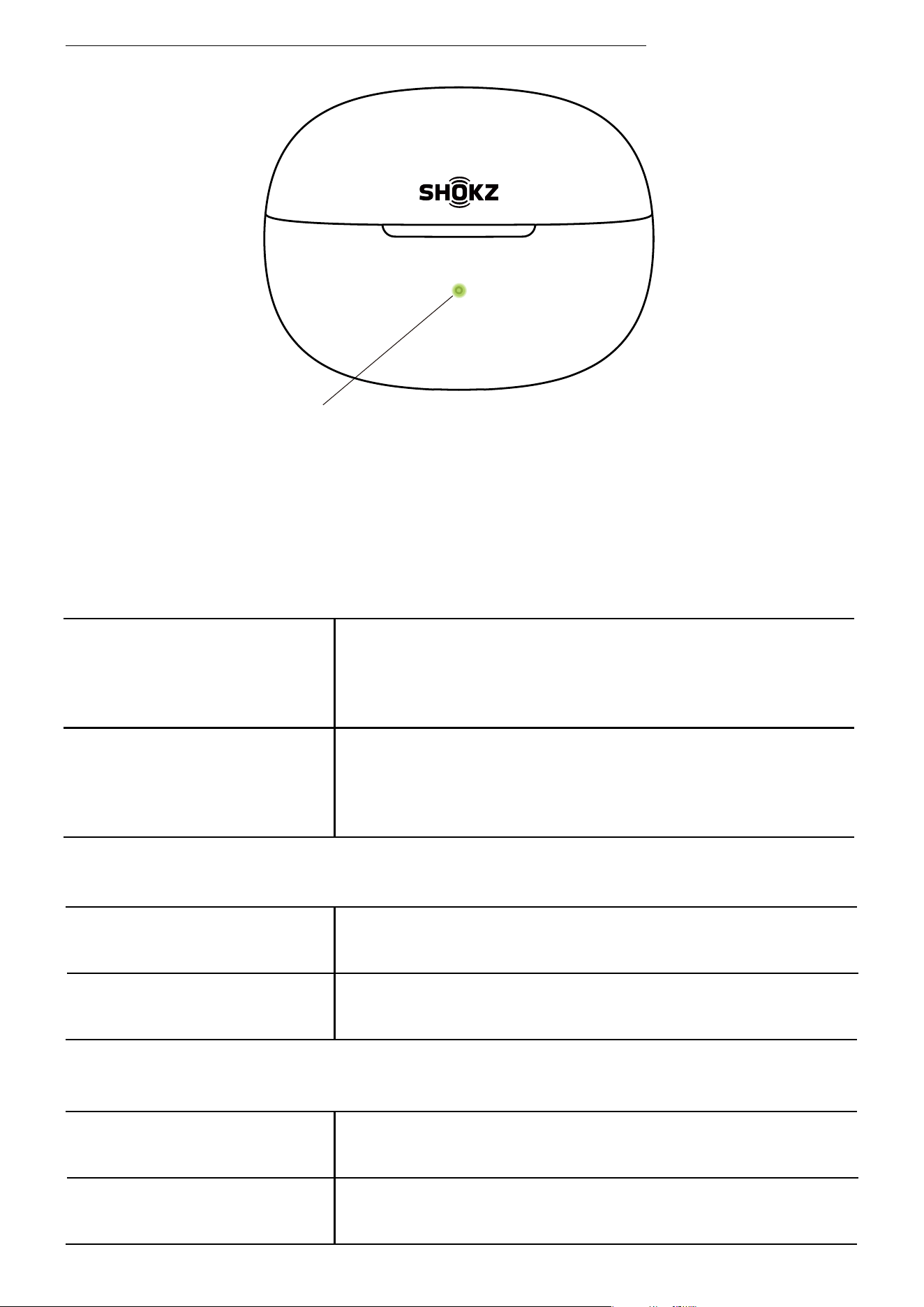
�. Connected to External Power Source
Charging Complete
Charging
The green light remains on.
The orange light remains on.
�. Other
Reset to Factory
Settings
Pairing
The orange light flashes for � seconds before
turning off.
The orange and green lights flash alternately.
�. Both Earbuds Outside the Charging Case, Not Connected to Ex-
ternal Power
When both earbuds are outside the charging case and not connect-
ed to an external power source, the indicator light shows the bat-
tery status of the charging case:
Battery above ��%
Battery below ��%
When opening/closing the charging case or press-
ing the case button, the green light will remain on
for � seconds before turning off.
When opening/closing the charging case or press-
ing the case button, the orange light will remain
on for � seconds before turning off.
Charging Case Indicator LED
Charging Case Indicator
��

Other Shokz
App Functions
��
Dolby Audio
Dolby Audio
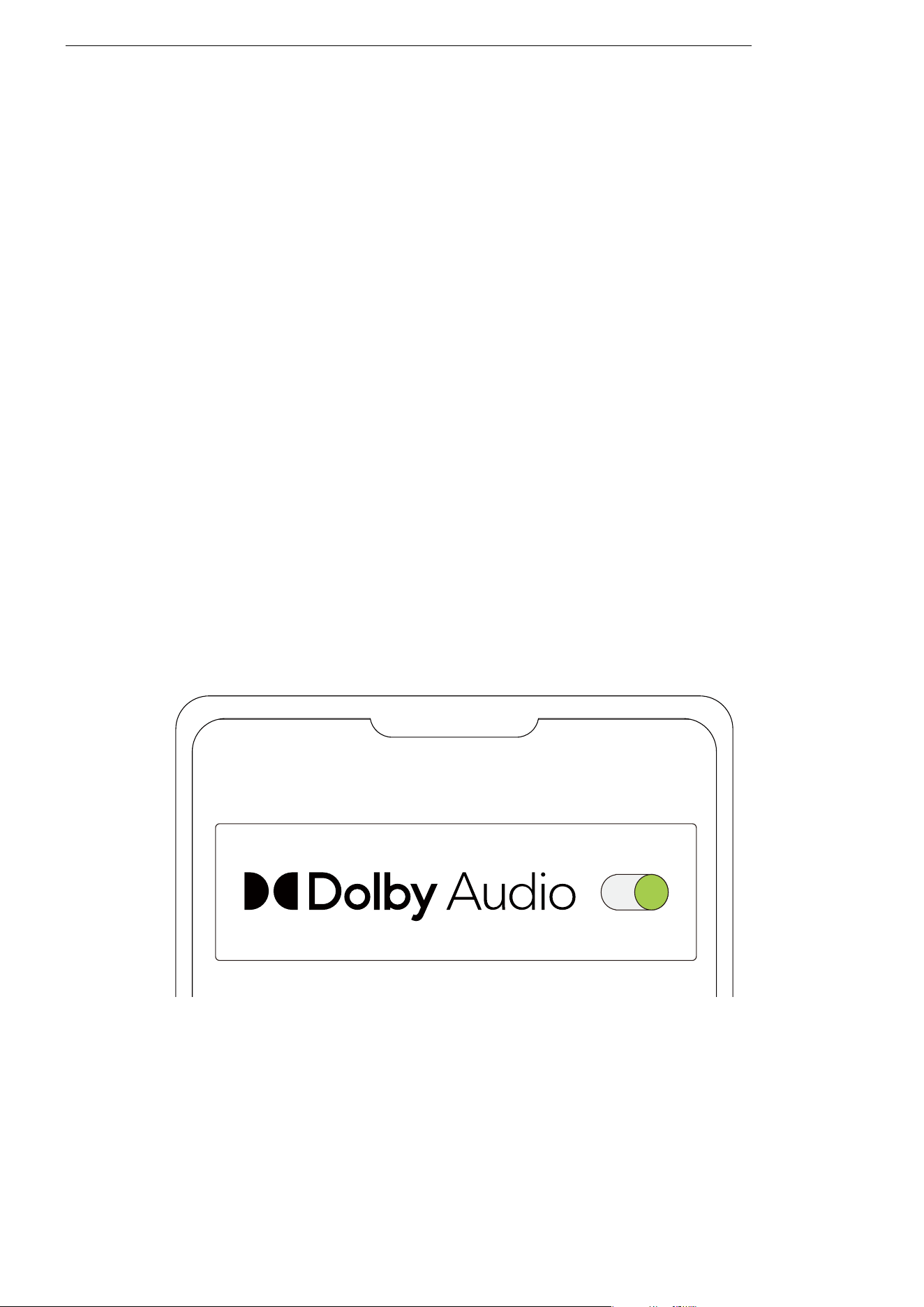
�. Dolby Audio enhances the sound experience, making it
more realistic and immersive. You can turn Dolby Audio on or
off in the Shokz App.
�. Before using, ensure that your earbuds are successfully
connected to your phone, then open the Shokz App.
�. Use the Dolby Audio toggle to turn Dolby Audio on or off.
OpenDots ONE
��
EQ Adjustments
EQ Adjustments
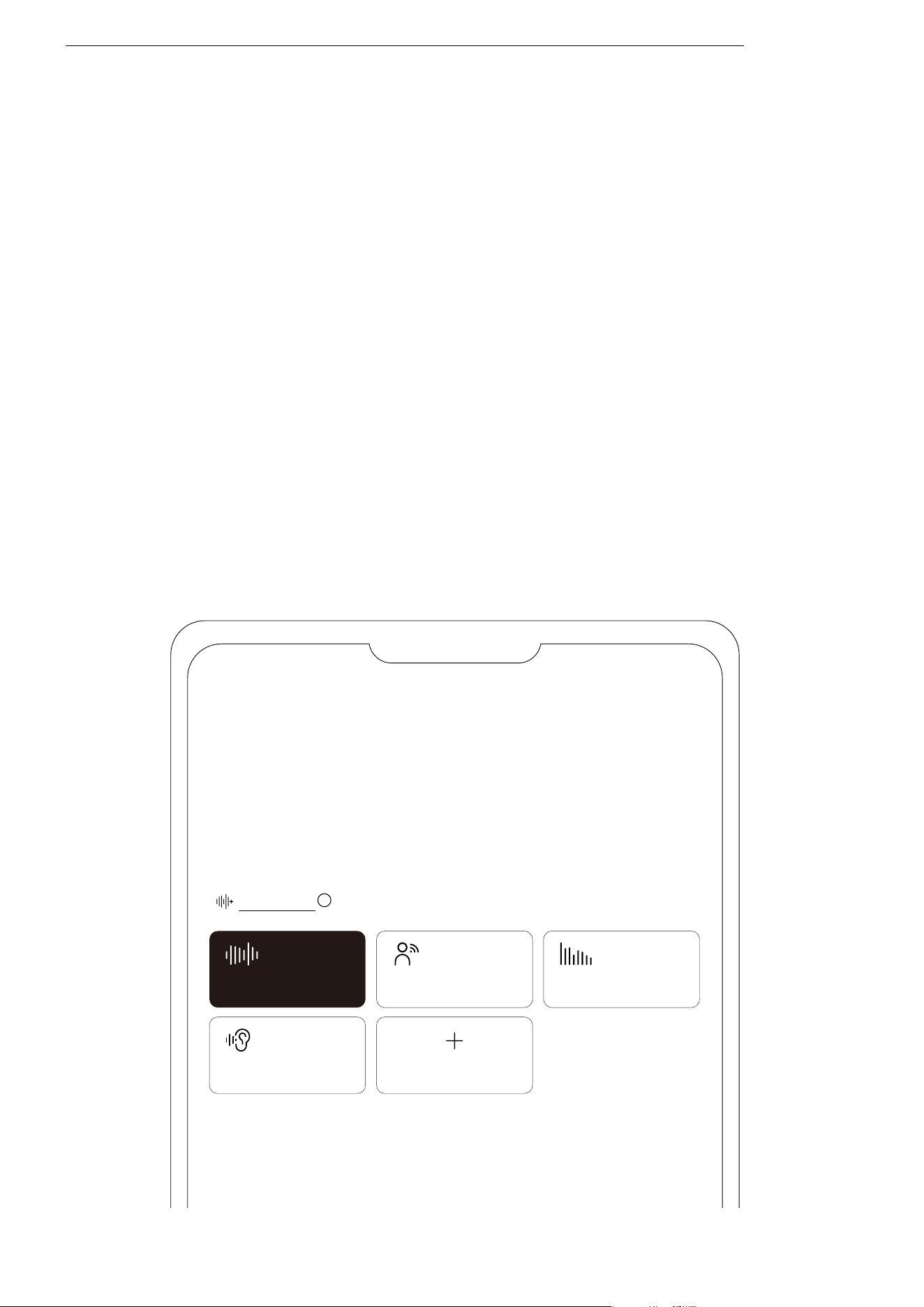
�. You can select different sound profiles or customize your
own in the Shokz App.
�. The Shokz App includes � preset sound modes: Standard,
Vocal, Bass, and Private. You can check the specific effects of
each mode in the app.
�. Before using, ensure that your earbuds are successfully con-
nected to your phone, then open the Shokz App.
�. In the sound profile options, select a preset mode to adjust.
To create a customized listening experience, tap “Customize”
to freely personalize the sound profile.
OPENDOTS ONE
Standard
EQ Modes
Vocal Bass
Private Customize
i
��
MultiPoint Pairing
MultiPoint Pairing
OPENDOTS ONE
MultiPoint Pairing
Off
Before starting, please ensure that the Shokz App is updated to
the latest version in the app store, and that your earbud firm-
ware is upgraded to the latest version. Make sure Bluetooth is
enabled on your devices.
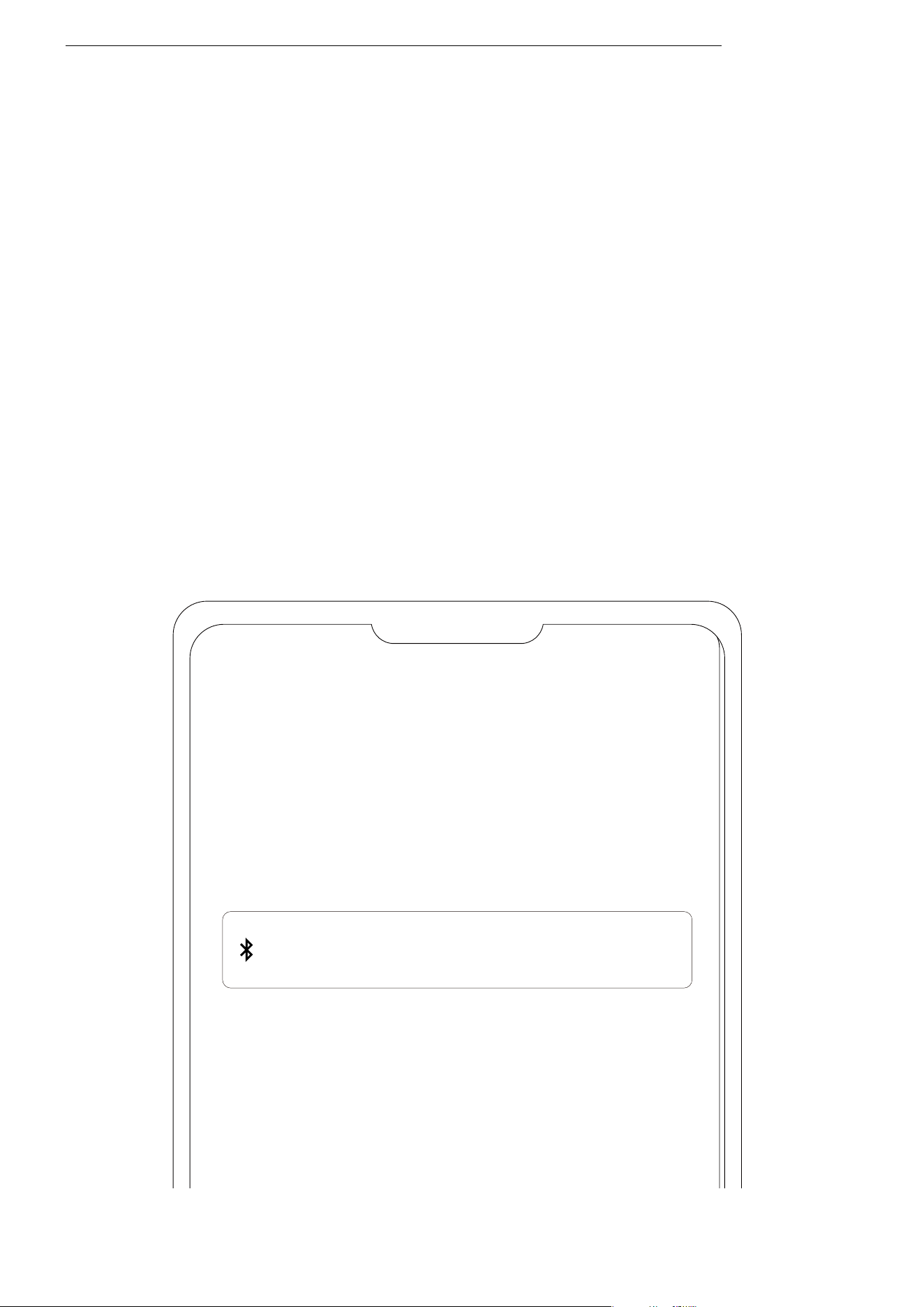
�. First, connect your earbuds to your phone, then select
“MultiPoint Pairing” in the Shokz App.
��
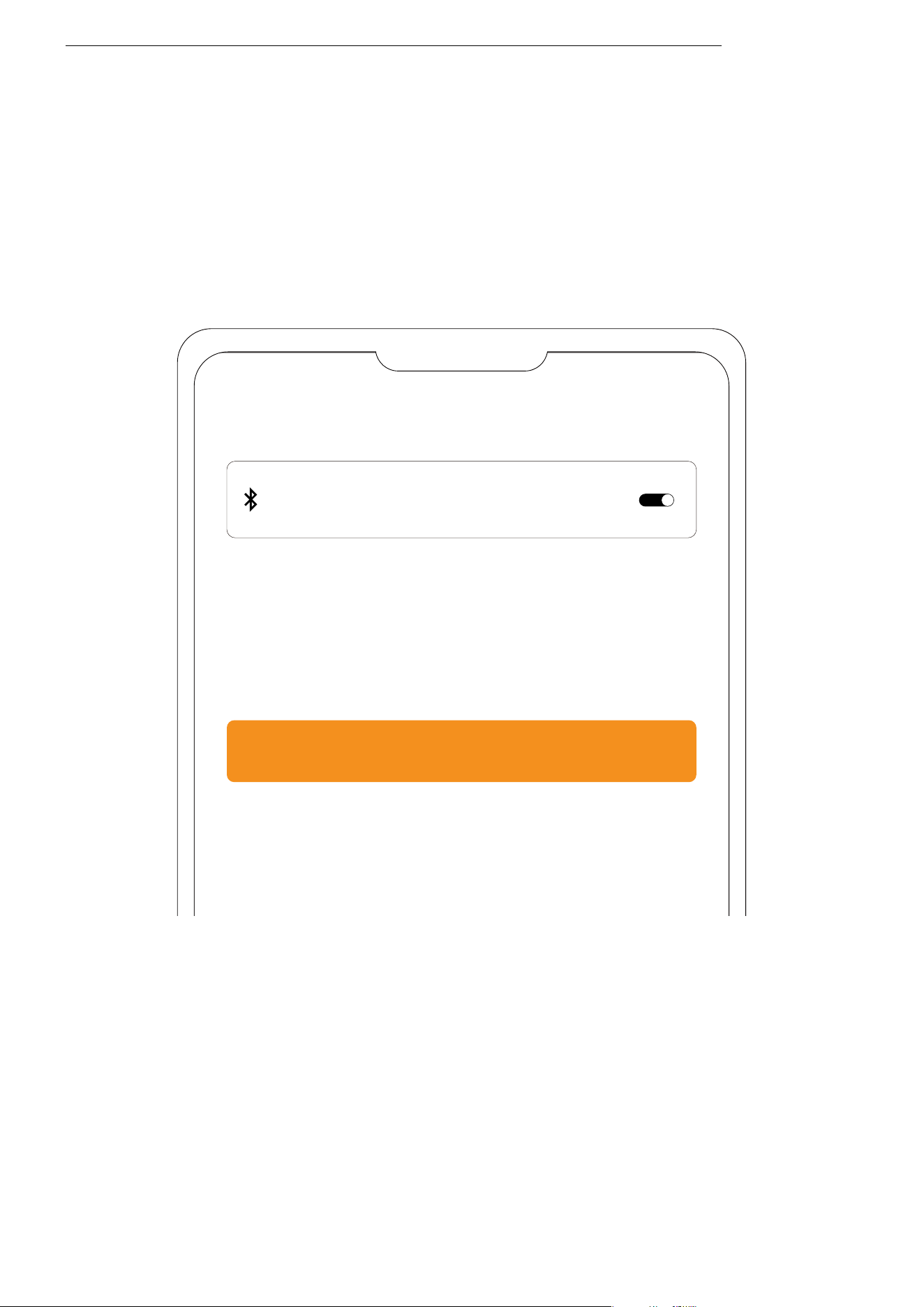
�. On the pop-up page, confirm that the MultiPoint Pairing
feature is enabled.
�. Select “Connect to the Second Device” and follow the in-
structions to connect to the second device.
�. Your earbuds are now connected to two devices, and you
can easily manage their Bluetooth connections through the
Shokz App.
MultiPoint Pairing
MultiPoint Pairing
Connect to the Second Device
MultiPoint Pairing
��
Interchangeable Left/Right
Earbud
Interchangeable Left/Right Earbud
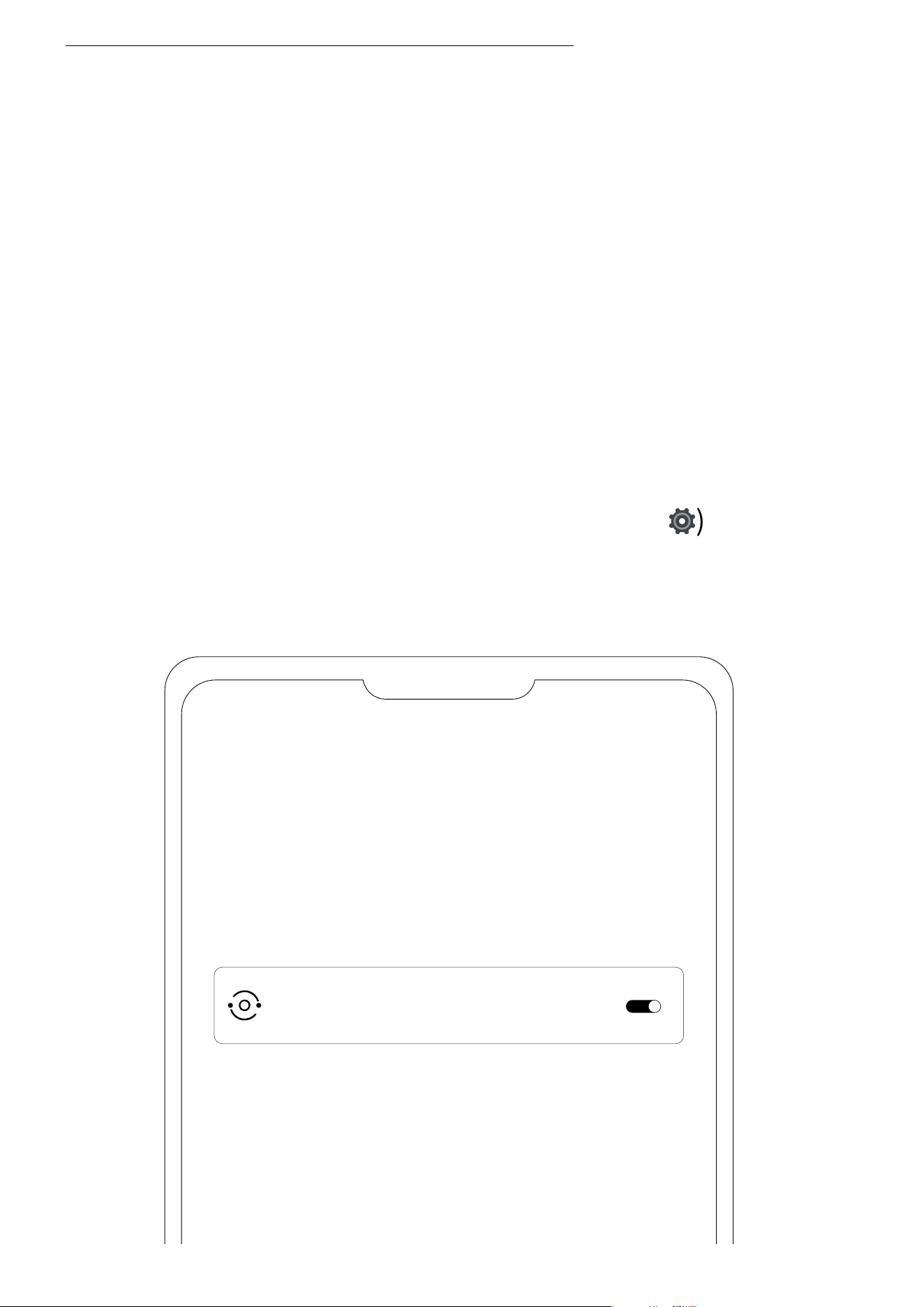
�. The earbuds do not require a specific left or right orienta-
tion. Once worn, the earbuds can automatically detect the fit
and adapt to the left and right channels. You can enable or
disable this feature in the Shokz App.
�. Before using, ensure that your earbuds are successfully
connected to your phone, then open the Shokz App.
�. After opening the app, tap the settings icon (
⚙
) in the
top-right corner, then select "Settings" > "Interchangeable
Left/Right Earbuds" to toggle this feature on or off.
Settings
Interchangeable Left/Right Earbuds
��
Wear Detection
Wear Detection
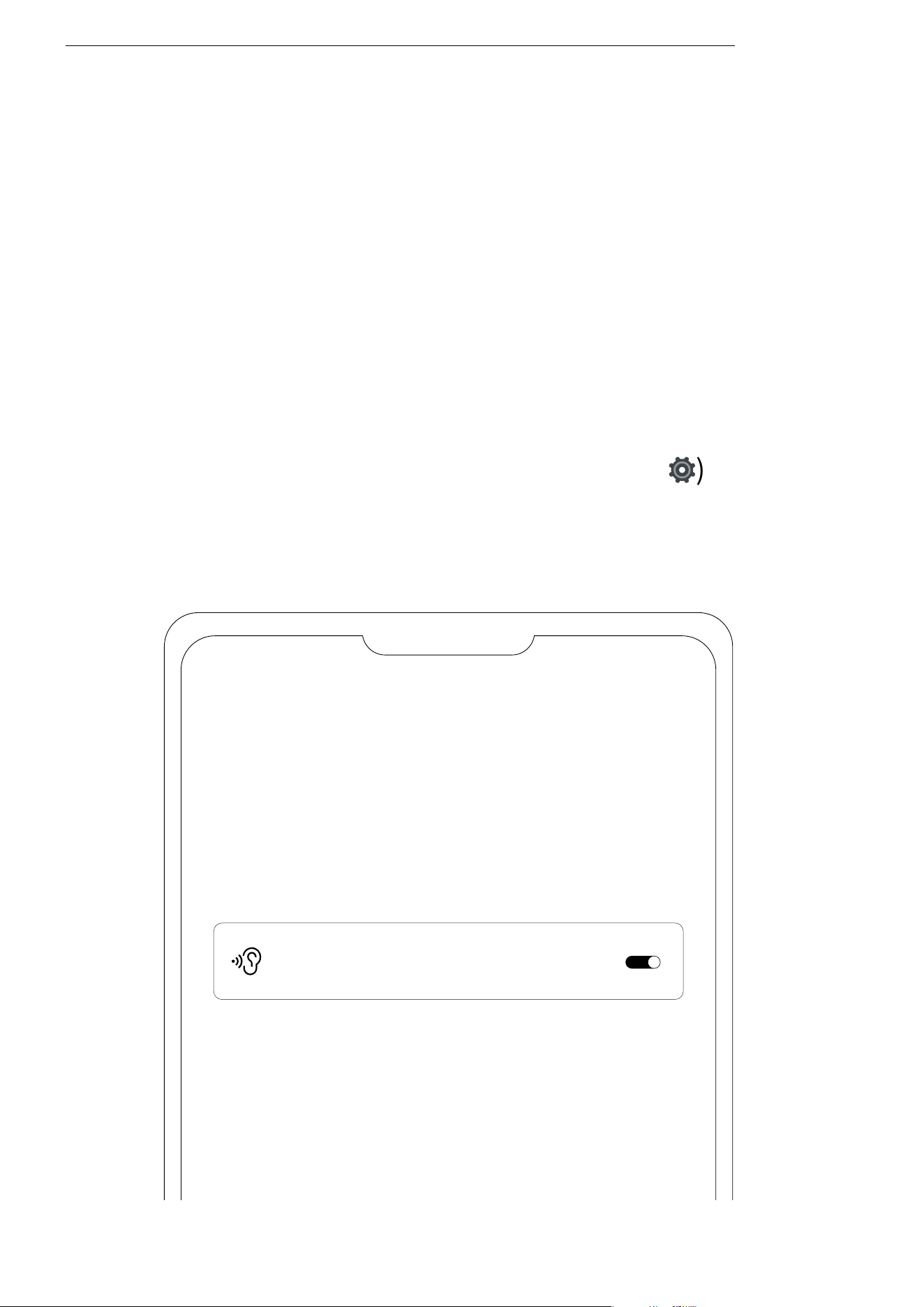
�. The earbuds can automatically detect whether they are
being worn and will play or pause audio accordingly. You can
enable or disable this wear detection feature in the Shokz
App.
�. Before using, ensure that your earbuds are successfully
connected to your phone, then open the Shokz App.
�. After opening the app, tap the settings icon (
⚙
) in the
top-right corner, then select "Settings" > "Smart Wear Detec-
tion" to toggle this feature on or off.
Settings
Smart Wear Detection
��
Adjusting the Volume of
the Prompt Sounds
Adjusting the Volume of the Prompt Sounds
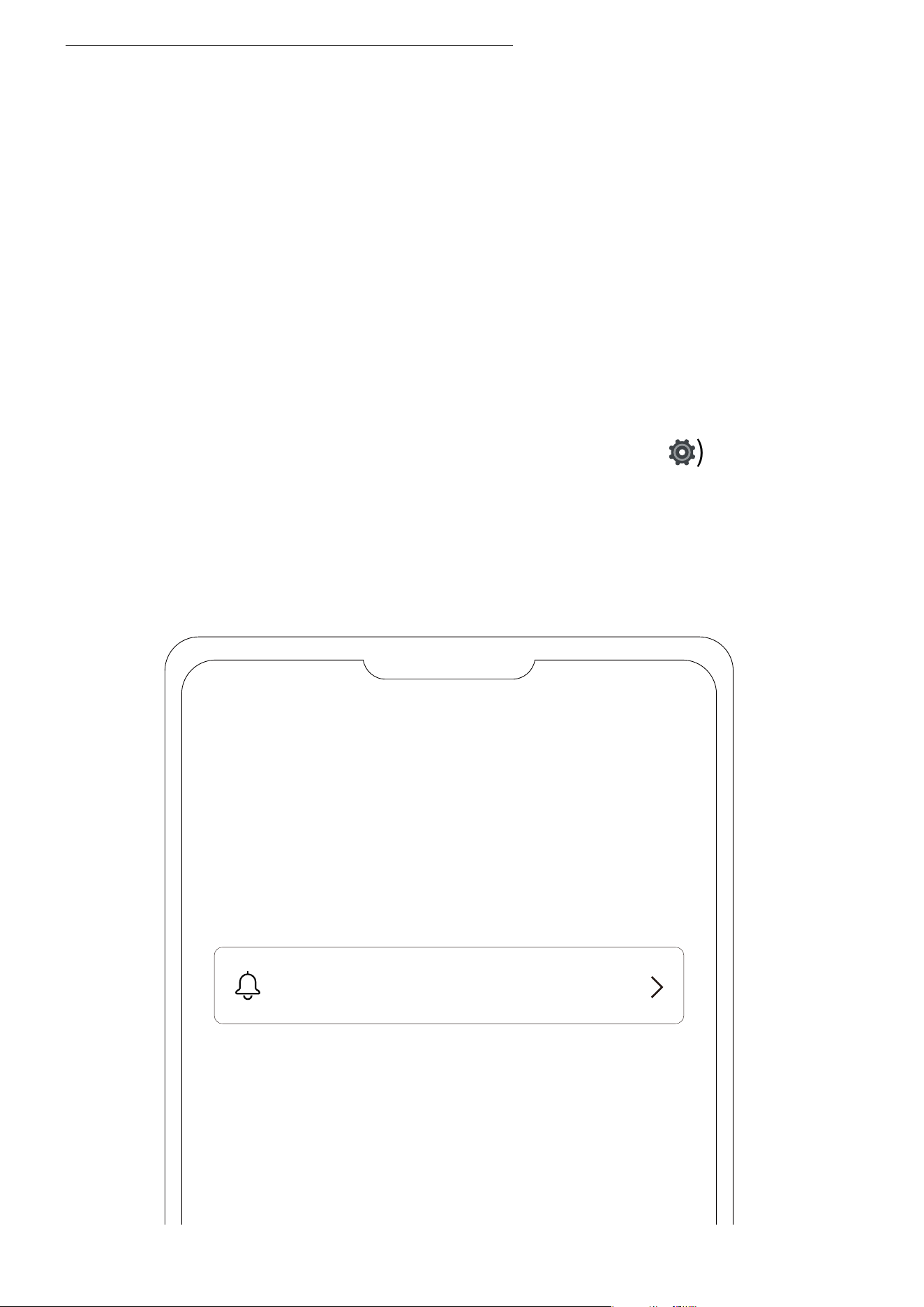
�. The volume of the prompt sounds can be adjusted in the
Shokz App.
�. Before using, ensure that your earbuds are successfully
connected to your phone, then open the Shokz App.
�. After opening the app, tap the settings icon (
⚙
) in the
top-right corner, then select "Settings" > "Prompt Settings"
to adjust the volume to low, medium, or high.
Settings
Prompt Settings
��
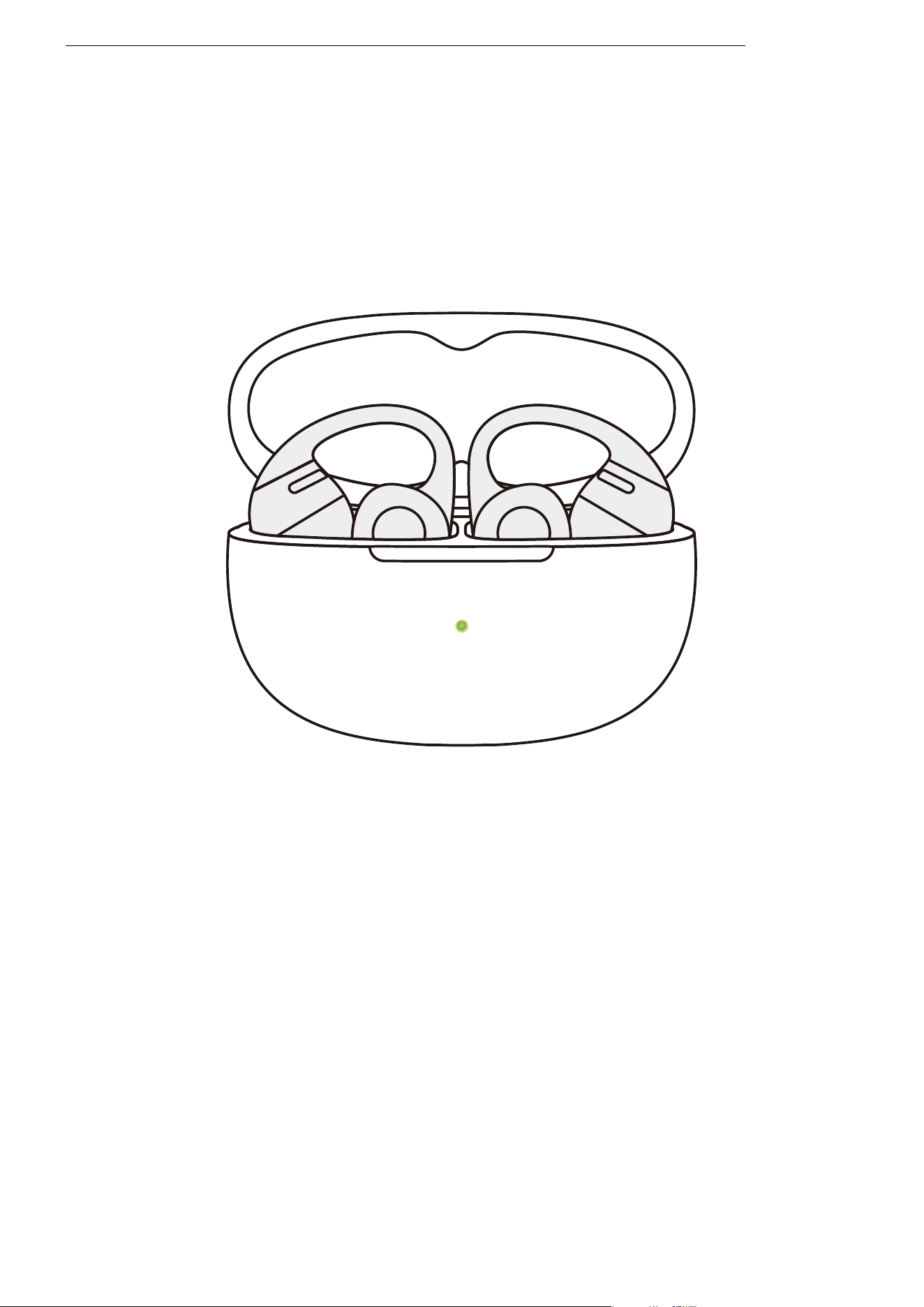
Auto Reconnect
�. After powering on, the earbuds will automatically attempt to
connect to the most recently connected device. A prompt
sound will indicate a successful connection.
�. If the earbuds are disconnected from the device due to dis-
tance, and return within connection range (��m) within � min-
utes, they will automatically reconnect to the last paired device.
A prompt sound will indicate a successful connection.
�. These devices must be within range (��m) and powered on.
Please ensure your mobile device has Bluetooth enabled.
Auto Reconnect
��
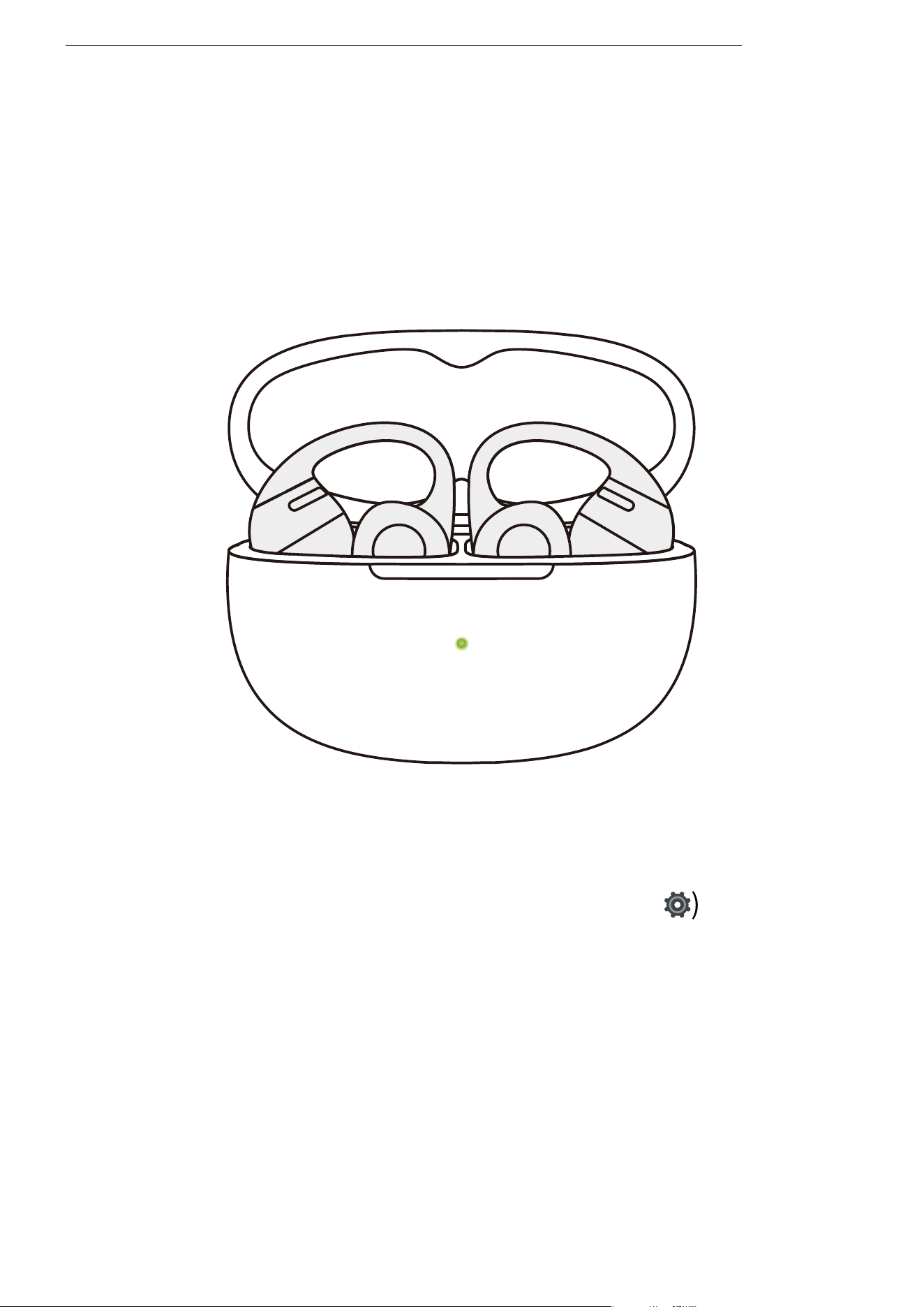
�. Before using, ensure that your earbuds are successfully
connected to your phone, then open the Shokz App.
�. After opening the app, tap the settings icon (
⚙
) in the
top-right corner, then select "Settings" > "Find My Earbuds".
�. On the pop-up page, select the earbud you want to locate.
�. Select "Ring Left Ear" / "Ring Right Ear" to make the earbud
emit a continuous ringing sound.
*Note: Do not use the ringing function while wearing the earbuds.
Find My Earbuds
Find My Earbuds
��
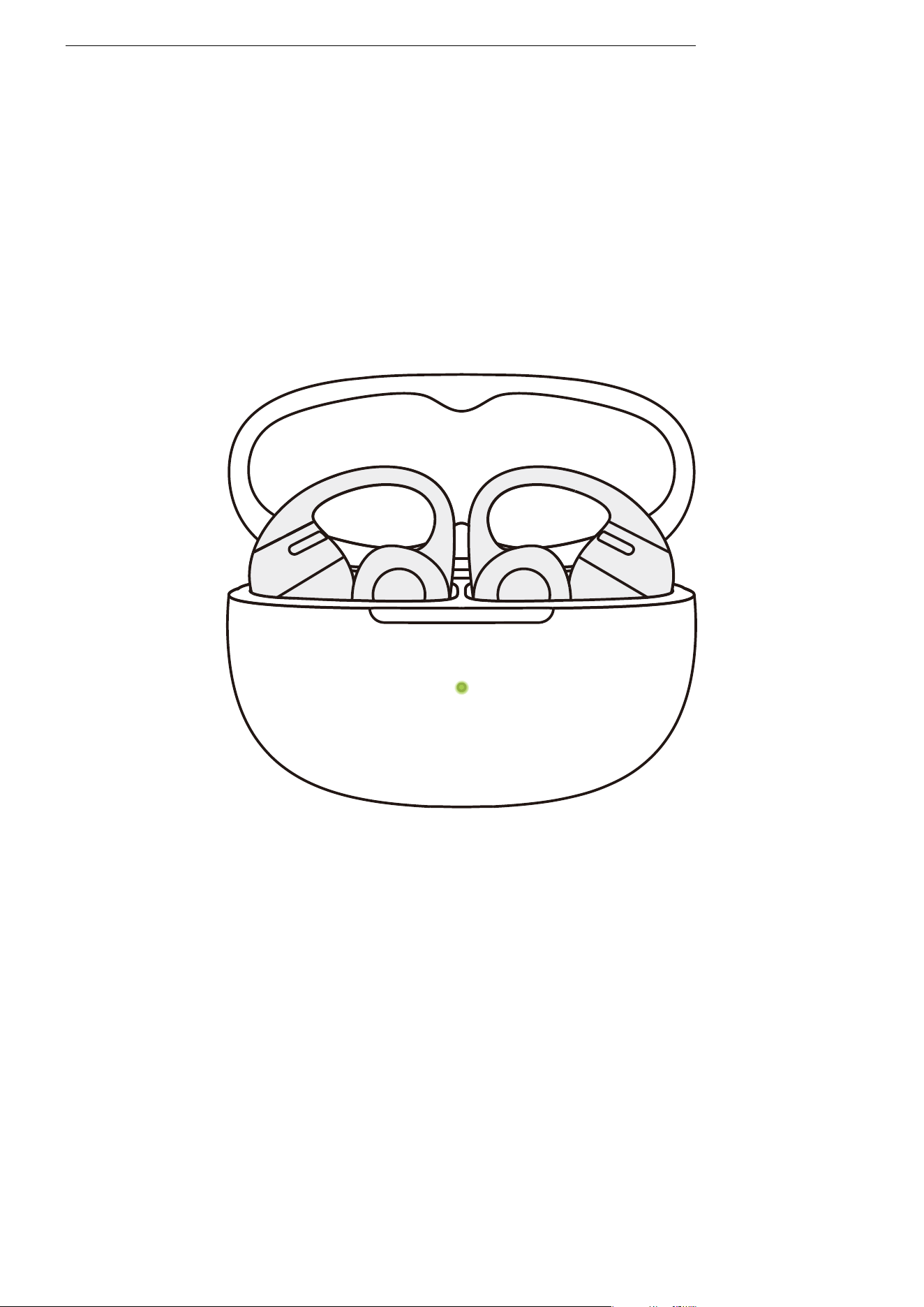
�. Resetting the earbuds will erase the paired device list and
restore all settings to their defaults.
�. Place both earbuds into the charging case.
�. Press and hold the charging case function button for ��
seconds. When the orange light inside the case flashes for �
seconds and then turns off, the reset is complete.
�. Once the indicator light flashes orange and green, the ear-
buds are ready to pair and use.
Resetting the Earbuds
Resetting the Earbuds
��

Cleaning &
Maintenance
��

Cleaning
Cleaning
�. Cleaning the Earbuds
It is recommended to use a soft, clean, dry cloth to wipe the
earbuds. When cleaning the earbud mesh, use a clean, dry
cotton swab to gently remove any dirt and earwax from the
mesh, then wipe it clean with a soft cloth.
*Note:
�. Stop using the earbuds and disconnect them from all devices before
cleaning and maintenance.
�. This product is not waterproof; do not rinse the earbuds directly with
water or use ultrasonic cleaning.
�. Avoid allowing liquids to enter any openings of the earbuds.
�. To avoid damaging, warping, or discoloring the earbuds, do not use
abrasive cleaners, sprays, high-concentration cleaners, chemical cleaning
liquids, alcohol, or acetone-based solvents. Do not use any sharp or abra-
sive objects to clean the earbuds.
�. Cleaning the Charging Case
It is recommended to use a soft, clean, dry cloth to wipe the
charging case. Use a clean, dry soft-bristled brush to remove
any debris from the charging port. Use a clean, dry cotton
swab to gently clean the charging contacts inside the case.
*Note:
�. Disconnect the charging case from the charging cable before cleaning
and maintenance.
�. Do not use abrasive objects to clean the charging case.
��
IP Rating
IP Rating
*Note:
�. The IP�� dust and water resistance is only applicable to the earbud body,
not the charging case.
�. The splash-resistant feature is not permanent and may degrade over time
due to wear and tear from regular use.
�. Do not immerse the product in water or expose it to prolonged moisture,
or wear it during water activities such as swimming, water skiing, or surfing.
�. If the product or its accessories come into contact with water, please wipe
them off as soon as possible and place them in a well-ventilated, cool area to
dry. Do not use or charge the product before it is completely dry.
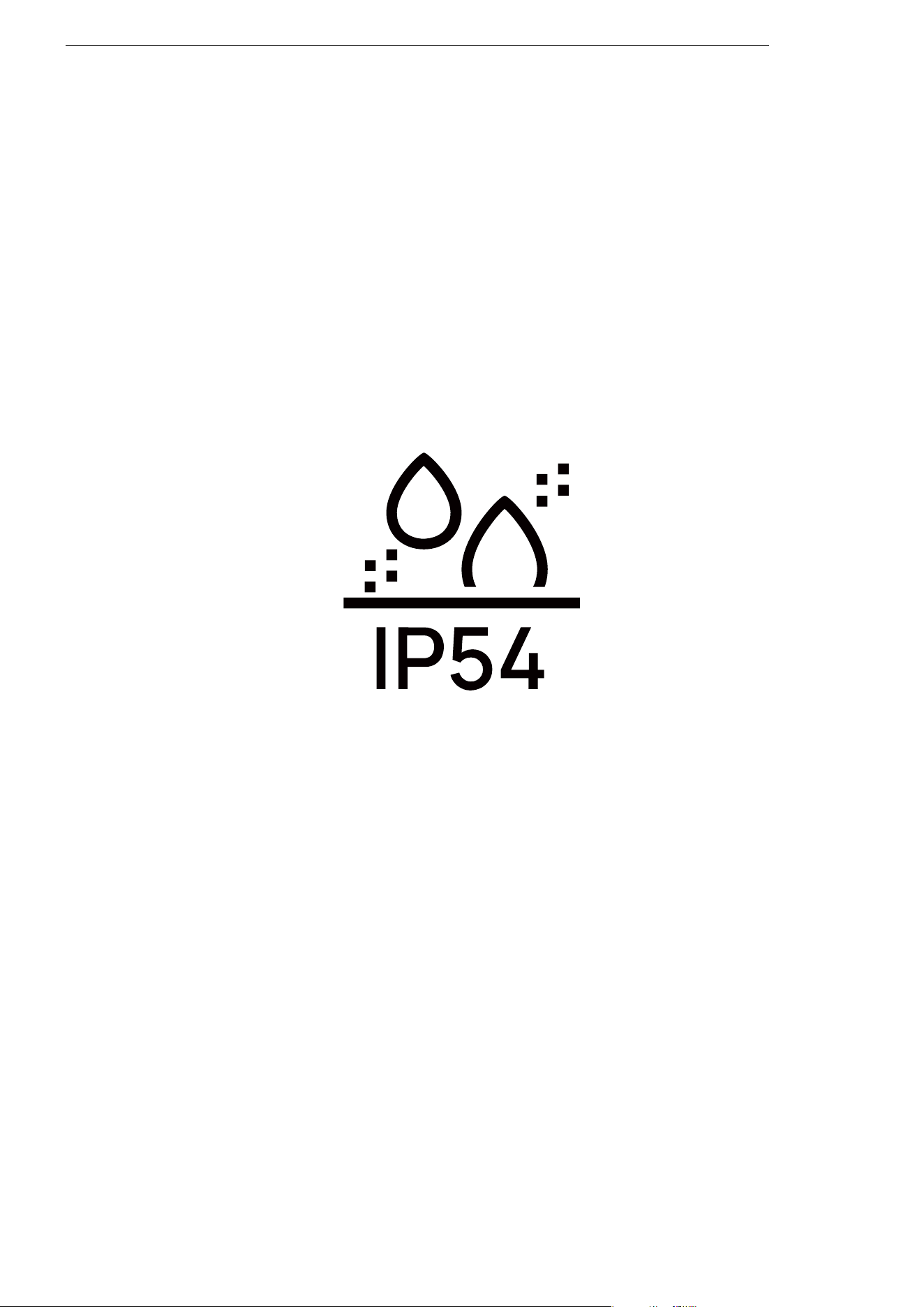
Under controlled laboratory conditions, the earbud part of
this product has been tested for splash resistance, meeting
the IP�� level under the IEC ����� standard.
��

Interchangeable Left/Right
Earbud
Storage and Maintenance
Storage and Maintenance
�. Store the product in a cool, dry place. Operating temperature:
�°C to ��°C.
�. Keep the product away from heat sources, flammable gases, and
corrosive liquids. Avoid prolonged exposure to direct sunlight or
high-temperature environments.
�. Stop using the product immediately if any part is damaged,
emits smoke, becomes excessively hot, or produces a burning
smell.
�. The earbuds are rated IP�� for dust and splash resistance, suit-
able for non-water sports and workouts. They are not fully water-
proof. Do not submerge the earbuds in water. The IP�� protection
level may degrade over time with normal wear and tear.
�. The charging case is not waterproof. Avoid exposing it to any
liquid.
�. Use a soft, dry cloth to clean the earbuds.
�. If the product is stored for an extended period, charge it fully
before using it again.
��

Legal and Regulatory
Information
��

Legal and Regulatory
Information
Legal and Regulatory Information
Hearing Protection
Listening to music at high volumes may cause hearing damage and sound
distortion. Please listen responsibly.
Battery Safety
Caution
�. Replacing the battery with an incorrect type may compromise safety.
�. Do not throw the battery into fire, place it in a heated oven, or subject it
to mechanical crushing or cutting, as this may cause an explosion.
�. Exposure to extremely high temperatures may result in explosion or
leakage of flammable liquid or gas.
�. Subjecting the battery to extremely low air pressure may cause an
explosion or leakage of flammable liquid or gas.
�. If the battery becomes significantly swollen, stop using it immediately.
Charging
�. Ensure the earbuds are completely dry before placing them in the
charging case, and keep the charging port dry before charging.
�. Only use power adapters approved by relevant authorities and compli-
ant with local regulations (e.g., UL, CSA, VDE, CCC).
Driving Hazard
�. In some countries or regions, using this product while driving or cycling
may violate local regulations. Please check and comply with traffic laws
and regulations in your area or consult local authorities.
��

Skin Irritation
�. A small number of people may experience sensitivity to certain materials.
Exposure to specific environments or prolonged contact with substances
such as soap, sweat, sunscreen, or lotion may cause skin irritation or allergic
reactions.
�. To reduce the risk of skin irritation, avoid wearing the product on injured
skin.
�. If you experience redness, swelling, itching, or any other skin reaction,
stop wearing the product immediately and consult a doctor.
Electromagnetic Interference
�. Do not use this product in areas where the use of wireless devices is
prohibited or restricted (e.g., airports, medical facilities) to avoid interfer-
ing with other electronic equipment or causing potential hazards.
�. Certain electronic devices may malfunction due to radio interference
from this product (e.g., some automotive electronic systems). Please con-
sult the device manufacturer for specific details.
�. The radio waves generated by this product may affect the operation of
certain medical devices such as pacemakers, defibrillators, cochlear im-
plants, and hearing aids. If you use such medical devices, consult your
physician and the device manufacturer for restrictions on using this prod-
uct, and maintain a safe distance between the product and the medical
equipment. If you suspect interference, stop using the product immediate-
ly.
Choking Hazard
�. Keep the earbuds and charging case out of reach of children and pets.
�. In case of accidental ingestion, seek immediate medical assistance.
Caution
Design and specifications are subject to change without notice.
For the latest company and product information, please visit
www.shokz.com
Legal and Regulatory Information
��

Manufacturer’s Statement
Warranty
Shokz provides a ��-month warranty for this product. For current warranty
terms, please visit our website at www.shokz.com or contact the seller
from whom you purchased the product.
Please comply with the specific regulations of your country before using
the product.
Legal and Regulatory Information
��

After-Sales Service
��
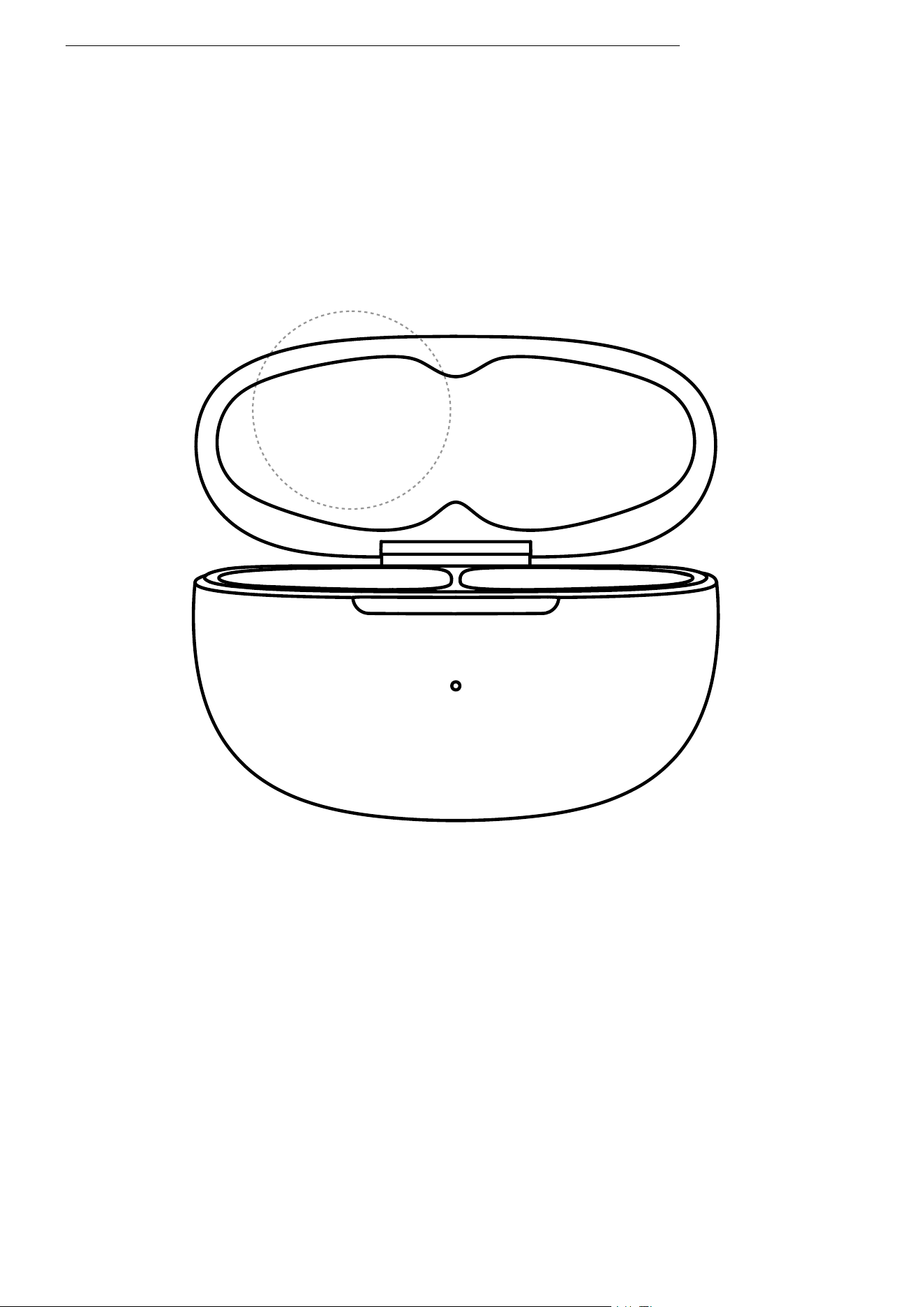
Serial Number Location
Serial Number Location
�. The product serial number is indicated on the barcode of
the packaging box and on the warranty card.
�. It is also printed on the inside of the charging case lid.
SN:E310123456789
��

Warranty
Warranty
Your earphones are covered by a warranty. Visit our
website at https://shokz.com/pages/warranty-return
for details of the limited warranty.
��