Instruction Manual
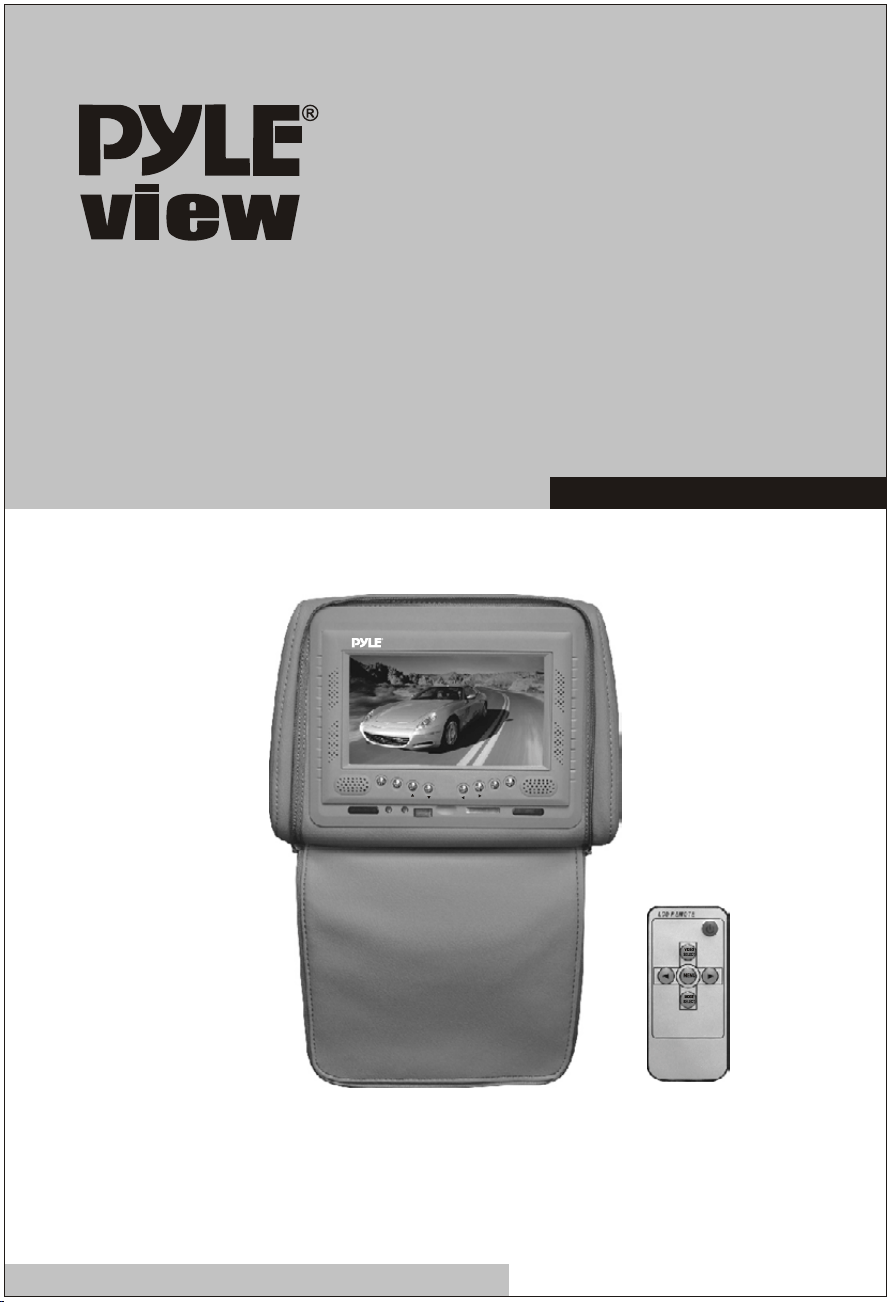
PL72HR
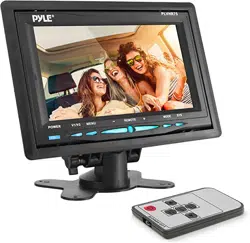
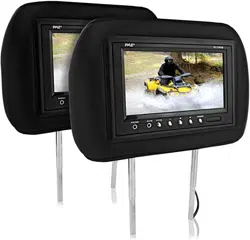
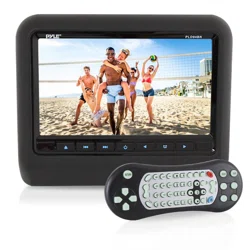
Adjustable Headrest w/Built-in 7" TFT-LCD Monitor
with IR Transmitter
PL72HRGR
AV1/AV2
MENU
FORMAT
POWER
HTTP://WWW.PYLEAUDIO.COM

Warning
Read this manual before using this product.
This product is composed of precision components
and should not be dissembled Service must be
perfurmed by a factory authorized technician.
Protect the product from moisture and shock.
1
1. When connect the electric power wires, you should make clear about the
positive and negative electrode ( the red one is positive and the black
is negative). If you wrongly connected the fuse in the filter box will be
broken protectively. Please replace the fuse in same parameter.
2. Because the LCD screen is the main component It should be paid
attention to be damp-proof.
3. The device must be installed firmly to prevent falling of device that will
possibly cause injury and device-broken.
4. The connecting-point of direct current (12V) should connect on the Main
line of storage battery as possible as it can , for keeping this device in
normal operation and be away from the large voltage drop influence.
5. There is high voltage cluster in this machine, if you are the professional
person, should never to take part the machine if malfunction and
contact the dealer in time.
Attentions:
2
UNIVERSAL
HEADREST
WITH
PRE-INSTALLED
MONITOR OWNER'S MANUAL
Congratulations
on
your purchase
of
this headrest monitor system. The
product
is
designed and built to deliver excellent video quality and long
lasting high performance. For best results please consult a professional
mobile electronics installer for application advice
or
troubleshooting.
Please read these instructions thoroughly before installation.
Installation Instructions
1.
Remove the existing headrest from the seat.
2. Adjust the posts of the new headrest to fit the holes in the seat where
the headrest will
be
installed. The post can
be
moved together or
apart: grasp one post
in
each hand, move the posts
in
opposing
directions (like they were walking) while pushing them toward each
other or away from each other.
3.
Insert the cable
in
the proper hole. Insert the posts into the holes
in
the seat and carefully work the headrest into position. Make sure the
cable
is
not pinched.
4. Run the cable down the seat and out to the location of the video
source unit (such as a
DVD
player).
5.
Connect the wires as indicated:
a.
Red: Connect to a switched (+) 12 volt source (ACC). Use a lead
that has
(+) 12V when the ignition is
on
or
in
the ACC position so
the monitors turn off when the key
is
in
the off position. Wiring the
monitors "hot" could cause your battery to
run
down when the
engine is not running.
b.
Black: Connect to a good chassis ground.
c.
Reversing the polarity of the
red
and black leads will damage the
monitor.
d.
Connect the video input connector to the video output from the
source unit (Le.DVD player).
e.
Test the system.
3
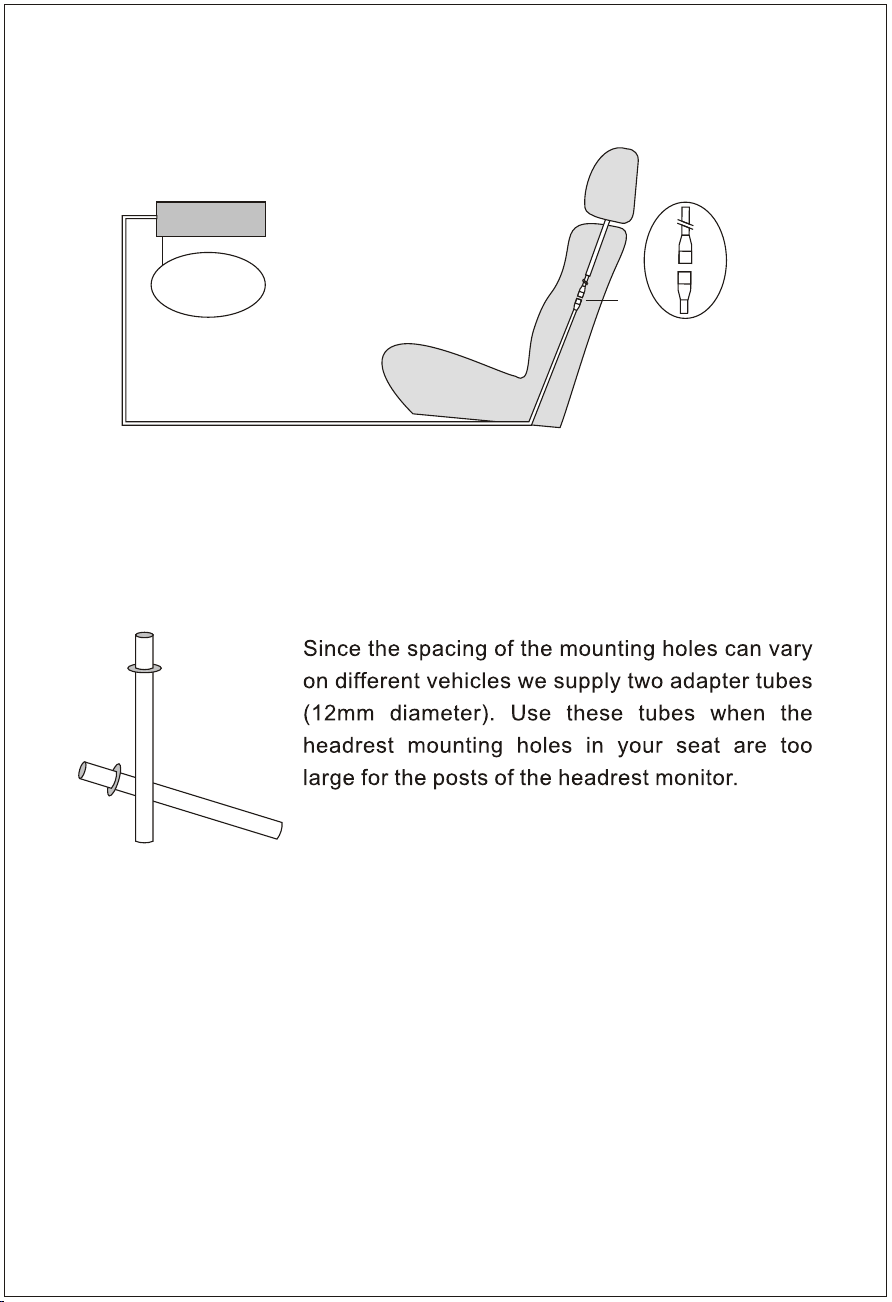
VCD/DVD
Sound system
Red line (+12V)
Black line (ground)
Yellow line (signal)
Install the Pillow
How to use the adapter tubes
4
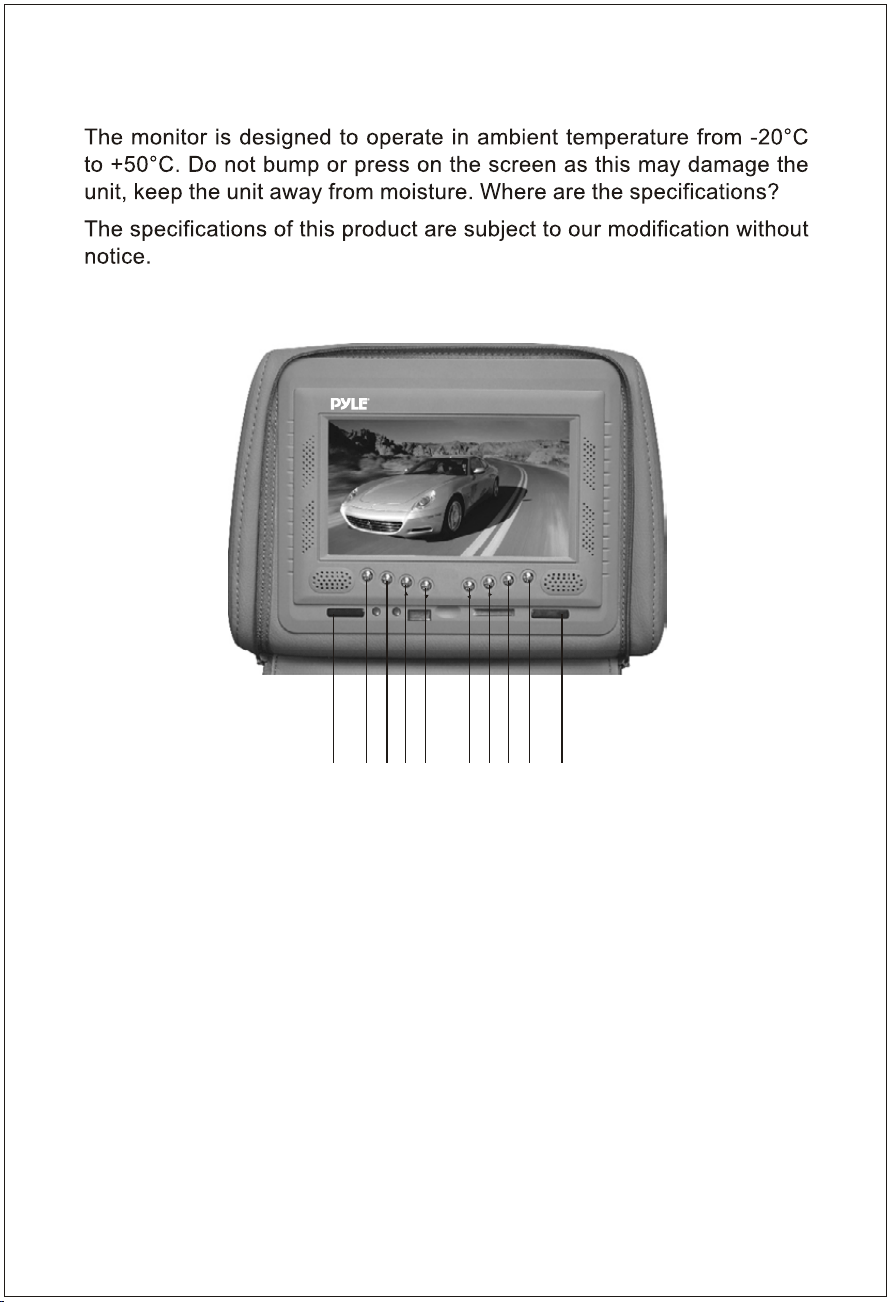
Monitor Controls and Features
PL72HRGR
AV1/AV2
MENU
FORMAT
POWER
12345678910
1. Receiving head
2. V1/V2 switch
3. Activation of menu indicator
4. Up
5. Down
6. Left
7. Right
8. NTSC/PAL mode select
9. Power on/off
10. Remote sensor
5
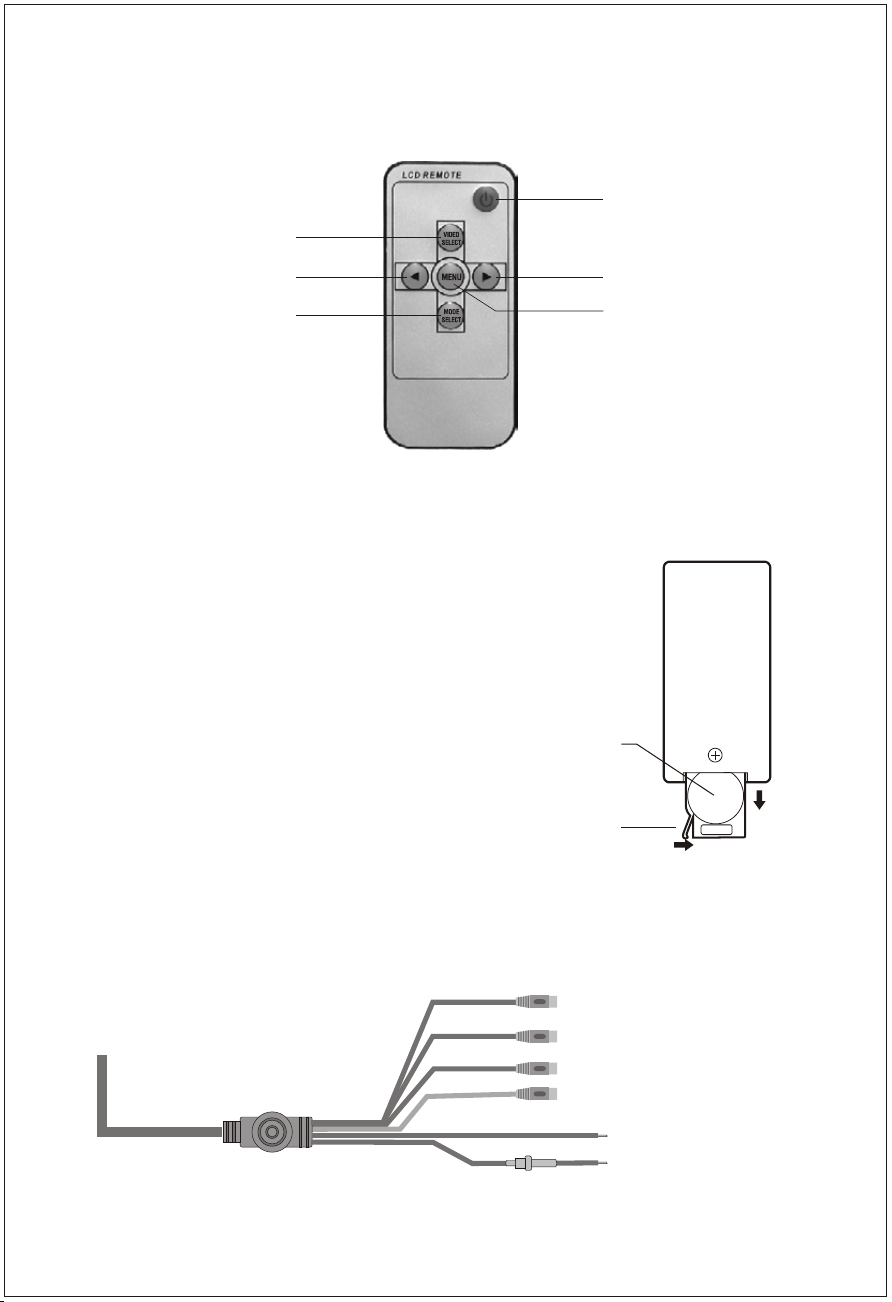
Remote Contorl
Power ON/OFF
Analog variable increase
Menu button
V1/V2 conversion
Analog variable decrease
Switch for mode
Installation Diagram
(Yellow) Video 2 input
Changing the battery in the remote control
The remote battery is held in a small " drawer"
on one edge of the remote. To open this
drawer, press and hold the small button on
the edge of this drawer (as shown below) and
slide the drawer out.
Insert a new battery and push the drawer
back fully into the remote.
Battery
Release button
(Yellow) Video 1 input
(Red) Audio right input
(White) Audio left input
(Black) Grounding
(Red) Battery +12V
- Available in BLACK, GRAY, TAN
- Adjustable mounting poles to fit any seat
- Poles adjustable from 12.5cm to 20cm
- 7" wide (16:9) TFT LCD monitor
- Color system: PAL/NTSC
- Brightness rating: 300 cd/m2
- Built in dual channel IR transmitter
Channel A: 2.3Mhz (left), 2.8Mhz (right)
Channel B: 3.2Mhz (left), 3.8Mhz (right)
- Operating Temperature: -20°C to 50°C
- Storage temperature: -10°C to 70°C
- Environmental humidity: <90%
- Power supply: DC 12V
Specification
6
Troubleshooting

7
Accessories
7" TFT LCD Pillow Monitor
Wireless Remote Control
Assembling Stick
AV Input Line
Power Wire
User's Manual
1
1
2
1
1
1
Thank you for purchasing the headrest TFT LCD color monitor. To enjoy the
features of this device and to ensure years of trouble-free operation, please read
this manual carefully and follow the instructions.
WARNING:
Hazard do not operate this unit unless vehicle is parked in safe and legal area.